
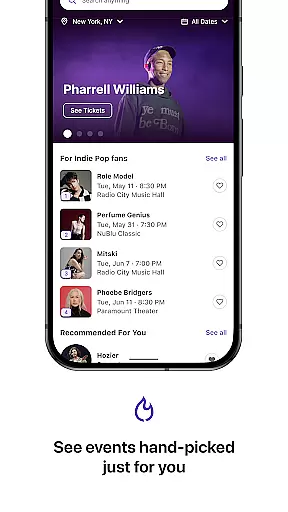
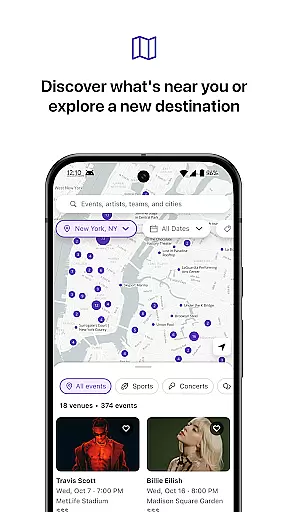
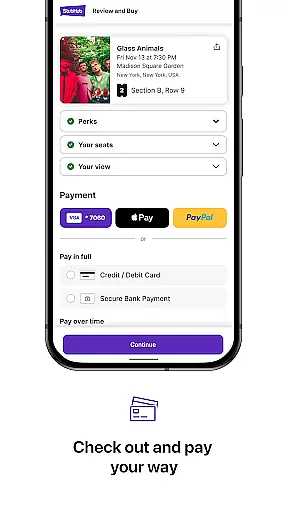
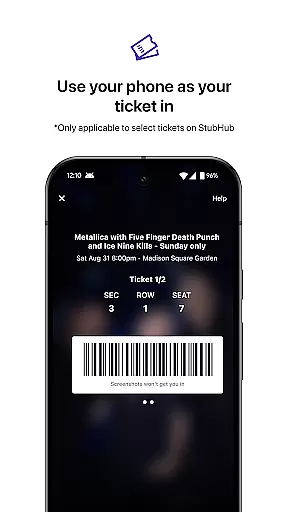
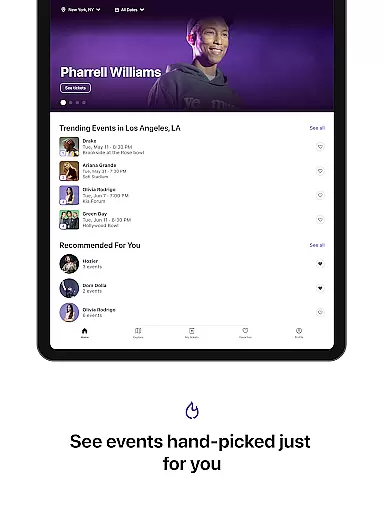
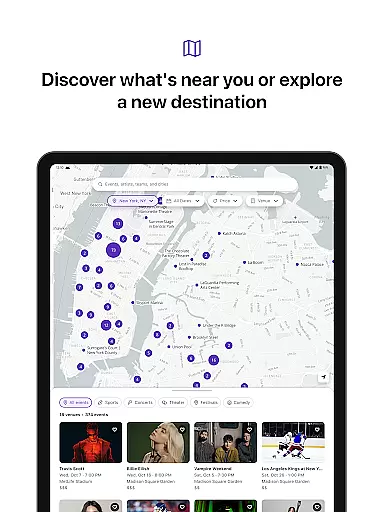
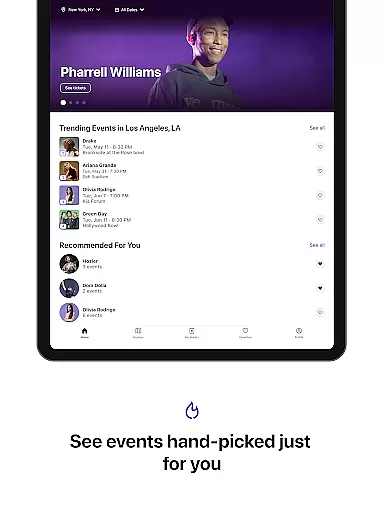
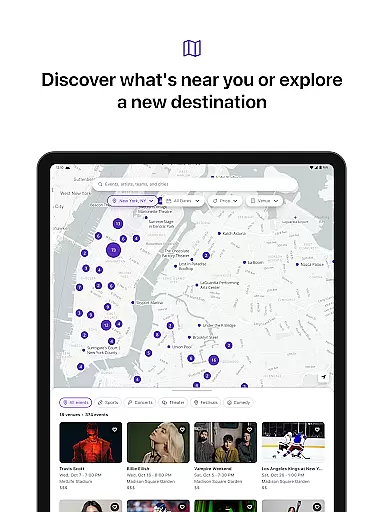
StubHub is your ultimate destination for live events, offering over 50 million listings across 200+ countries. Whether you're into concerts, sports, theatre, comedy, or festivals, this app puts it all at your fingertips. With personalized recommendations based on your preferences, StubHub ensures you never miss out on events featuring your favorite artists, teams, or venues.
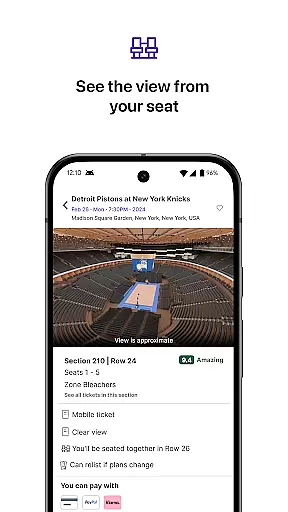
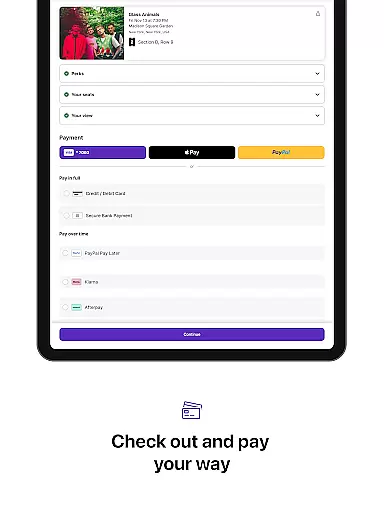
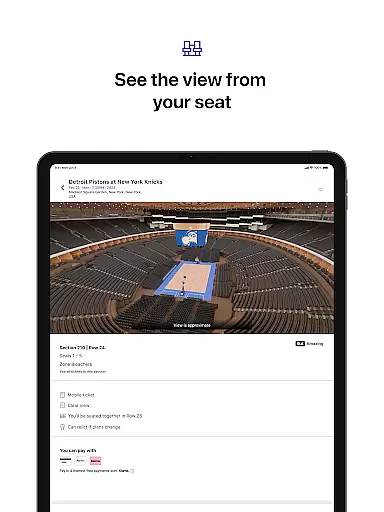
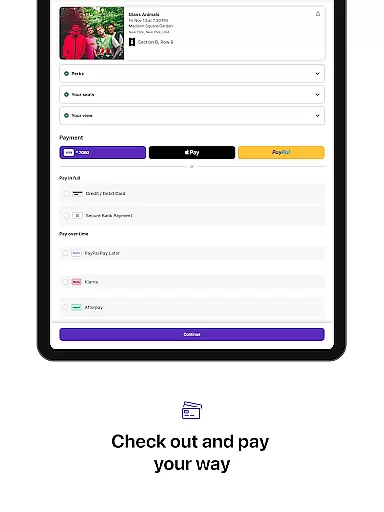
The app provides interactive 3D venue maps and seat view previews, empowering users to make informed decisions when purchasing tickets. Backed by the FanProtect Guarantee®, StubHub ensures a secure buying experience, while flexible payment options cater to various preferences. Additionally, users can easily resell tickets if plans change, making StubHub a comprehensive event companion.
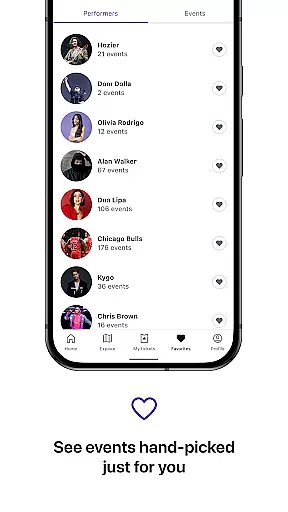
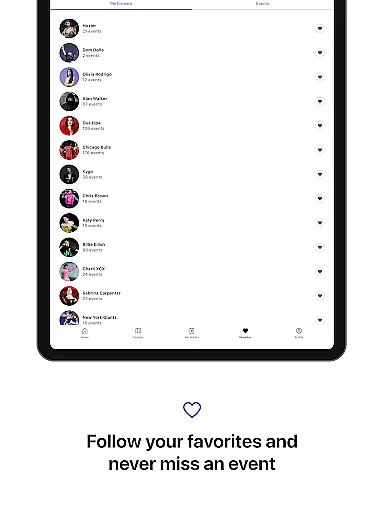
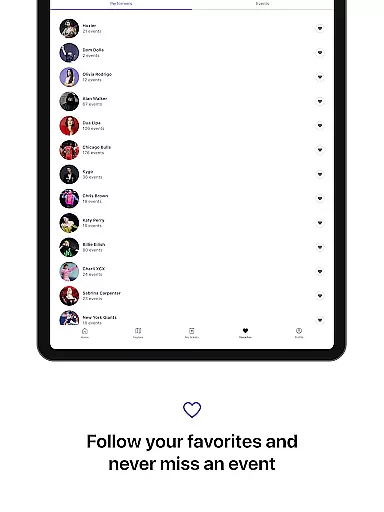
One of StubHub's standout features is its ability to deliver personalized event recommendations. By following your favorite artists, teams, or venues, the app keeps you updated on upcoming events and pre-sales. This tailored approach enhances user engagement and ensures you're always in the loop.
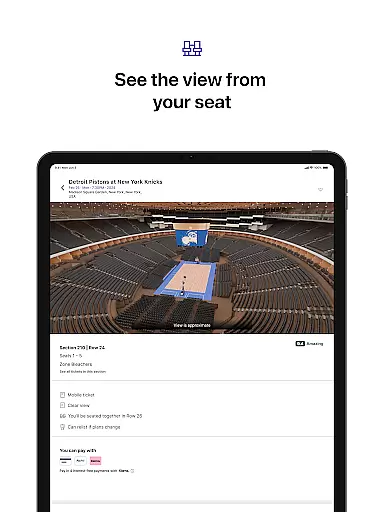
Another key feature is the interactive 3D venue maps that allow users to preview seat views before purchasing. Combined with filters for price range, section, row, and special amenities like VIP packages, StubHub offers a seamless ticket-buying experience. The FanProtect Guarantee® adds an extra layer of security, ensuring peace of mind for every transaction.
For those looking to sell tickets, StubHub provides a streamlined process to list and manage tickets, reaching a vast audience of potential buyers. Sellers can set their own prices or opt for suggested pricing, with quick payouts after the event. The app also includes 24/7 customer support, ensuring assistance is always available.
Task creation and detail customization are essential features for any event management app like StubHub. This functionality allows users to create personalized event reminders and notifications tailored to their preferences. By setting up specific alerts, users can stay informed about their favorite artists, teams, or venues without missing out on important updates.
StubHub implements this feature by offering personalized event recommendations based on user preferences. Users can follow their favorite performers and teams to receive curated content directly. The app also provides detailed filtering options, allowing users to refine their search by date, location, price range, and seating preferences. This level of customization ensures that users find exactly what they're looking for in an event.
The benefits of this feature are significant for users. Not only do they receive timely updates about events that matter to them, but they can also tailor their experience to match their unique tastes. Whether it's a concert, sports game, or theater performance, users can customize every aspect of their event planning process. This personalization leads to a more engaging and satisfying user experience.
Ultimately, the ability to create tasks and customize details transforms StubHub into more than just a ticketing platform. It becomes a comprehensive event companion that helps users manage their entertainment calendar with ease. By empowering users to take control of their event planning, StubHub enhances both the discovery and attendance phases of live experiences.
Reminder settings play a crucial role in ensuring users never miss their favorite events. In today's fast-paced world, having reliable notification systems is vital for staying connected to the entertainment scene. StubHub addresses this need by providing flexible reminder options that cater to different user preferences and schedules.
The app offers multiple ways to set reminders, including push notifications, email alerts, and calendar integrations. Users can choose how far in advance they want to be notified about upcoming events, whether it's weeks before or just a day prior. Additionally, StubHub's reminder system works seamlessly with its personalized recommendation engine, ensuring users receive relevant alerts based on their interests.
This feature brings substantial value to users by helping them maintain an organized entertainment schedule. With customizable reminder settings, users can plan their leisure time more effectively and avoid last-minute rushes to secure tickets. The flexibility of choosing notification types and timing empowers users to integrate event planning into their daily routines effortlessly.
By implementing robust reminder settings, StubHub demonstrates its commitment to enhancing user engagement beyond simple ticket transactions. These features contribute to building long-term relationships with customers, turning occasional ticket buyers into loyal users who rely on the platform for all their live event needs.
User-friendly interface
Wide event selection
Secure transactions
Flexible payment options
Interactive seat maps
Higher service fees
Limited international support
Occasional technical issues
Complex refund process
Variable ticket prices

Create Birthday Cards in Birthday Invitation Maker and Birthday Card Creator App
 3.00
3.00
The Ultimate Tournament Hub
4.70
Instant photo sharing for every occasion
3.80
No invest, Easy way to earn USDT through crypto cloud mining
3.80
Digital Income Wallet of the Final Libertadores 2025
4.0
Beautiful invitation cards + easy RSVP tracking for any event. Design Invites.
4.80
The Official Football Ticketing App for Fans in Qatar
4.3
TV Garden - World Live TV : Play & cast your videos seamlessly!
3.20
Thanksgiving Wishes, Thanksgiving Stickers & Animated GIF for Whatsapp Stickers
4.4
The KRUU app - plan, celebrate, remember
4.80
Birthday Greetings provides Birthday Card, Frames, Gifs & Father's day Wishes
4.80
Design Invitations & Cards for Any Occasion
4.80
Find tickets to upcoming concerts, sports events, festivals, shows, attractions
4.70
Buy and Sell Tickets for Concerts, Sports, and Theater.
4.70
Fast Scans. Happy Fans. For Every Hometown!
4.60
Meet people over dinner
4.40
Freebie Games for Epic Games, Steam, Amazon, Rockstar etc.
4.40
The calendar app in this 2026 year see all dates.
4.20
The official app for Sched events! View your event schedule here.
4.20


User Reviews