

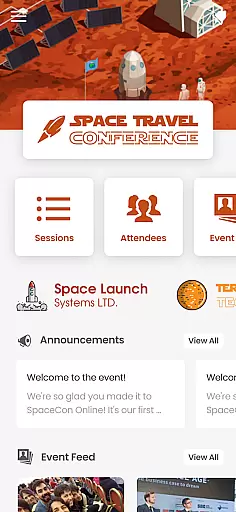
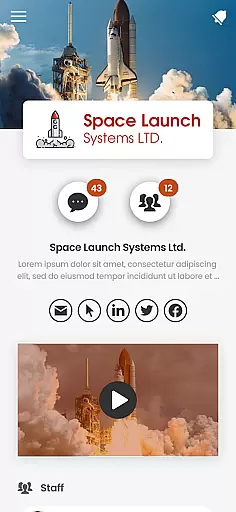
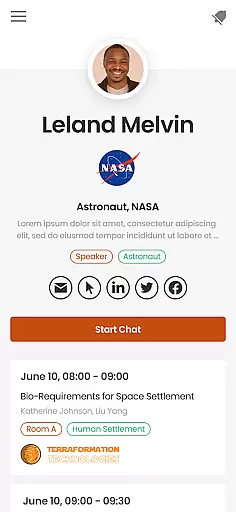
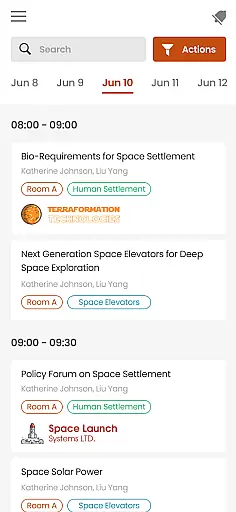

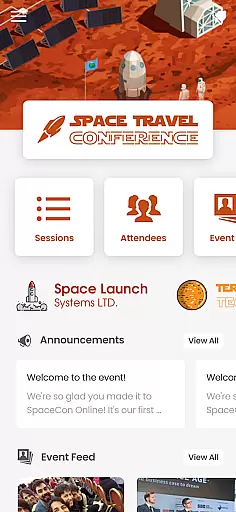
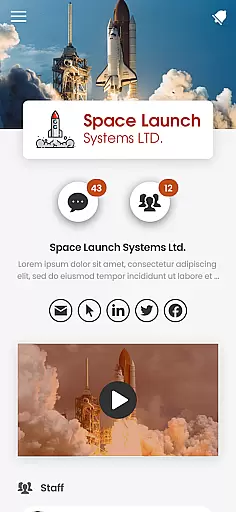
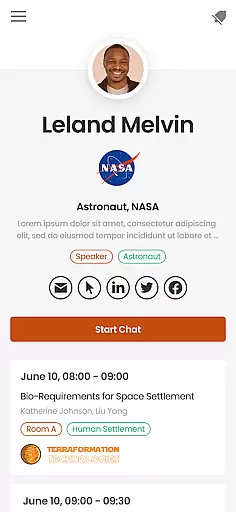
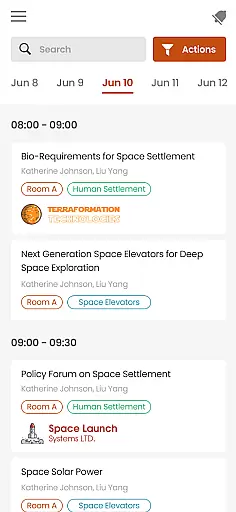

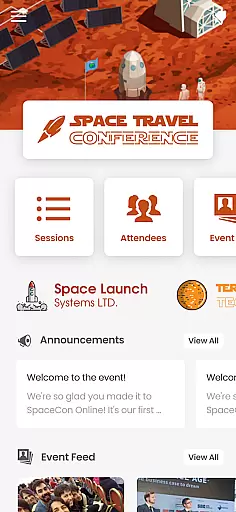
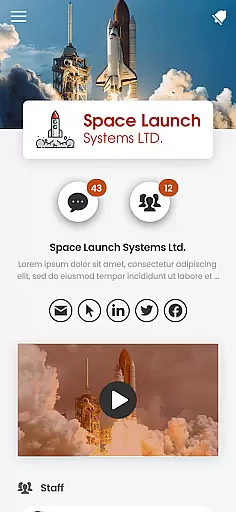
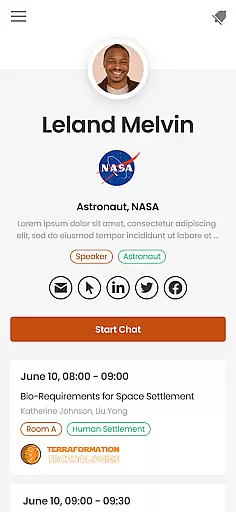
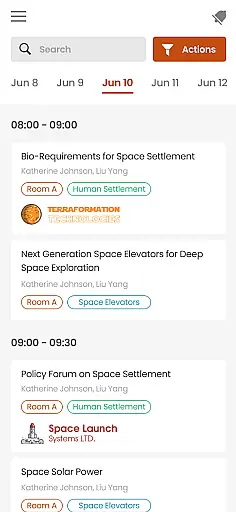
PheedLoop Go! serves as a comprehensive mobile solution tailored for event participants including attendees, exhibitors, speakers, and sponsors. This app enhances the event experience by offering tools for networking, interactive sessions, gamified activities, and easy access to essential information.
Designed with a user-friendly interface, PheedLoop Go! ensures that users can seamlessly engage with event content and connect with others. Whether it's before, during, or after the event, this app provides continuous support, making every stage of the event journey more engaging and informative.
PheedLoop Go! boasts a variety of features designed to maximize user engagement at events. Key functionalities include real-time messaging for direct communication, session scheduling to keep track of important talks, and interactive maps to navigate large venues effortlessly.
Additionally, the app incorporates gamification elements such as leaderboards and challenges to boost attendee participation. With integrated push notifications, users never miss out on key updates or opportunities to network, ensuring they make the most of their event experience.
Task creation and detail customization are essential features for event attendees to manage their schedules effectively. PheedLoop Go! offers a robust platform where users can create tasks tailored to their specific needs.
The app allows for detailed customization, enabling users to set precise times, locations, and descriptions for each task. This ensures that all event-related activities are well-organized and easy to follow.
Users benefit from the ability to prioritize tasks, add notes, and even set reminders. These features help ensure that attendees never miss an important session or meeting, enhancing their overall event experience.
By providing such comprehensive task management tools, PheedLoop Go! empowers users to make the most of their event participation, leading to increased productivity and engagement.
Reminder settings play a crucial role in ensuring that event participants stay on track with their schedules. PheedLoop Go! excels in offering flexible and customizable reminder options.
The app provides various ways to set reminders, including push notifications, email alerts, and in-app notifications. Users can choose the method that best suits their preferences and ensures they receive timely updates.
With PheedLoop Go!, users can set multiple reminders for a single event or task, allowing them to prepare adequately and be reminded at different intervals. This feature is particularly useful for busy attendees juggling multiple sessions.
Ultimately, the reminder settings in PheedLoop Go! contribute significantly to user satisfaction by keeping them informed and punctual, thus maximizing their event experience.
User-friendly interface
Real-time event updates
Comprehensive networking tools
Interactive event maps
Gamified engagement features
Limited to PheedLoop powered events
Requires stable internet connection
Some features may need additional setup
Event-specific content only
No offline functionality

Create Birthday Cards in Birthday Invitation Maker and Birthday Card Creator App
 3.00
3.00
Browse events, find transportation, keep up with the latest news from your team
4.2
Rocket Monkey - Space rocket launch schedule for launch sites around the world
4.20
For weddings, parties & events
4.60
Digital Income Wallet of the Final Libertadores 2025
4.5
The Official Football Ticketing App for Fans in Qatar
4.4
RAISE-365 makes fundraising easy and fun!
3.20
Discover events, experiences, and things to do near you - Anytime, Anywhere!
4.70
Plan your wedding for free on the go: vendors, budget, website and checklists!
4.80
Invitation card maker for birthday party & Wedding. Digital greeting card editor
4.90
Find EDM shows near you! See your favorite artists live, and discover new music.
4.90
Here you can choose tickets for films, performances, concerts and other events
4.60
Fast Scans. Happy Fans. For Every Hometown!
4.60
Everything you need for the Best Thursday Ever.
4.40
Invitation Card Maker, Design & share wedding, birthday & party invites fast
4.40
Manage all your events, leads, ticketing, payments and check-ins.
4.30
The world's largest selection of tickets is now at your fingertips
3.90
Instant photo sharing for every occasion
3.80
TV.Garden is a video player to play your own TV streams from around the world!
3.40


User Reviews