
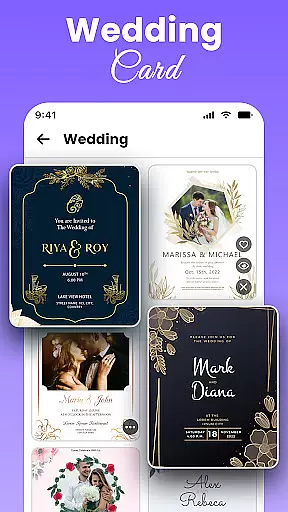
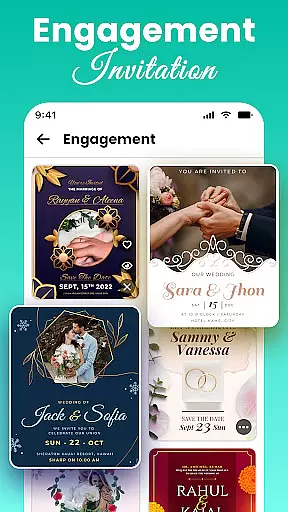
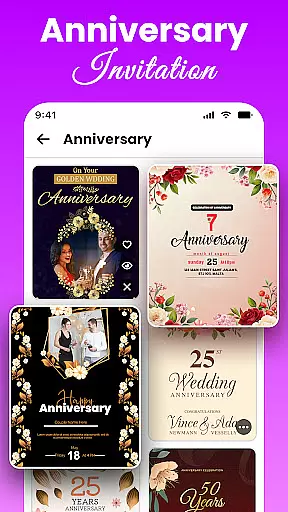
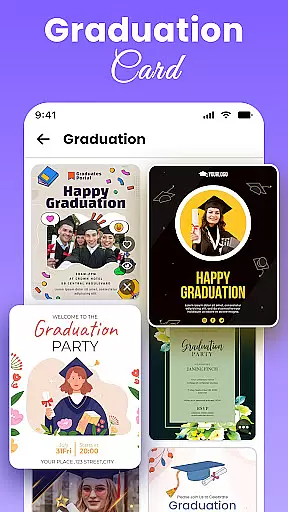
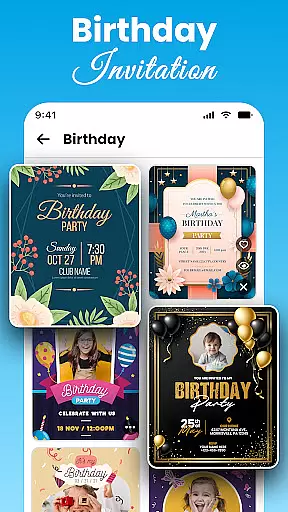
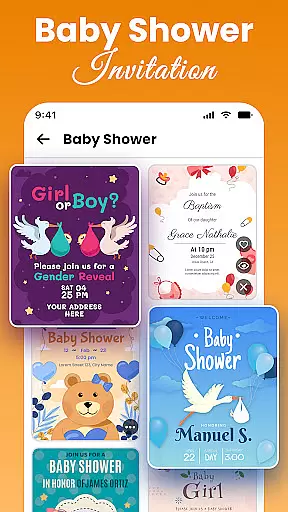
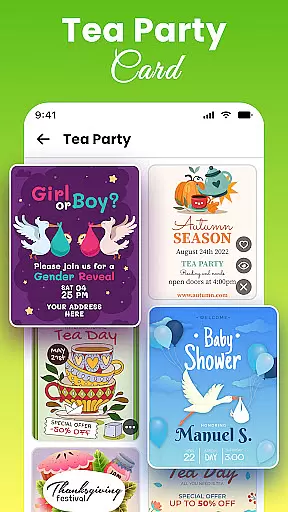
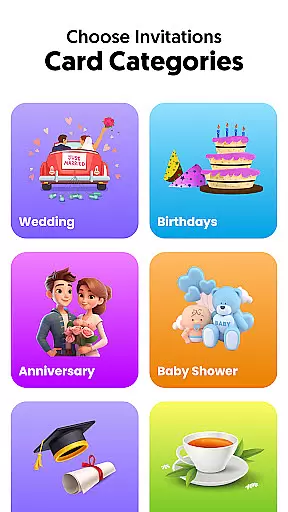
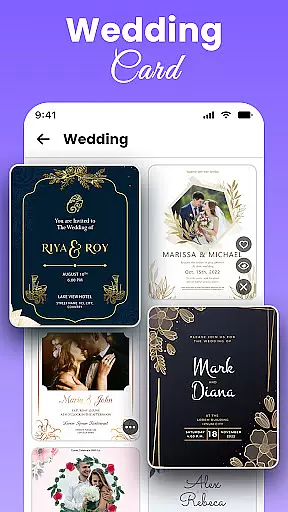
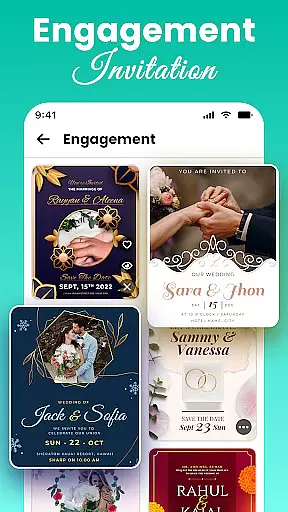
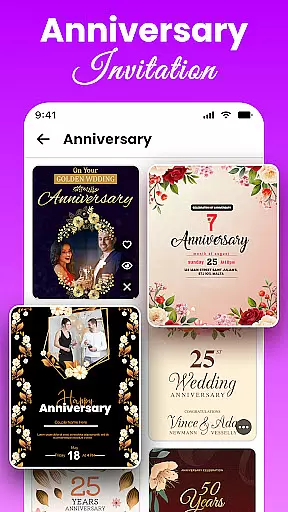
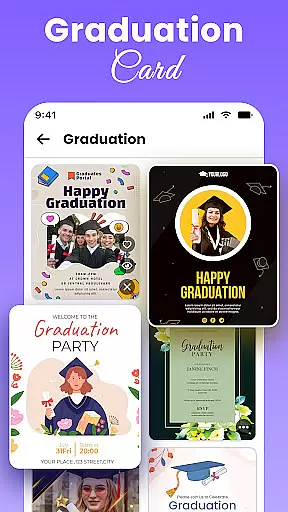
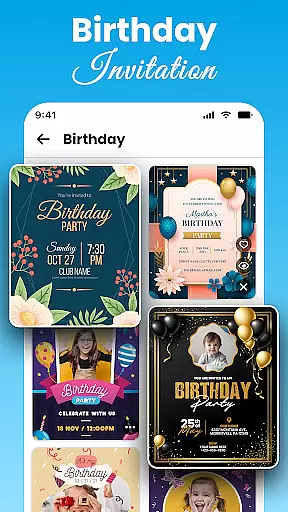
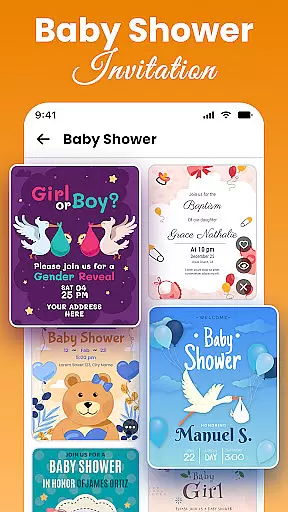
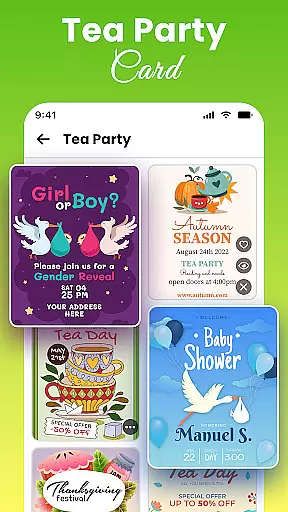
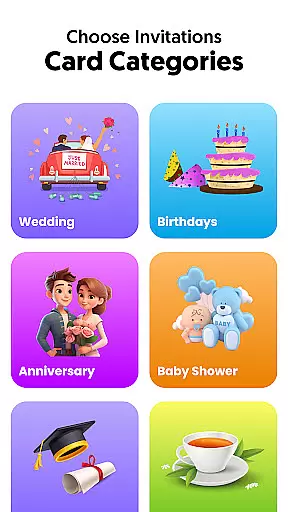
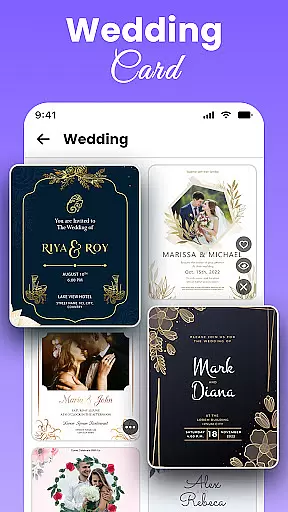
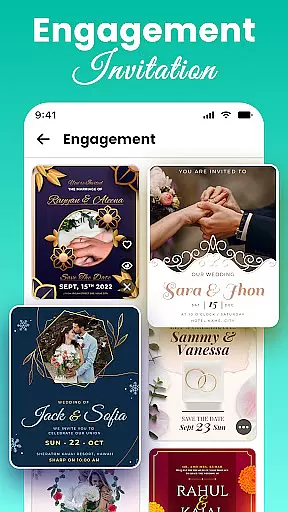
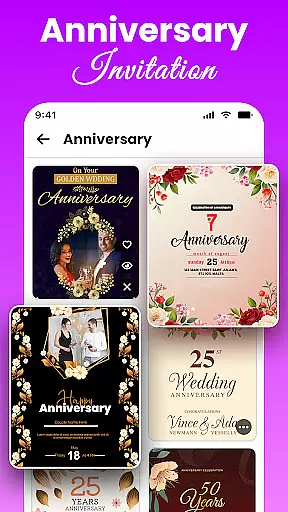
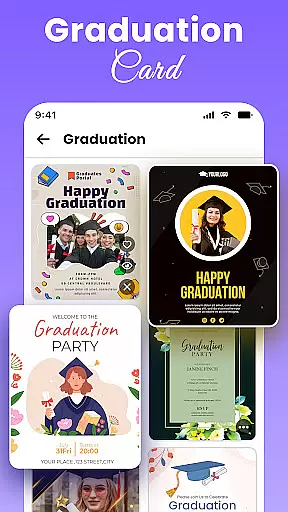
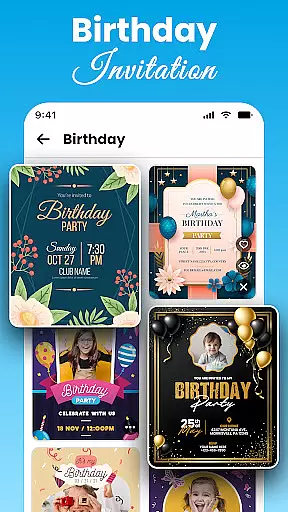
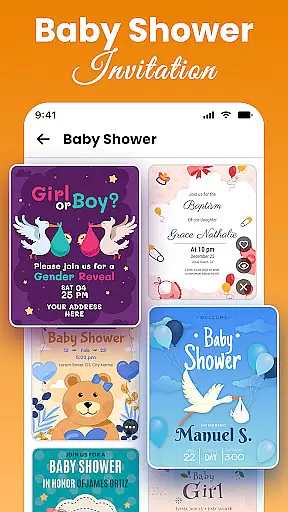
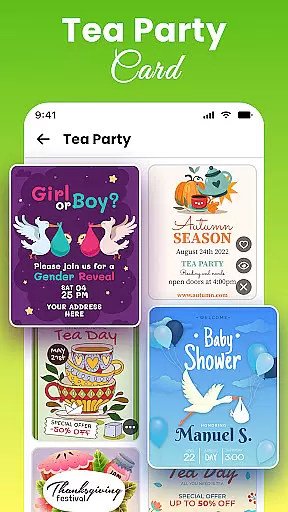
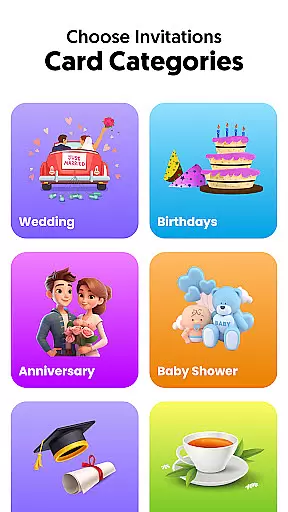
All Invitation Card Maker App is a versatile invitation design tool that allows users to create professional-quality invitations for weddings, birthdays, engagements, and other special events. With over 1000 customizable templates, the app provides an extensive range of designs suitable for various occasions.
Users can personalize their invitations by adding names, event details, RSVP information, and selecting from stylish fonts and colors. The app also supports photo uploads and offers a variety of stickers and emojis to enhance the invitation's appearance. Whether you're planning a traditional wedding or a casual party, this app has templates tailored to your needs.
The All Invitation Card Maker App is particularly useful for individuals who want to quickly design and share digital invitations without any design experience. Its intuitive interface ensures that anyone can create beautiful invitations in minutes, making it a valuable tool for event planners and individuals alike.
All Invitation Card Maker App stands out with its comprehensive suite of features designed to simplify the invitation creation process. One of the key highlights is the vast library of over 1000 free invitation templates, covering categories such as weddings, birthdays, engagements, baby showers, and more.
Customization is at the heart of this app. Users can easily edit text, choose from a selection of elegant fonts, and apply color schemes that match their event theme. Additionally, the app allows users to upload personal images or select from pre-designed backgrounds to give each invitation a unique touch. The inclusion of decorative elements like stickers and emojis further enhances the creative possibilities.
Another notable feature is the Save The Date option, which enables users to create preliminary announcements for upcoming events. The app's user-friendly interface ensures that even those with no prior design experience can navigate and utilize these features effectively, resulting in polished and professional-looking invitations every time.
Task creation and detail customization are essential features for any event planning application. The All Invitation Card Maker App excels in this area by providing users with a comprehensive suite of design tools that allow for the creation of personalized invitations tailored to various occasions. Whether it's a wedding, birthday, or corporate event, the app offers an extensive selection of templates that can be customized with names, dates, venues, and other specifics.
The level of detail available for customization within the app is impressive. Users can modify text with a variety of fonts and colors, ensuring that each invitation reflects the theme and tone of the event. Additionally, the ability to add RSVP details and personal messages makes the invitations not just visually appealing but also functional. This attention to detail ensures that every aspect of the event is communicated effectively to the invitees.
Moreover, the app provides creative freedom through its photo and background customization options. Users can upload their own images or choose from pre-existing backgrounds to enhance the aesthetic appeal of their invitations. This feature allows for a more intimate touch, as personal photos can be incorporated into the design, making each card unique to the occasion it represents.
Ultimately, the task creation and customization capabilities of the All Invitation Card Maker App empower users to produce professional-quality invitations without needing any graphic design experience. By simplifying the process and offering a wide array of customization options, the app ensures that users can create invitations that are both informative and visually stunning, enhancing the overall event planning experience.
Reminder settings in event applications play a crucial role in ensuring that users do not miss important dates and tasks associated with event planning. The All Invitation Card Maker App incorporates this feature thoughtfully, allowing users to set up reminders for various stages of the invitation process. From designing the card to sending it out, users can establish timely alerts that keep them on track with their event preparations.
The flexibility of reminder settings within the app enhances its utility significantly. Users have the option to configure reminders according to their specific needs, whether they require notifications days before an event or last-minute prompts. This adaptability ensures that all users, regardless of their scheduling preferences, can utilize the app effectively to manage their time and responsibilities leading up to an event.
In addition to basic reminders, the app supports detailed customization of notification types. Users can choose how they wish to receive alertsu2014be it through in-app notifications, emails, or SMS messages. This multifaceted approach caters to different user preferences and helps maintain engagement with the application throughout the planning process.
By integrating robust reminder settings, the All Invitation Card Maker App not only aids in organizing events but also contributes to stress reduction for planners. Knowing that they have reliable prompts at critical junctures allows users to focus on other aspects of event management, confident that they will not overlook any vital steps in creating and distributing their custom invitations.
User-friendly interface
Extensive template library
Customizable design options
Quick sharing capabilities
Suitable for all event types
Limited advanced editing tools
Some features may require in-app purchases
Designs can feel repetitive
No offline functionality
Occasional ads interruptions

Manage all your events, leads, ticketing, payments and check-ins.
 4.30
4.30
Some connections are better kept private
4.1
Here you can choose tickets for films, performances, concerts and other events
4.60
Clubs, Festivals, Discounted Tickets, Guest Lists & VIP Tables
4.90
TV.Garden is a video player to play your own TV streams from around the world!
3.40
Everything you need for the Best Thursday Ever.
4.40
Text message invitations for birthday party, wedding, graduation, baby shower +
4.60
Discover events, experiences, and things to do near you - Anytime, Anywhere!
4.70
Buy and Sell Tickets for Concerts, Sports, and Theater.
4.70
Create invitation cards for birthdays, weddings, Christmas and more.
4.80
Find Live Event Ticket Deals to Sports, Concerts, Festivals, & Comedy For Less!
4.80
The Ultimate Tournament Hub
4.70
Fast Scans. Happy Fans. For Every Hometown!
4.60
Rocket Monkey - Space rocket launch schedule for launch sites around the world
4.20
The official app for Sched events! View your event schedule here.
4.20
Manages display and transfer of tickets from the Mundo Tickets platform
3.80
Purchase line-skip passes, drinks, cover, and more at bars and clubs
3.50
ETH Mining provides secure way to mine Ethereum & earn ETH in Cloud mining app
3.50
An App for Bhutanese
4.4


User Reviews