
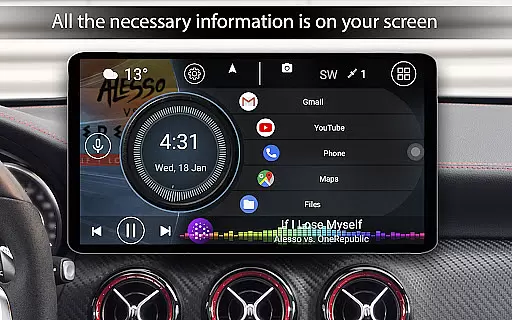
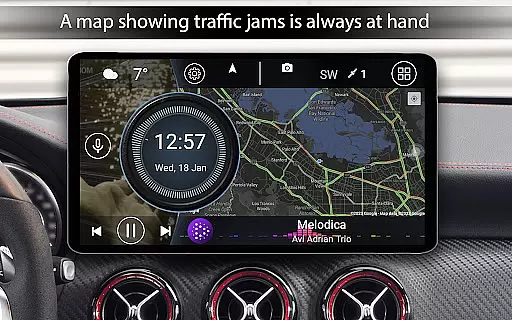
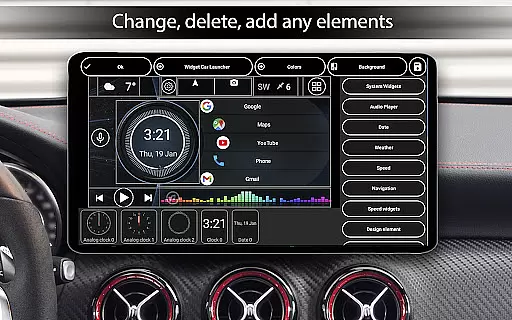
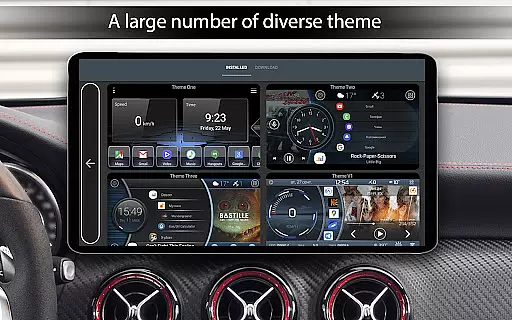
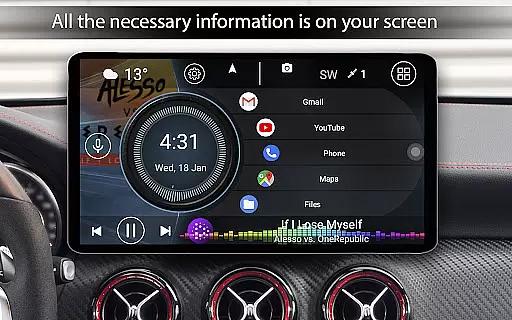

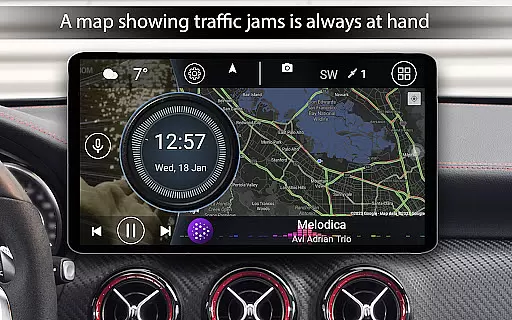
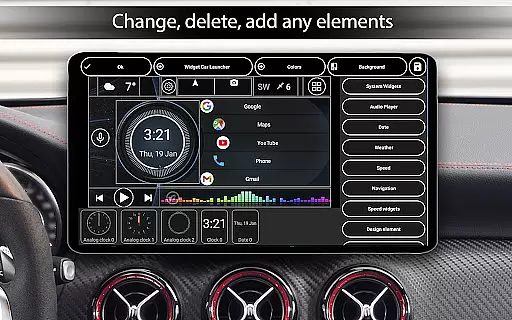
Car Launcher Pro is a specialized application designed for automotive use, functioning seamlessly on Android-based devices including phones, tablets, and car stereos. The app serves as an all-in-one solution by integrating essential vehicle functions with entertainment and utility features.
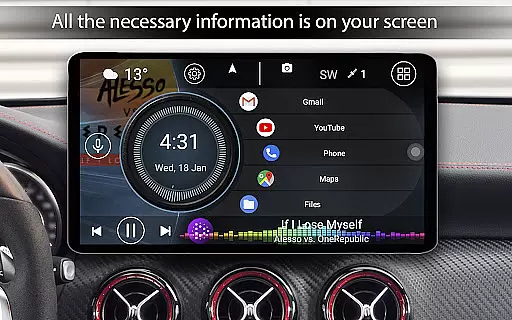
At its core, Car Launcher Pro offers an intuitive interface that allows users to customize their experience with quick access to favorite apps, speed display, and an onboard computer. This onboard computer provides detailed trip information such as distance traveled, average speed, and acceleration times, making it a handy tool for both everyday commutes and long road trips.
The app's practicality shines through its ability to transform your device into a vehicle command center. With GPS-enabled speed tracking, customizable themes, weather updates, and location services, Car Launcher Pro enhances the driving experience while ensuring safety and convenience are prioritized.
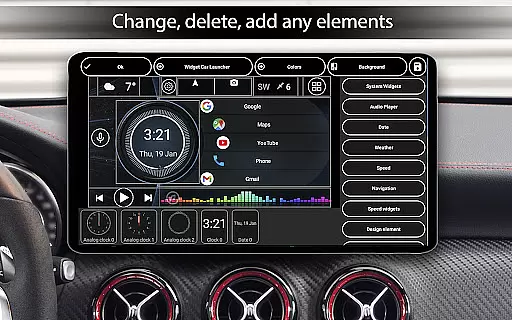
Car Launcher Pro stands out with its extensive customization options and advanced features tailored for drivers. One of its main highlights is the ability to set up multiple folders for selected applications on the home screen, allowing for easy navigation and quick access to frequently used apps.
The app also includes an onboard computer feature accessible via a slide menu, displaying real-time data like current speed, distance covered, and time spent driving. Users can configure these metrics to show statistics for different periods, switch between kilometers and miles, and even reset trip data at any point.
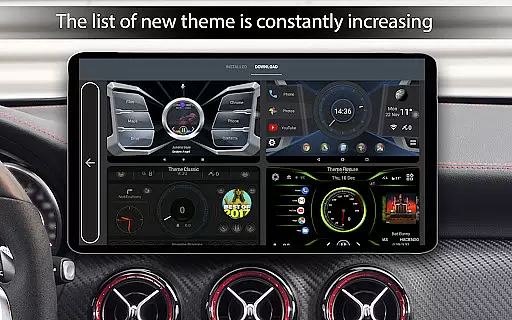
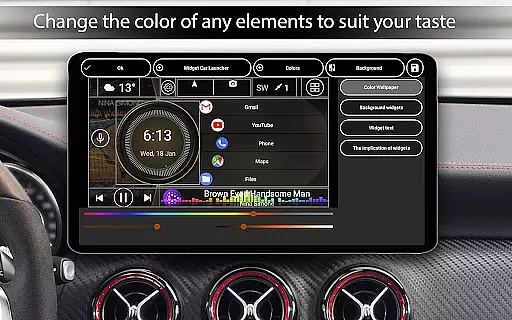
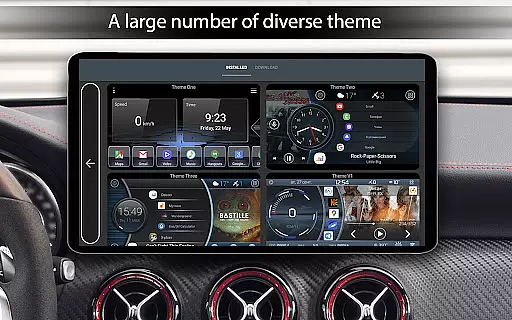
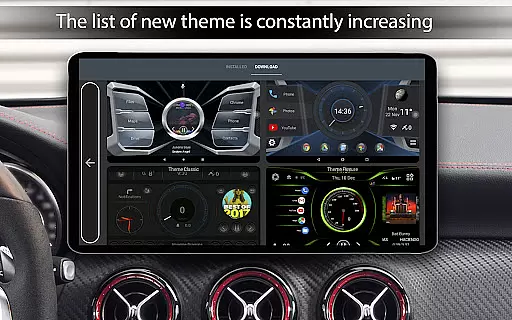
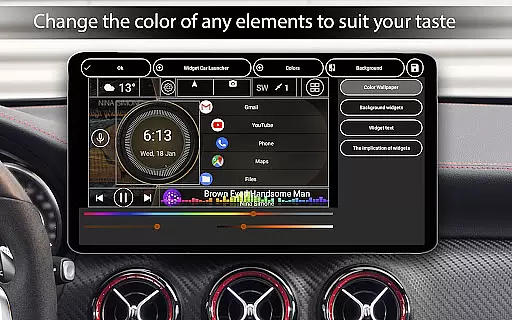
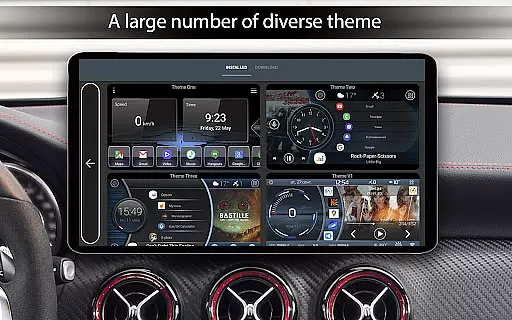
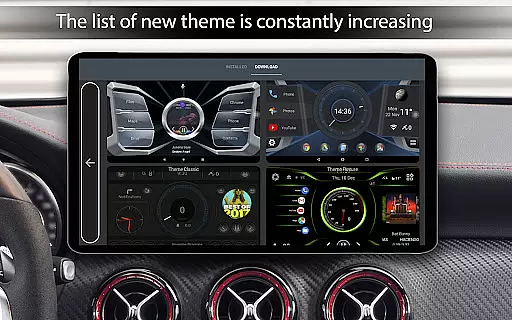
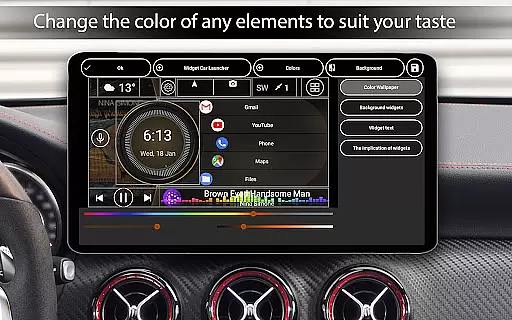
Additional functionalities include support for third-party themes, widgets, and icon packs, as well as automatic brightness control based on the time of day. These features collectively ensure that Car Launcher Pro not only meets the functional needs of drivers but also provides a personalized and visually appealing interface.
Car Launcher Pro offers a comprehensive suite of tools designed to provide detailed vehicle information directly on your device. This includes real-time speed tracking based on GPS data, which is prominently displayed on the home screen for easy access while driving.
The app goes beyond basic speed monitoring by integrating an onboard computer that calculates trip distances for various periods. Users can view statistics such as average speed, total operating time, maximum speed, and even acceleration metrics from 0km/h to different speed thresholds like 60km/h, 100km/h, and 150km/h.
What sets this application apart is its ability to display these metrics in a customizable slide menu. Here, users can configure how each parameter is shown - whether for the current trip, daily, weekly, monthly, or since the beginning of usage. Additionally, there's flexibility to switch between kilometers and miles according to personal preference.
This level of detail empowers drivers with precise knowledge about their vehicle's performance over time, enhancing both convenience and safety during travel. With Car Launcher Pro, you have all essential automotive data at your fingertips, making every journey more informed and efficient.
While Car Launcher Pro focuses primarily on delivering robust vehicle information features, it also emphasizes price transparency through its clear distinction between free and premium functionalities. The basic version provides substantial utility without any cost, ensuring users understand what they receive upfront.
For those seeking advanced capabilities, the PRO edition unlocks additional benefits such as creating multiple folders for quick app launches and organizing them seamlessly on the main screen. These enhancements are explicitly outlined within the app description, allowing potential buyers to make informed decisions before upgrading.
Moreover, Car Launcher Pro maintains openness regarding permissions required for optimal functionality. For instance, background GPS access is necessary for accurate distance calculations, but this requirement is clearly communicated to users. Such transparency builds trust and ensures there are no hidden surprises when using the app.
By offering a well-defined upgrade path alongside honest communication about feature availability and system requirements, Car Launcher Pro exemplifies how apps in the Auto & Vehicles category should approach pricing structures u2013 openly and fairly.
User-friendly interface
Customizable home screen
Comprehensive trip data
Supports third-party add-ons
Automatic brightness adjustment
Limited free version features
Background GPS affects battery
Complex settings for beginners
Requires internet for weather
Some functions need specific hardware

OBD2 car scanner and diagnostics: read Check Engine, DTC, economy....
 4.30
4.30
DIY Vehicle Wheel Alignment
4.5
* This app needs an adapter cable and a certain OBD2 adapter to work *
4.20
Discover new and used cars in Syria easily! Browse ads and connect with sellers.
3.70
Digital Car Key/Launcher, Screen Mirror, Android Dashboard, Remote Wireless Link
4.40
BlueDriver® is a Premium Diagnostic OBD2 Scan Tool. www.BlueDriver.com
3.90
Car Sounds Engine Sounds app welcomes Auto Lovers to feel Car Simulator Sound
4.20
MySubaru: Download. Connect. Love.
4.70
Easy connect & control your cars from afar. Remote Lock & unlock car and carplay
4.60
DMV practice test 2025: Driver License permit test & written test for all states
4.70
Listings of Tesla's with FSD - Included package
4.60
CVT diagnostics with ELM327 for Nissan-based vehicles
4.40
By enthusiasts, for enthusiasts
4.00
Available in select states.
4.00
Simplify your drive
3.90
PayByPhone: A quick and easy way to pay for parking.
3.80
Better fuel to help keep you on the road
3.20
Theme for Car Launcher
4.1
Theme for Car Launcher
4.0


User Reviews