
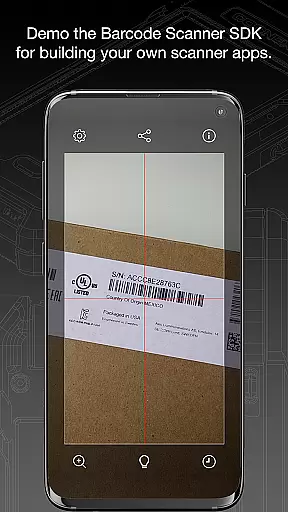
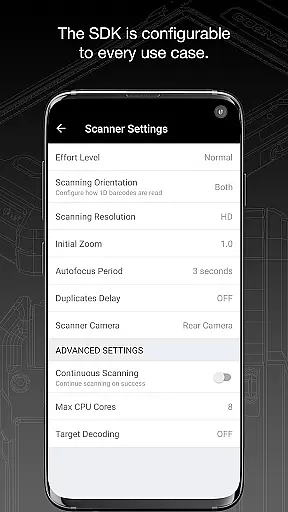
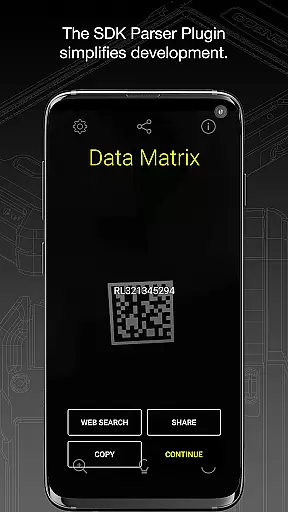
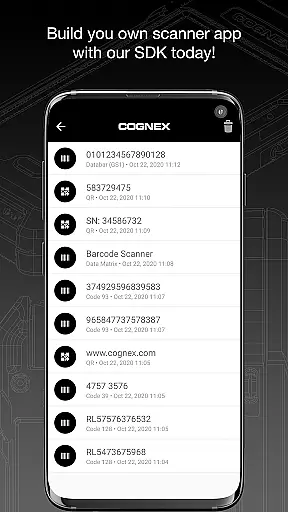
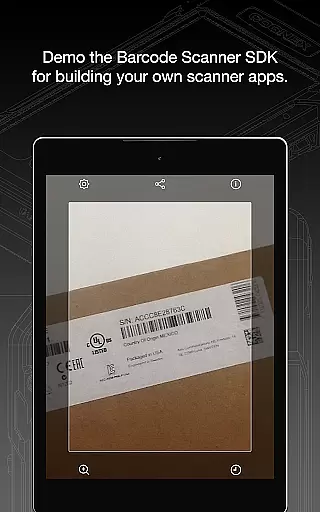
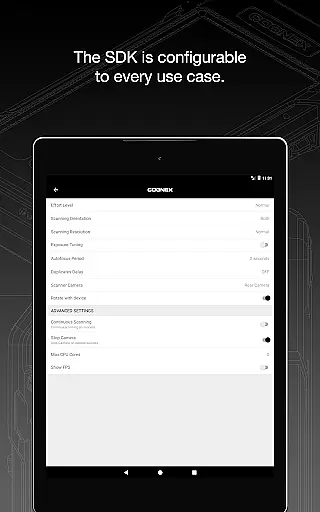
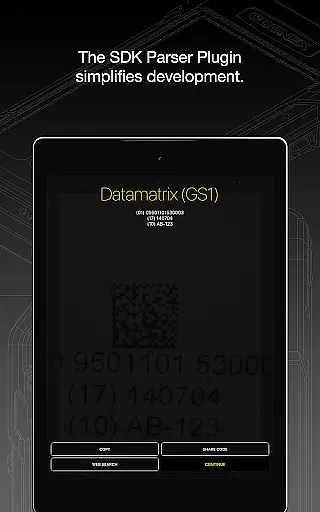
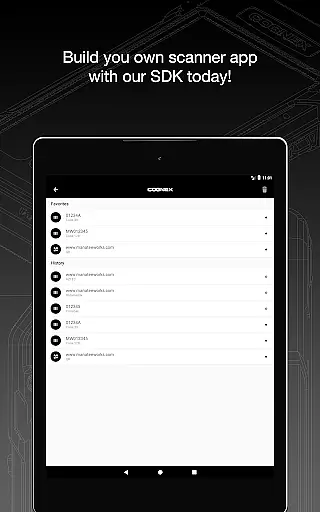
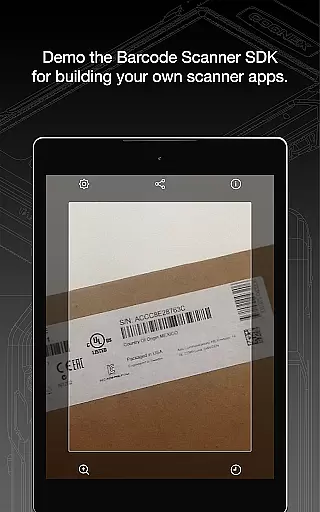
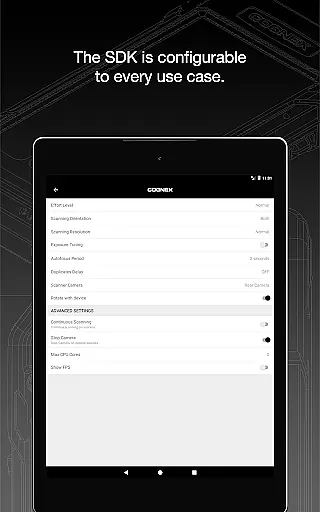
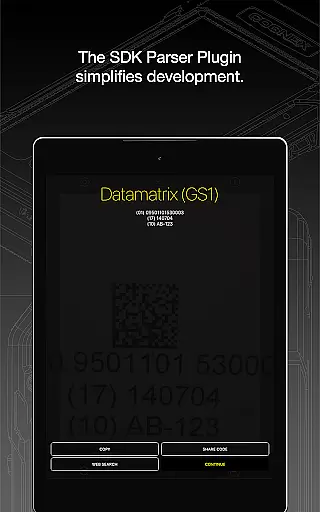
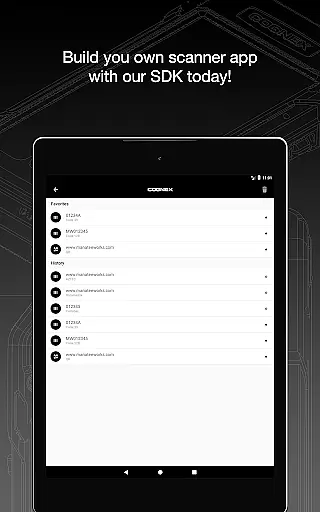
Barcode Scanner is a versatile tool designed to simplify the process of scanning various types of barcodes. With support for over 30 different barcode formats, including QR, UPC, GS1, Data Matrix, PDF417, DotCode, and many others, this app caters to both personal and professional needs. Whether you're managing inventory, processing orders, or simply curious about product details, Barcode Scanner offers an efficient solution.
The application's strength lies in its ability to decode all major barcode symbologies, making it suitable for industries such as retail, logistics, and manufacturing. Its advanced parsing capabilities allow users to extract detailed information from industry-standard formatted barcodes like AAMVA (US and Canadian Driver’s Licenses), GS1, IUID, and Structured Carrier Messages (MaxiCode).
By providing quick access to essential data, Barcode Scanner enhances productivity and streamlines operations across multiple sectors. The app's intuitive interface ensures ease of use, while its robust performance guarantees accurate results every time.
One of the standout features of Barcode Scanner is its extensive compatibility with over 30 barcode formats. This includes popular standards like Aztec Code, Codabar, Code 11, Code 25 (Interleaved, Industrial, COOP, Matrix and ITF-14), Code 39, Code 93, Code 128, Data Matrix, DotCode, EAN, ISBN, GS1 DataBar, MaxiCode, MSI Plessey, PDF417, Micro PDF417, Postal Codes, QR Code (Micro and Standard), TELEPEN, and UPC. Such versatility makes it an indispensable tool for businesses dealing with diverse barcode systems.
In addition to its broad format support, Barcode Scanner incorporates powerful parsers that facilitate the examination of complex barcodes. These include specialized formats like AAMVA (US and Canadian Driver’s Licenses), GS1, IUID, and Structured Carrier Messages (MaxiCode). By breaking down intricate data structures into manageable components, these parsers enable users to gain deeper insights into scanned information.
Furthermore, the app's integration with Cognex's high-speed barcode scanning and computer vision solutions ensures unparalleled accuracy and speed. Users can rely on Barcode Scanner to deliver consistent performance, even in challenging environments where precision is paramount.
Barcode Scanner offers an extensive range of functionality, supporting over 30 different types of barcodes. This includes popular formats such as QR, UPC, GS1, Data Matrix, PDF417, DotCode, and many others.
The app's comprehensive coverage ensures that users can scan all major barcode symbologies, including but not limited to Aztec Code, Codabar, Code 11, various types of Code 25, Code 39, Code 93, Code 128, EAN, ISBN, GS1 DataBar, MaxiCode, MSI Plessey, Micro PDF417, Postal Codes, TELEPEN, and UPC. It also supports GS1 sub-types like GS1 QR Code, GS1 Data Matrix, and GS1-128.
This broad compatibility makes Barcode Scanner a versatile tool for both personal and professional use, ensuring that no matter the barcode type, the app is equipped to handle it efficiently.
Designed with usability in mind, Barcode Scanner provides a seamless operational experience. The app allows users to easily scan a variety of industry-standard formatted barcodes using powerful parsers.
These parsers facilitate the examination of complex barcodes, such as AAMVA (US and Canadian Driveru2019s Licenses), GS1, IUID, Structured Carrier Messages (MaxiCode), and more, making data extraction straightforward and reliable.
With its intuitive interface and efficient processing capabilities, Barcode Scanner ensures that users can operate the app smoothly, even when dealing with high-speed barcode scanning and computer vision solutions.
User-friendly interface
Extensive format support
Advanced parsing capabilities
High-speed scanning
Reliable performance
Limited customization options
No offline mode available
Occasional scanning inaccuracies
Requires internet connection
Premium features locked behind paywall

Do you want to drive easy ? do you wanna full mirror link Mobile with your car
 4.10
4.10
Connect and find your Smart Tag 2 devices through our app.
3.60
Tune your game graphics with our GFX optimizer for optimal gaming experience
4.50
Sad ringtones full of feeling, sad music ringtones
3.90
Connect your phone to any endoscope camera, USB camera, or borescope with ease.
3.70
Recite Quran Majeed القران with special 16 line real Kuran page in hand
4.30
CloudEye 365 is a easy-handling APP
3.60
Mirror phone to TV effortlessly! Stream, share & connect with Airplay ease.
3.60
Experience virtual reality on your smartphone with Cardboard.
3.50
SmartCast mirrors Android phone to TV screen With Cast Screen, Chromecast.
4.80
Block and secure the microphone and protect from secret listening and recording.
4.50
An essential GFX utility developed for specific FPS mobile games
4.50
Block, disable and secure phone camera from secretly taking photos by spyware.
4.50
Android secret code for smart phone, mobile codes, with secret codes app
4.20
You can remote control and play much easier.
4.10
Use your Phone as Drone Controller.
3.70
Ps2 plugins for 64 bit artitechture
3.70
Endoscope camera an app to connect with endoscope cam or any device
3.30
Turn your phone into a wireless Xbox controller – play, stream & control anytime
4.5


User Reviews