
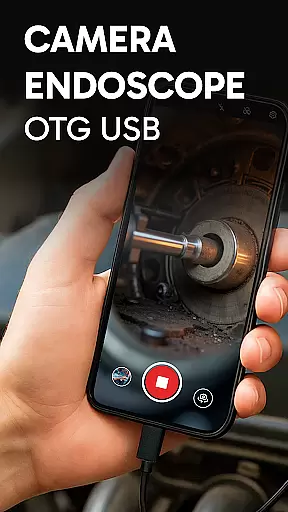
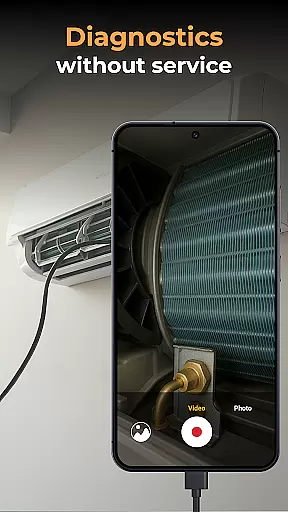
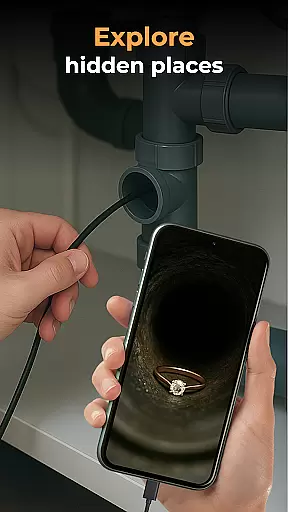
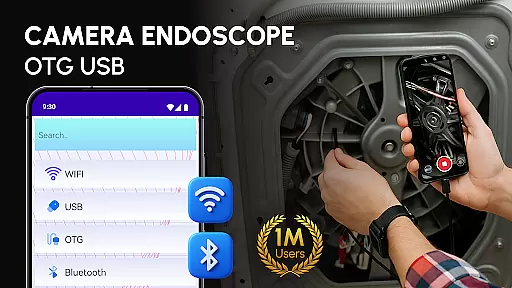
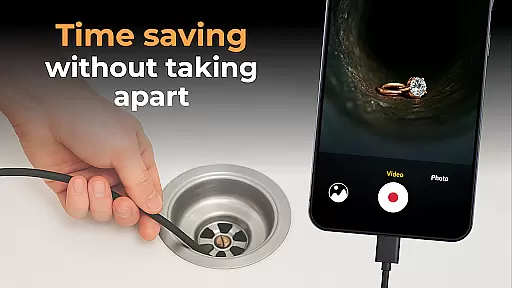
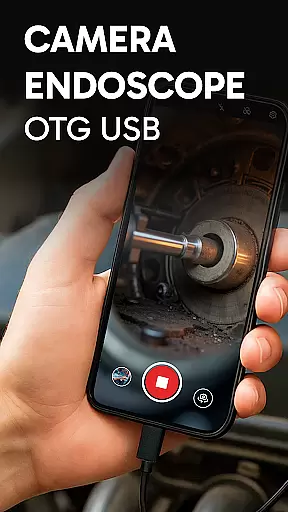
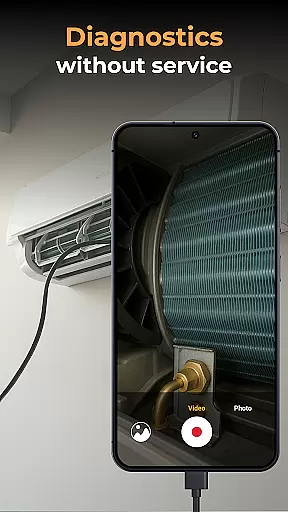
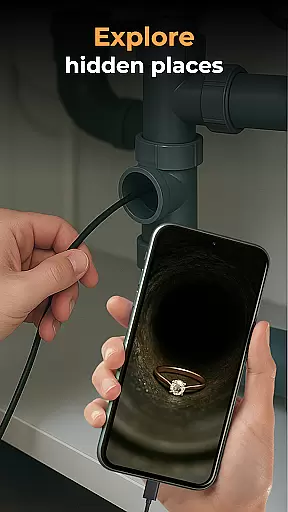
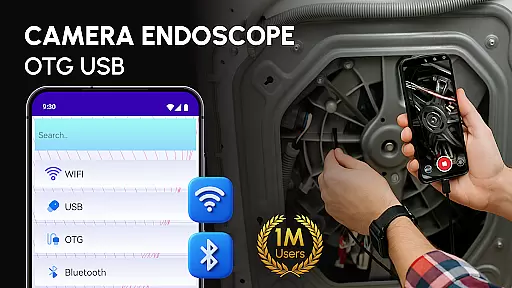
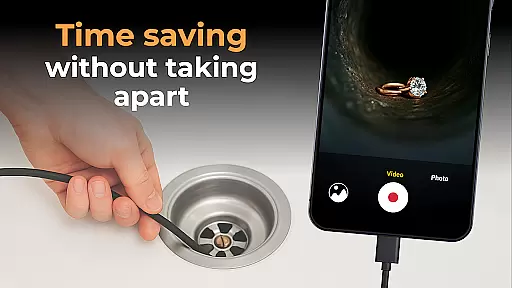
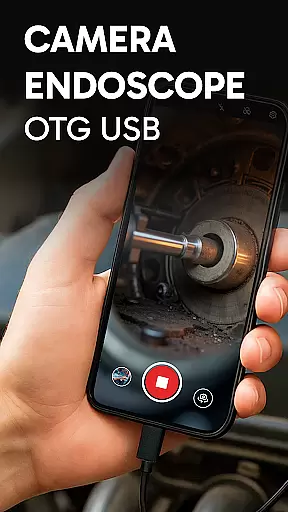
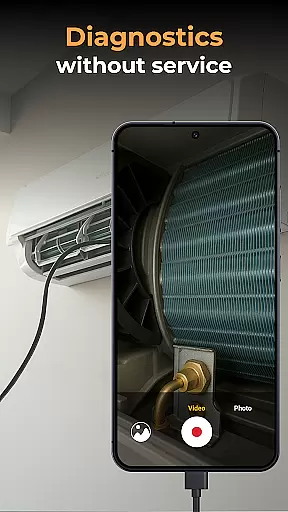
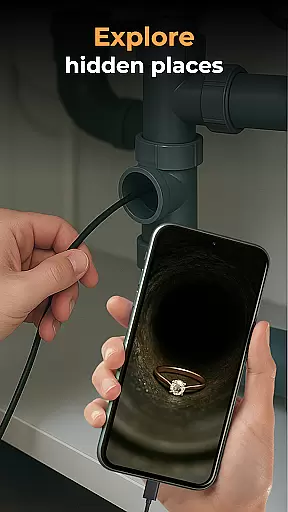
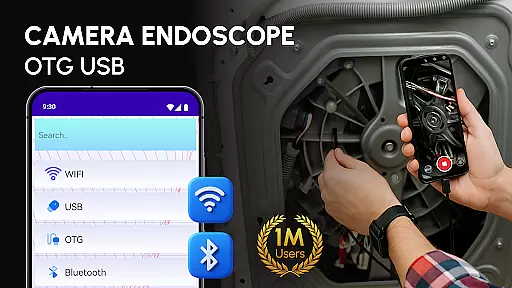
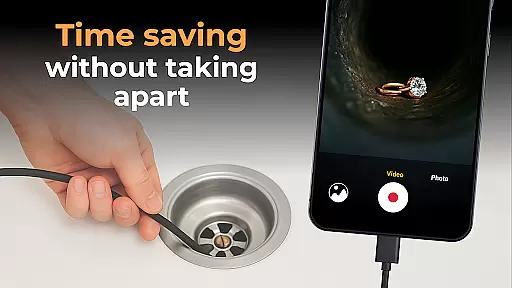
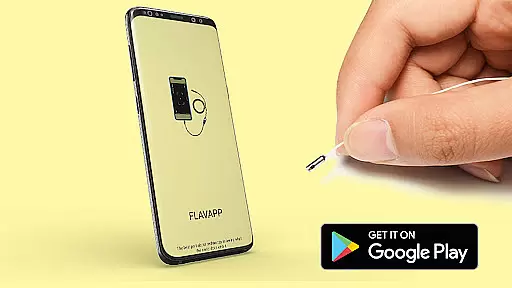
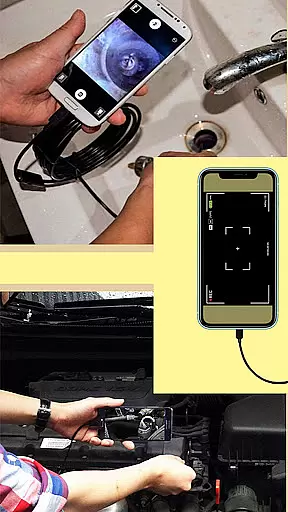
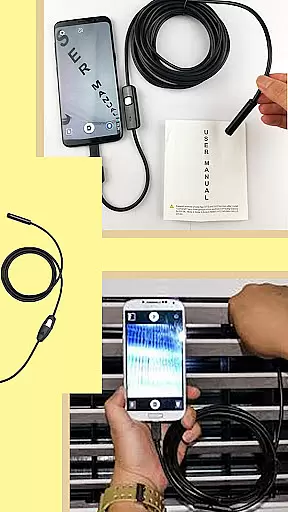
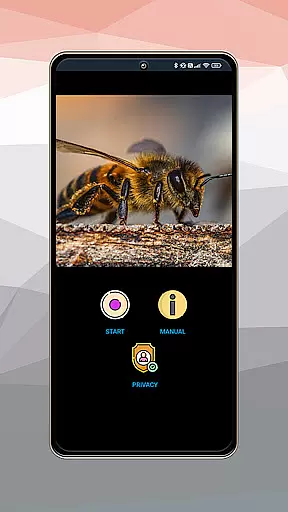
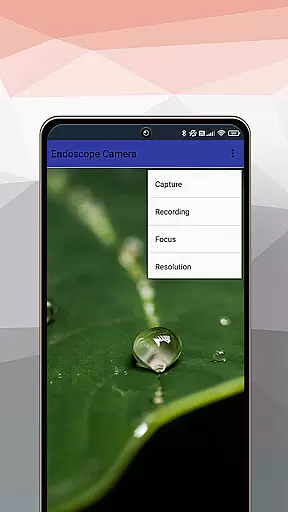
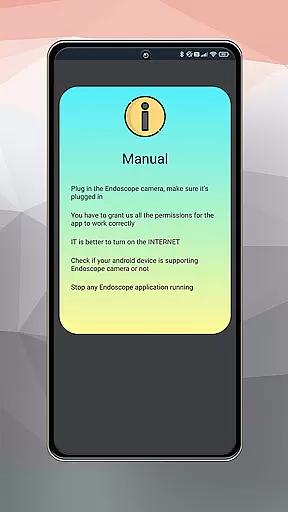
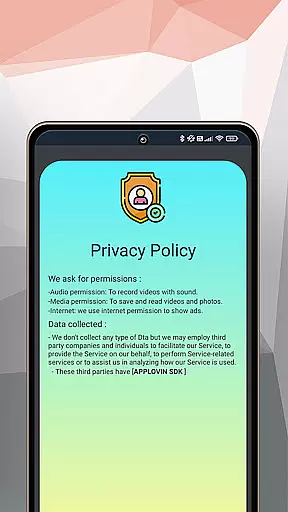
Camera endoscope / OTG USB is an innovative inspection tool that transforms your Android device into a professional diagnostic system. Designed for both professionals and DIY enthusiasts, this app enables real-time video capturing through external cameras like borescopes and microscopes.
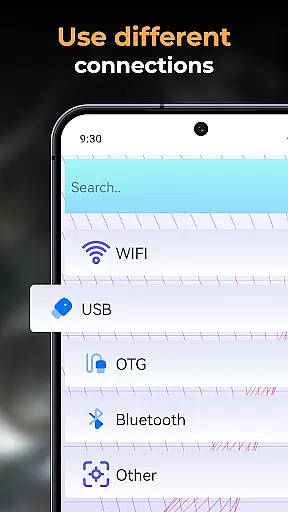
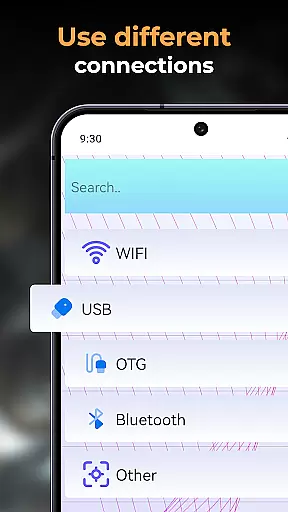
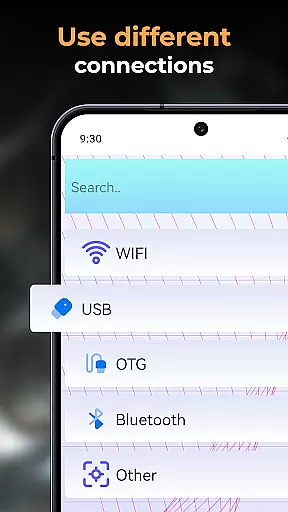
The application supports USB OTG interface, allowing seamless connection with various external devices. Whether you're inspecting plumbing systems, diagnosing car issues, or examining tiny machine parts, the app provides clear visuals and precise control over the connected camera. Its intuitive interface ensures ease of use while delivering high-quality imaging capabilities.
With its versatile functionality, Camera endoscope / OTG USB is particularly useful in industrial maintenance, home repairs, and scientific research. The ability to capture, store, and manage media files directly within the app adds significant value for users who require organized documentation of their inspections.
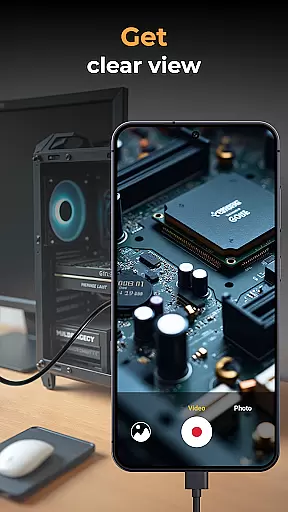
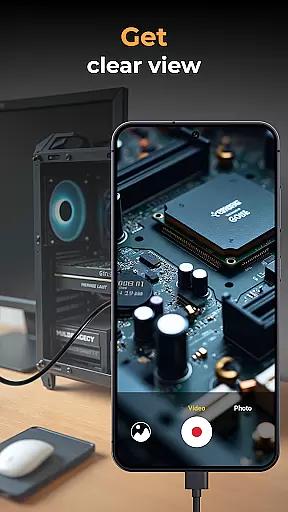
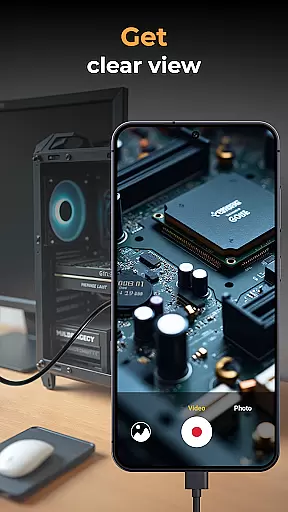
One of the standout features of Camera endoscope / OTG USB is its comprehensive support for various external camera devices. The app enables real-time video streaming from endoscopes, borescopes, and microscopes, providing users with immediate visual feedback during inspections.
The application offers robust media management capabilities. Users can effortlessly record high-quality videos and images, which are automatically stored in an integrated gallery. This built-in organization system allows for easy viewing, deleting, and sharing of captured content, streamlining workflow and documentation processes.
Additional notable features include plug-and-play functionality with minimal setup requirements, making it accessible for users of all technical levels. The app's optimization for Android devices ensures stable performance and fast connections, even when working with complex inspection tools in challenging environments.
When evaluating an application like Camera Endoscope / OTG USB, functionality completeness refers to the app's ability to offer a full suite of features that cater to its primary purpose - in this case, transforming your Android device into a versatile inspection tool. This app excels by providing real-time video capturing, compatibility with various external devices such as borescopes and microscopes, and seamless integration through USB OTG support.
The coverage aspect is equally impressive, ensuring that users can perform a wide array of tasks without needing additional software or tools. From plumbing work to electronics diagnostics, the app supports diverse use-cases, making it indispensable for DIY enthusiasts, technicians, and professionals alike. Its plug-and-play feature simplifies usage, allowing users to quickly connect their devices and start inspecting hard-to-reach areas immediately.
Moreover, the app doesn't just stop at video capture; it extends its utility by offering media management functions. Users can record high-quality videos and images, store them in an organized gallery within the app, and manage these files effortlessly. The ability to delete, view, and share media enhances productivity and ensures that important findings are easily accessible and distributable.
In summary, Camera Endoscope / OTG USB stands out due to its comprehensive feature set and broad task coverage. Whether you're examining tiny parts of broken machines or exploring tight pipes, this app provides all the necessary tools to get the job done efficiently and effectively, maximizing the potential of your Android device as an advanced inspection tool.
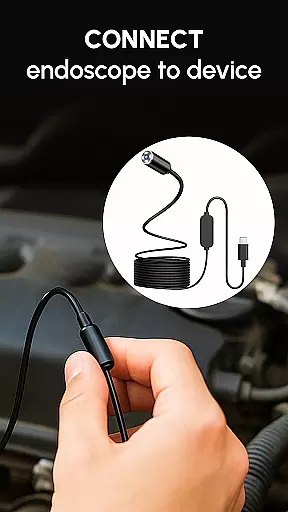
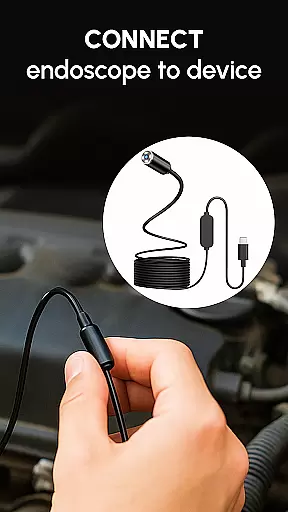
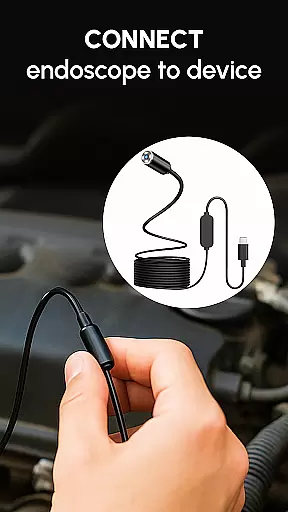
Usability and operational smoothness are critical factors that determine how effectively users can interact with an application. For Camera Endoscope / OTG USB, usability begins with its straightforward setup process. By simply connecting a compatible device via a USB OTG cable and launching the app, users gain immediate access to live camera views, streamlining workflows and eliminating unnecessary complications.
Operational smoothness is evident in the app's stable and fast connections, which are crucial when using external cameras for detailed inspections. Whether you're diagnosing car issues or examining plumbing work, the app maintains a reliable connection, ensuring uninterrupted real-time video feeds. This reliability is vital for accurate assessments and efficient problem-solving in various professional settings.
Additionally, the intuitive interface further enhances usability. The app offers easy navigation and clear options for managing media files, including capturing, storing, and organizing photos and videos. Long-press functionalities allow users to delete or share files effortlessly, contributing to a seamless user experience. Such thoughtful design elements reduce the learning curve and make the app accessible even to those who may not be tech-savvy.
In conclusion, Camera Endoscope / OTG USB delivers exceptional usability and operational smoothness, empowering users to focus on their inspection tasks rather than struggling with complex software operations. Its ease of use, combined with robust performance, ensures that both casual users and professionals can achieve their goals efficiently and effectively.
User-friendly interface
Wide device compatibility
Real-time video capture
Efficient media management
Plug-and-play functionality
Limited iOS support
Requires OTG adapter
Some features may vary by device
Occasional connection issues
Premium features may require payment

Record with Double Camera Video Recording using Dual Camera Front and Back Video
 3.00
3.00
Do you want to drive easy ? do you wanna full mirror link Mobile with your car
4.10
Enjoy Minecraft Mod Scary Neighbor Granny for Minecraft PE.
4.30
Connect your phone to any endoscope camera, USB camera, or borescope with ease.
3.70
TV USB connector app provides you a seamless cast option from your phone to tv.
4.70
Enjoy hours of entertainment with our Roblox mobile games app
4.5
Looking to connect your phone to your car screen? Mirror Link is the solution.
3.20
MirrorLink for connecting your Android phone to your car’s infotainment screen.
4.50
Mirror phone to TV effortlessly! Stream, share & connect with Airplay ease.
3.60
Demo for Key Attestation feature of the Android system.
4.80
Read Holy Quran Feel Like Real Quran & Listen Al Quran Mp3 Audio Online Offline.
4.70
Phone Software Update Quick Checker helps you to keep your phone apps up to date
4.50
Recite Quran Majeed القران with special 16 line real Kuran page in hand
4.30
Game Booster GFX for smoother gaming experience. Enjoy 120 FPS and 4x Game Space
4.20
Unlock the hidden menus of your phone with our mobile secret codes app.
4.20
charging your phone by other phone easly
4.00
Now Available on Android ™
3.40
Collection of Maps and Mods for Dmod
3.30
Collection of high-quality, trendy skins and outfits!
4.2


User Reviews