
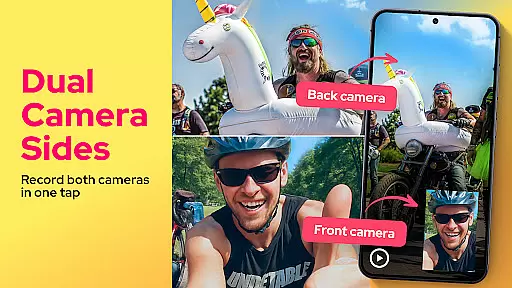
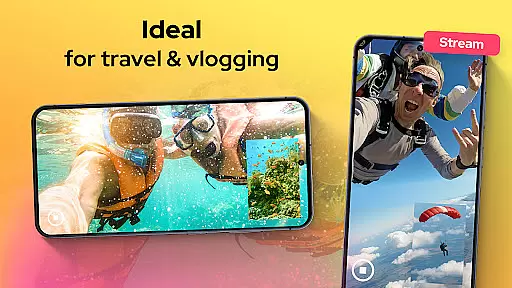
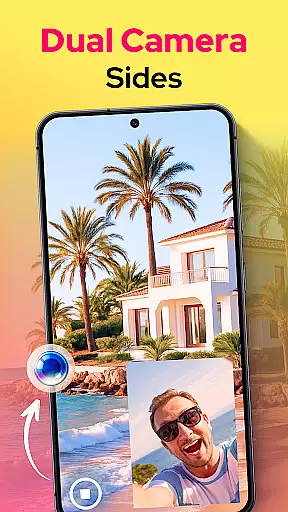
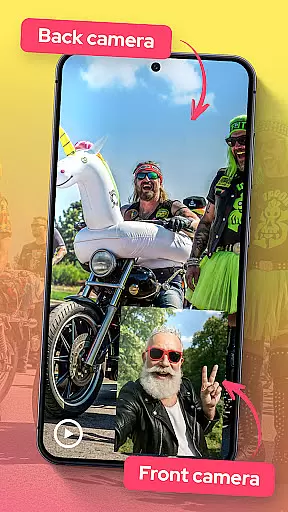
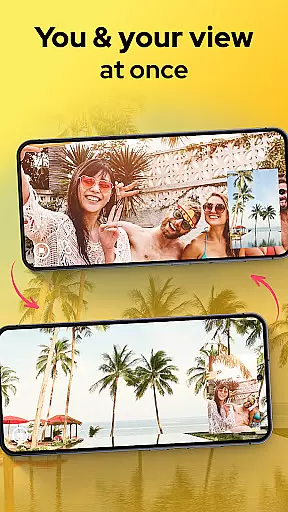
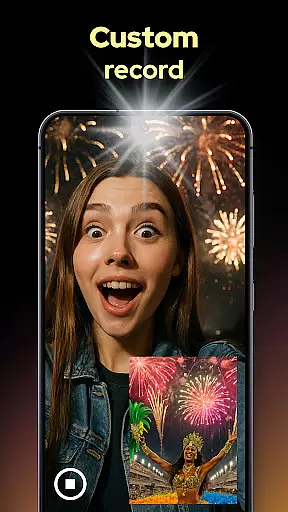
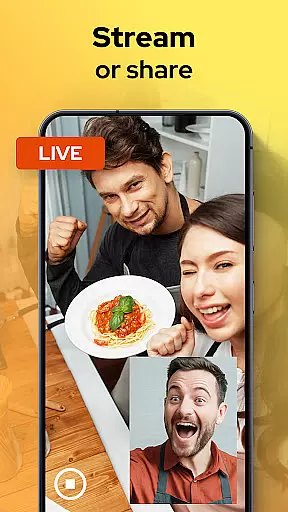
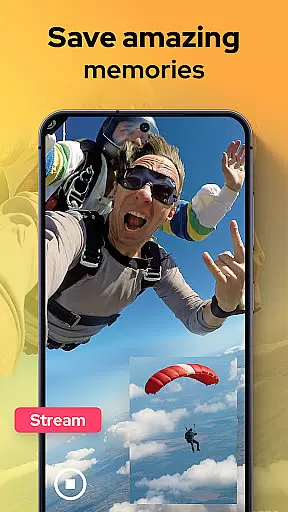
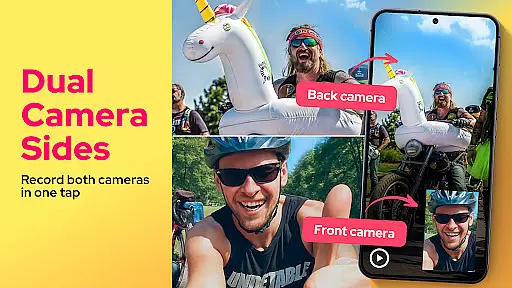
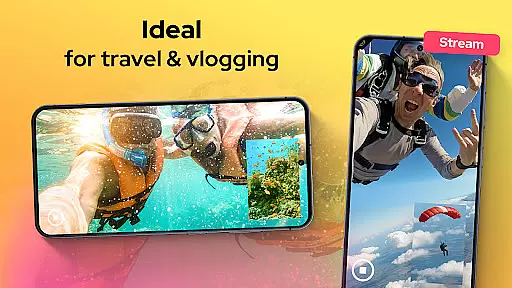
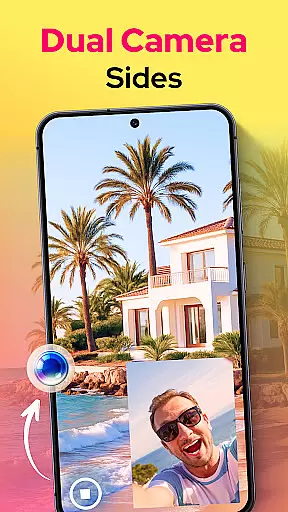
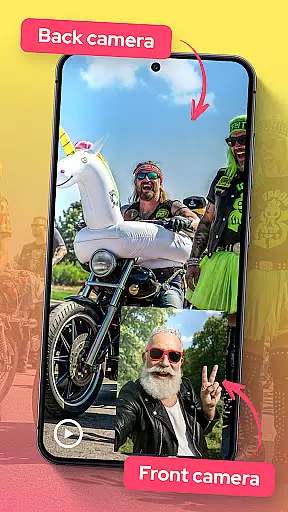
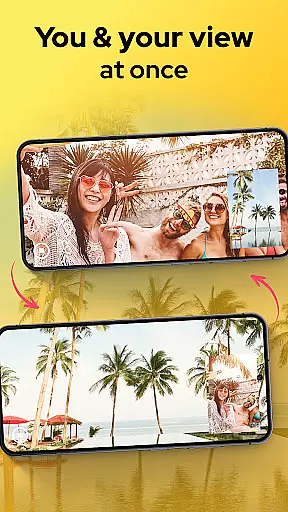
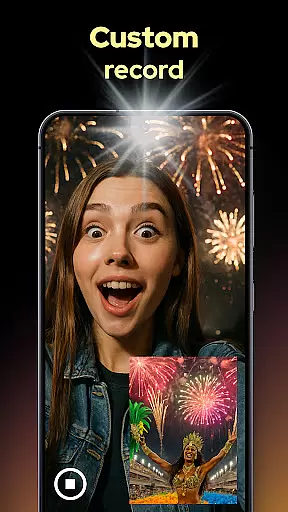
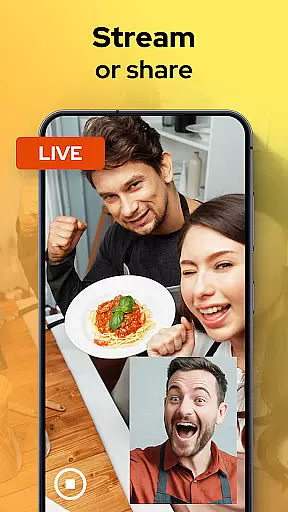
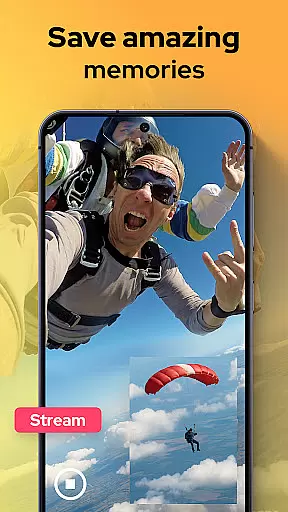
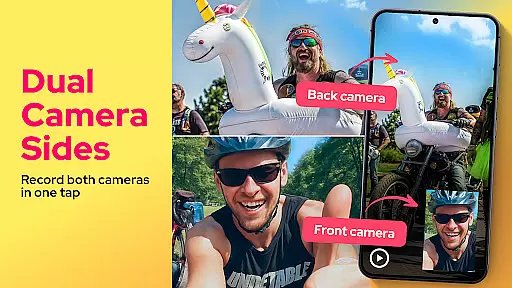
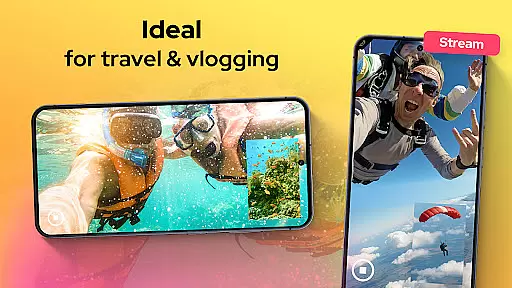
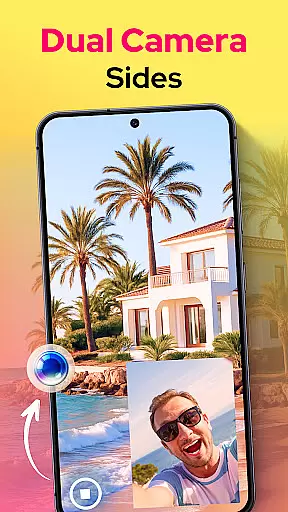
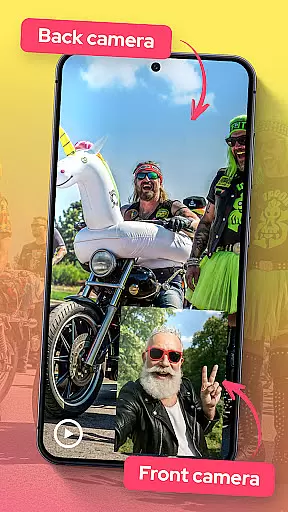
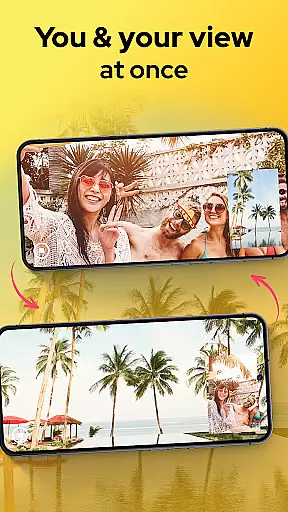
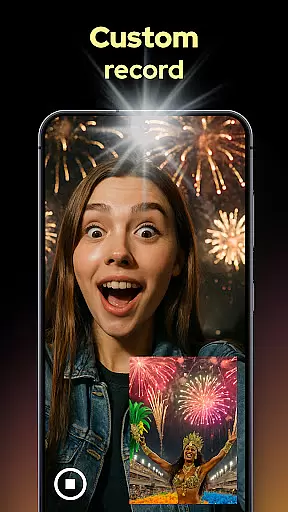
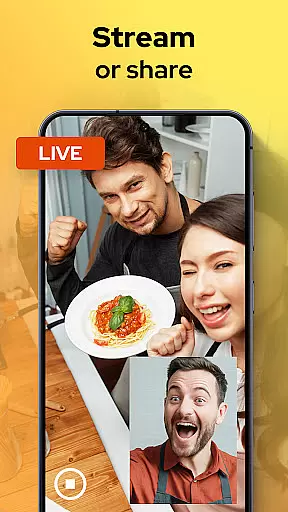
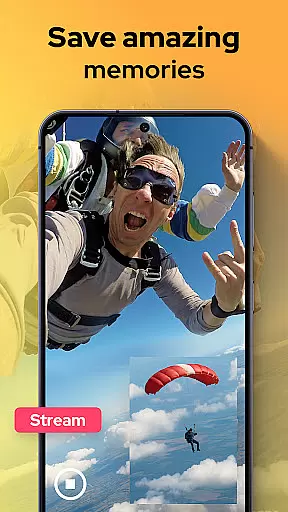
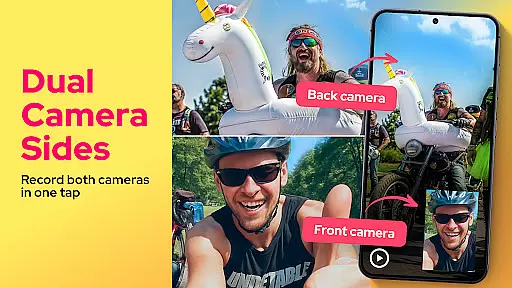
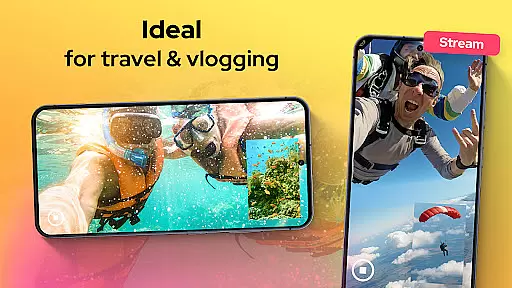
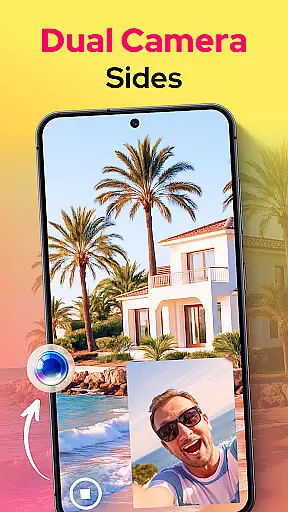
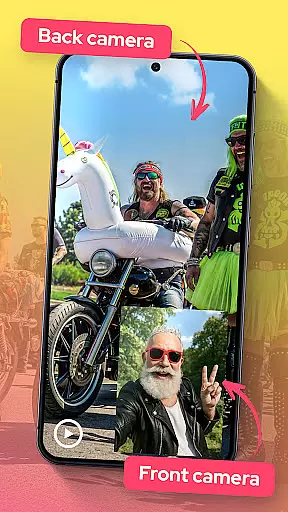
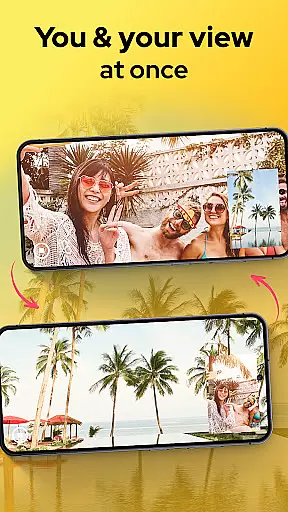
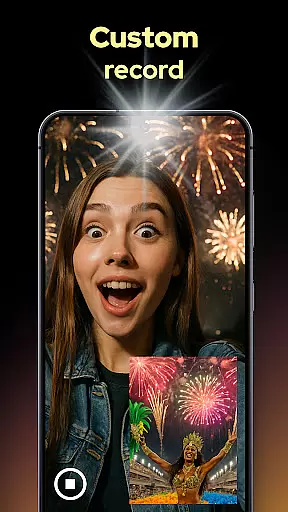
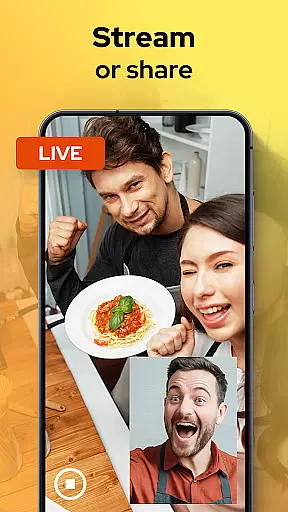
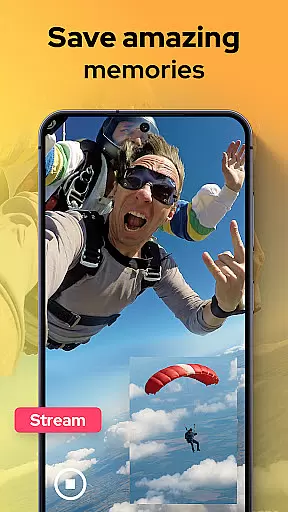
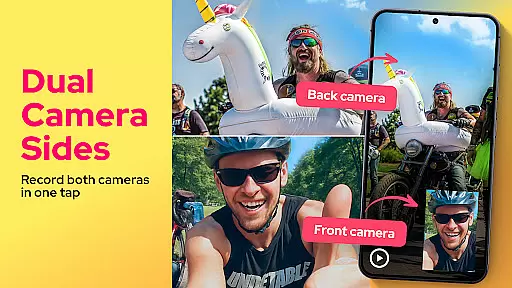
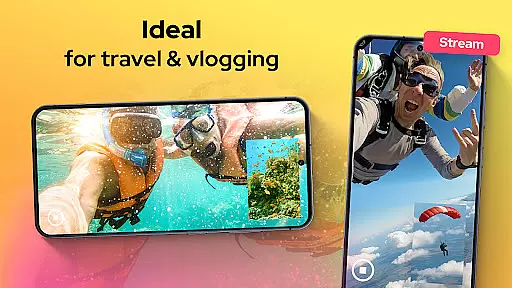
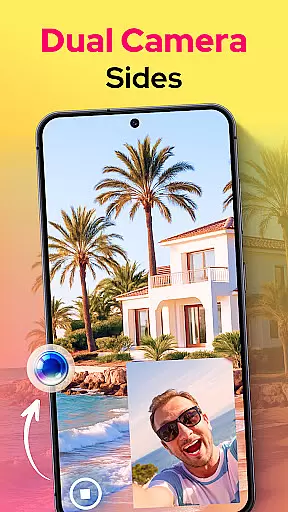
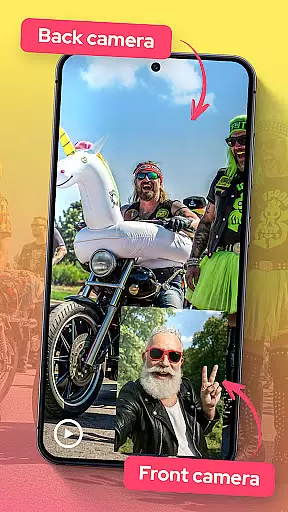
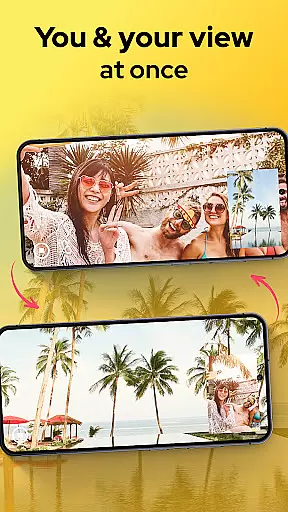
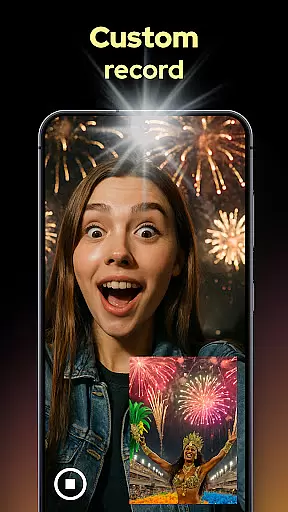
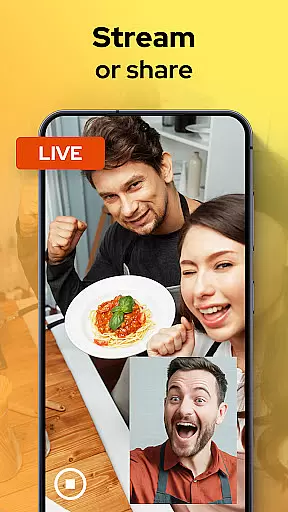
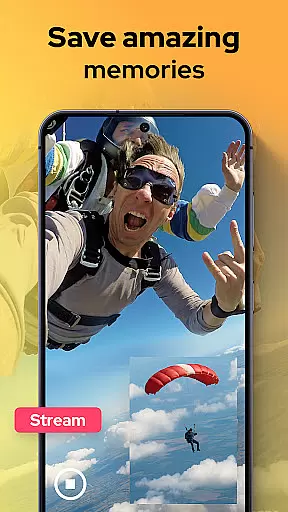
Dual Camera Sides is an innovative video recording app that allows users to capture footage from both the front and back cameras simultaneously. This unique Libraries & Demo app offers a range of creative possibilities for content creators, vloggers, and anyone looking to enhance their video storytelling.
The app's key feature is its ability to record in picture-in-picture or split-screen modes, giving users flexibility in how they present their content. Whether you're shooting reaction videos, tutorials, or documenting special moments, Dual Camera Sides ensures you never miss an angle. The app also includes professional-grade manual controls for focus, brightness, and exposure adjustments.
Perfect for multitasking creators, the app can run in background mode while you use other applications. This functionality makes it ideal for live streaming, video blogging, or capturing spontaneous moments without interruptions. With its user-friendly interface and powerful features, Dual Camera Sides transforms your smartphone into a versatile video production tool.
The standout feature of Dual Camera Sides is its ability to record from both front and rear cameras simultaneously. Users can choose between picture-in-picture or split-screen layouts, allowing for creative control over their video compositions. The app supports various split configurations including side-by-side, top-bottom, or floating window arrangements.
For content creators who need still images while recording, the Doubletake function enables capturing photos without pausing the video. This feature ensures you never miss important moments while filming. Additionally, the app provides manual camera controls for adjusting focus, brightness, and exposure settings, giving users professional-grade results.
Advanced functionality includes background mode operation, enabling continuous recording while using other apps. The quick Doubletake shots feature allows users to capture spontaneous selfies or stills with a single tap. With seamless angle switching during recording and rapid export capabilities, Dual Camera Sides offers a comprehensive solution for modern video creators in the Libraries & Demo category.
In the realm of mobile photography and videography, Dual Camera Sides emerges as a revolutionary tool that ensures functionality completeness and extensive coverage. This app allows users to harness the full potential of their device's dual-camera system by recording from both front and rear cameras simultaneously.
The app's design supports various shooting modes including picture-in-picture and split-screen, which significantly broadens its application scenarios. Whether you're creating dynamic vlogs, detailed tutorials, or capturing spontaneous moments, the ability to record from multiple angles enriches storytelling and viewer engagement.
Moreover, Dual Camera Sides offers manual controls for focus, brightness, and exposure adjustments, catering to enthusiasts who demand professional-grade results. The inclusion of these features ensures that creators can fine-tune their recordings to match their artistic vision without compromising on quality or creative freedom.
By integrating seamless background operation, this app further extends its functionality, allowing continuous recording even while multitasking across other applications. Such comprehensive coverage transforms how stories are told through video, making every captured moment more immersive and engaging for audiences worldwide.
Dual Camera Sides not only boasts an array of advanced features but also excels in usability and operational smoothness. Designed with user experience at its core, this app simplifies complex videography tasks into intuitive actions that anyone can master.
One standout aspect is the live preview feature, providing clear visual feedback during recordings. This real-time guidance empowers users to frame shots accurately and adjust settings dynamically, ensuring each clip meets their expectations before itu2019s captured.
Switching between different recording modesu2014such as side-by-side, top-bottom, or floating windowu2014is effortlessly achieved without interrupting ongoing captures. Such fluidity enhances creativity by enabling storytellers to experiment with diverse perspectives instantly.
Additionally, quick access functions like snapping stills while filming demonstrate thoughtful design aimed at maximizing efficiency. By prioritizing ease-of-use alongside powerful capabilities, Dual Camera Sides delivers a polished performance that caters to both casual creators and seasoned professionals alike.
Unique dual-camera recording
Flexible layout options
Professional manual controls
Background mode support
Quick photo capture
May drain battery quickly
Requires newer devices
Learning curve for beginners
Limited free features
Occasional frame drops

Connect and find your Smart Tag 2 devices through our app.
 3.60
3.60
Enjoy Minecraft Mod Scary Neighbor Granny for Minecraft PE.
4.30
The Free Catholic Latin American Bible in complete Spanish
4.60
Block, disable and secure phone camera from secretly taking photos by spyware.
4.50
Demo version of the mcpro24fps manual video camera. Try and buy a full version!
4.00
Explore The Holy Quran Majeed for Muslim. Listen to MP3 Quran & Al Quran Kareem.
4.80
Turn your phone into a wireless Xbox controller – play, stream & control anytime
4.2
Game booster GFX may reduce interruptions and improve gaming experience.
4.50
The best PS2 games from your childhood come to life in their mobile version!
4.00
MirrorLink for connecting your Android phone to your car’s infotainment screen.
4.50
Wireless reverse charging using phone now is possible
4.30
Test DPC is a sample device policy controller for use with Android Enterprise.
4.20
Easily evaluate the performance of Scandit's barcode and ID scanning SDK
4.10
charging your phone by other phone easly
4.00
A Pydroid Quick Install repository provider.
4.00
With Endoscope Camera Connector you can connect your phone with endoscope cam
3.70
Mobs maker Minecraft help MCPE creators make their own mob by using Blockbench
3.50
If you are looking for melon playground mod that fun you deffinitely try our app
2.70
Mirror Link Car Display to share your screen with car dashboard wirelessly
4.5


User Reviews