
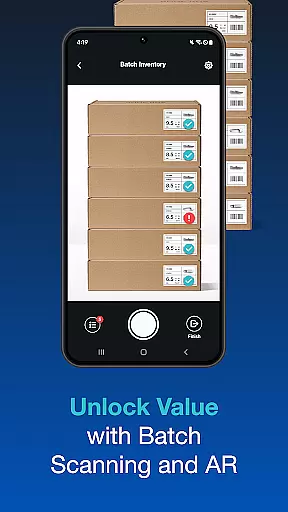
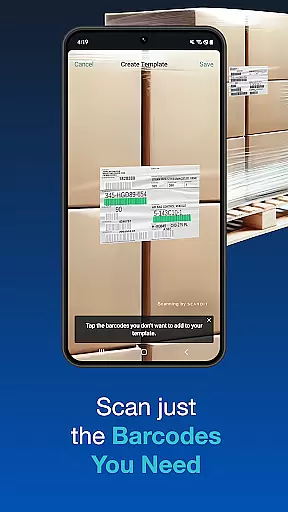
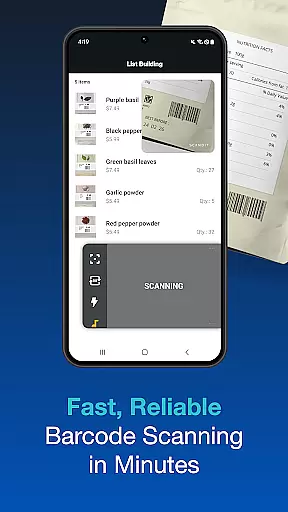
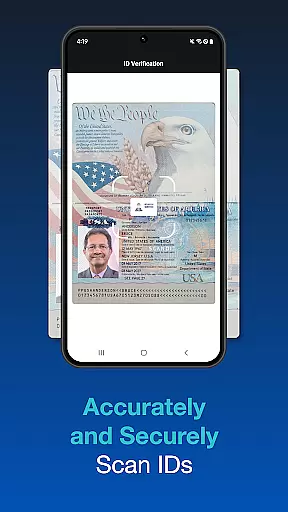
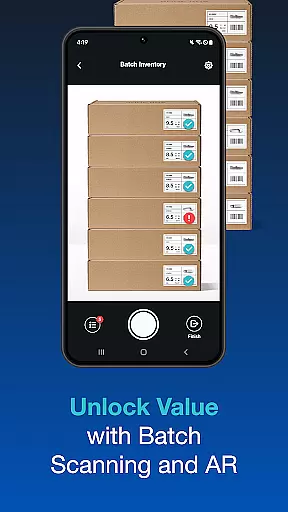
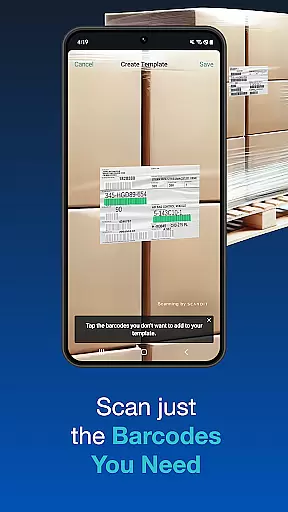
Scandit SDK Showcase is a powerful demonstration tool that highlights the capabilities of Scandit's barcode and ID scanning technology. Trusted by six of the top ten Fortune 100 companies, this app allows developers and businesses to experience the robust performance of Scandit's scanning solutions without writing any code.
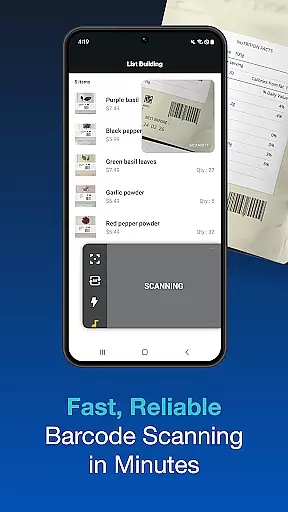
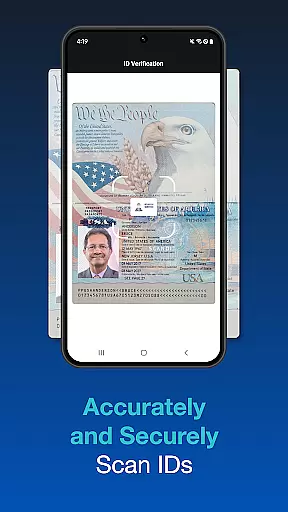
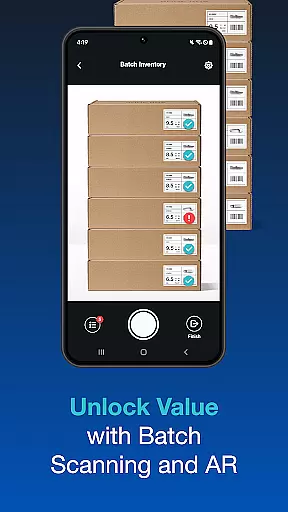
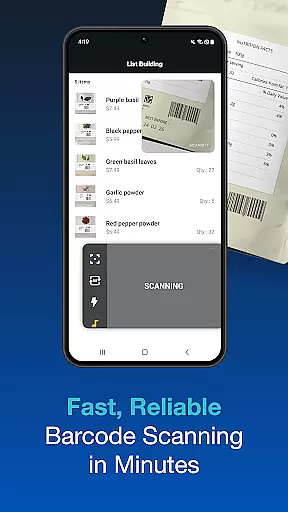
The app supports over 30 common barcode formats and provides fast, accurate scanning of more than 2500 ID documents globally. It also features pre-built user interfaces for quick integration, batch scanning of multiple codes, augmented reality overlays, and the ability to scan multiple barcodes on a single label. These features make it an ideal choice for enterprises looking to streamline their data capture processes.
Whether you're in retail, logistics, or any other industry requiring efficient data capture, Scandit SDK Showcase offers a comprehensive solution to evaluate and implement smart scanning technologies. Its high-performance capabilities ensure reliable operation across various use cases, delivering significant value to businesses seeking to enhance their operational efficiency.
Scandit SDK Showcase stands out with its extensive feature set designed to meet diverse scanning needs. The app's high-performance barcode reader supports over 30 common barcode formats, ensuring compatibility with a wide range of products and documents. This makes it suitable for applications in inventory management, point-of-sale systems, and more.
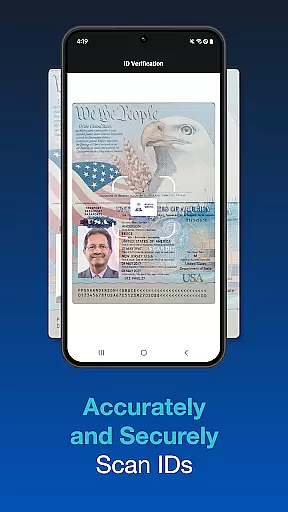
In addition to barcode scanning, the app offers fast and secure ID document scanning for over 2500 types worldwide. This feature is particularly useful for age verification, access control, and customer onboarding processes. The inclusion of pre-built scanning user interfaces accelerates integration into existing systems, reducing development time and costs.
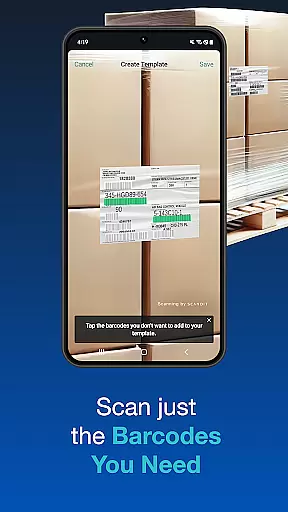
Advanced functionalities such as batch scanning, augmented reality overlays, and multi-barcode scanning further enhance the app's versatility. Users can scan multiple codes simultaneously, view AR-enhanced information during scans, and accurately select specific barcodes from crowded labels. These capabilities demonstrate Scandit's commitment to providing innovative and practical solutions for modern data capture challenges.
Functionality completeness is a critical aspect of any software development kit, and Scandit SDK Showcase excels in this area. The app provides a comprehensive set of tools for barcode scanning and ID capture without requiring any coding from the user. This allows developers to assess the full range of Scandit's capabilities effortlessly.
The SDK supports over 30 common barcode types and can scan more than 2500 ID documents worldwide. It also offers batch scanning, augmented reality overlays, and the ability to scan multiple barcodes on a single label. These features ensure that users have access to a wide array of functionalities needed for various use cases.
By including pre-built scanning user interfaces, Scandit makes it easier for businesses to integrate these advanced features into their existing systems quickly. Such extensive coverage of smart data capture capabilities enables companies to enhance their operational efficiency significantly.
Usability and operational smoothness are vital for ensuring that developers and end-users can effectively utilize an SDK. Scandit SDK Showcase offers an intuitive interface that lets users evaluate its smart data capture capabilities seamlessly. With high-performance barcode reading and fast, accurate ID scanning, the app ensures a smooth operational experience.
Features like batch scanning multiple codes simultaneously and selecting one barcode out of many contribute to the overall usability. These functions help streamline workflows by reducing the time and effort required to manage complex scanning tasks. Additionally, augmented reality overlays provide real-time information, enhancing user interaction with the physical world.
Overall, Scanditu2019s focus on providing a seamless and efficient user experience makes it a preferred choice for Fortune 100 companies looking to leverage mobile computer vision technology.
High-performance scanning
Wide barcode compatibility
Secure ID verification
Pre-built UI components
Augmented reality support
Limited customization options
Requires internet connection
No offline functionality
Premium features need subscription
Steep learning curve for beginners

Block and secure the microphone and protect from secret listening and recording.
 4.50
4.50
Popular mods fnaf mods for melon playground
4.50
You can remote control and play much easier.
4.10
use your smartphone as Remote control drones .
4.20
Zlink Carplay Android a mirror link app with a Carplay interface style
4.1
Mobs maker Minecraft help MCPE creators make their own mob by using Blockbench
3.50
An impressive collection of tools, characters, weapons, skins and more!
4.30
Mobile Connect To TV - HDMI USB & WiFi Screen Mirroring
3.70
Phone Software Update Quick Checker helps you to keep your phone apps up to date
4.50
TV USB connector app provides you a seamless cast option from your phone to tv.
4.70
Tune your game graphics with our GFX optimizer for optimal gaming experience
4.50
MirrorLink for connecting your Android phone to your car’s infotainment screen.
4.50
View your cameras anywhere and anytime
4.20
Unlock the hidden menus of your phone with our mobile secret codes app.
4.20
Connect your phone to any endoscope camera, USB camera, or borescope with ease.
3.70
Ps2 plugins for 64 bit artitechture
3.70
Mirror phone to TV effortlessly! Stream, share & connect with Airplay ease.
3.60
Connect and Find your smart tag via our app.our app is compatible with smarttag.
3.30
DamonSx2 is the open Source LGPL Emulator
3.20


User Reviews