
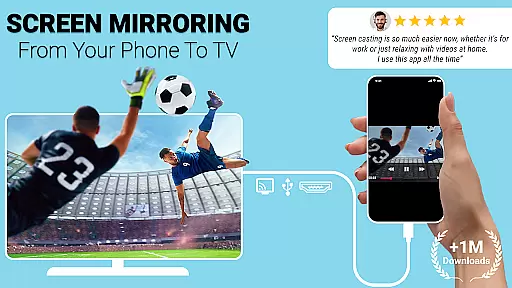
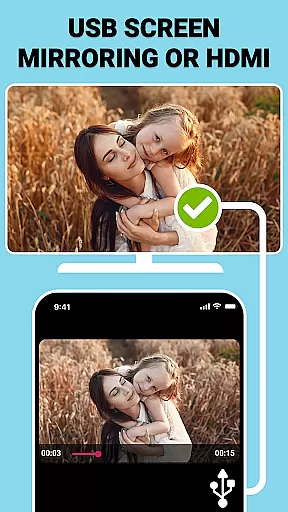
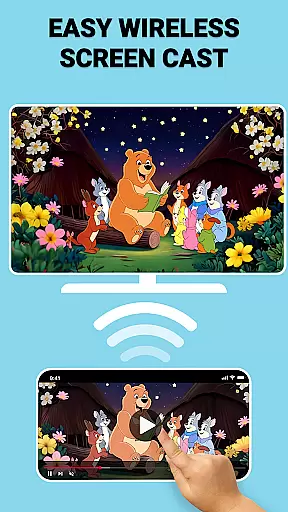
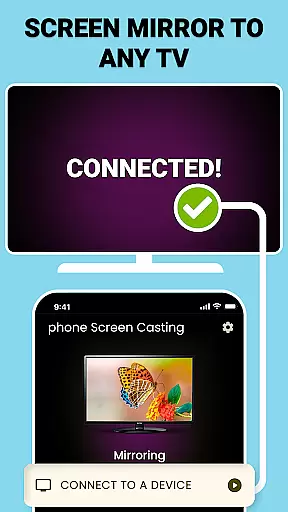
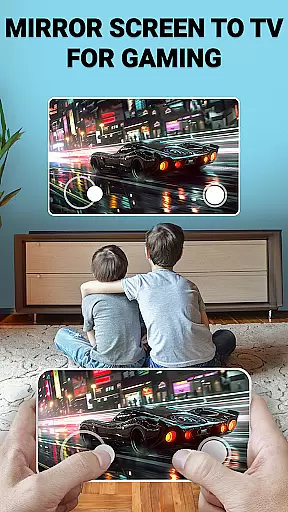
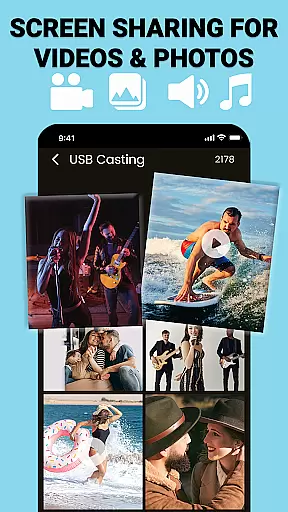
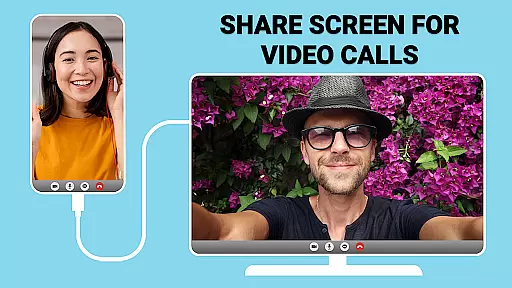
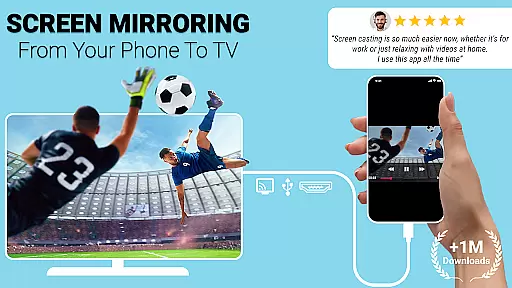
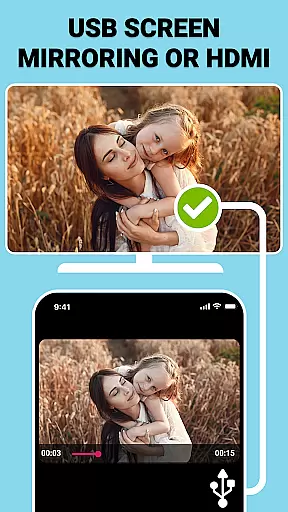
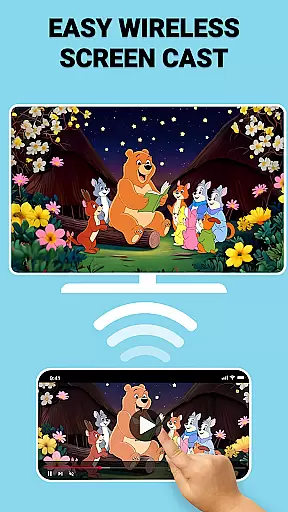
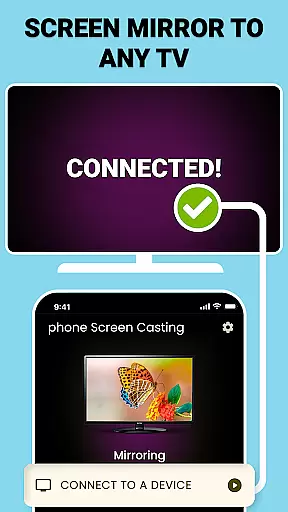
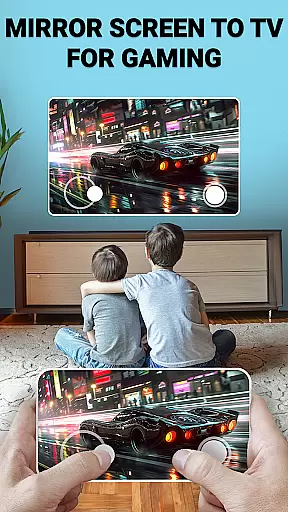
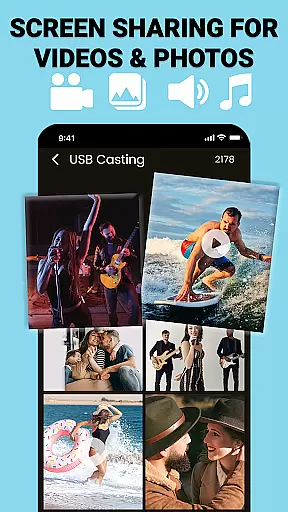
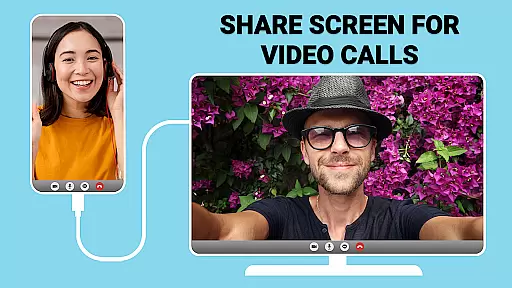
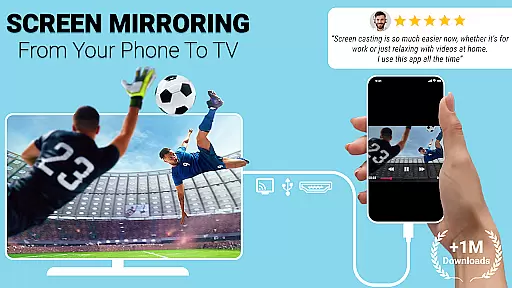
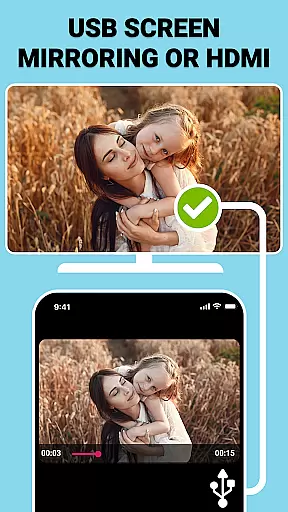
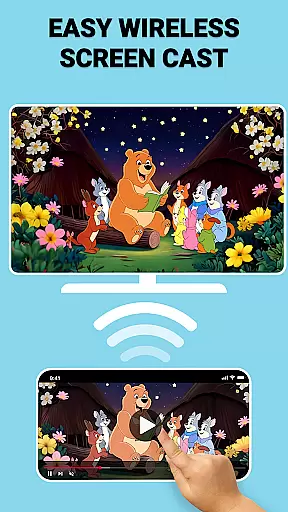
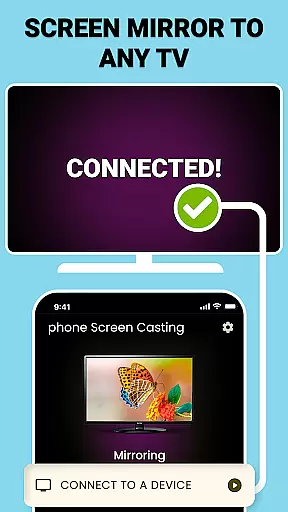
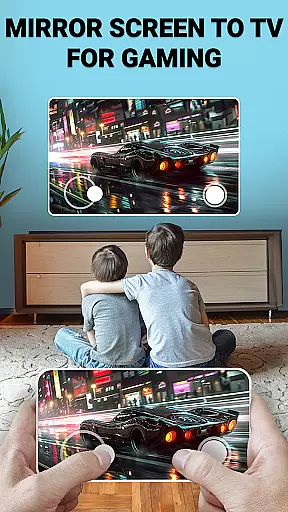
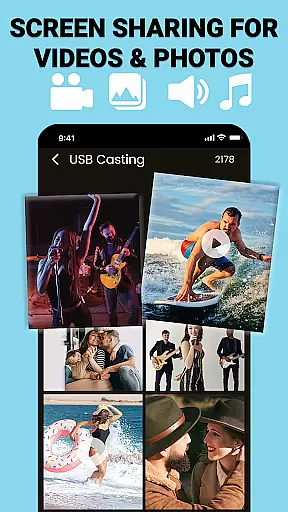
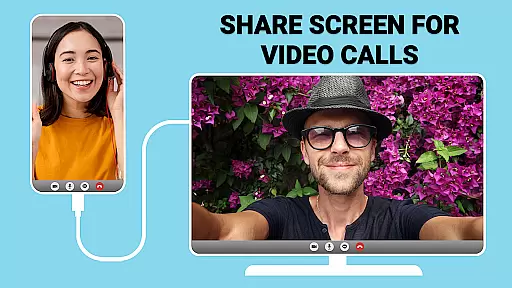
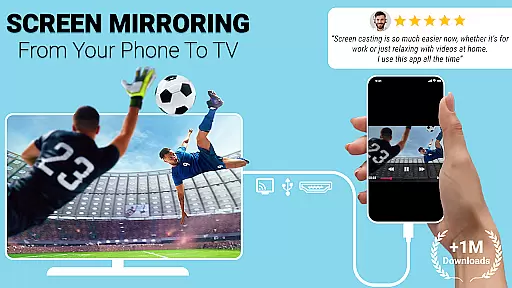
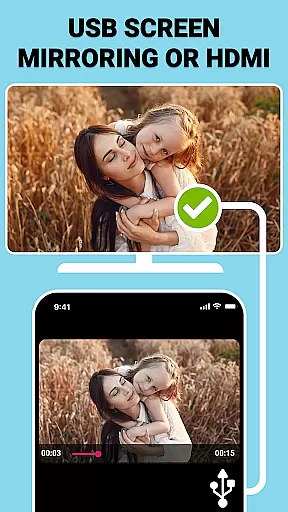
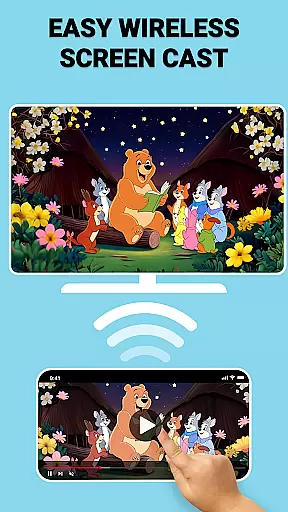
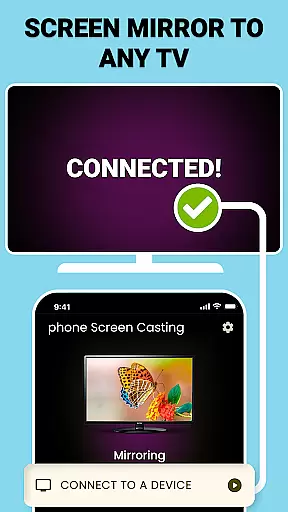
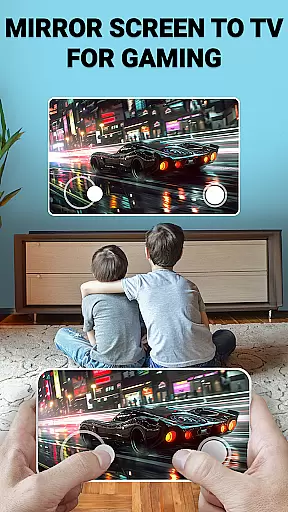
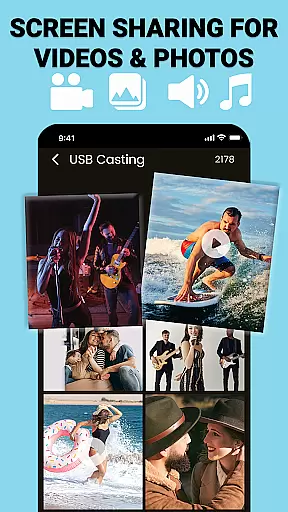
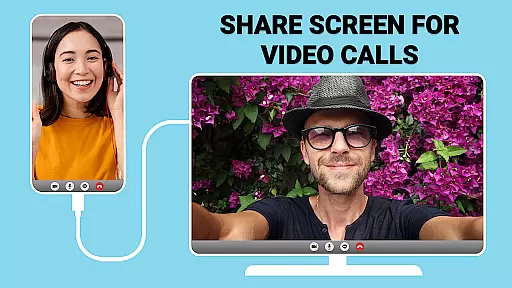
USB Screen Cast is a versatile screen mirroring app that allows users to cast their mobile device screens to a TV effortlessly. The app supports both wireless casting via WiFi and stable wired connections using a TV USB connector, ensuring reliable performance for various screen sharing needs. Whether you want to stream movies, display photos, or deliver presentations, this app provides seamless functionality with just a few taps.
The app's key features include Wireless Screen Casting for a clutter-free experience, USB Screen Mirroring for high-quality connections when wireless isn't available, and instant screen sharing capabilities. These features make it ideal for enhancing productivity during meetings or classrooms and amplifying entertainment experiences at home. With its user-friendly interface and customizable casting options, USB Screen Cast ensures an optimal viewing experience on the big screen.
USB Screen Cast offers a range of advanced features designed to provide users with a smooth and versatile screen mirroring experience. One standout feature is the Wireless Screen Casting option, which allows users to cast their device screens to a TV without any cables, providing a clean and hassle-free setup. For environments where stability is crucial, the app also supports USB Screen Mirroring through a TV USB connector, ensuring lag-free performance even in demanding scenarios.
In addition to these connectivity options, the app includes a reliable Screen Sharing function that lets users share photos, videos, presentations, and more with ease. The Mirror Screen to TV feature enables users to enjoy their favorite content on a larger display with minimal effort. Furthermore, the app provides customizable casting settings, allowing users to adjust resolution and optimize the screen sharing experience according to their preferences. These robust features make USB Screen Cast an excellent choice for both professional and personal use.
Functionality completeness refers to the app's ability to deliver a comprehensive set of features that meet user expectations across various use cases. USB Connector Cast Phone to TV excels in this area by offering both wireless and wired screen mirroring options.
The application supports WiFi-based casting for users seeking a cable-free experience, while also providing reliable USB connections when network stability is a concern. This dual approach ensures that no matter the environment or technical limitations, users can always find a suitable solution for their screen sharing needs.
Additionally, the app includes customizable settings, allowing users to adjust resolution and optimize display parameters. This level of control enhances the overall functionality, making it adaptable to different devices and user preferences.
By covering essential features like media streaming, presentation sharing, and stable connectivity through both WiFi and USB, the app demonstrates excellent functionality coverage, catering to both entertainment and professional requirements.
Usability focuses on how easily users can navigate and operate an application, while operational smoothness measures the consistency and reliability of its performance. USB Connector Cast Phone to TV achieves high marks in both areas through its intuitive design and dependable execution.
Upon launching the app, users are greeted with a straightforward interface that guides them through connecting their devices. Whether opting for wireless casting or utilizing a TV USB connector, the process involves just a few taps, ensuring even beginners can mirror their screens effortlessly.
Operational smoothness is evident in the seamless transition of content from phone to TV. The app minimizes lag during screen sharing, delivering real-time mirroring for videos, games, and presentations. This reliability is crucial for maintaining user engagement and satisfaction.
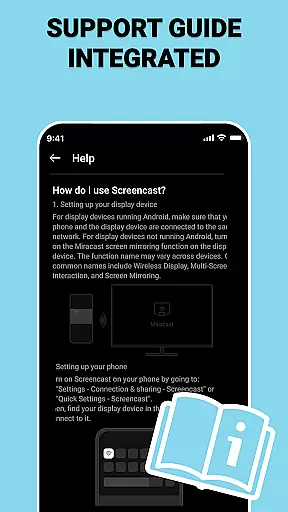
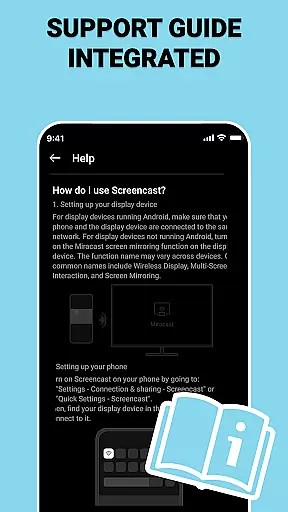
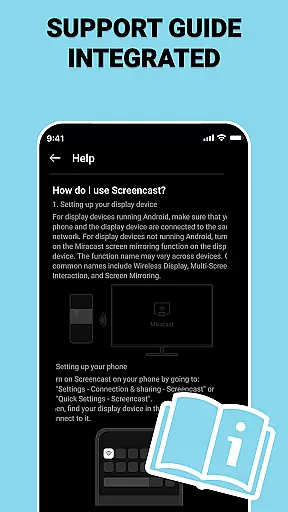
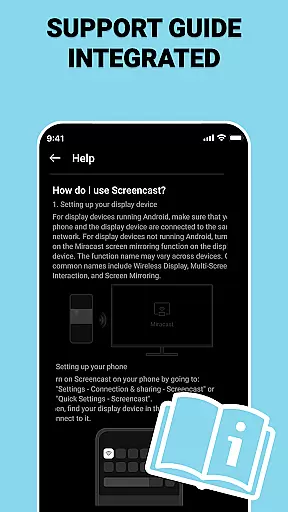
Furthermore, the inclusion of detailed instructions and compatibility checks enhances the overall user experience. These features contribute to an app that not only performs smoothly but also empowers users to utilize its full potential without frustration.
User-friendly interface
Wireless and wired options
High-quality mirroring
Customizable settings
Reliable performance
Limited device compatibility
Requires stable WiFi
Premium features locked
Occasional connection issues
Interface not intuitive for beginners

View your cameras anywhere and anytime
 4.20
4.20
You can remote control and play much easier.
4.10
TV USB connector app provides you a seamless cast option from your phone to tv.
4.70
a wireless controller that provides a seamless and gaming experience for players
3.80
Explore The Holy Quran Majeed for Muslim. Listen to MP3 Quran & Al Quran Kareem.
4.80
DamonSx2 is the open Source LGPL Emulator
3.20
Simulator of real black light
3.50
Phone Software Update Quick Checker helps you to keep your phone apps up to date
4.50
Mirror phone to TV effortlessly! Stream, share & connect with Airplay ease.
3.60
Read Holy Quran Feel Like Real Quran & Listen Al Quran Mp3 Audio Online Offline.
4.70
Expo is a free & open source platform to build apps using JavaScript and React.
4.70
Wireless reverse charging using phone now is possible
4.30
Game Booster GFX for smoother gaming experience. Enjoy 120 FPS and 4x Game Space
4.20
Use your Phone as Drone Controller.
3.70
With Endoscope Camera Connector you can connect your phone with endoscope cam
3.70
CloudEye 365 is a easy-handling APP
3.60
Now Available on Android ™
3.40
Connect and Find your smart tag via our app.our app is compatible with smarttag.
3.30
Looking to connect your phone to your car screen? Mirror Link is the solution.
3.20


User Reviews