
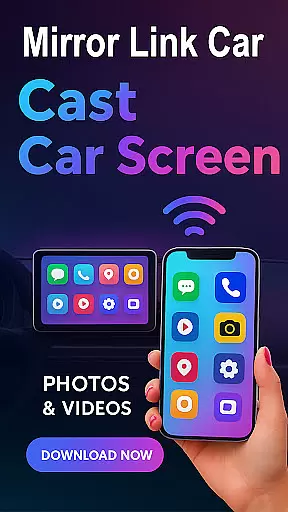
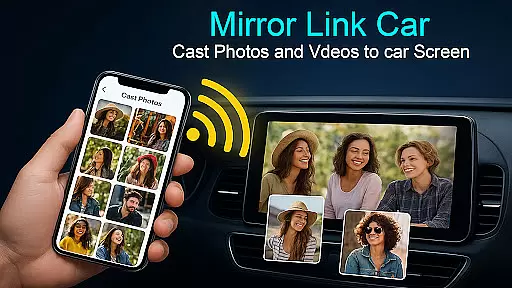
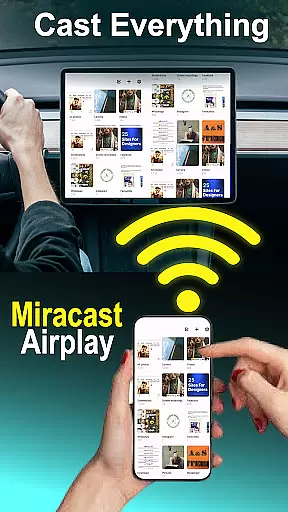
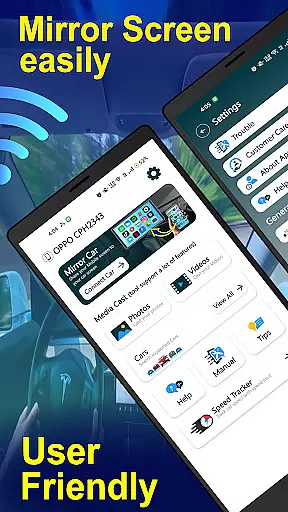
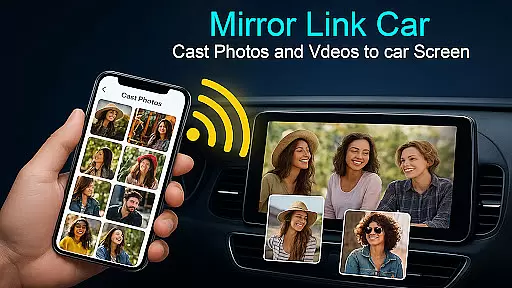
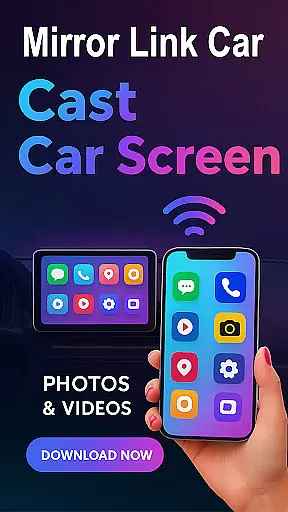
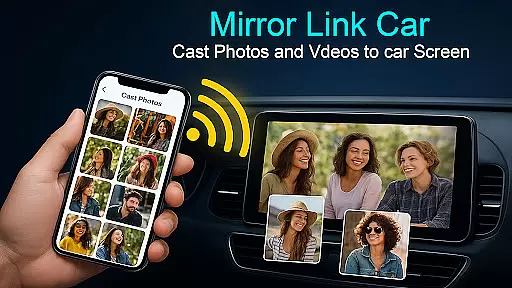
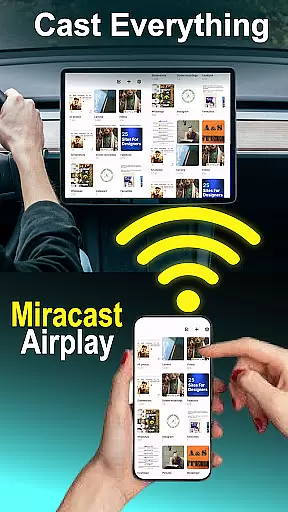
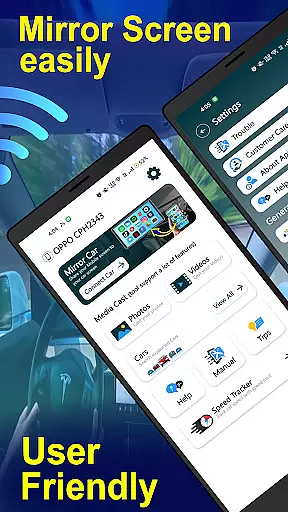
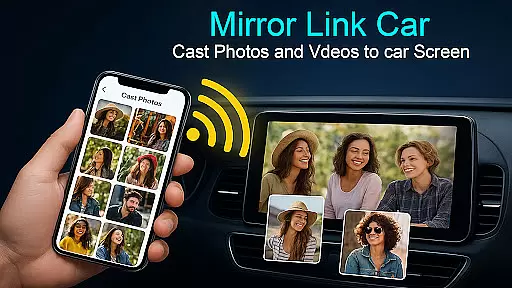
Mirror Link Cast to Car is a powerful application designed to enhance your driving experience by seamlessly connecting your smartphone to your car's infotainment system. This innovative solution allows users to mirror their phone screens onto their car displays, providing access to navigation, music, and other essential apps directly from the car's dashboard.
The app supports both wireless and wired connectivity options, ensuring flexibility and reliability. With features like Wireless Screen Mirroring, USB Connection Support, and Hands-Free Functionality, Mirror Link Cast to Car delivers a versatile and safe multimedia experience. The application works with various infotainment systems that support standard screen mirroring protocols, making it compatible with a wide range of vehicles.
Ideal for modern drivers who seek convenience and safety, this app transforms your car into a smart display hub. Whether you're managing calls, streaming music, or accessing GPS navigation, Mirror Link Cast to Car ensures all actions can be performed hands-free, allowing you to keep your focus on the road while enjoying a rich multimedia experience.
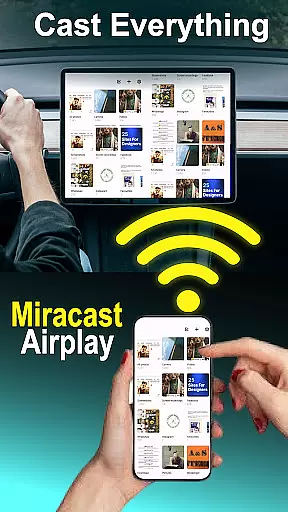
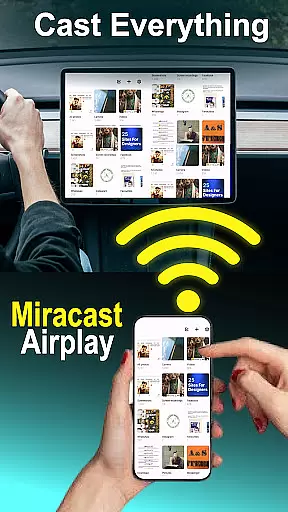
Mirror Link Cast to Car offers a comprehensive suite of features tailored to improve in-car connectivity and entertainment. At its core, the app provides Wireless Screen Mirroring, enabling users to connect their smartphones to their car screens without the need for cables. This feature leverages Wi-Fi technology to deliver a seamless and responsive mirroring experience.
For those who prefer a more stable connection, the app also supports USB-based screen casting. This ensures lag-free performance and is ideal for users who prioritize reliability. Additionally, Mirror Link Cast to Car extends beyond automotive use, offering compatibility with Smart TVs and home entertainment systems, thus providing a versatile solution for all your screen mirroring needs.
Other notable features include a Multimedia Dashboard Experience, where users can watch videos, use GPS, manage calls, and stream apps directly from their car's touchscreen. The app also emphasizes safety with Hands-Free Functionality, automating music playback and other functions to minimize distractions. With its Quick Setup process and universal compatibility, Mirror Link Cast to Car stands out as an essential tool for anyone looking to integrate their digital life with their driving experience.
Mirror Link - Cast to Car offers a comprehensive suite of functionalities that cater to diverse in-car multimedia needs. The app supports both wireless and wired connectivity options, ensuring users can mirror their phone screens to their car's infotainment system with flexibility.
With features like Wireless Screen Mirroring via Wi-Fi Screencast and USB Connection Support for lag-free casting, the app covers various user preferences and technical requirements. This dual-connectivity approach enhances its compatibility with different car models and infotainment systems.
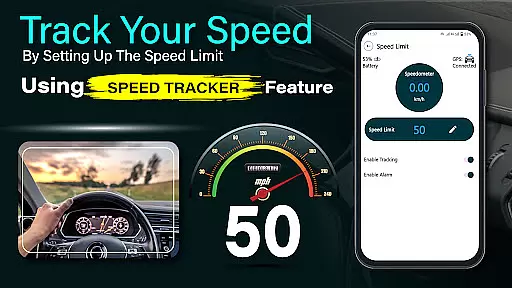
The application extends beyond basic screen mirroring by integrating essential driving-related functions. It enables hands-free control of music playback and other features, promoting safer driving experiences while maintaining full access to smartphone capabilities.
Furthermore, its compatibility with multiple technologies such as Mirror Link, Miracast, and Smart TV screen mirroring demonstrates the app's broad functional coverage. This extensive support ensures users can enjoy a consistent experience across different devices and environments.
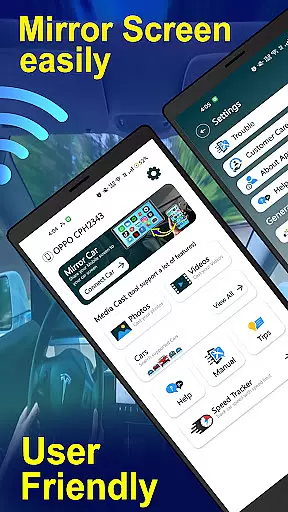
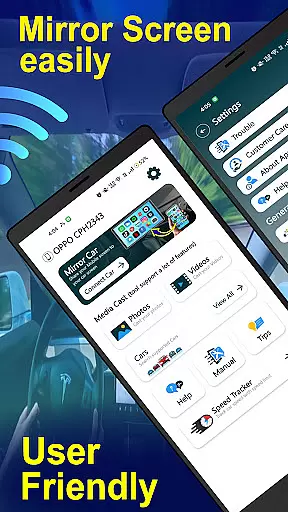
Usability is a crucial aspect of Mirror Link - Cast to Car, where the emphasis is on providing a seamless and intuitive user experience. The app features a one-click quick connection process through supported protocols like CarLink/Mirror Link, making it easy for users to set up and connect to their car's infotainment system quickly.
Operational smoothness is evident in the app's ability to automate music play/pause functions and minimize distractions while driving. These automated features contribute to a more focused driving experience without compromising access to essential apps and services.
For optimal usability, the app provides clear instructions on enabling necessary settings such as Mobile Hotspot and Miracast Display. This guidance helps users navigate potential technical hurdles, ensuring a smoother operational flow from connection to usage.
Despite requiring specific technological support from the car's infotainment system, the app maintains high usability standards by offering flexible connectivity options and an intuitive interface that simplifies complex processes into manageable steps.
Wireless connectivity
Easy-to-use interface
Smart TV compatibility
One-click connection
Hands-free functionality
Limited car compatibility
Requires specific hardware
Parked-use only for video
Dependent on car's system
No direct manufacturer support

Tune your game graphics with our GFX optimizer for optimal gaming experience
 4.50
4.50
SmartCast mirrors Android phone to TV screen With Cast Screen, Chromecast.
4.80
A great tool help you to format Micro SD memory Card
3.10
Study Bible King James Version: the correct way to learn the Bible with audio
4.80
CloudEye 365 is a easy-handling APP
3.60
A Pydroid Quick Install repository provider.
4.00
Simulator of real black light
3.50
Mirror phone to TV effortlessly! Stream, share & connect with Airplay ease.
3.60
Experience virtual reality on your smartphone with Cardboard.
3.50
TV USB connector app provides you a seamless cast option from your phone to tv.
4.70
Block and secure the microphone and protect from secret listening and recording.
4.50
Phone Software Update Quick Checker helps you to keep your phone apps up to date
4.50
use your smartphone as Remote control drones .
4.20
Connect and find your Smarttag devices through our app.
4.00
Connect your phone to any endoscope camera, USB camera, or borescope with ease.
3.70
Mobile Connect To TV - HDMI USB & WiFi Screen Mirroring
3.70
Now Available on Android ™
3.40
Identify securely online
3.10
Enjoy hours of entertainment with our Roblox mobile games app
4.2


User Reviews