

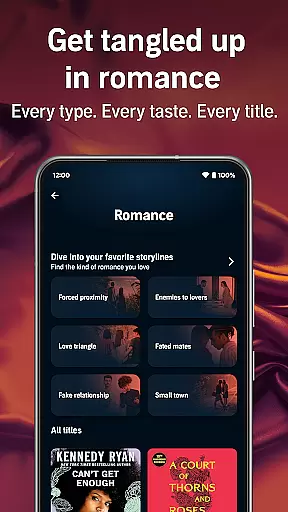
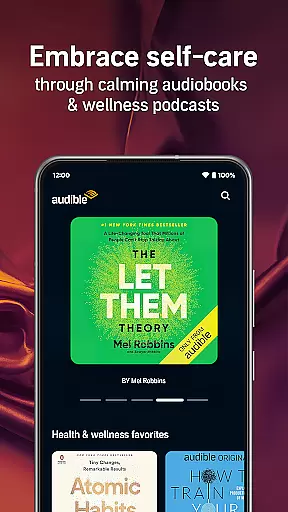
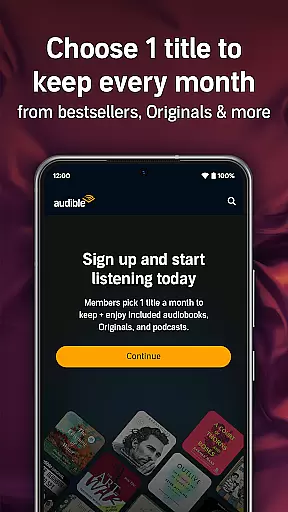

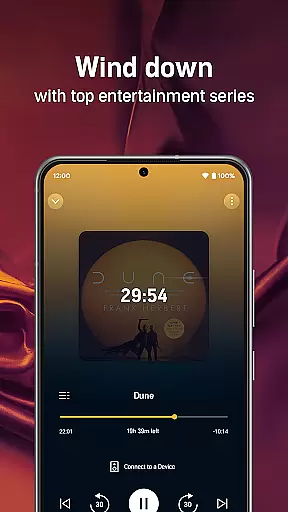
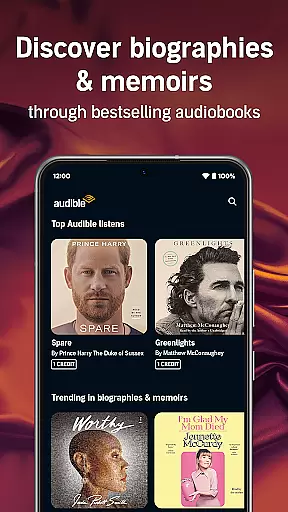
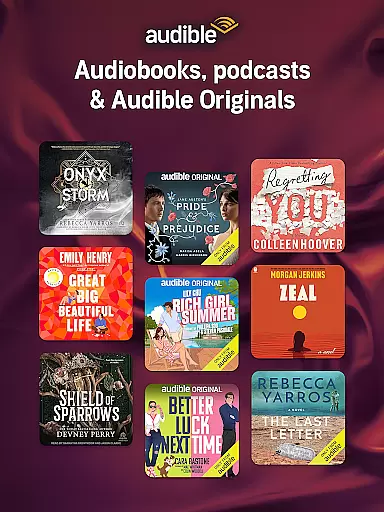
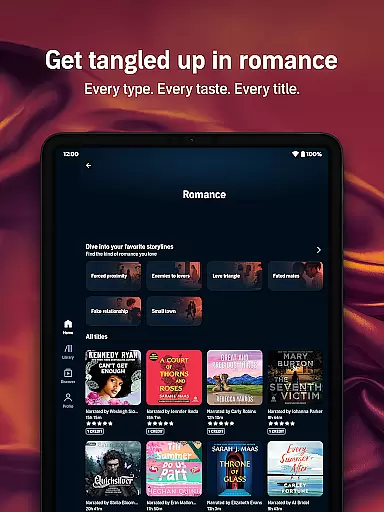
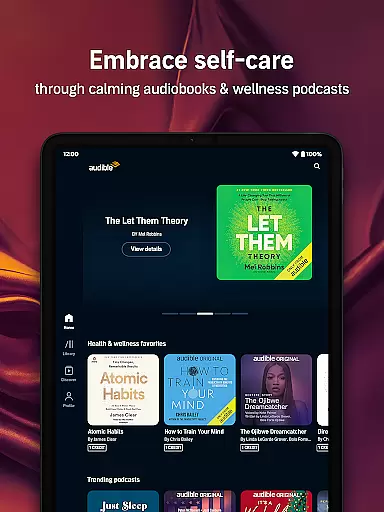

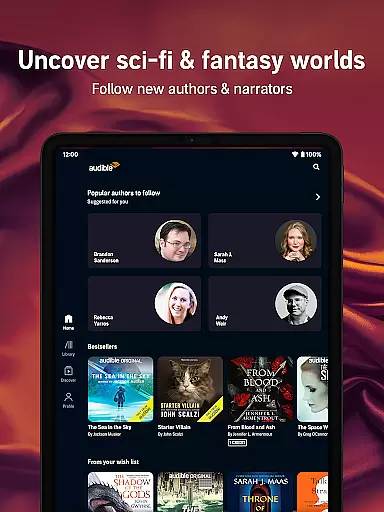
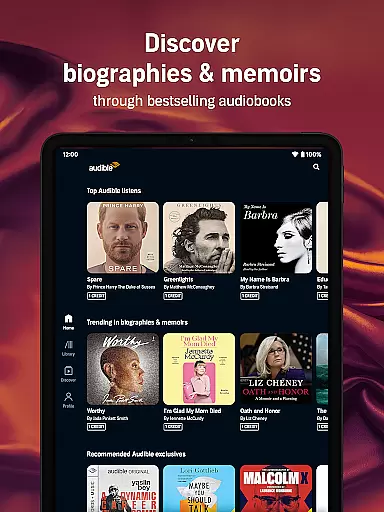
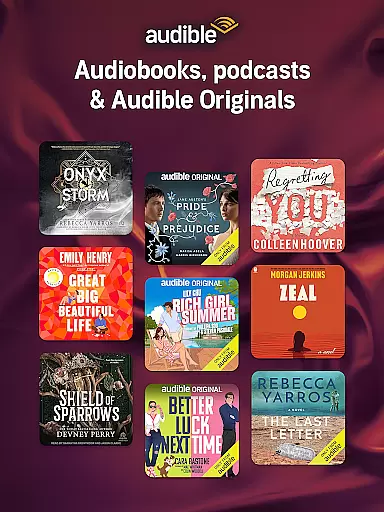
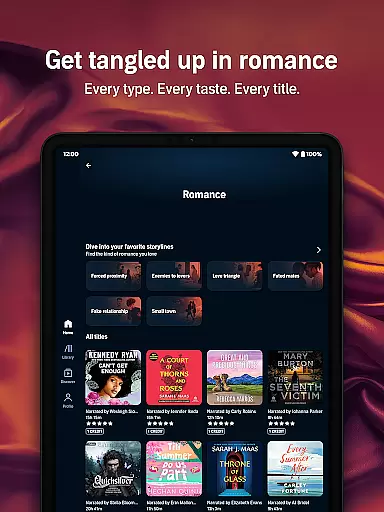
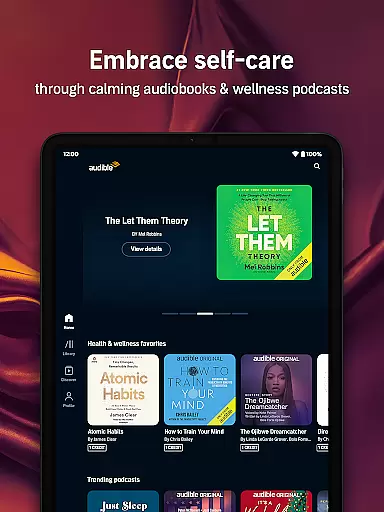

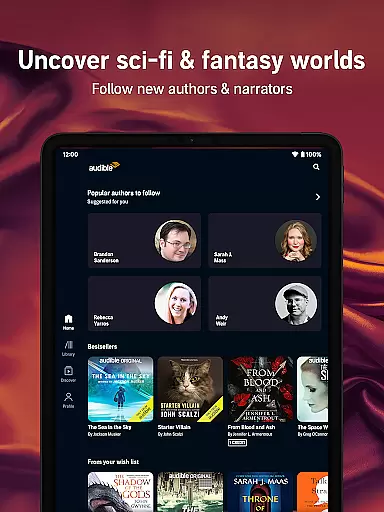
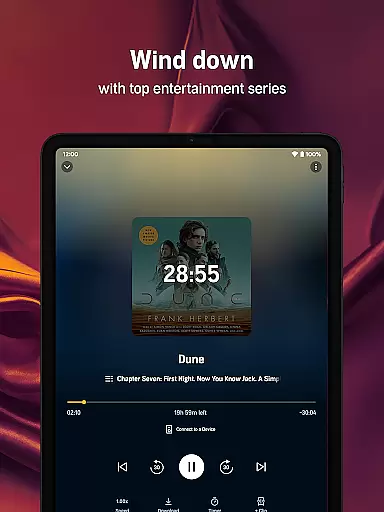
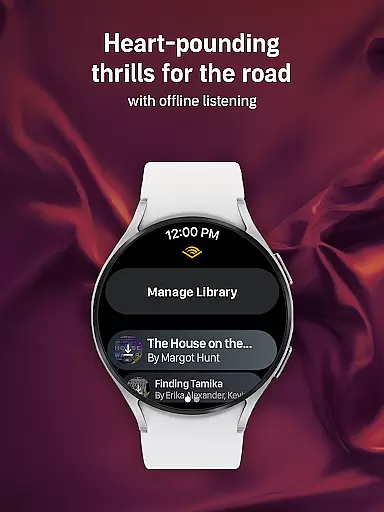
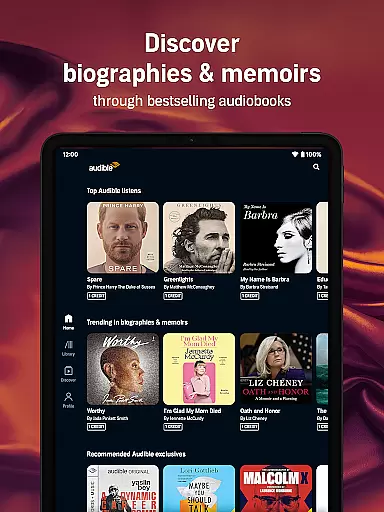
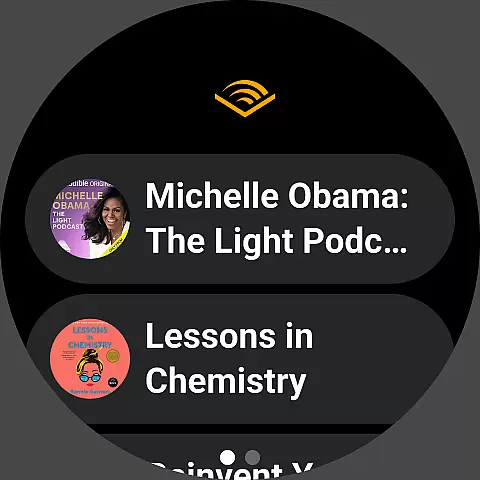
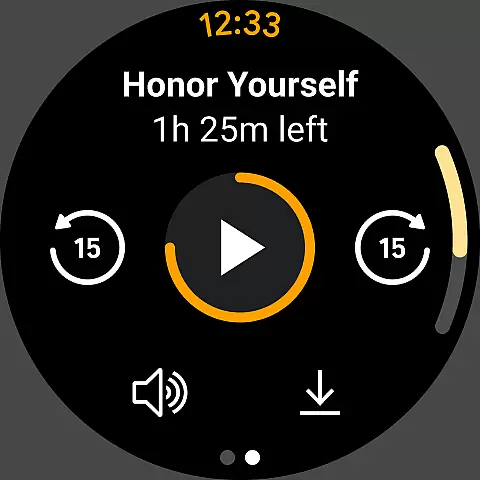
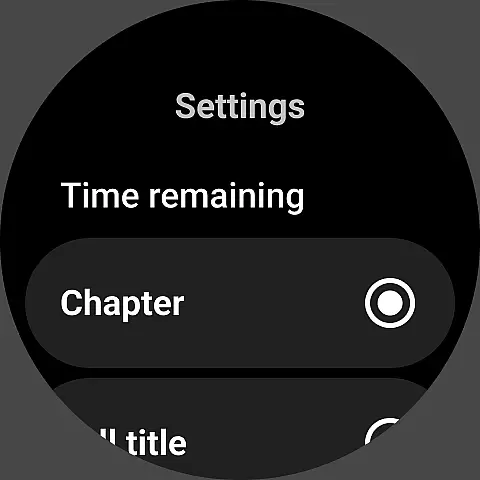
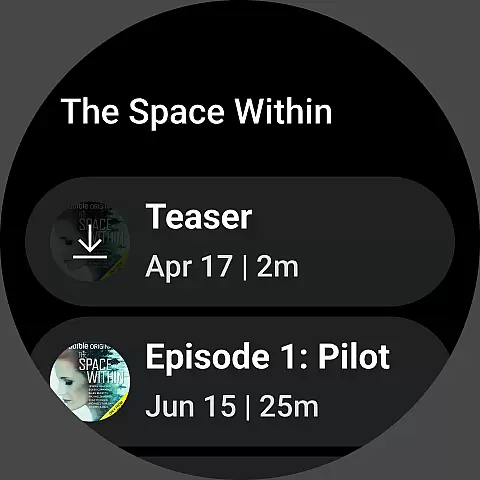


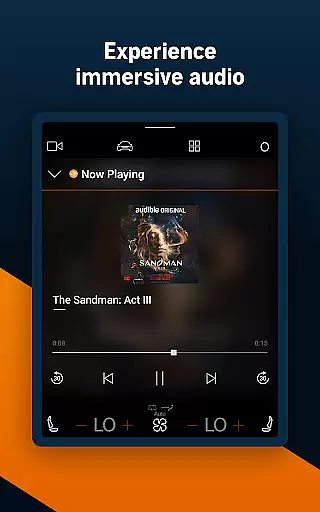
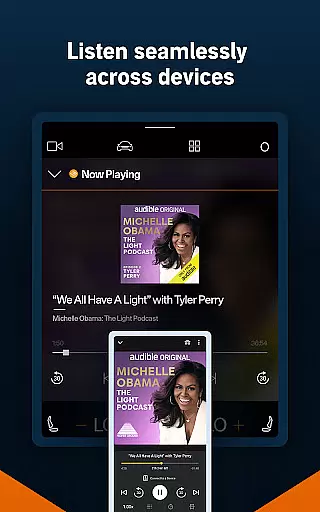

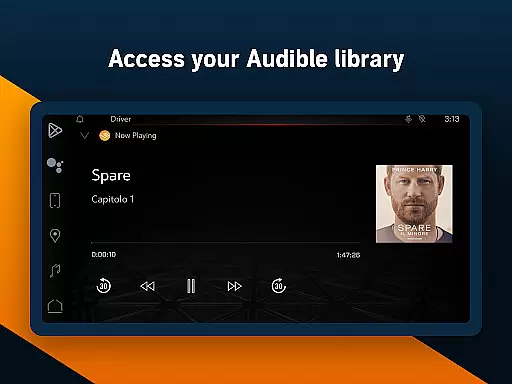
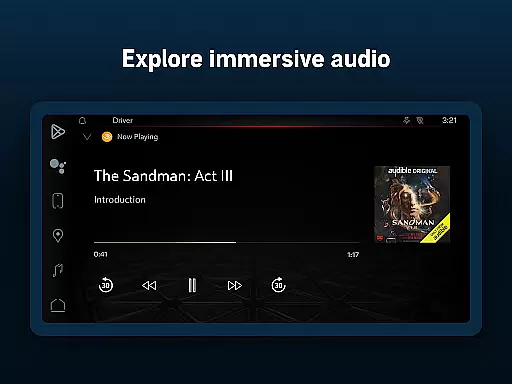
Audible is a leading audiobook and podcast platform designed for Android Wear offering users access to thousands of titles across genres such as mystery romance and self-development. With its extensive library of audiobooks exclusive podcasts and Audible Originals users can enjoy immersive storytelling tailored to their preferences.
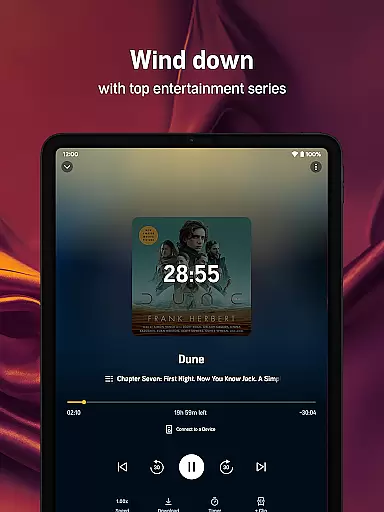
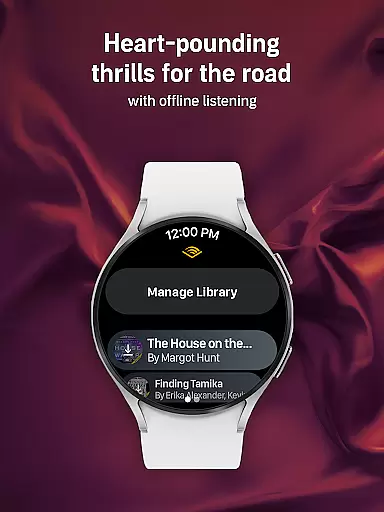
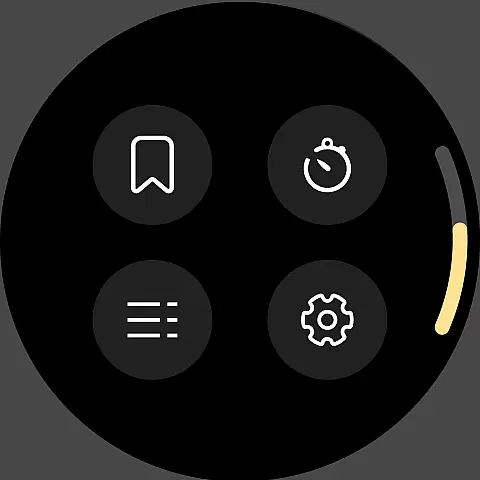
One standout feature is the ability to download content for offline listening ensuring uninterrupted access even without an internet connection. Additionally tools like adjustable narration speed sleep timers and Car Mode enhance user convenience making it ideal for multitasking or entertainment during commutes workouts or chores.
This app is perfect for busy individuals who want to maximize their time by listening to books while performing daily tasks. Whether commuting exercising or relaxing Audible transforms routines into opportunities for learning and enjoyment providing a seamless blend of productivity and leisure.
Audible stands out due to its robust set of features that cater to diverse listening needs. The Plus Catalog grants access to thousands of audiobooks podcasts and Originals which can be downloaded without credits required. This flexibility allows users to explore trending bestsellers and exclusive series at no extra cost.
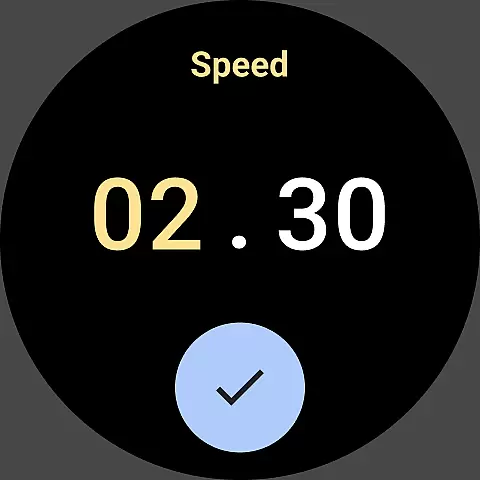
For added convenience Audible supports offline downloads enabling listeners to enjoy content anywhere without Wi-Fi. Features like adjustable narration speeds up to 3.5x and personalized playlists empower users to tailor their experiences. Moreover integration with Wear OS and Alexa-enabled devices ensures hands-free operation enhancing accessibility.
Premium Plus membership further enriches the experience by offering monthly credits for any title choice along with a permanent library where purchased audiobooks remain available even after cancellation. These innovations make Audible not just an audiobook app but a comprehensive audio entertainment platform.
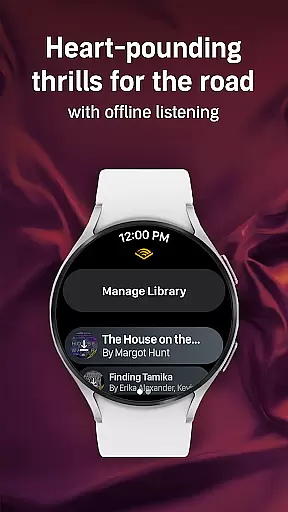
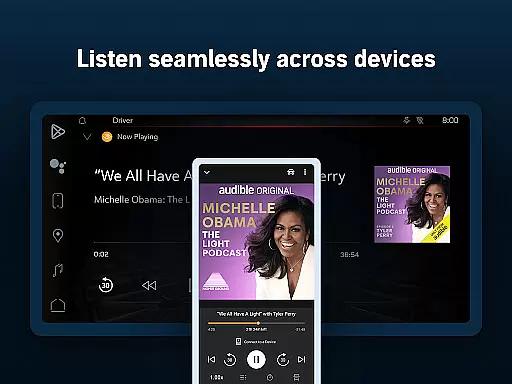
Companion app integration is essential for a seamless wearable experience. Audible ensures that its Android Wear app works in perfect harmony with the main mobile application. This allows users to control their audiobooks and podcasts directly from their smartwatch, providing unmatched convenience.
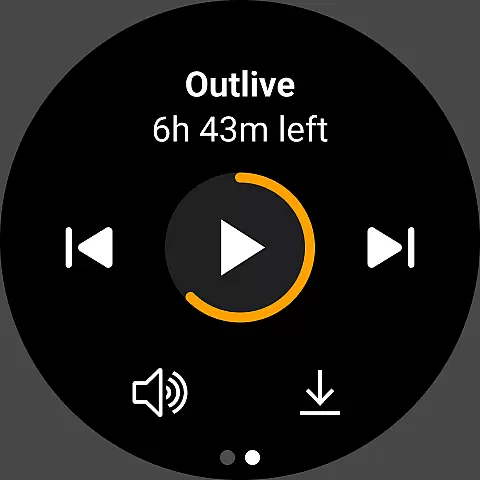
The integration enables users to manage playback, browse titles, and even download content for offline listening, all from their wrist. By syncing data between devices, Audible makes it easy to pick up where you left off, whether you're switching from phone to watch or vice versa.
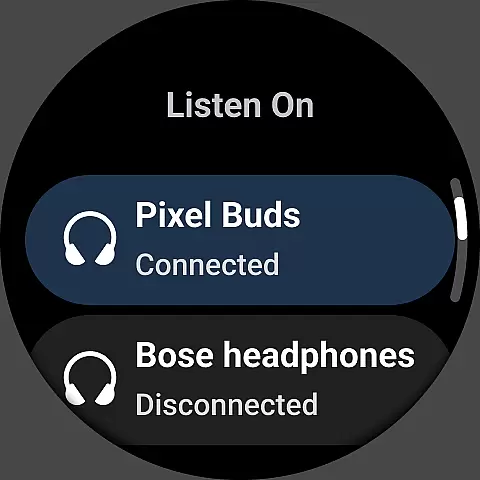
This interconnected ecosystem enhances the user experience by offering quick access to audio content without needing to carry a phone. With features like Car Mode and Bluetooth connectivity, Audible ensures that your stories are always within reach, no matter where you are.
Device compatibility is crucial for ensuring that Audible runs smoothly across various Wear OS devices. The app supports a wide range of smartwatches, allowing users to enjoy their favorite audiobooks and podcasts on different devices without any hiccups.
Audible's optimization for Wear OS guarantees that users can take advantage of all the platform's features, such as voice commands and health tracking, while enjoying their audio content. This compatibility extends to other connected devices, including Alexa-enabled gadgets, enhancing the overall accessibility.
By prioritizing cross-device functionality, Audible ensures that listeners can enjoy an uninterrupted experience. Whether commuting, working out, or relaxing at home, the app's broad compatibility means you're never more than a tap away from your next great listen.
Extensive audiobook library
Offline listening support
Adjustable narration speed
Exclusive Originals content
Seamless device integration
Membership fees required
Limited free content
Occasional app glitches
Heavy storage usage
Complex navigation

Walking app for weight loss: walk & step tracker, pedometer, indoor treadmill
 4.60
4.60
Easy Voice Recorder is your everyday companion to record important moments.
4.70
Watch face for Wear OS.
4.20
Find EV charging stations
4.30
The ultimate destination for kids ages 3-8 to explore the Marvel Universe!
4.30
Reliable phone calls with spam protection, caller ID and more helpful features
4.40
The Chevron App allows you to pay for fuel from the comfort of your car!
4.80
Your local weather forecast, storm tracker, radar maps & live weather news
3.40
Start and succeed with PAP
4.10
Beautiful, colorful and practical watch face. For Wear OS devices.
5.00
A modern hybrid informative watch face for Wear OS designed by BALLOZI
4.80
Highly customizable hybrid watch face for Wear OS, perfect for everyday use.
4.60
Embrace the holiday spirit with this magical animated watch face!
4.40
Premium hybrid watch face with many customizations for Wear OS devices.
4.40
sleep, alarm, snoring, stress, healing, focus, sound therapy, circadian rhythm
4.10
The #1 source of faces for your smartwatch!
4.00
A digital watch face that celebrates Christmas.
4.00
Authentic military-tactical design with ZULU time! Realistic and functional!
3.80
Fitness interactive virtual pet super fighter boy watch face
4.3


User Reviews