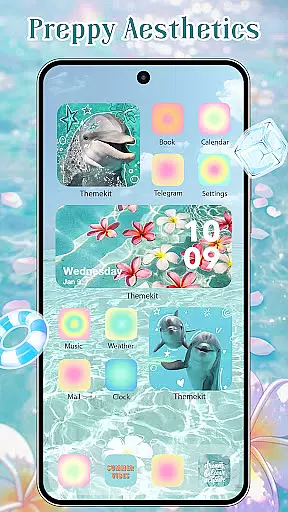
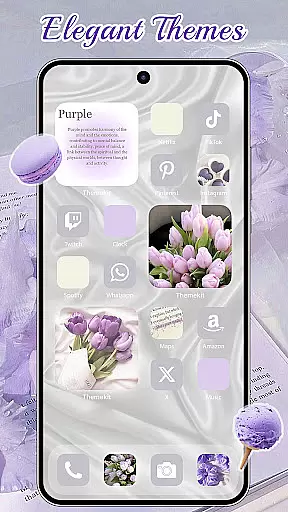
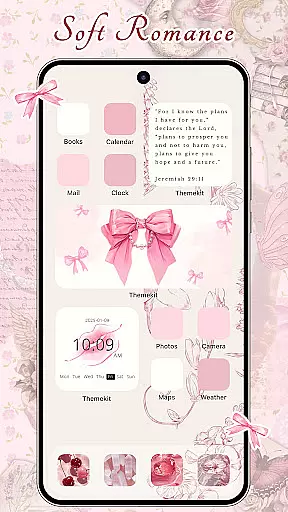
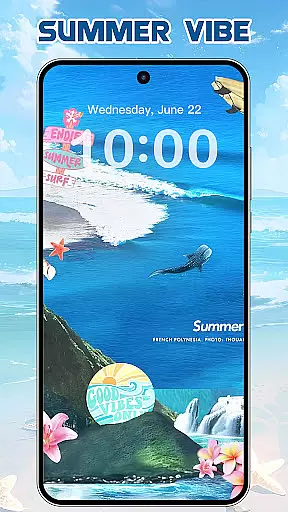
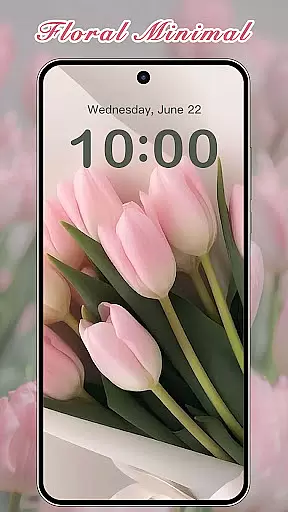
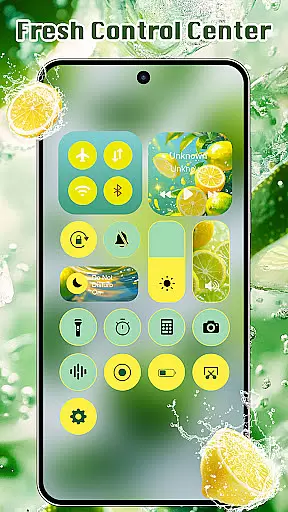
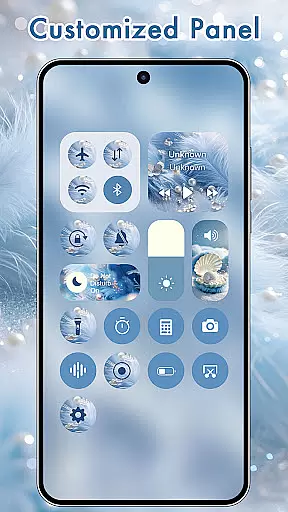
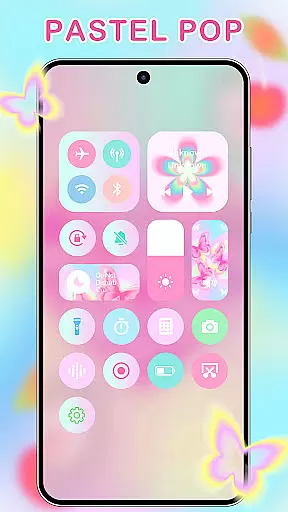
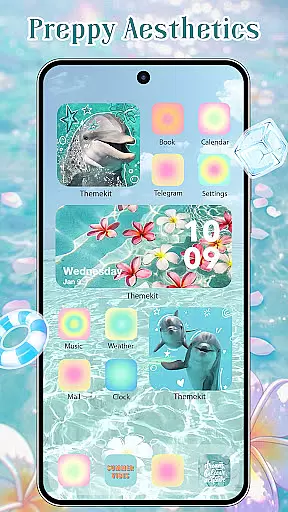
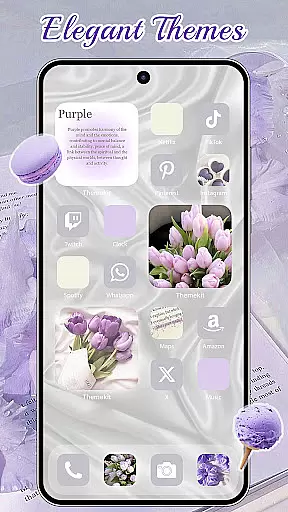
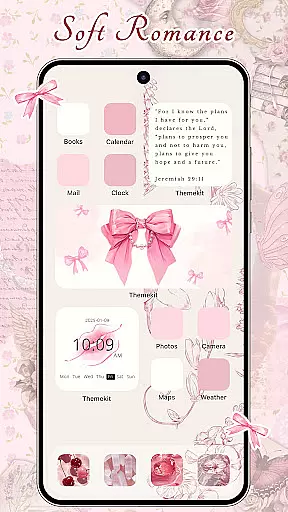
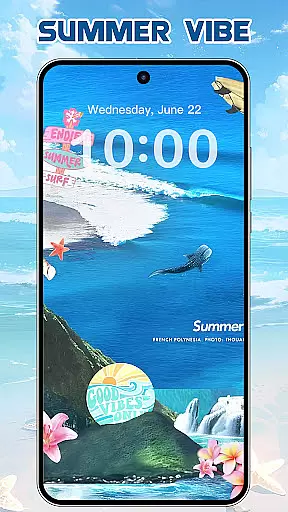
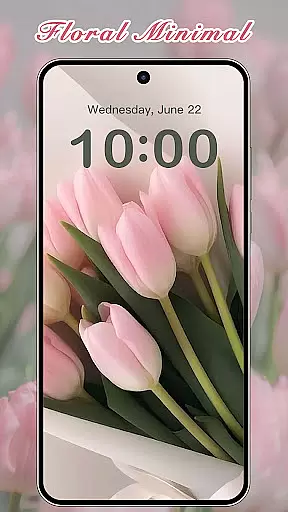

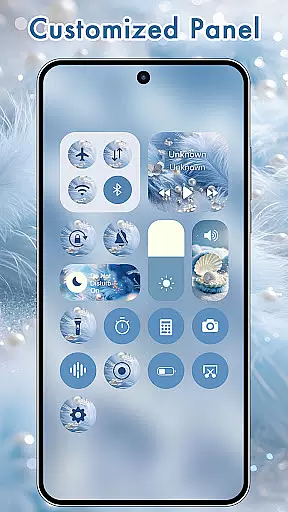
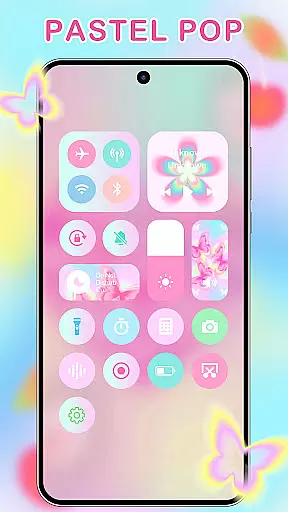
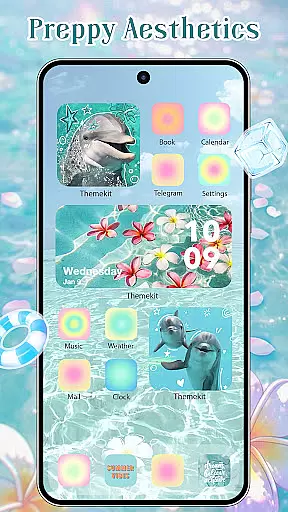
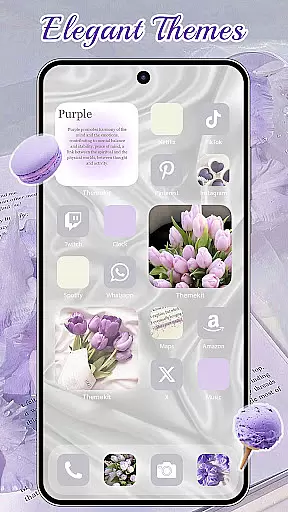
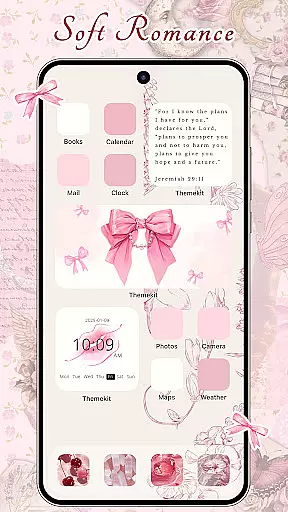
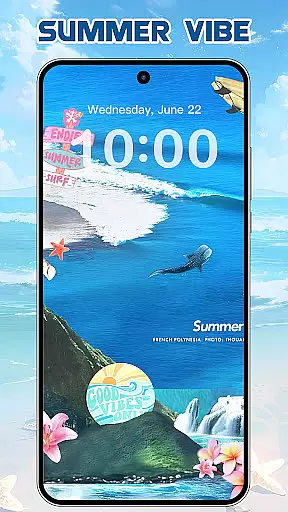
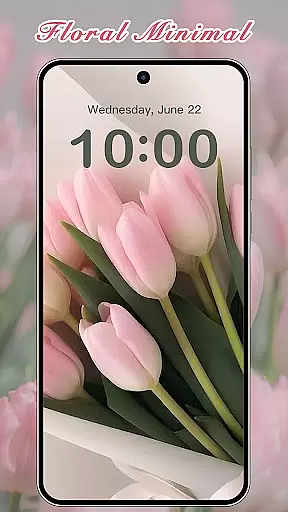
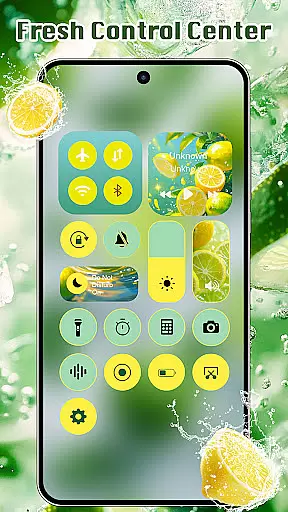
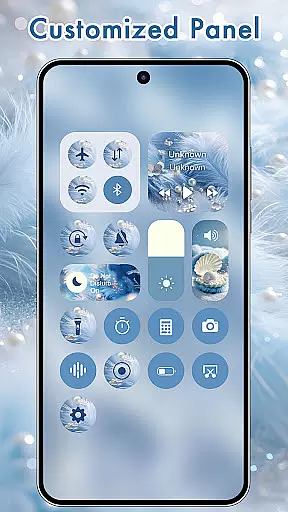
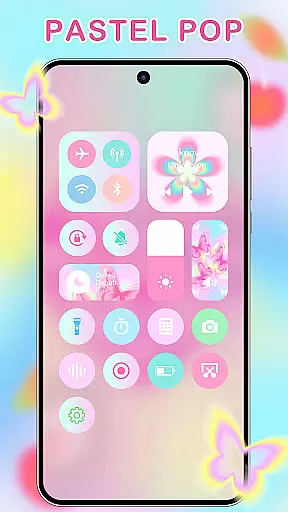
ThemeKit is a comprehensive personalization app designed specifically for Android users who want to enhance their device's aesthetics. This app offers an extensive collection of icon packs, widgets, and wallpapers that allow users to customize their home screens with ease. With over 5000 icons, 3000 themes, and 9000 widgets, ThemeKit provides limitless possibilities for personal expression.
The app stands out with its DIY capabilities, enabling users to design unique icons and widgets using personal photos. Whether you're looking for seasonal themes like Christmas or Summer Vacation, or specific styles such as Aesthetic, Brat Green, or Kpop, ThemeKit has something for everyone. The app also features daily updates to keep up with the latest trends in mobile aesthetics.
ThemeKit is not just about looks; it's about functionality too. Users can enjoy dynamic widgets that display real-time information, such as weather forecasts and countdown timers. Compatible with various Android devices including Samsung, Vivo, OPPO, and Xiaomi, this app ensures a seamless experience across different platforms. Its user-friendly interface makes it accessible to all, regardless of technical expertise.
ThemeKit boasts an impressive array of features that cater to every aspect of phone personalization. One of its standout functionalities is the icon changer, which allows users to replace default app icons with custom designs without needing a separate launcher. This feature supports both built-in icon packs and user-uploaded images, providing unparalleled flexibility.
In addition to icons, ThemeKit offers a robust widget kit that lets users edit and customize their home screens with hundreds of styles. These widgets can display useful information like weather updates and countdowns, making them both decorative and practical. The app also includes a 4K wallpaper changer, giving users access to high-definition backgrounds that are updated daily.
Another key feature is the app's compatibility with multiple Android devices and languages, ensuring a broad user base can enjoy its benefits. ThemeKit's intuitive search function helps users quickly find the perfect theme or widget, while its Accessibility Services enable advanced features like music and volume control directly from the home screen. This combination of aesthetic appeal and functional utility makes ThemeKit a top choice for Android personalization.
ThemeKit offers an extensive range of customization options that allow users to personalize their Android devices like never before. With over 5000 icons, 3000 themes, and 9000 widgets, the app provides a comprehensive suite for aesthetic personalization.
The app includes DIY functions enabling users to design unique icons and widgets using personal album pictures and wallpapers. This feature ensures that your device not only looks personalized but feels truly yours, reflecting individual style and creativity.
Users can enjoy daily updates with new trends such as Summer Sadness, Pray, Festival, Dark, Pink, Fantasy, Cartoon, Gothic, Anime, Aesthetic, Brat Green, Kpop, and sports themes. These frequent updates ensure that there is always something fresh and engaging for users to explore and apply to their devices.
ThemeKit excels in theme compatibility, ensuring that its vast library of themes works seamlessly across various Android devices including Samsung, Vivo, OPPO, and Xiaomi. This high level of compatibility makes it easy for users to apply their favorite themes without worrying about device-specific issues.
In addition to broad device support, ThemeKit also integrates smoothly with different launchers and does not require additional installations for icon changes. Users can select from gallery images or numerous icon packs directly within the app, streamlining the customization process.
Furthermore, ThemeKit supports multiple languages and provides a user-friendly interface free from watermarks, enhancing the overall user experience. Whether you're looking for 4K wallpapers or intricate widget designs, ThemeKit ensures all elements are perfectly compatible and visually stunning on your device.
User-friendly interface
Extensive customization options
Daily content updates
Wide device compatibility
Vibrant community support
Some features may require premium access
Occasional performance lags
Limited offline functionality
Ads within the free version
Complexity for novice users

Stunningly Different look with Line Icons and Neon Colors
 4.60
4.60
Prank your friends with realistic broken screen and cracked HD effects!
4.5
Ultimate widget creator. Design custom widgets for a truly unique home screen!
3.90
Want to make your phone more special than ever?
4.60
Yandex Browser — stylish and secure, with voice search and data compression
4.40
Handcrafted pixel art icons, widgets & wallpapers
4.60
400+ Beautifully crafted widgets inspired by NOTHING.
4.70
Modern Glass Icon Pack with glossy icons, clean minimal theme & aesthetic style
4.1
Transform your phone with stylish zipper lock themes and 4D live wallpaper
4.10
Shimeji adds cute animated characters to your screen, lively and fun.
4.70
Classic analogue watch face. For wear os devices.
4.60
Over 28,000 high quality icons to bring color & homogeneity to your phone.
4.60
Embrace the Night. Unleash the power of darkness with Raven Dark Icon Pack
4.60
Icons made of colorful linear lines
4.60
Aesthetic Widgets, HD Wallpapers, Themes in Mico Widget for Home and Lock Screen
4.50 4.50
4.50
Themes - Widget & Wallpaper: Customize home screen, icon changer w unique themes
4.30
Unique Fonts, typefaces and stylish text. Fonts for Instagram, Whatsapp & others
4.20
Design your screen with unique, vibrant clocks
3.80


User Reviews