
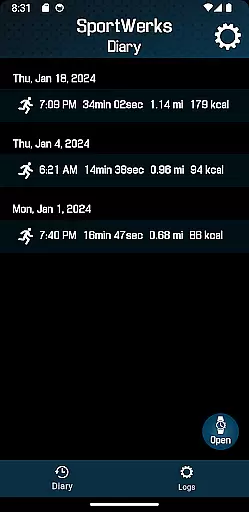
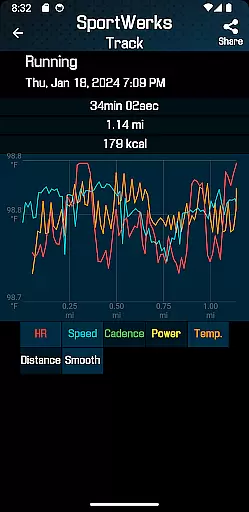
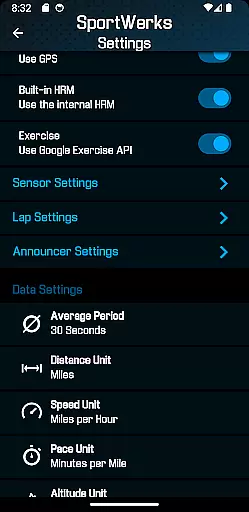
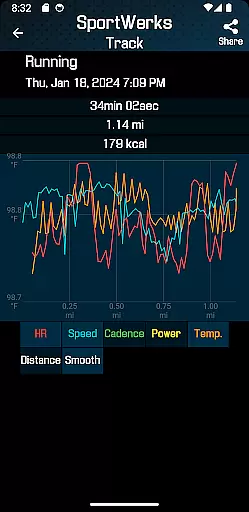
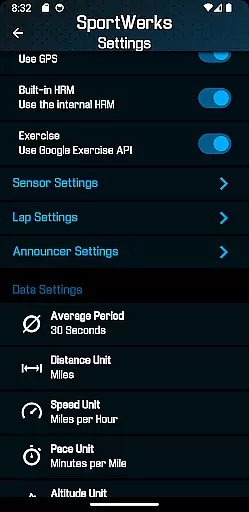
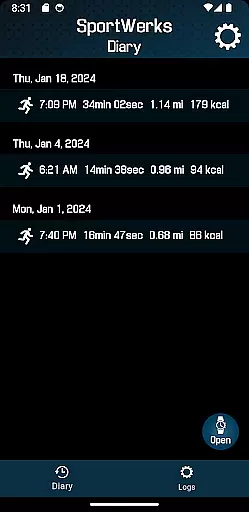
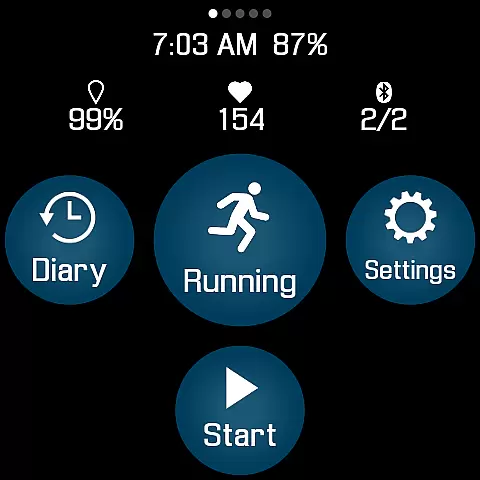
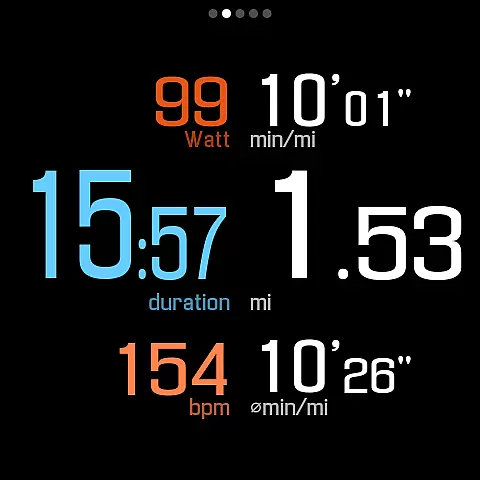
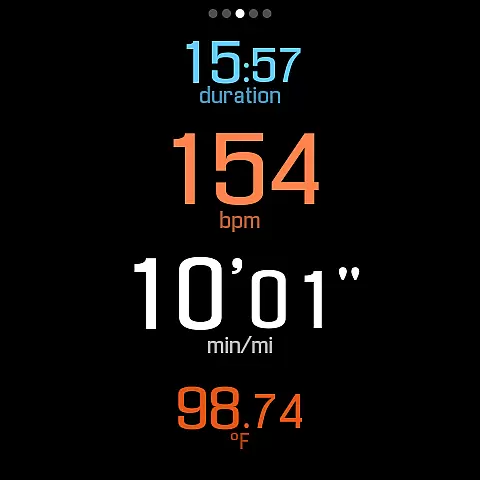
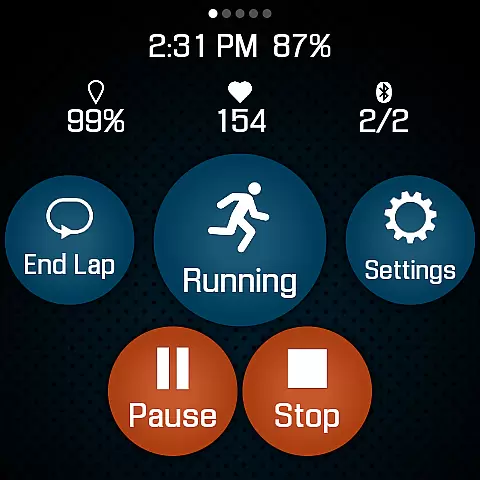
SportWerks is the ultimate fitness companion for your Wear OS watch, offering unparalleled customization and tracking capabilities. Designed for athletes and fitness enthusiasts, this app allows you to tailor your workout screen to display the data most important to you in large, easy-to-read numbers. Whether you're running, cycling, or swimming, SportWerks ensures accurate tracking of all essential metrics.
One of the standout features of SportWerks is its seamless integration with major fitness platforms such as Strava, FinalSurge, and TrainingPeaks. After completing your workout, the app automatically uploads your data, providing you with a .FIT file that can be imported into any fitness management system. This makes it an ideal choice for those who want to keep their training data organized across multiple platforms.
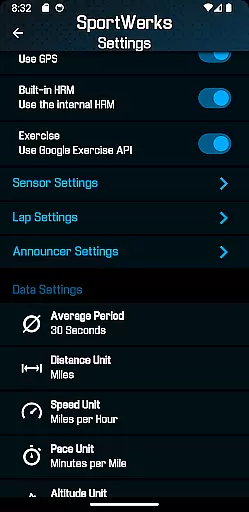
Beyond just tracking, SportWerks offers advanced functionalities including support for various Bluetooth-Low-Energy (BLE) devices from top fitness brands like Stryd, CORE, Wahoo, Polar, and Suunto. With the ability to manage settings in real-time through its companion Android app, SportWerks empowers users to optimize their workout experience directly from their wrist, without needing their phone nearby.
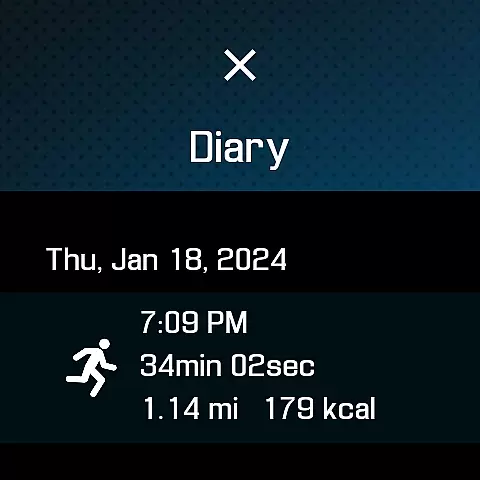
SportWerks stands out with its extensive range of features tailored to meet the needs of diverse athletes. The app supports tracking for a wide array of activities listed in the Google Exercise library, including running, walking, cycling, hiking, swimming, and more. Each activity is tracked with precision, capturing crucial data points such as heart rate, location, stride rate, pace, power, and elevation.
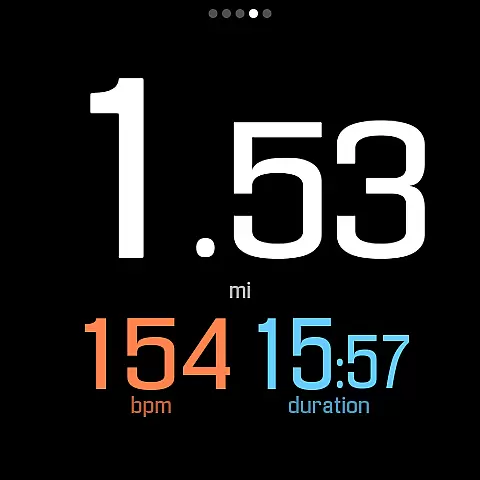
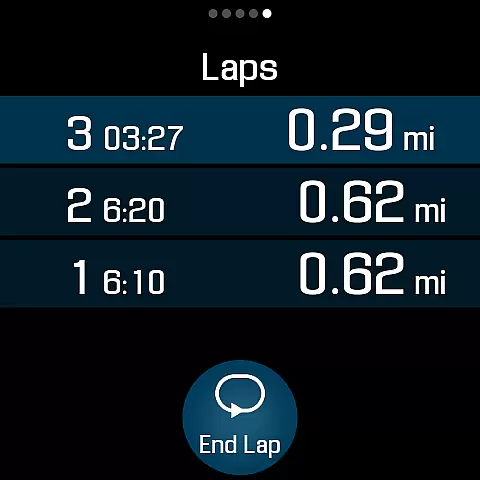
A key highlight is the customizable workout screens, which allow users to choose from multiple layouts (6-values, 4-values, 3-values, Laps) and toggle individual screens on or off with a single tap. This flexibility ensures that users can view the metrics they care about most during their workouts. Additionally, SportWerks connects seamlessly with BLE devices from leading fitness companies, enhancing the accuracy and depth of data collected.
The app's ability to send workouts automatically to platforms like Strava, FinalSurge, and TrainingPeaks, along with generating .FIT files, streamlines the process of managing and analyzing performance data. Users also benefit from a companion Android app that facilitates real-time adjustments to settings and manages .FIT files efficiently. These features collectively make SportWerks a powerful tool for optimizing your fitness journey.
Personalized planning in fitness applications refers to the ability to tailor workouts specifically to individual user needs and preferences. SportWerks - Workout Tracker excels in this area by offering customizable workout screens that display data users want to see during their exercise sessions.
The app supports a wide range of workout types from the Google Exercise library, including running, cycling, and swimming, allowing users to choose activities that best fit their fitness goals. By integrating with various Bluetooth-Low-Energy (BLE) devices such as heart-rate monitors and power meters, SportWerks ensures accurate tracking of all workout aspects like heart rate, pace, and power.
Users benefit from the app's capacity to automatically send detailed workout data to platforms like Strava or TrainingPeaks. This seamless integration not only saves time but also enhances the useru2019s ability to analyze performance over time, thus refining personal fitness strategies.
Progress visualization is crucial for maintaining motivation and understanding improvement over time. SportWerks provides multiple workout screens with large, easy-to-read numbers, enabling users to monitor their progress effectively during workouts.
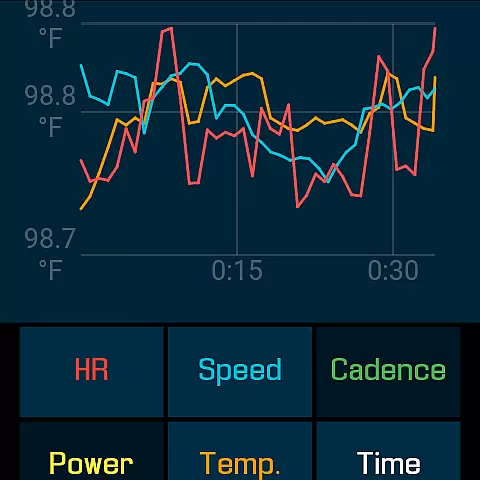
The app tracks all essential metrics such as HR, location, stride rate, pace, power, and elevation. These comprehensive data points are vital for users who need detailed feedback on their performance, helping them adjust their routines for better results.
SportWerks goes further by notifying users via watch speaker or paired headset at set intervals, ensuring they receive real-time updates without needing to look at their device. This auditory feedback mechanism keeps users informed and focused, enhancing the overall workout experience.
User-friendly interface
Comprehensive tracking
Seamless platform integration
Real-time settings management
Wide device compatibility
Limited to Wear OS
Premium features may require subscription
Occasional syncing issues
Companion app needed for full functionality
Advanced features may overwhelm beginners

Home workouts for fitness & fast bodybuilding at home - no equipment needed.
 4.90
4.90
Easy reconstitution calc for mixing peptides and creating protocols
4.70
Period Tracker, the easiest way to track your periods!
4.50
Measure real-time wrist & ambient temperature with your Galaxy Watch (Wear OS)
3.20
Get lasting results with Chair Yoga, Wall Pilates, and Walking workouts!
4.60
Eat smarter with Eato, your personal calorie counter and nutrition tracker!
4.40
Step Counter, track steps when you walk or run
4.70
beat yesterday.
4.00
Focus on BP & Health
3.80
Power-lifting, weightlifting and Wendler 531 app to track your workout program.
4.90
A brain game that moves you
4.70
Binaural Beats - Fully Customizable Waves - Pure Sound - No Loops
4.50
Memory, mind & logic exercises. Puzzle games, IQ & brain test for kids & adults
4.50
Personal step counter for you, private and accurate
4.50
Relax to calm sounds, white noise, music, guided meditation and bedtime stories
4.40
The most accurate heart rate app to monitor and track your heart rate & pulse.
4.40
Looking to take control of your health? Our psychology-based programs can help.
4.10
FitCloudPro takes care of your health every minute.
3.70
Optimization for TRT & Enhanced Athletes
4.5


User Reviews