
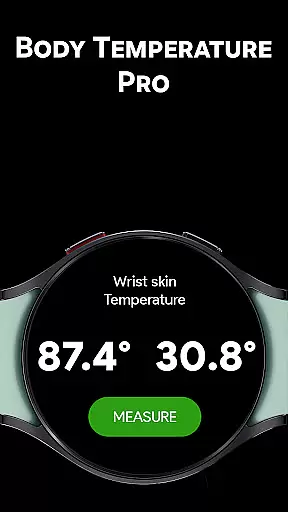
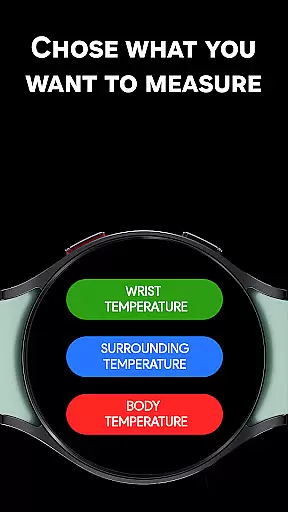
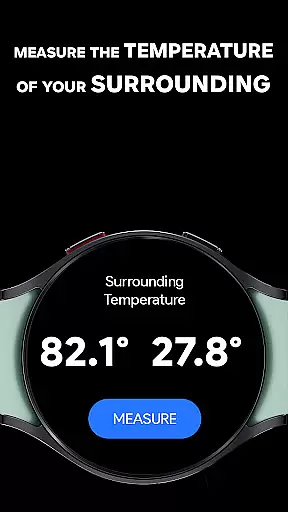
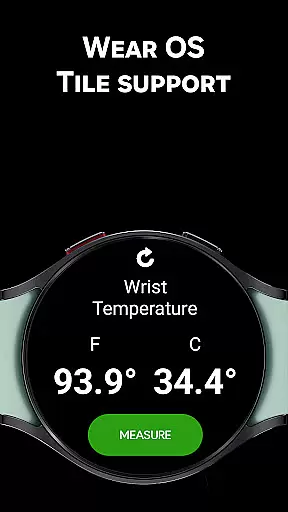
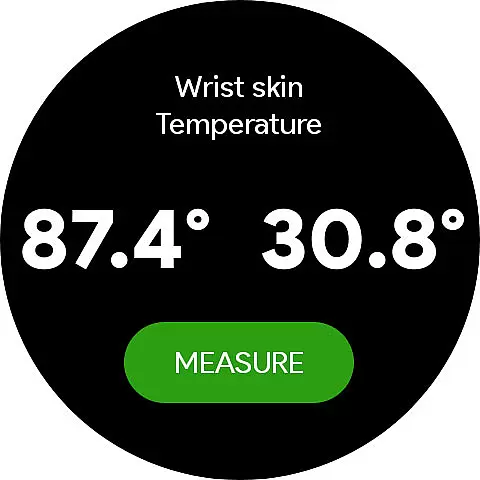
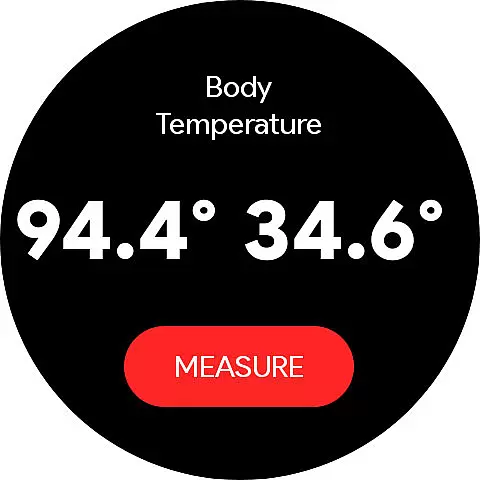
Body Temperature Pro is a cutting-edge health application designed specifically for Galaxy Watch users. This app utilizes the built-in temperature sensor of your smartwatch to provide accurate wrist and ambient temperature readings. With support for various models including Galaxy Watch 5, 6, 7, 8, and Ultra (Wear OS), it ensures compatibility across Samsung's latest wearable technology.
The app stands out with its real sensor-based measurements, unlike many apps that offer simulated data. It includes advanced features like a Calibrator Tool for precise adjustments and a Temperature History Viewer to track past readings. Whether you're monitoring your personal health or simply curious about your environment, Body Temperature Pro offers reliable data through an intuitive interface.
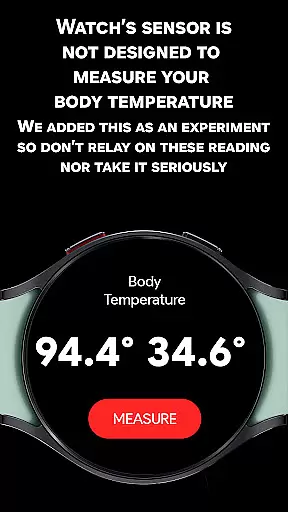
While experimental body temperature readings are available, they should not be used for medical decisions. The app also integrates seamlessly with Samsung Health, making it a trusted choice among thousands of users who rely on accurate and continuous updates.
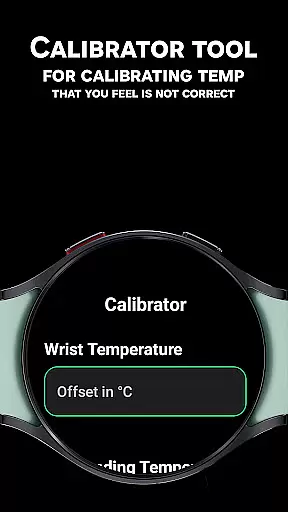
Body Temperature Pro boasts a comprehensive set of features tailored to enhance user experience and accuracy. One standout feature is the Calibrator Tool, which allows users to fine-tune temperature readings by comparing them with external thermometers. By entering an offset value, future measurements automatically adjust, ensuring personalized and precise results.
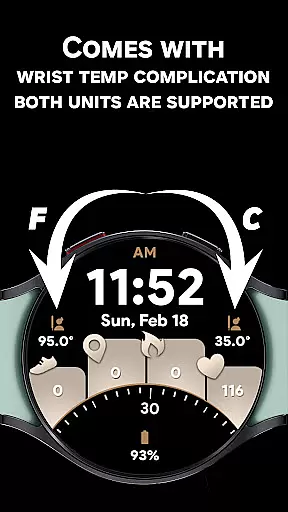
In addition to wrist temperature monitoring, the app provides Surrounding Temperature Mode, giving insights into environmental conditions. For those interested in experimental data, the app includes a Body Temperature feature, though it's important to note this is not intended for health diagnosis. Users can view temperatures in both Celsius and Fahrenheit simultaneously, catering to global preferences.
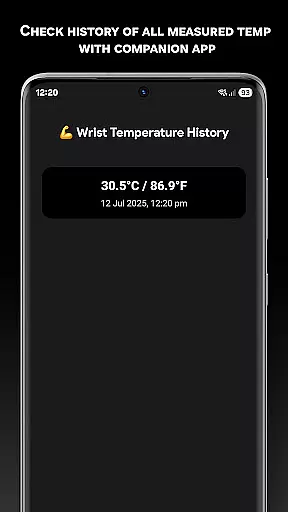
The app's integration with Wear OS Tiles enables one-tap measurement access directly from the watch face. Beautiful UI animations and complications support further enrich the user interface, while the companion mobile app allows detailed history tracking. These robust features collectively deliver a seamless blend of functionality and aesthetics, setting Body Temperature Pro apart in the realm of wearable health tech.
In the realm of health and fitness, personalized planning is pivotal for achieving individual wellness goals. Body Temperature Pro excels in this area by offering tailored temperature readings that consider the unique variables affecting each user's data. The app's cutting-edge Calibrator Tool allows for precise adjustments, ensuring that measurements are finely tuned to match personal physiology and external conditions.
By integrating calibration offsets, users can align their wrist, body, and ambient temperature readings with trusted thermometers, enhancing the accuracy of their health tracking over time. This level of customization empowers users to establish a reliable baseline for their temperature data, which is crucial for monitoring fluctuations and making informed decisions about their well-being.
The true innovation lies in the app's ability to adapt to varying factors such as body type, skin contact, and watch placement. By accounting for these elements, Body Temperature Pro delivers a personalized experience that acknowledges the nuances of each user's interaction with their Galaxy Watch. This ensures that every reading contributes meaningfully to a comprehensive understanding of one's health landscape.
Visualizing progress is essential for maintaining motivation and making necessary adjustments to one's health regimen. With Body Temperature Pro, users benefit from an intuitive display of their temperature history through the companion app, which presents past wrist, body, and ambient readings in an accessible format. This visualization tool enables users to track trends, identify patterns, and understand how different factors influence their temperature metrics over time.
The app goes beyond mere numbers by providing Wear OS Tiles and Complications support, allowing for quick access to the latest temperature data directly from the watch face. These features not only enhance convenience but also serve as visual cues that remind users to take regular readings, thus fostering consistent engagement with their health monitoring routine.
Moreover, the seamless synchronization between the Galaxy Watch and mobile devices ensures that users have a complete picture of their progress at their fingertips. By combining beautiful UI animations with functional design, Body Temperature Pro transforms raw data into a compelling narrative of personal health achievement, encouraging users to continue their journey towards optimal well-being.
Real-time temperature readings
User-friendly interface
Advanced calibration tool
Comprehensive history tracking
Wide device compatibility
Experimental body temp
Requires manual calibration
Limited medical use
Dependent on hardware
Premium version costs

Your Health Has Met Its App (℠)
 3.90
3.90
Transform your body and soul with DBFFitness, with a 40-day fitness journey.
4.4
Personal Measurements - Track your gains!
4.50
Period Tracker, the easiest way to track your periods!
4.50
Using Recognise™ has been shown to reduce pain and improve performance.
4.4
Pupillary distance PD with camera quick and easy, checking glasses frames on you
3.70
Grow with self-tests and personal routine.
4.30
Track sleep cycle, relax with white noise, sleep sounds & smart alarm clock
3.80
Understand your body’s most meaningful messages and transform your health.
3.90
Beauty Care, Makeup & Skin Care Scanner | Pregnancy App For A Mom | Healthy Baby
5.00
Show your support for the development of FitNotes - Gym Workout Log
4.90
Wall Pilates at home & Pilates workout for beginners for core and weight loss.
4.80
a fun app full of surprises :)
4.70
The Official Blood Type Diet® App - know your categorized foods anytime.
4.50
Walk, track, and burn calories with step counter & GPS walking tracker
4.20
Focus on BP & Health
3.80
The app helps you address digestive symptoms based on the Fast Tract Diet.
3.50
HRV4Training helps you optimize goals and improve performance. No sensors needed
3.30
Sync your activities of the most popular sports tracking services
2.70


User Reviews