
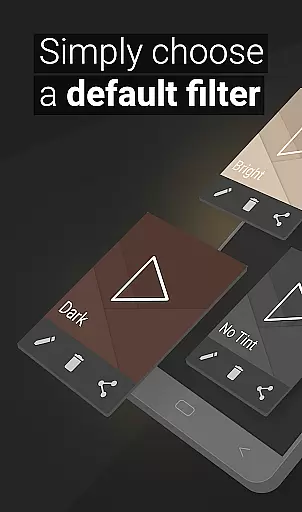
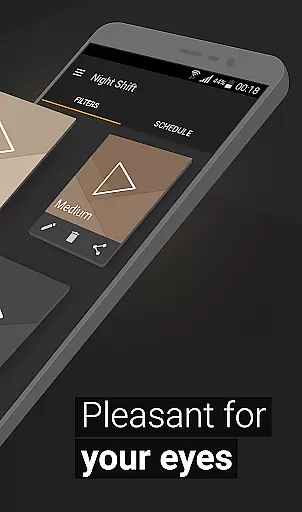
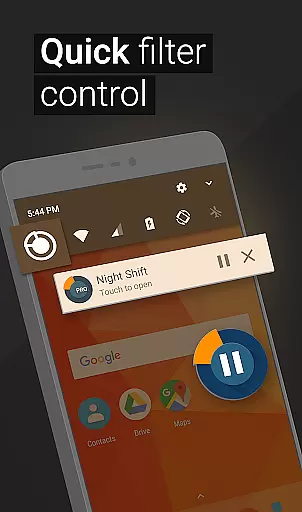
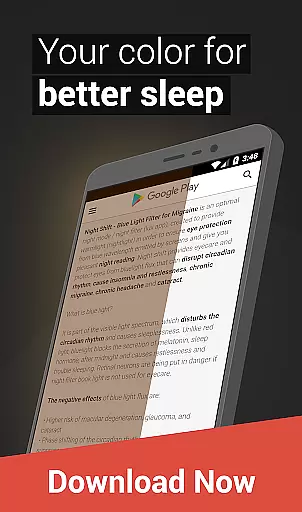
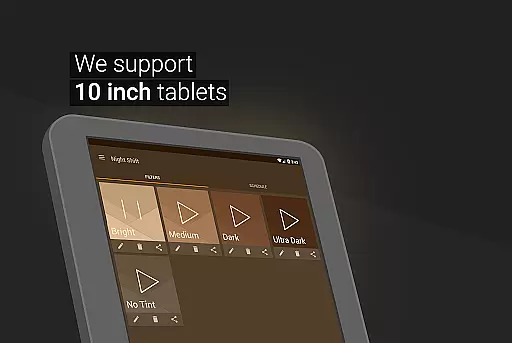
Night Shift is a specialized health application designed to protect users' eyes during nighttime device usage. The app functions as an advanced blue light filter that not only improves sleep quality but also helps prevent headaches and other eye-related issues caused by screen exposure. By dimming the screen below system minimum levels and offering customizable temperature, color, and RGB settings, it creates an optimal viewing experience for low-light conditions.
The application's key value lies in its comprehensive approach to eye care. It includes premade filters for quick use while allowing users to create their own customized dark mode settings. With features like automatic scheduling and accessibility service integration, Night Shift ensures uninterrupted protection whether you're reading, gaming, or browsing at night. This makes it an essential tool for maintaining good eye health and overall well-being during extended evening screen sessions.
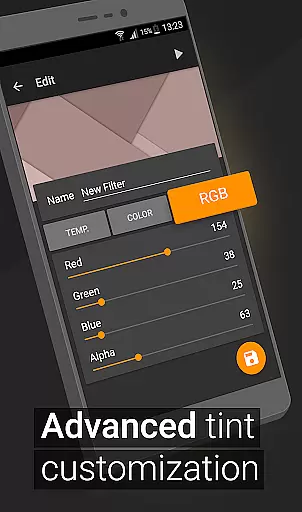
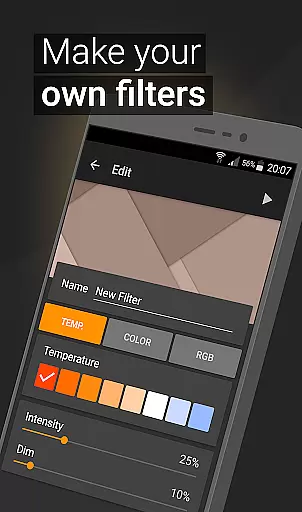
Night Shift distinguishes itself through a robust set of features designed to enhance user comfort during nighttime device usage. The app provides multiple premade blue light filters while enabling users to create unlimited custom filters with precise control over temperature, color balance, and RGB values. This level of customization allows users to fine-tune their screen's appearance to perfectly suit their environmental lighting conditions.
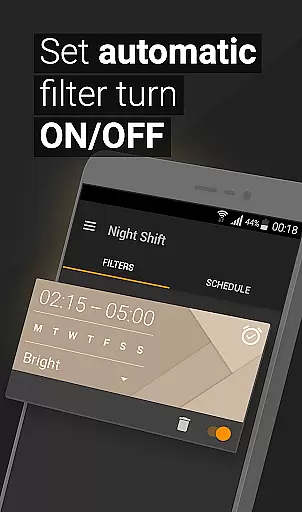
A standout feature is the automatic scheduling capability, which intelligently activates the night mode based on user-defined times. The app's ability to dim screens beyond the system's minimum threshold proves particularly beneficial for sensitive eyes. Additionally, the Accessibility Service ensures continuous protection by maintaining filtering even during notifications and lock screen views. These comprehensive features collectively create an optimal solution for reducing digital eye strain and promoting better sleep patterns without compromising device functionality.
In today's digital age, personalized planning for eye care is crucial, especially with prolonged screen time. Night Shift offers a comprehensive solution tailored to individual needs, ensuring optimal eye health.
The app provides premade filters and customizable options, allowing users to create their unique blue light filters. This personalization extends to temperature, color, and RGB customization, catering to specific preferences and requirements.
With the ability to set automatic filter schedules, users can align their screen protection with daily routines. This feature ensures that the right filter is always active, adapting to different lighting conditions throughout the day.
By offering these personalized planning tools, Night Shift empowers users to take proactive steps in protecting their eyes. The app's adaptive features contribute significantly to reducing headaches and improving sleep quality.
Tracking progress is essential for maintaining motivation and achieving goals. Night Shift excels in progress visualization, providing users with clear insights into their eye care journey.
The app displays usage statistics and filter effectiveness through intuitive graphs and charts. These visual representations help users understand how their customized settings impact eye strain reduction over time.
Users can monitor their improvement in sleep patterns and headache frequency, directly linking these benefits to their Night Shift usage. The app's tracking system creates a tangible connection between protective measures and health outcomes.
This progress visualization not only demonstrates the app's effectiveness but also encourages continued use. By seeing concrete results, users are more likely to maintain healthy screen habits and prioritize their eye care.
Effective blue light reduction
Highly customizable settings
Automatic scheduling feature
Accessibility service integration
User-friendly interface
May affect color accuracy
Requires regular adjustment
Initial setup can be complex
Limited daytime functionality
Potential battery impact

Chair Workout: Women's Edition for safe, flexible, and personalized fitness.
 4.40
4.40
Sync your activities of the most popular sports tracking services
2.70
Pack of 66 calming lullabies for smooth fall asleep and relaxation
4.10
The app helps you address digestive symptoms based on the Fast Tract Diet.
3.50
The OFFICIAL Couch to 5K® running training app! A 9 week walk-run workout plan.
4.50
Pupillary distance PD with camera quick and easy, checking glasses frames on you
3.70
Relax. Sleep Better. Feel Better.
4.50
Turn your steps into cash, gift cards & rewards with our step counting pedometer
3.80
Dexcom G7 Continuous Glucose Monitoring
3.70
Beauty Care, Makeup & Skin Care Scanner | Pregnancy App For A Mom | Healthy Baby
5.00
Home workouts for fitness & fast bodybuilding at home - no equipment needed.
4.90
Your AI pet BFF. Talk, play, and beat anxiety in this calming game.
4.60
Pilates, Calisthenics, Yoga
4.50
Track heart rate & HRV in 30s! Get live health insights and anomaly alerts
4.40
Get alert about getting out of desired heart rate zone.
4.10
Create powerful subliminal audio with custom affirmations and background music.
4.00
SportWerks - Workout Tracker for Wear OS Watches
3.90
Find Paid Clinical Trials In Your Area
3.70
The Wear OS BeechBand app is designed to alleviate anxiety and other conditions
4.0


User Reviews