
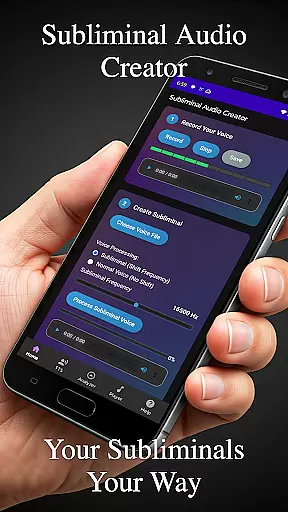
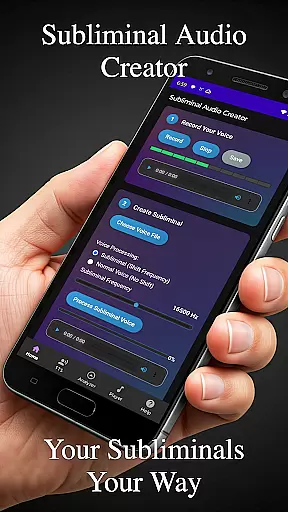
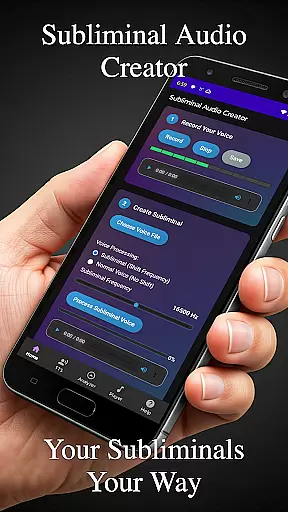
Subliminal Audio Creator is a comprehensive tool designed for creating personalized subliminal audio tracks, self-hypnosis recordings, and meditation music. This app empowers users to craft high-quality audio files by combining voice recordings or text-to-speech affirmations with background music or ambient sounds. Whether you're looking to enhance meditation, boost motivation, or support personal development, this app provides the tools necessary to create professional-grade subliminal messages.
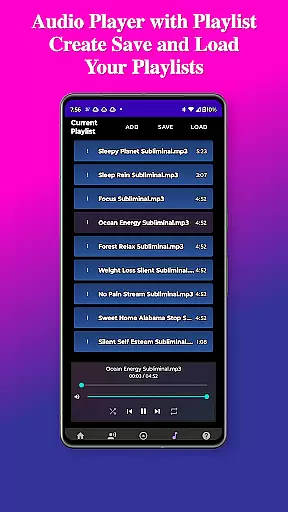
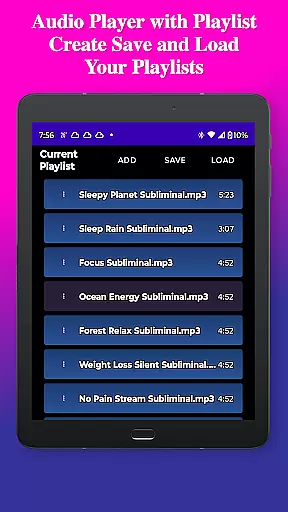
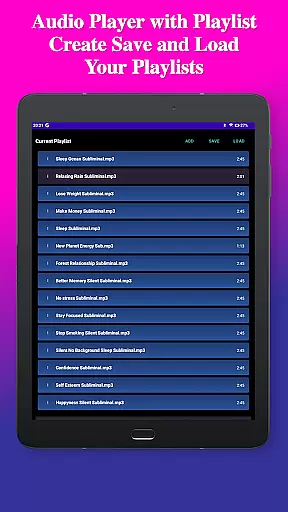
The app features an intuitive interface that guides users through a step-by-step creation process. It includes advanced controls for adjusting subliminal frequencies and volumes, as well as options for creating seamless audio loops. With built-in audio analysis tools, users can visualize their subliminal frequencies and ensure optimal mix quality. The inclusion of a full-featured MP3 player with playlist support, along with wireless streaming capabilities to Chromecast devices and Bluetooth speakers, makes playback flexible and convenient.
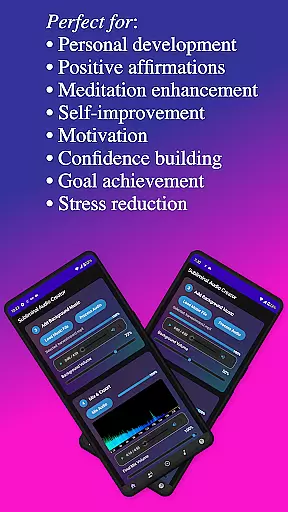
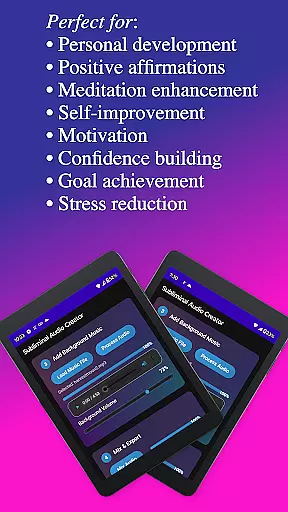
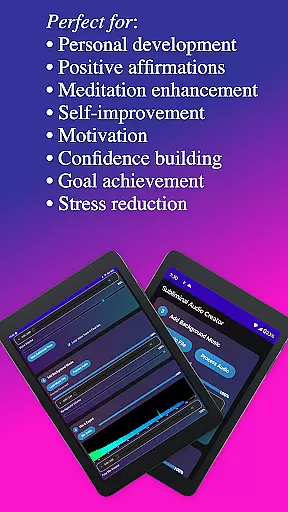
Perfect for individuals focused on self-improvement, Subliminal Audio Creator offers lifetime access with a one-time purchase, ensuring uninterrupted use without ads or subscriptions. By transforming your life through powerful audio tools, this app stands out in the Health & Fitness category as a valuable resource for personal growth and transformation.
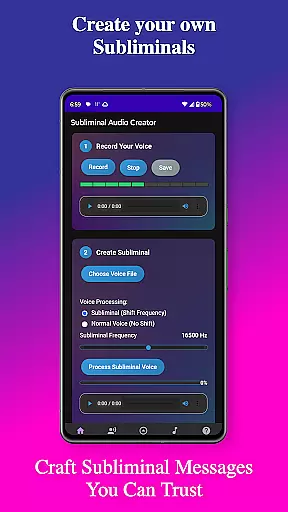
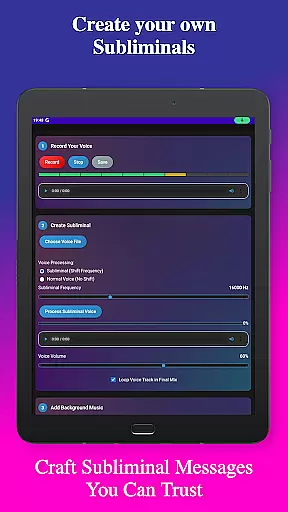
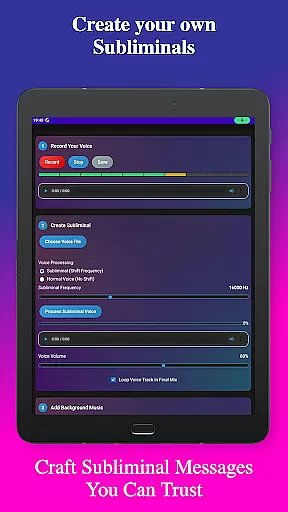
Subliminal Audio Creator boasts a wide array of features tailored to meet the needs of those interested in personal development through audio. One of its standout capabilities is the ability to record custom affirmations with crystal-clear audio quality. Users can preview and re-record their affirmations until they achieve perfection, ensuring their subliminal messages are impactful.
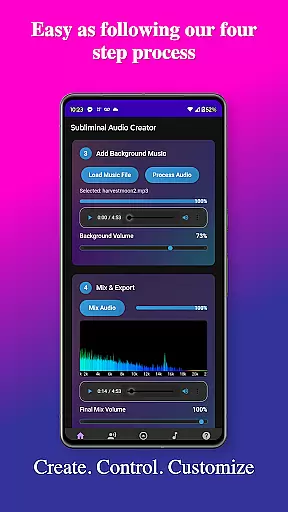
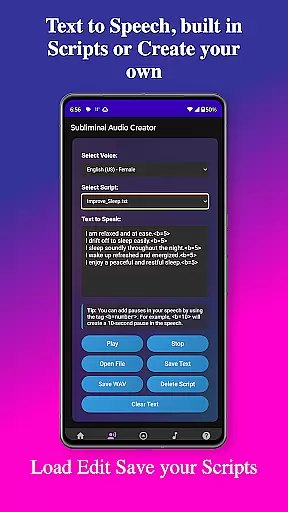
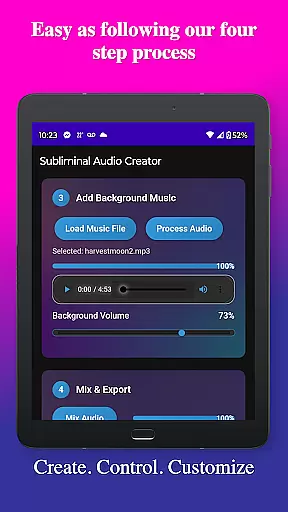
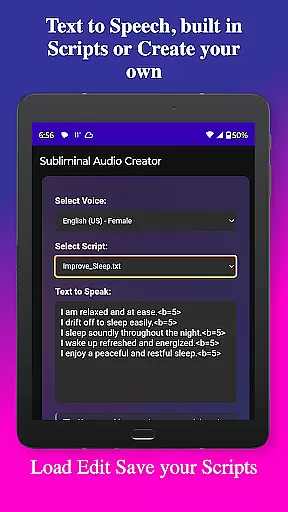
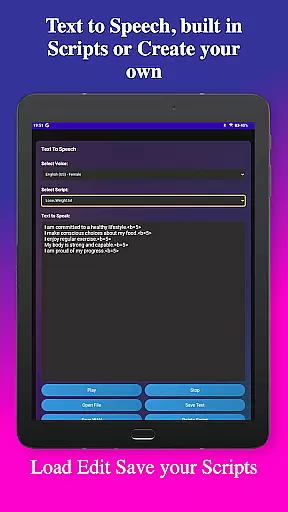
In addition to voice recording, the app offers robust text-to-speech functionality. Users can convert written affirmations into speech using multiple voice options, add custom pauses between affirmations, and save their scripts for future use. Pre-written subliminal scripts are included, providing a solid foundation for new users. The app also supports mixing affirmations with background music, allowing independent volume adjustments for both elements to create the perfect balance.
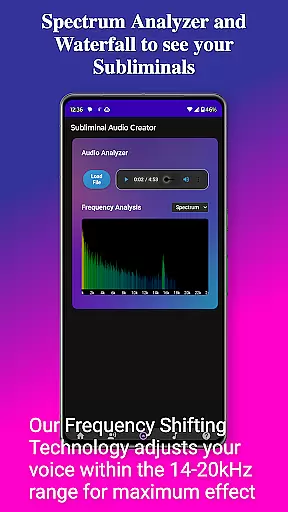
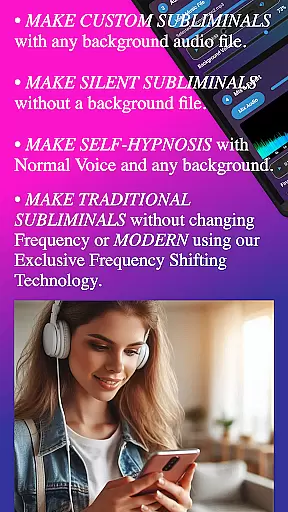
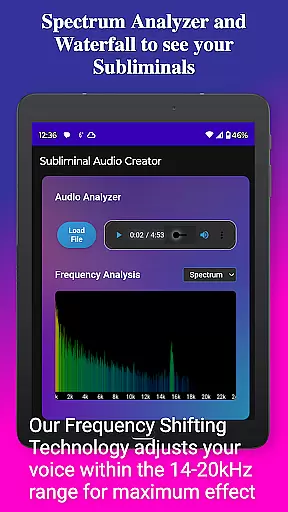
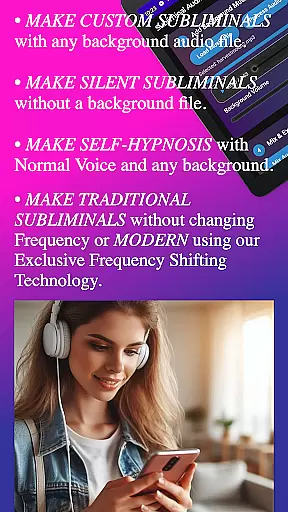
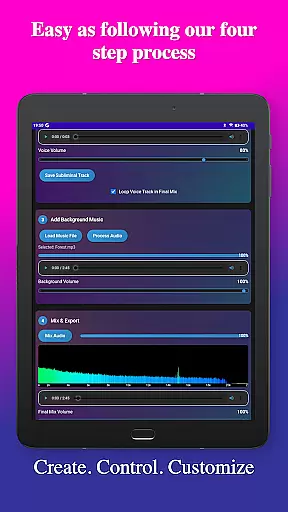
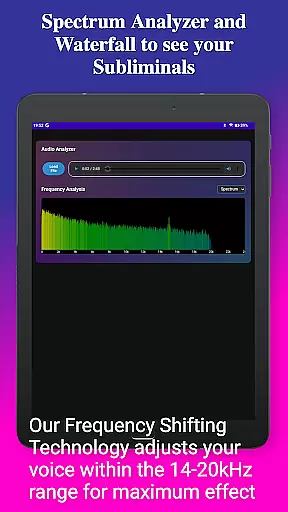
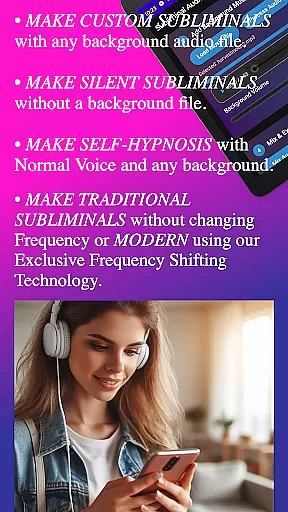
The app's audio analysis tools provide real-time frequency spectrum visualization and waterfall displays, enabling users to verify subliminal frequencies and monitor audio quality. Advanced controls allow fine-tuning of subliminal and background volumes, selection of high-frequency or normal voice options, and creation of silent subliminals. These features collectively ensure that users can craft audio files that align precisely with their personal growth goals.
Personalized planning in the realm of subliminal audio creation involves tailoring affirmations and audio tracks to meet individual needs. Subliminal Audio Creator offers a comprehensive suite of tools that allow users to craft personalized audio experiences. The app's text-to-speech feature, with multiple voice options and customizable pauses, enables users to generate spoken affirmations that resonate with them personally.
The application provides an intuitive interface for recording one's voice, offering crystal-clear audio quality and the ability to preview and re-record until achieving perfection. This ensures that personal mantras or affirmations are exactly as desired. Users can save these recordings for future use, building a library of personalized audio content that supports their self-improvement journey.
With the option to mix affirmations with background music or ambient sounds, users can create a soundscape that enhances concentration and relaxation. The independent volume controls for affirmations and background tracks ensure a perfect balance, making each listening experience both pleasant and impactful. This level of customization empowers users to design audio sessions that align precisely with their personal development goals.
Progress visualization is crucial for maintaining motivation and tracking improvements over time. Subliminal Audio Creator incorporates an advanced audio analysis tool that serves as a visual aid for monitoring the quality and effectiveness of created subliminal tracks. The real-time frequency spectrum analyzer and waterfall display offer detailed insights into the audio frequencies, allowing users to verify the presence and strength of subliminal messages within their mixes.
This analytical approach not only helps in fine-tuning the audio output but also provides a tangible way to observe progress. As users experiment with different combinations of affirmations, background music, and subliminal frequencies, they can visually assess how these elements interact and affect the overall composition. Such feedback is invaluable for refining techniques and achieving optimal results.
Moreover, the app's organized file structure and project management capabilities contribute to effective progress tracking. By saving and categorizing creations into dedicated folders for voice recordings, subliminal tracks, and final mixes, users can easily revisit past projects, evaluate their evolution, and continue to build upon previous work. This systematic approach fosters a deeper understanding of personal growth patterns and facilitates continuous improvement in crafting subliminal audio content.
User-friendly interface
High-quality audio output
Flexible customization options
No ads or subscriptions
Comprehensive feature set
Requires storage permission
Limited free content
Advanced features may overwhelm beginners
One-time purchase cost
Specific niche appeal

Text notifications, button control, heart monitor & more for your Amazfit.
 2.40
2.40
The simplest way to track your 21 Day Program containers, exercises, and water.
4.50
Weight loss app: home workout for women to lose weight & burn calories.
4.80
App to stop smoking slowly or now with a motivational badges and helpful tips
4.80
Using Recognise™ has been shown to reduce pain, and improve performance.
4.2
Using Recognise™ has been shown to reduce pain and improve performance
4.4
Track heart rate & HRV in 30s! Get live health insights and anomaly alerts
4.40
Pedometer that gives you sweatcoins for steps. It pays to walk!
4.10
Manage your and your family's health information.
4.60
Medbridge GO gets you moving - get back to doing what you love, faster!
4.90
The Crunch Mobile app - Find a gym, manage favorites, reserve & cancel classes.
4.60
Your AI pet BFF. Talk, play, and beat anxiety in this calming game.
4.60
Pilates, Calisthenics, Yoga
4.50
Relax to calm sounds, white noise, music, guided meditation and bedtime stories
4.40
The most accurate heart rate app to monitor and track your heart rate & pulse.
4.40
Walk, track, and burn calories with step counter & GPS walking tracker
4.20
Pack of 66 calming lullabies for smooth fall asleep and relaxation
4.10
FitCloudPro takes care of your health every minute.
3.70
Measure real-time wrist & ambient temperature with your Galaxy Watch (Wear OS)
3.20


User Reviews