
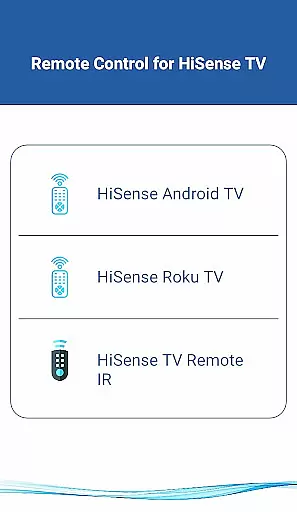
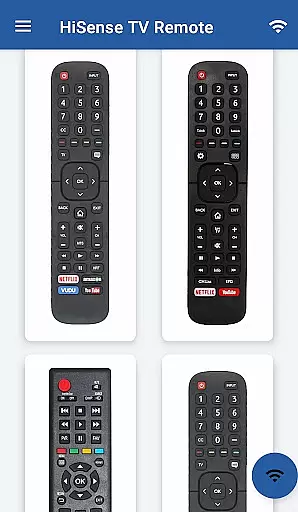
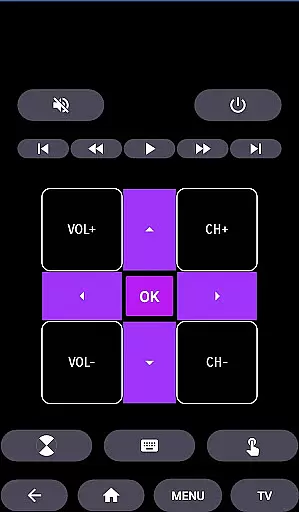
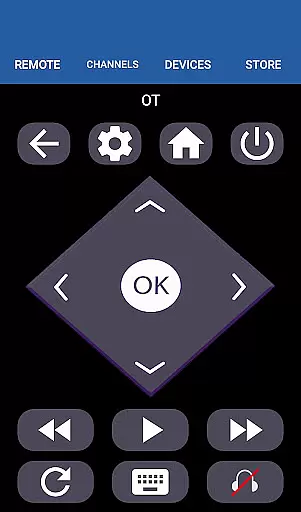
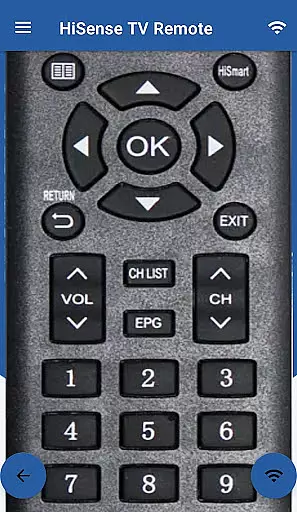
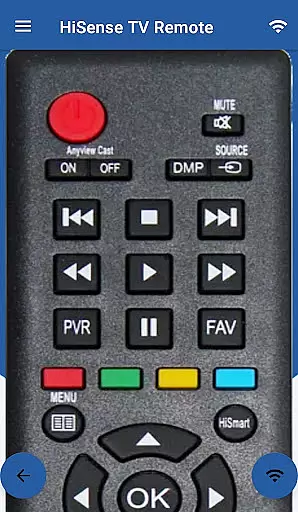
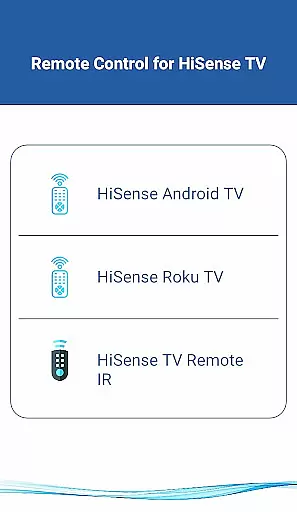
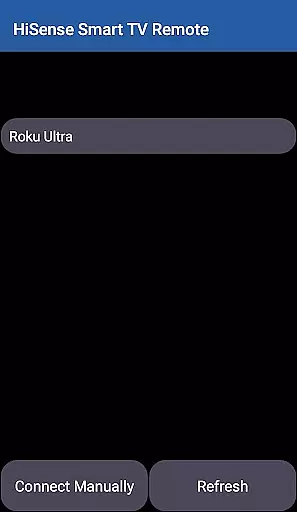
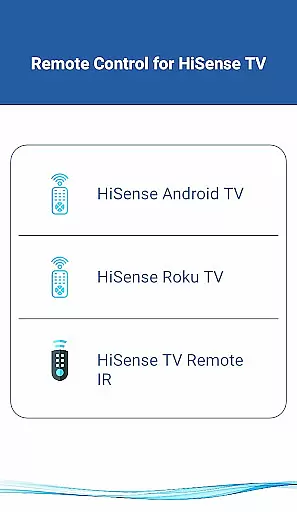
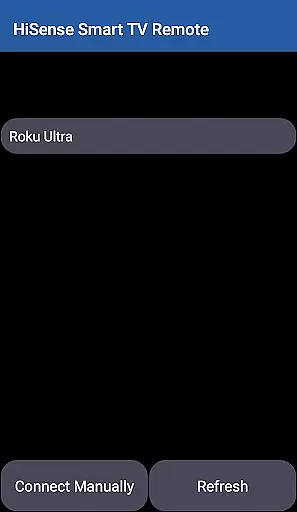
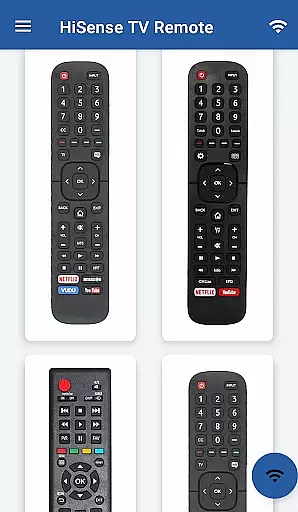
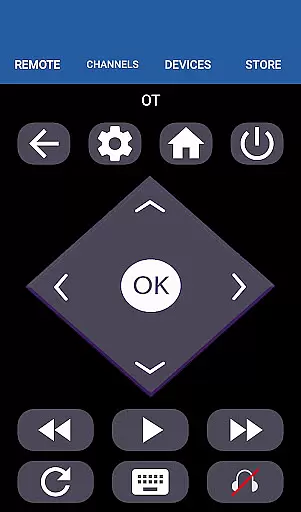
HiSense Smart TV Remote transforms your mobile device into a versatile remote control for HiSense Smart TVs, eliminating the need for traditional remotes with drained batteries. The app supports all HiSense Smart TVs running Android OS or Roku OS, as well as traditional IR devices. By connecting via the same Wi-Fi network and entering a PIN displayed on the TV, users can seamlessly control their smart TVs. For non-smart TVs, the app utilizes the phone's IR blaster to function as a traditional remote.
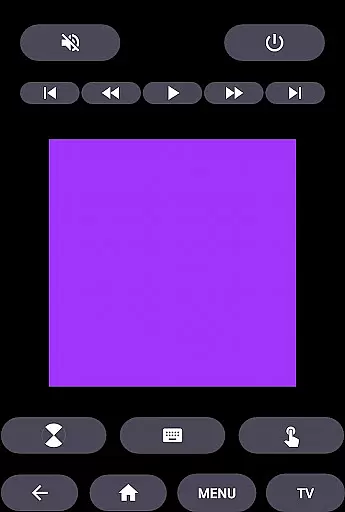
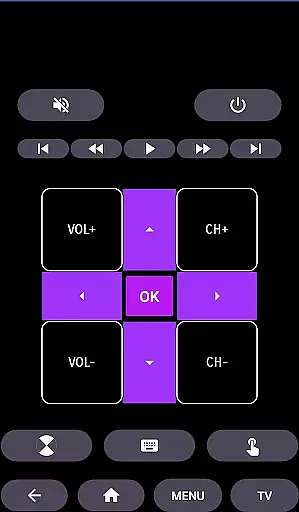
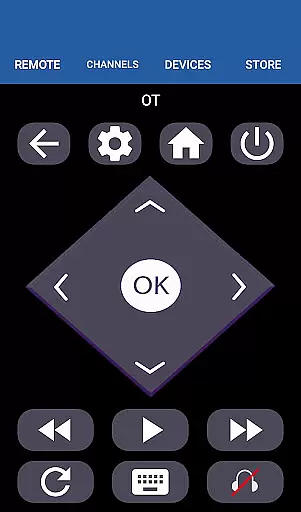
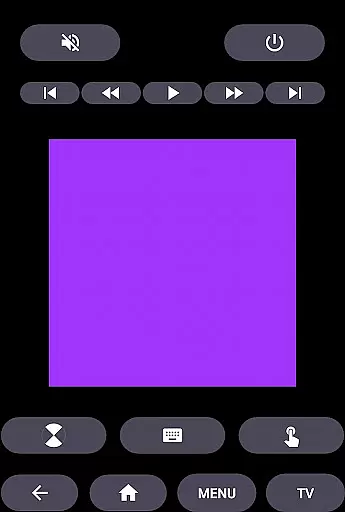
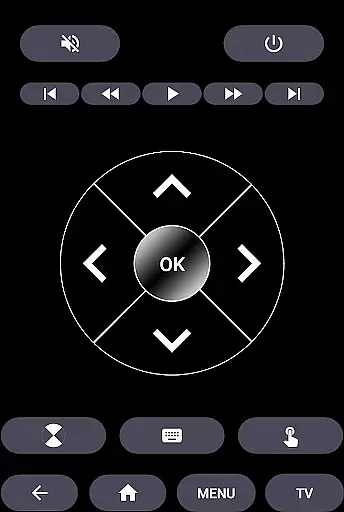
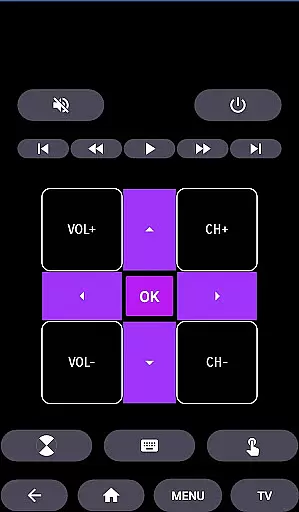
The app offers comprehensive functionality including power control, volume adjustments, channel switching, mute options, navigation controls, multimedia controls, and even a touchpad feature. Its intuitive design provides an enhanced user experience while supporting various HiSense TV models. Whether you're using an Android TV or a Roku TV, this app ensures smooth operation and convenience.
This solution is particularly beneficial for households looking to streamline their entertainment systems by integrating control through a single mobile application. With its wide range of supported devices and functionalities, HiSense Smart TV Remote delivers significant value by simplifying daily interactions with your television setup.
HiSense Smart TV Remote boasts an array of features designed to enhance user interaction with HiSense Smart TVs. One standout feature is its dual compatibility with both Android OS and Roku OS, allowing it to cater to a broad spectrum of smart TV models. Additionally, the app supports traditional IR devices, making it a universal tool for controlling various types of televisions without needing separate remotes.
The app's interface includes essential functions such as ON/OFF control, volume adjustments, channel navigation, mute options, multimedia playback controls, and a unique touchpad feature for more precise navigation. These features are meticulously crafted to provide users with a seamless and intuitive control experience. Furthermore, the requirement for devices to be on the same Wi-Fi network ensures secure and reliable connectivity.
Another notable aspect is the app's ability to replace lost or broken physical remotes entirely. By leveraging the smartphone's capabilities, users gain access to advanced functionalities that go beyond basic remote operations. This innovative approach not only enhances convenience but also extends the lifespan of existing TV setups by providing a modernized control solution.
In the context of HiSense Smart TV Remote, ensuring property listing authenticity translates to verifying the compatibility and accuracy of supported devices. This app meticulously lists all compatible HiSense Smart TVs, including those with Android OS, Roku OS, and traditional IR-based models.
Each listed device is thoroughly vetted to ensure users can seamlessly connect and control their TVs without encountering compatibility issues. The requirement for both the TV and mobile device to be on the same Wi-Fi network further underscores the app's commitment to delivering a reliable and authentic user experience.
Users benefit from this rigorous verification process as it eliminates guesswork and potential frustration, allowing them to confidently use the app knowing it will work with their specific HiSense TV model. This attention to detail enhances user trust and satisfaction.
The HiSense Smart TV Remote app offers an array of home management features designed to simplify and enhance the television viewing experience. Central to its functionality is the ability to convert a mobile device into a versatile remote control, supporting various operations such as ON/OFF, volume and channel controls, mute, navigation, multimedia controls, and more.
This app goes beyond basic remote functions by integrating advanced capabilities like touchpad navigation and multimedia control, providing users with a comprehensive toolset to manage their smart TV efficiently. Additionally, support for traditional IR devices ensures that even non-smart TVs can benefit from these enhanced management features.
By consolidating multiple remote functionalities into a single mobile application, HiSense Smart TV Remote streamlines home entertainment management, offering convenience and ease-of-use while eliminating the need for multiple physical remotes or dealing with battery replacements.
User-friendly interface
Wide device compatibility
Comprehensive functionality
Secure Wi-Fi connection
Advanced touchpad feature
Requires Wi-Fi for smart TVs
IR blaster needed for older TVs
Not officially affiliated with HiSense
Limited offline functionality
PIN entry required for setup

Tailored Care Guides For Houseplants, Indoor Plants, Garden Plants & Flowers.
 4.60
4.60
AI-powered home design, interior design, home decor, and room design solutions
4.50
Fully control your Philips TV with this all-in-one remote control app.
4.20
IP camera view and playback, for your WiFi cam or home security cctv system.
3.70
Turn old phones into security cameras, baby monitors, pet cams, and more.
4.70
3D House Design and AI Room Planner - from floor plans to full interior design.
4.40
Samsung remote app helps control all Samsung Smartthings TVs. Fast and Stable!
4.10
A Smarter Home in Seconds
4.70
Find homes for sale and apartments for rent in the best neighborhood.
4.70
Houses for Sale & Homes for Rent: Buy Homes, Rent Apartments & Sell Real Estate
4.80
B-hyve Pro App for landscape irrigation professionals
4.70
Find your next home, house, apartment, condo, casa, flat, rental, studio, or bed
4.70
The only mappable smart lights for custom decoration.
4.50
Apartment finder for apartments for rent. Compare prices, amenities & rentals.
4.50
Plan your remodel AI home renovation easily using planner 5D and home decor AI.
4.40
Turn your phone into a wifi cam with smart features and umlimited reach.
4.20
Floor Plan Creator Home Design with 2D interior design and 3d view.
3.90
Find paints using a Color Muse & ColorSnap® Match
3.60
Control Fire TV & mirror your phone screen instantly over Wi-Fi.
3.30


User Reviews