

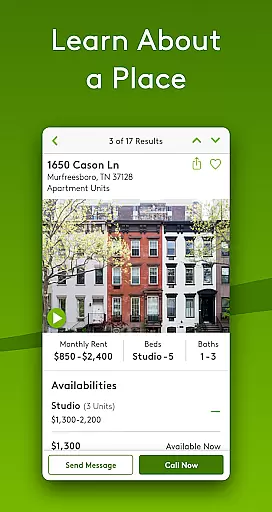
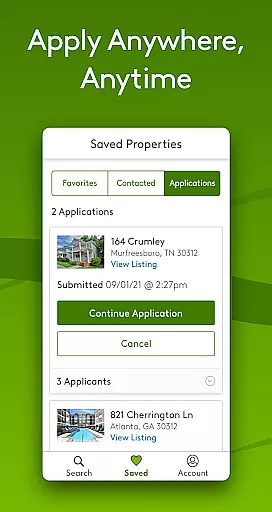
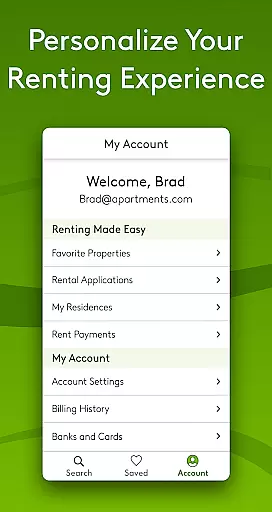
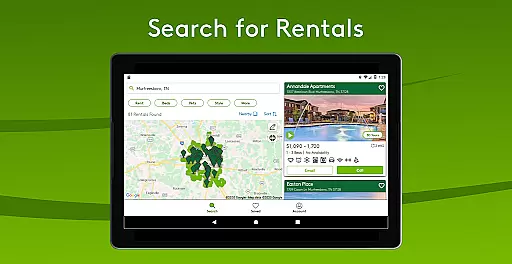
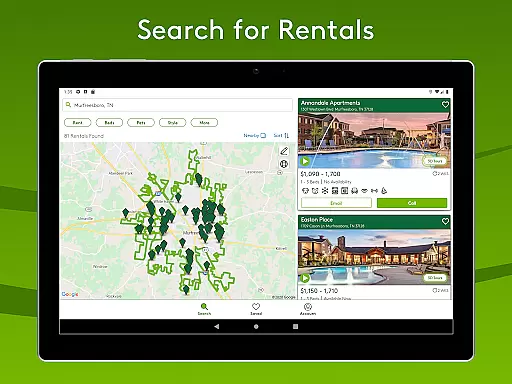
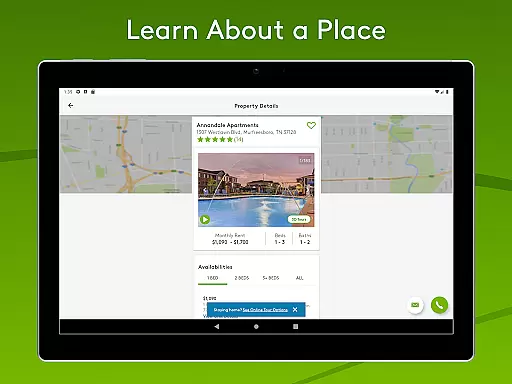
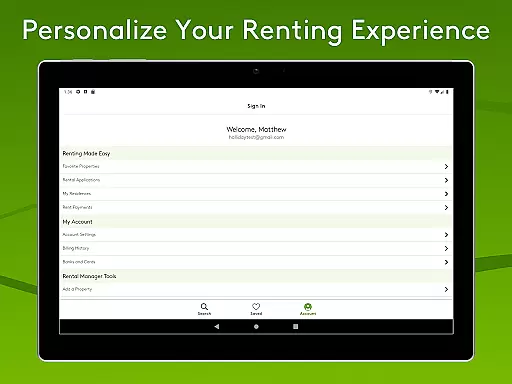
Apartments.com Rental Search is a comprehensive rental platform designed to help millions of renters find their ideal living space. The app provides access to hundreds of thousands of listings for apartments, condos, townhomes, and houses, updated daily by property owners and a dedicated research team. With real-time availability, rent ranges, and verified reviews from other renters, users can make informed decisions while avoiding scams.
Beyond property details, the app offers valuable neighborhood insights, including schools, transportation options, and local amenities. High-resolution photos, floorplans, HD videos, and 3D walkthroughs provide immersive views of interiors, exteriors, and nearby attractions. Advanced search tools allow users to draw custom target areas, filter by specific amenities like parking or fitness facilities, and receive alerts for new listings. Whether you're searching on your computer or mobile device, Apartments.com ensures a seamless experience tailored to your needs.
The Apartments.com Rental Search app stands out with its innovative features designed to simplify apartment hunting. One of its key strengths is the extensive inventory of listings, which are regularly validated by research teams to ensure accuracy in rents and availability. This guarantees high-quality data that empowers renters during their search process.
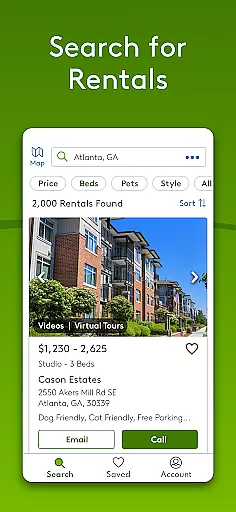
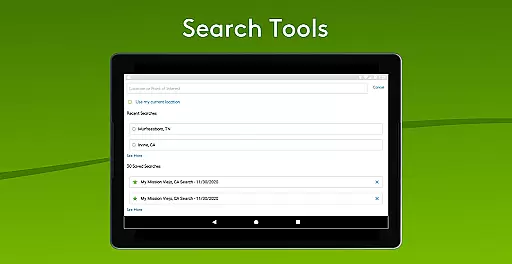
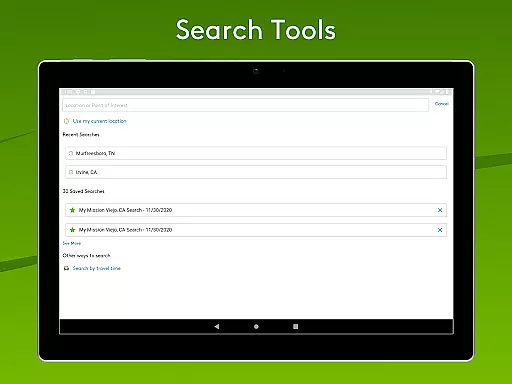
Another notable feature is the app's smart search functionality. Users can define custom target areas, explore neighborhoods, and filter results based on essential criteria such as laundry facilities, pet policies, or proximity to public transit. Additionally, renters benefit from detailed property insights, including verified reviews, school ratings, and transportation options. For landlords, the app includes an intuitive "Add a Listing" tool, enabling them to post rentals quickly, upload photos, and manage contact information directly within the app.
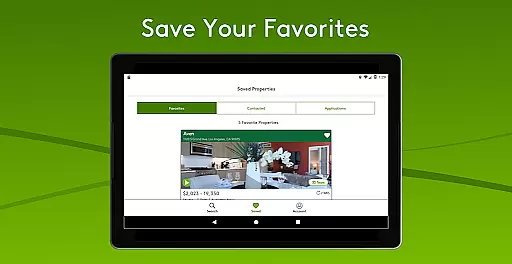
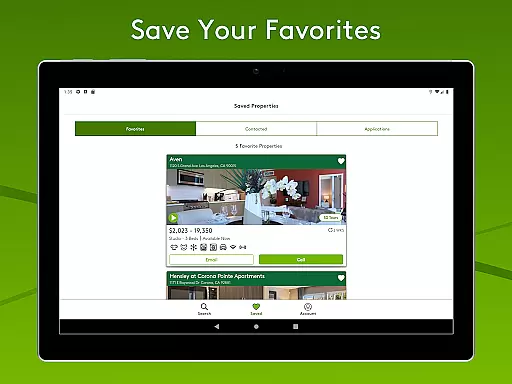
With cross-device compatibility, users can start their search on one device and continue seamlessly on another. Alerts for saved searches and email notifications further enhance convenience, ensuring no potential listing goes unnoticed.
When searching for a new home, the authenticity of property listings is paramount. Apartments.com Rental Search ensures that each listing is meticulously updated daily by property owners and a dedicated national research team. This guarantees that users are viewing current and accurate rental options, minimizing the risk of encountering outdated or misleading information.
The platform goes a step further by validating rents and availabilities regularly. This ongoing verification process helps maintain high-quality data, which is crucial for renters making informed decisions. By providing real-time availability, rent ranges, and special offers, Apartments.com equips users with reliable information needed to navigate the rental market confidently.
Moreover, user-generated reviews offer additional insights into properties, enhancing transparency. These authentic reviews from fellow renters provide a realistic perspective on what to expect, ensuring that users have a comprehensive understanding before proceeding with their rental inquiries.
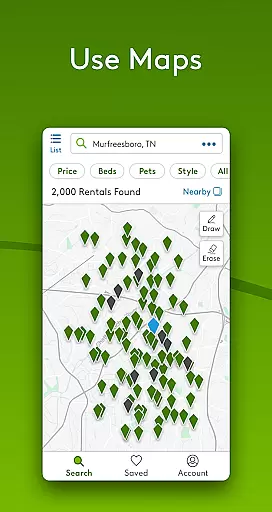
Apartments.com Rental Search extends beyond just listing properties; it incorporates essential home management features that streamline the rental search process. One standout feature is the ability to draw specific target areas on the map, allowing users to focus their search on preferred neighborhoods or areas near frequented locations. This personalized approach saves time and narrows down options effectively.
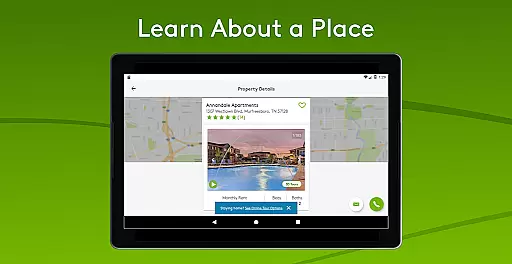
In addition to customizable searches, the app provides detailed neighborhood information for each listing. Users can explore nearby schools, transportation options, and local amenities, gaining a holistic view of potential living environments. High-resolution photos, floorplans, HD videos, and 3D walkthroughs further enrich this experience, offering immersive visuals that bring interiors, exteriors, and surrounding hotspots to life.
For landlords, the app includes an 'Add a Listing' feature, enabling them to post rentals quickly and manage listings efficiently. By entering essential details and uploading photos, landlords can showcase their properties to millions of prospective renters. This dual functionality not only benefits tenants but also empowers property owners, creating a comprehensive ecosystem for managing rental properties seamlessly.
User-friendly interface
Verified property listings
Comprehensive search filters
High-quality visuals
Customizable alerts
Limited to U.S. listings
Some features unavailable
No apartment locator service
Requires Google Maps
Email-only support

Map-based search app for apartments and homes for rent.
 4.60
4.60
Draw house plans, floor plans 3d & house design with house plan drawing 3d app
3.60
Home Ideas | Renovation Advice | Local Pros. Go From Dream to Home with Houzz.
4.70
Smart AI plant care schedules, Real plant experts, support & Thriving community!
4.20
IP camera view and playback, for your WiFi cam or home security cctv system.
3.70
Find the perfect paint color with advanced tools to explore and visualize color.
3.80
The Merkury Smart app makes it easy to control your smart devices.
4.50
Apartment finder for apartments for rent. Compare prices, amenities & rentals.
4.50
A Smarter Home in Seconds
4.70
Houses for Sale & Homes for Rent: Buy Homes, Rent Apartments & Sell Real Estate
4.80
Your guide to apartments & rental homes. Find your next place to rent with AG.
4.60
Resident Center, powered by Buildium, is designed with simplicity in mind.
4.50
Make Renting Easy
4.40
3D House Design and AI Room Planner - from floor plans to full interior design.
4.40
Control your Vivint Smart Home with the next generation Vivint App.
4.30
Schlage Lock Company LLC
4.00
Floor Plan Creator Home Design with 2D interior design and 3d view.
3.90
Find paints using a Color Muse & ColorSnap® Match
3.60
Calculate baluster spacing with ease and precision.
4.4


User Reviews