
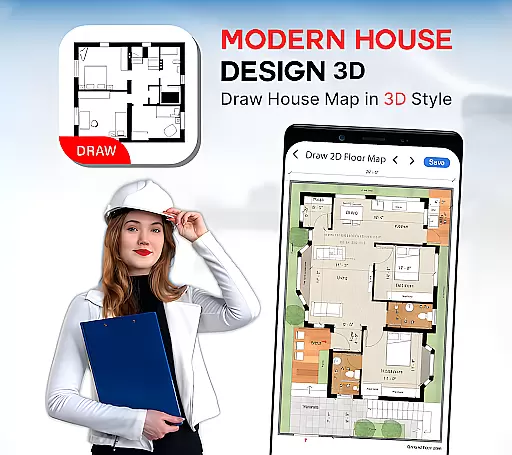
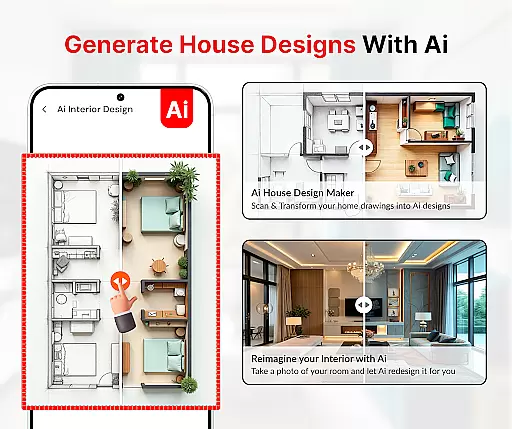
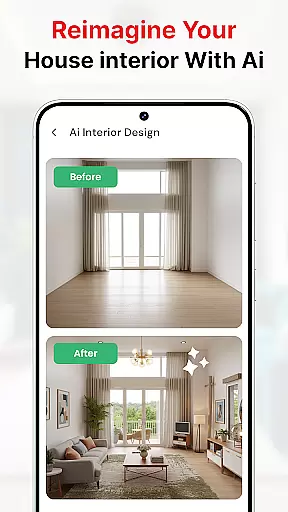
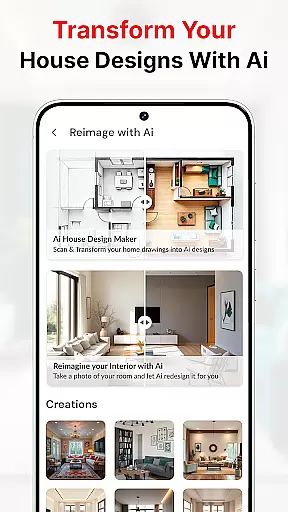
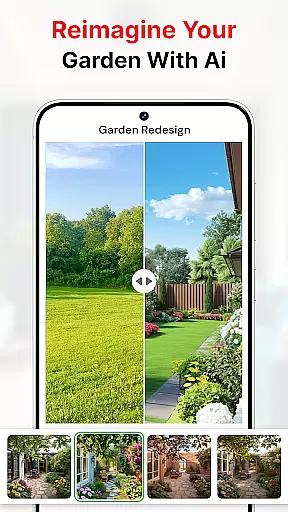
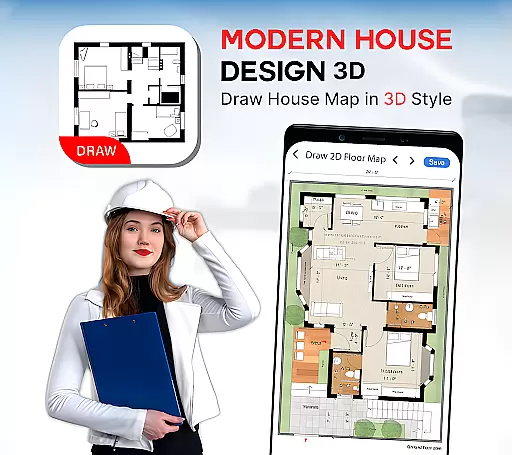
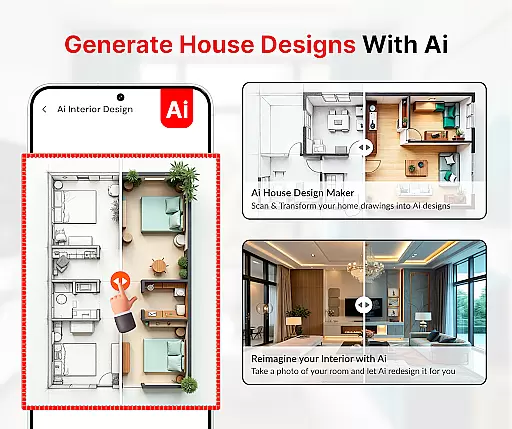
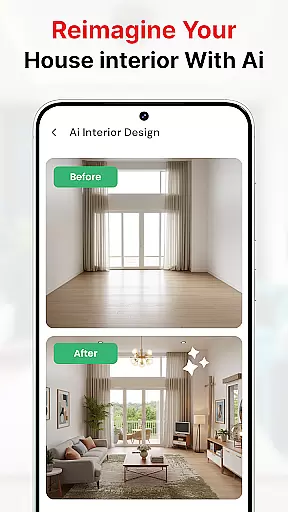
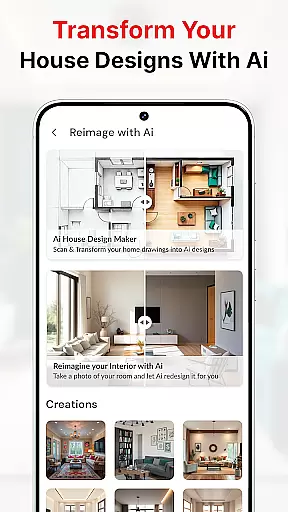
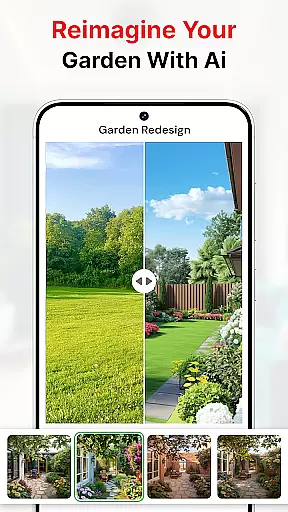
Modern House Design Draw House is an innovative home design application tailored for homeowners, architects, and interior designers seeking professional-grade tools on their mobile devices. This powerful app enables users to create detailed 3D floor plans, customize room layouts, and visualize complete home interiors with remarkable accuracy.
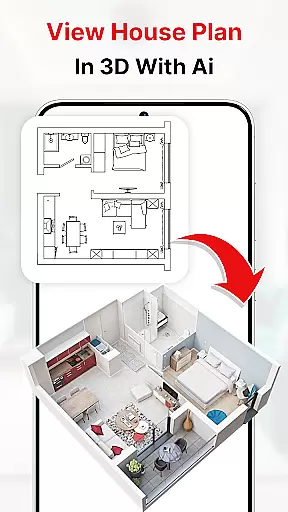
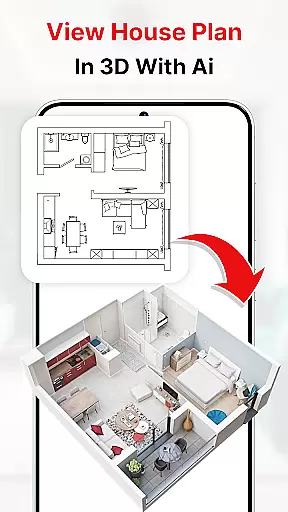
The application stands out with its AI-powered design assistance, smart object placement, and realistic rendering capabilities. Users can generate precise architectural blueprints, experiment with different color schemes, and even take virtual tours of their designs in first-person view. The inclusion of practical features like water level measurement and bubble leveling ensures technical accuracy in design projects.
Ideal for both personal and professional use, this app proves invaluable when planning home renovations or new construction projects. Its ability to export high-resolution images and share designs directly with clients makes it an essential tool for modern design professionals.
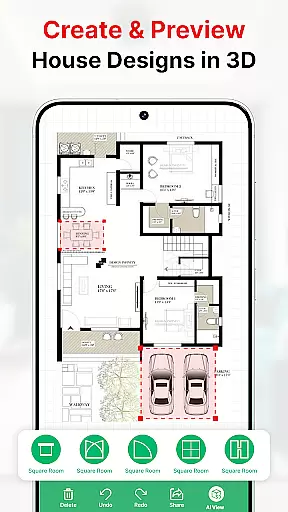
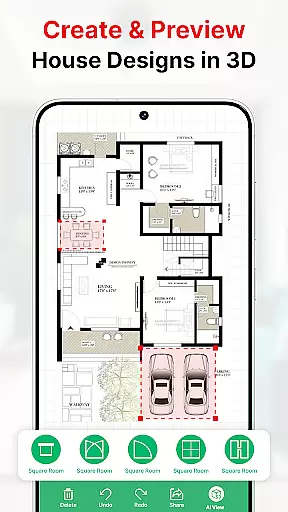
This home design app offers an extensive suite of features that cater to various aspects of interior and exterior design. The core functionality includes advanced 3D modeling tools that allow users to create detailed floor plans with accurate measurements and dimensions. The app's smart design system suggests optimal furniture arrangements and space utilization based on room parameters.
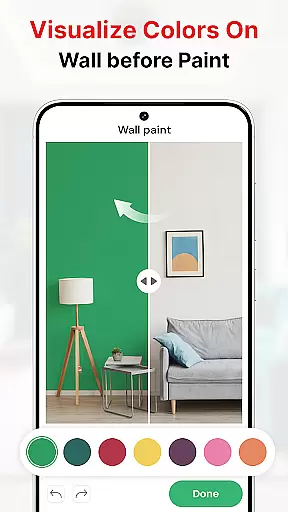
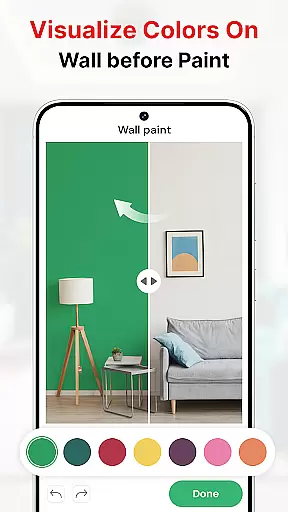
One of the standout features is the AI-powered decoration assistant, which enables users to capture existing room images and virtually apply different paint colors and finishes. The app also includes specialized tools such as AR drawing capabilities, sketch-to-AI conversion, and comprehensive construction symbol libraries including doors, windows, and staircases.
For professional users, the app provides advanced features like automatic dimension calculations, elevation drawings, and multi-angle viewing options. The integration of cloud storage ensures that design projects are safely stored and accessible across devices, while the offline functionality allows continued work without internet connectivity.
In the realm of house design and planning, ensuring the authenticity of property listings is paramount. Modern House Design Draw House app excels in this area by providing users with tools to create accurate and exact floor plans. The app allows for detailed customization of rooms according to specific requirements, ensuring that each plan genuinely reflects the user's vision.
With the ability to add high-resolution images of projects, users can present their designs with clarity and precision. This feature not only persuades clients and business partners but also adds a layer of transparency and trust to the property listing process. By offering a first-person mode for virtual walkthroughs, the app further enhances the authenticity of each listing, allowing stakeholders to experience the space as if they were physically present.
The app's comprehensive suite of drawing tools, including symbols for doors, windows, and stairs, ensures that every aspect of the home is represented accurately. Users can draw house maps based on plot size and apply architectural rules to achieve precise dimensions. This meticulous attention to detail guarantees that property listings created with Modern House Design Draw House are both reliable and authentic.
Effective home management extends beyond mere aesthetics; it encompasses the practical aspects of designing living spaces that cater to everyday needs. Modern House Design Draw House app offers an array of features that facilitate superior home management. One standout capability is the app's focus on transformer furniture, such as extensible tables, couch beds, folding chairs, and multifunctional walls, which maximizes the utility of limited spaces.
Additionally, the app provides strategies for subdividing rooms and creating mini-rooms without the need for additional walls, a boon for those working with small house floor plans. These innovative solutions allow homeowners to optimize their living areas efficiently. The inclusion of AI-powered decoration features enables users to capture pictures of interiors and exteriors, then experiment with different colors and styles virtually.
For tasks requiring precision, such as leveling during construction, the app includes practical tools like bubble levels. Furthermore, its paint color match technology helps users find the perfect shade for any room, ensuring harmony between design and functionality. With these advanced home management features, Modern House Design Draw House empowers users to craft living spaces that are not only visually appealing but also highly functional and adaptable to various lifestyles.
Intuitive UI
Realistic 3D
Versatile Tools
Cloud Saving
Customizable
High Storage
Premium Cost
Complex Tools
Occasional Bugs
Limited Free

Control Fire TV & mirror your phone screen instantly over Wi-Fi.
 3.30
3.30
Book your local plumber 24/7, track your service order & get exclusive coupons
4.00
View houses and apartments for rent, updated daily.
4.80
Design your dream home with 3D planning app, Visualize your dream home in 3D.
4.20
Find your next home, house, apartment, condo, casa, flat, rental, studio, or bed
4.70
WiZ smart light system
4.40
3D House Design and AI Room Planner - from floor plans to full interior design.
4.40
A Smarter Home in Seconds
4.70
Connect with reliable pros for maintenance services, plumbing, and home design!
4.80
Download today to join the community to help bring lost pets home faster.
4.70
Turn old phones into security cameras, baby monitors, pet cams, and more.
4.70
Plants, Beauty, Collectibles
4.60
Your guide to apartments & rental homes. Find your next place to rent with AG.
4.60
Apartment finder for apartments for rent. Compare prices, amenities & rentals.
4.50
Security App with HD Video, 2-way Audio, and event detection for Home monitoring
4.40
Control your thermostat, comfort, and home monitoring from your phone
4.30
Find the perfect paint color with advanced tools to explore and visualize color.
3.80
Unlock AI-based barcode scanning and support the development of Grocy Android
4.4
Universal TV remote Control for Roku TV brands via WiFi remote
4.0


User Reviews