
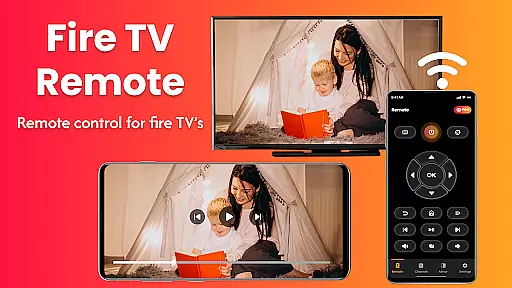
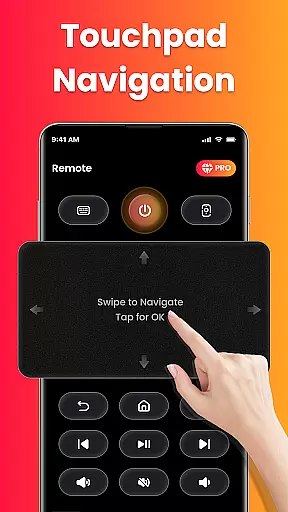
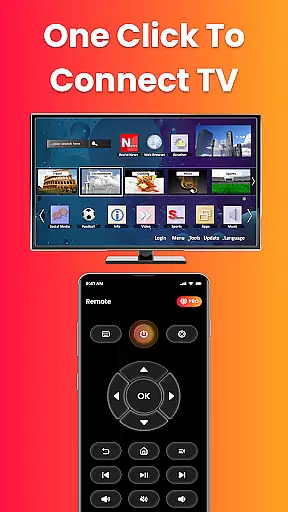
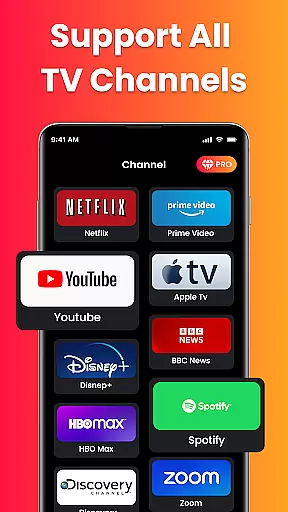
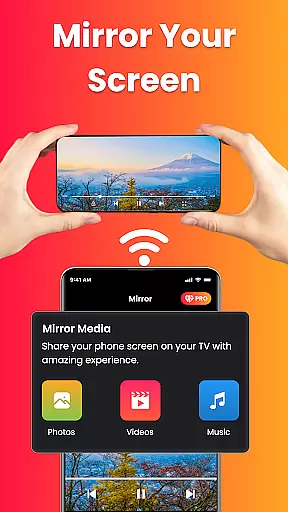
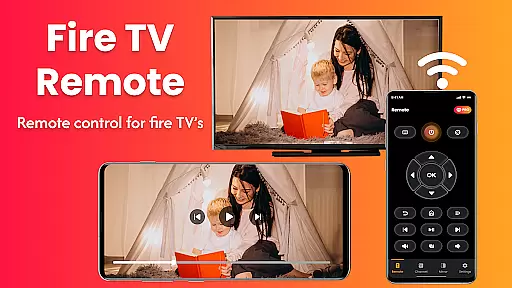
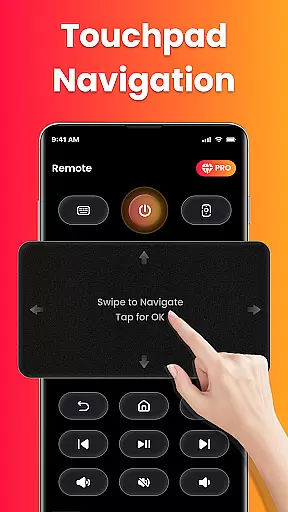
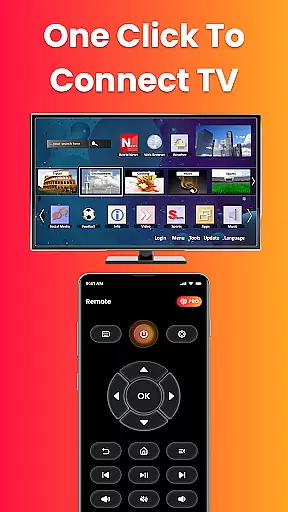
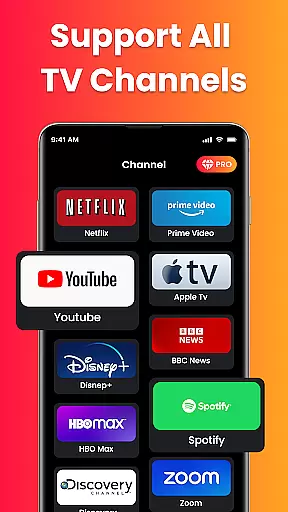
Fire Remote TV Control is a powerful app that transforms your Android phone into a complete remote control for Fire TV and Fire Stick devices. Designed exclusively for the Fire TV platform, it offers full navigation, playback controls, volume management, and screen mirroring without requiring pairing codes or setup hassles.
The app provides an intuitive interface with features like directional pad navigation, on-screen keyboard for quick typing, and instant connection over Wi-Fi. It supports all versions of Fire TV Sticks, Fire TV Cube, and Fire TV Edition smart TVs, ensuring seamless compatibility and reliable performance tailored specifically for Fire TV users.
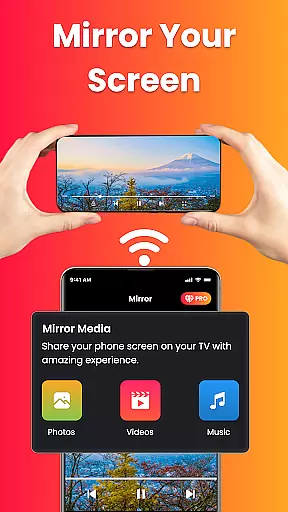
With its screen mirroring capability, users can cast their phone's screen directly to their Fire TV with a single tap. Whether you're watching mobile videos, displaying photos, or presenting work content wirelessly, this app makes it simple to share everything on the big screen, enhancing both entertainment and productivity.
Fire Remote TV Control boasts several standout features that make it indispensable for Fire TV users. The app provides comprehensive remote functionality including menu navigation, playback controls (play, pause, rewind, fast forward), volume adjustments, mute/unmute options, and even power controls where supported.
A key highlight is its screen mirroring feature which allows users to mirror their phone’s screen to their Fire TV effortlessly. This is perfect for sharing photos, streaming videos from apps not available on Fire TV, or conducting wireless presentations. Additionally, the on-screen keyboard simplifies searches and text input significantly faster than using the default Fire TV interface.
The app connects instantly over Wi-Fi without needing any pairing codes or additional setup steps. Its lightweight design ensures fast performance while being battery-efficient. Moreover, its exclusive optimization for Fire TV devices guarantees a smooth user experience unmatched by generic remotes designed for broader device compatibility.
In the context of smart home management, ensuring the authenticity and reliability of connected devices is crucial. Fire Remote TV Control excels in this area by providing a seamless connection between your Android phone and Fire TV or Fire Stick devices.
The app guarantees that only verified Fire TV devices are listed for control, eliminating any chances of connecting to unauthorized or incorrect devices. This verification process happens instantly over Wi-Fi without requiring pairing codes, making it both secure and user-friendly.
Users benefit from complete peace of mind knowing that their interactions with the Fire TV ecosystem are safe and accurate. The app supports all versions of Fire TV Stick, Fire TV Cube, and Fire TV Edition smart TVs, ensuring comprehensive compatibility across Amazon's range of products.
This focus on authenticity extends to its specialized functionality, such as screen mirroring, which allows users to cast their phoneu2019s screen directly to their Fire TV with confidence. Whether streaming videos, displaying photos, or presenting content, users can trust that the connection is reliable and intended for their specific device.
Fire Remote TV Control offers an array of sophisticated home management features designed to enhance the overall smart home experience. By transforming your Android phone into a powerful remote control hub, it simplifies navigation, playback controls, volume management, and even advanced functions like screen mirroring.
One standout feature is the intuitive directional pad and touch controls, allowing users to navigate menus effortlessly. Additionally, the inclusion of an on-screen keyboard facilitates quick typing and searches, streamlining the interaction process with Fire TV devices.
For those looking to expand their smart home capabilities, the app provides instant connection over Wi-Fi without needing complex setup procedures. This ensures fast, reliable performance while maintaining a smooth user experience tailored specifically for Fire TV users.
Moreover, the lightweight design and battery-efficient operation make it an ideal choice for managing entertainment systems within the home environment. With no login, registration, or pairing code required, Fire Remote TV Control stands out as a practical solution for modern households seeking convenience and efficiency in their daily routines.
User-friendly interface
Instant Wi-Fi connection
Comprehensive remote functions
Efficient screen mirroring
Tailored for Fire TV ecosystem
Limited to Fire TV devices
No Chromecast support
Third-party application
Requires same Wi-Fi network
No advanced customization

Technology powering many in-home services for residents across the United States
 3.80
3.80
Universal TV remote Control for Roku TV brands via WiFi remote
4.0
Calculate baluster spacing with ease and precision.
4.2
Draw your floor plan smartly. Make house design blueprint with home planner app
3.60
Plants, Beauty, Collectibles
4.60
Schlage Lock Company LLC
4.00
AI Home Designer & Room Planner: Decorate your interior space with AI
4.40
Security App with HD Video, 2-way Audio, and event detection for Home monitoring
4.40
A Smarter Home in Seconds
4.70
Connect with reliable pros for maintenance services, plumbing, and home design!
4.80
Turn old phones into security cameras, baby monitors, pet cams, and more.
4.70
Real estate app to find homes for sale or rent in the right neighborhood for you
4.70
AI-powered home design, interior design, home decor, and room design solutions
4.50
Apartment finder for apartments for rent. Compare prices, amenities & rentals.
4.50
Fully control your Philips TV with this all-in-one remote control app.
4.20
IP camera view and playback, for your WiFi cam or home security cctv system.
3.70
Use Home by ShowingTime to easily manage showings, tours, feedback and more
3.60
Draw house plans, floor plans 3d & house design with house plan drawing 3d app
3.60
Unlock AI-based barcode scanning and support the development of Grocy Android
4.5


User Reviews