
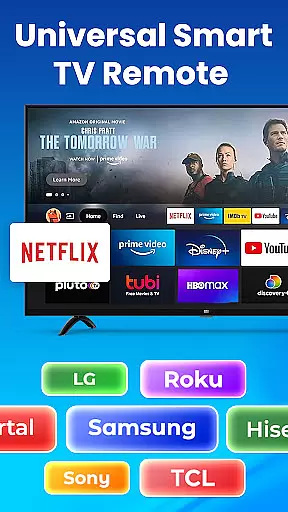
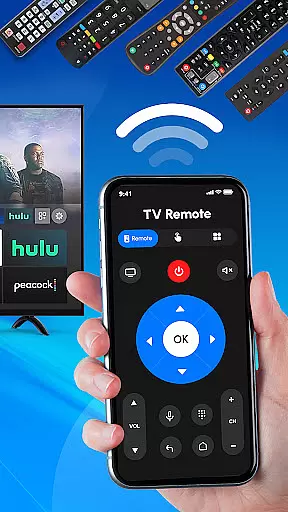
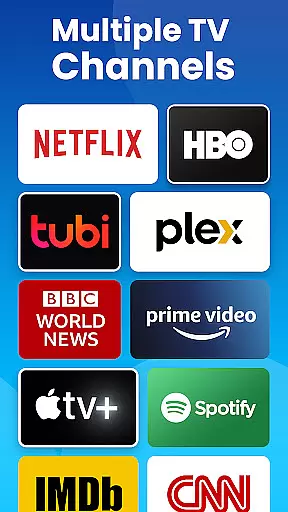
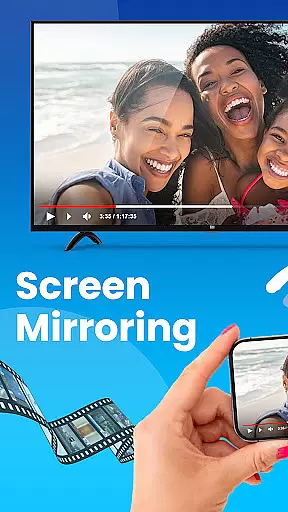
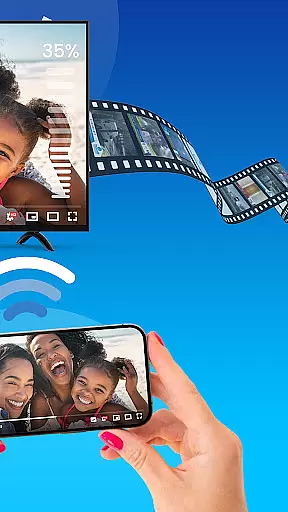
Universal TV Remote Control is a versatile application designed to replace traditional TV remotes for various brands, including Roku, Samsung, LG, Sony, and more. This app allows users to control multiple functions of their smart TVs and non-smart TVs directly from their mobile devices using Wi-Fi or Bluetooth connectivity. Whether you need to change channels, adjust the volume, or power your TV on and off, this app provides an all-in-one solution that simplifies TV management.
The Universal TV Remote Control app supports a wide range of TV brands, making it an ideal choice for households with different TV models. It offers features such as voice control for hands-free operation and seamless navigation through the Roku remote or Wi-Fi remote control. With its user-friendly interface and easy setup process, users can enjoy effortless control over their entertainment systems without the need for additional hardware.
This app is particularly useful in scenarios where the original remote is lost or damaged. By downloading Universal TV Remote Control, users can manage their Roku TVs, smart TVs, and streaming devices conveniently from their smartphones, enhancing their overall viewing experience while maintaining privacy and security.
Universal TV Remote Control stands out due to its comprehensive feature set tailored for managing multiple TV brands efficiently. One of its key features is the universal remote capability, which supports Roku, Samsung, LG, Sony, TCL, and other popular TV brands. Users can easily control their Roku TV by changing channels, adjusting the volume, and powering the TV on or off directly from the app.
In addition to basic remote functions, the app includes advanced options like Wi-Fi remote control, which is perfect for older TVs that do not support smart features. The app also supports Bluetooth connectivity, ensuring compatibility with almost any TV on the market today. Its all-in-one TV control functionality allows users to manage all TV functions, from adjusting the volume and changing channels to switching between input sources, all within a single app.
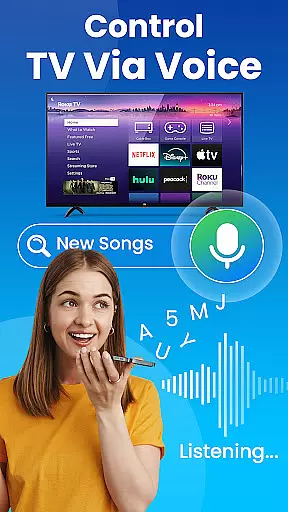
Another notable feature is the support for Roku streaming devices, enabling users to control their Roku streaming stick or Roku box directly from their phone. This makes streaming content a breeze. Furthermore, the app offers voice control capabilities (if supported), providing a hands-free TV management experience. With fast and easy setup, no additional hardware is required, making it a convenient and cost-effective solution for controlling multiple TVs from one device.
In the context of a Universal TV Remote Control app, ensuring property listing authenticity translates to verified compatibility with various TV brands. This app meticulously lists all supported TV brands such as Roku, Samsung, LG, Sony, and more, guaranteeing that users can control their specific TV models effectively.
The application undergoes rigorous testing to ensure each listed TV brand is genuinely controllable through its interface. By providing an accurate list of compatible devices, the app builds trust with its users who rely on this information to manage their home entertainment systems seamlessly.
Users benefit from the peace of mind that comes with knowing the app's capabilities are authentic and reliable. The comprehensive list of supported TVs ensures that customers can confidently use the app for their home entertainment needs without worrying about compatibility issues.
A standout feature of the Universal TV Remote Control app is its robust home management capabilities. It consolidates control of multiple entertainment devices into one platform, streamlining the user experience. With this app, you can manage not just your TV but also other connected devices within your smart home ecosystem.
The app offers advanced functionalities like Wi-Fi and Bluetooth support, enabling wireless control over smart TVs from various brands including Roku, Samsung, and LG. Users can adjust volume, change channels, switch input sources, and even power their devices on or off, all from their mobile phones.
This centralized control enhances convenience and efficiency in managing home entertainment systems. By integrating voice control options and supporting a wide range of TV brands, the app provides a versatile tool for modern households seeking to simplify their remote control needs.
User-friendly interface
Wide brand compatibility
Voice control option
No additional hardware needed
Free to use
Limited to compatible devices
Bluetooth connectivity issues
Requires Wi-Fi access
No physical buttons
Privacy concerns

For all of your Airthings devices
 4.30
4.30
Draw house plans, floor plans 3d & house design with house plan drawing 3d app
3.60
PRO Version of GLB AR Viewer
4.5
Home Ideas | Renovation Advice | Local Pros. Go From Dream to Home with Houzz.
4.70
Control the scent and ambiance of your home and car, right from your phone.
4.50
The only mappable smart lights for custom decoration.
4.50
Book your local plumber 24/7, track your service order & get exclusive coupons
4.00
Find contractors for all home renovation projects. Remodeling, repair, and more.
4.20
Turn old phones into security cameras, baby monitors, pet cams, and more.
4.70
View houses and apartments for rent, updated daily.
4.80
Real estate app to find homes for sale or rent in the right neighborhood for you
4.70
Your guide to apartments & rental homes. Find your next place to rent with AG.
4.60
AI-powered home design, interior design, home decor, and room design solutions
4.50
Wobble Fix Tool
4.40
AI Home Designer & Room Planner: Decorate your interior space with AI
4.40
Set up your devices, customize settings, and monitor your home—from anywhere
4.40
Universal Tv Remote Control for all Tv. Cast for chromecast & all Tv Controller
4.20
Draw your floor plan smartly. Make house design blueprint with home planner app
3.60
Unlock AI-based barcode scanning and support the development of Grocy Android
4.2


User Reviews