
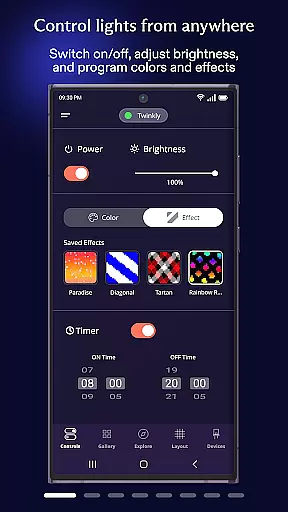
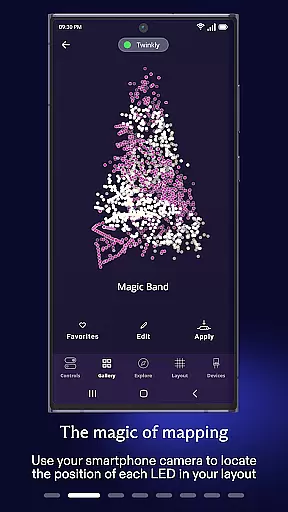
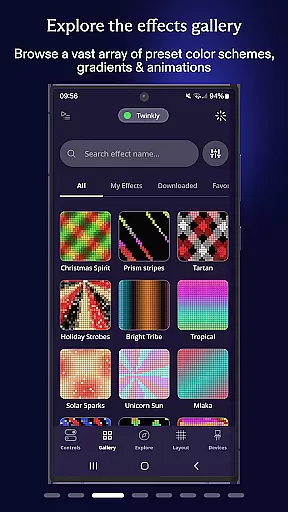
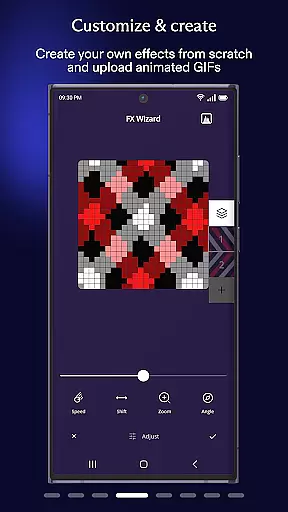
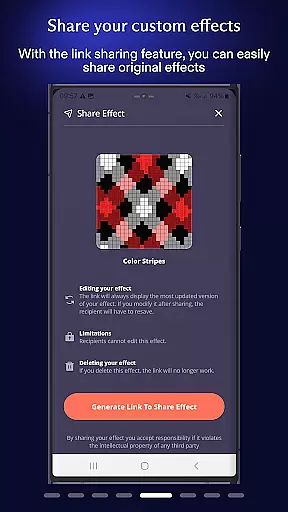
Twinkly is an innovative smart lighting control application designed to enhance your home ambiance through customizable light effects. The app allows users to precisely map and manage their Twinkly devices, offering unique features such as effect customization, playlist creation, and brightness adjustment. With seamless integration into smart home ecosystems like Amazon Alexa and Google Assistant, Twinkly provides hands-free voice control for a futuristic experience. Whether you're setting up holiday decorations or creating a personalized atmosphere for any occasion, Twinkly ensures your lights perfectly match your vision.
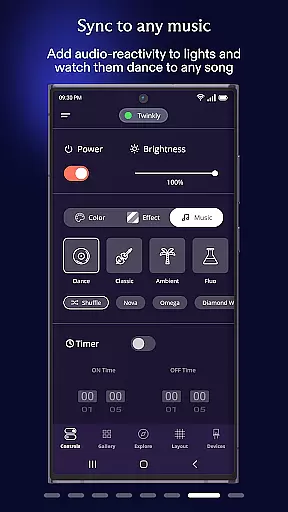
One standout feature is the ability to synchronize lights with music and sounds using Twinkly Music, adding dynamic visual elements to your audio experiences. This makes it ideal for parties, festive celebrations, or simply elevating everyday moments at home.
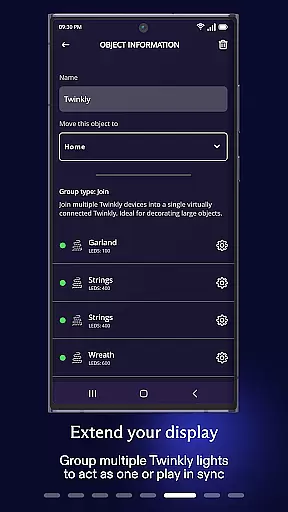
Twinkly offers an extensive range of features that set it apart in the smart lighting category. Users can map their light installations with pixel-level precision, enabling them to play, customize, and create stunning visual effects tailored to their preferences. The app supports grouping multiple devices into unified installations, allowing users to assign specific roles and manage complex setups effortlessly.
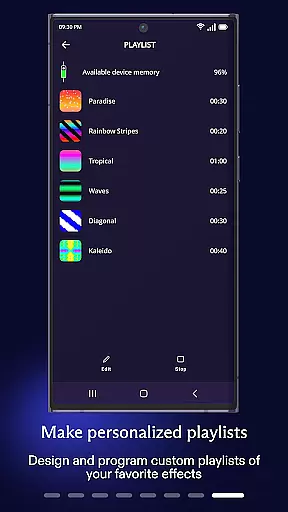
In addition to manual controls, Twinkly integrates advanced automation tools such as timers and playlists, ensuring lights operate on schedule without constant user intervention. For those seeking convenience, the app connects seamlessly with Amazon Alexa and Google Assistant, providing intuitive voice commands for hands-free operation. Furthermore, Twinkly Music enhances entertainment by syncing lights with live audio inputs, transforming any space into an immersive environment.
When it comes to managing your smart home devices, the authenticity and accuracy of listings are crucial. The Twinkly App ensures that each device you connect is accurately represented within the app's ecosystem.
This means that when you map your lights or group devices into installations, the app reflects their exact status and capabilities. You can trust that the effects you create and customize will display as intended on your connected devices.
The app also supports integration with major voice assistants like Amazon Alexa and Google Assistant, ensuring that all listed features are verified and functional. This level of authenticity provides users with peace of mind, knowing they have full control over their Twinkly lighting systems.
Twinkly App offers a comprehensive suite of home management features designed to enhance your smart lighting experience. With the ability to group devices, set timers, and create playlists, users gain unprecedented control over their home ambiance.
You can adjust brightness levels according to your preference or sync lights to sounds and music through Twinkly Music functionality. These features allow for dynamic customization of your living space, adapting to different moods and occasions effortlessly.
Additionally, the app enables hands-free voice control via Amazon Alexa or Google Assistant integration. This seamless connectivity empowers users to manage their Twinkly devices conveniently, making daily routines smoother and more efficient.
User-friendly interface
Voice control support
Music synchronization
Customizable effects
Multi-device management
Premium features locked
Occasional connectivity issues
Limited third-party integrations
High energy consumption
Steep learning curve

Draw house plans, floor plans 3d & house design with house plan drawing 3d app
 3.60
3.60
The official app for Home Assistant. Control your home anywhere in the world.
4.30
Home Ideas | Renovation Advice | Local Pros. Go From Dream to Home with Houzz.
4.70
Wobble Fix Tool
4.40
Download today to join the community to help bring lost pets home faster.
4.70
SmartRent - Opening Doors To A Smarter World
4.40
Smart AI plant care schedules, Real plant experts, support & Thriving community!
4.20
Find the perfect paint color with advanced tools to explore and visualize color.
3.80
Find contractors for all home renovation projects. Remodeling, repair, and more.
4.20
Connect with reliable pros for maintenance services, plumbing, and home design!
4.80
Search for Homes, Rentals, Agents & Schools
4.70
Find your next home, house, apartment, condo, casa, flat, rental, studio, or bed
4.70
A Smarter Home in Seconds
4.70
Night Owl Protect helps you secure, protect, and connect your world!
4.60
Looking for the perfect apartment finder app? Find beautiful rental homes here!
4.60
Make Renting Easy
4.40
Schlage Lock Company LLC
4.00
Unlock AI-based barcode scanning and support the development of Grocy Android
4.3
Calculate baluster spacing with ease and precision.
4.0


User Reviews