
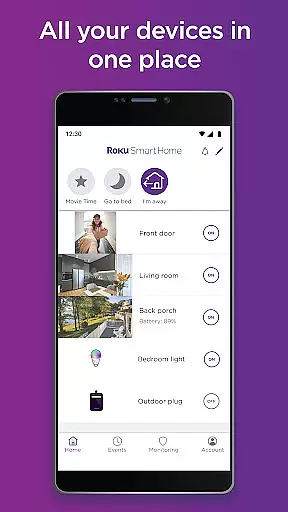
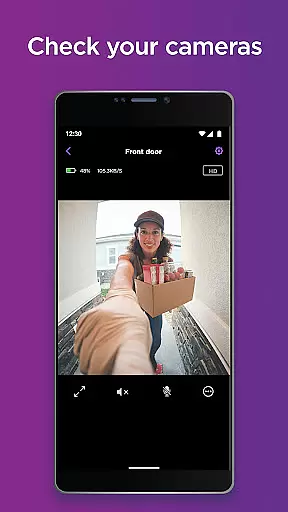
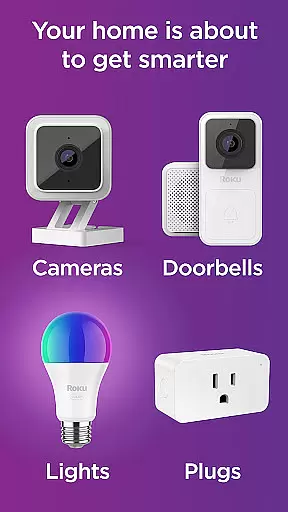
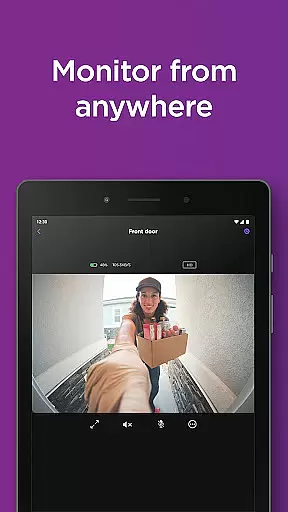
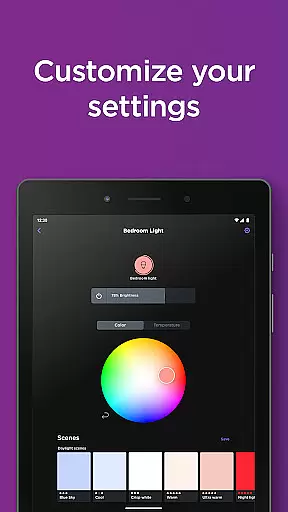
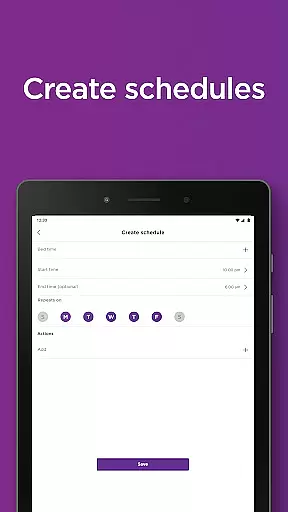
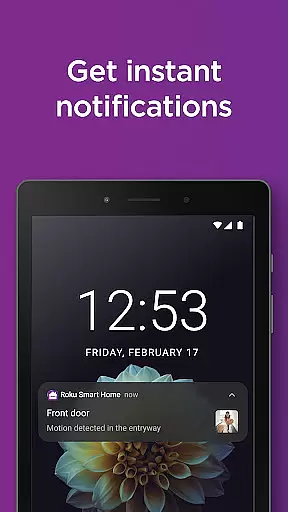
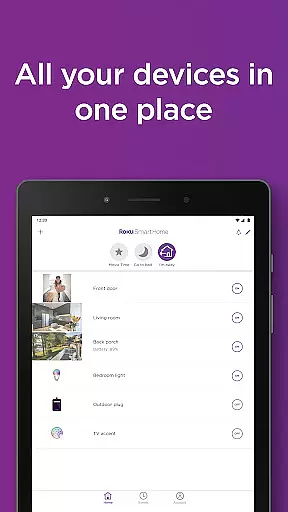
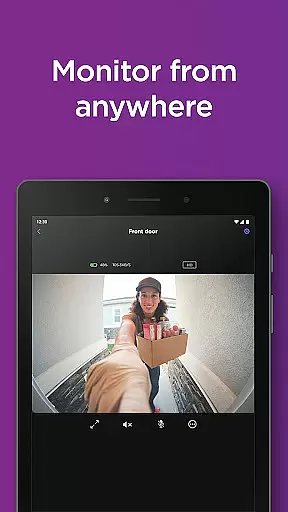
Roku Smart Home is a comprehensive smart home management app that allows users to control and monitor various smart devices from one convenient location. The application supports a wide range of devices including security cameras, video doorbells, smart bulbs, light strips, and plugs.
With Roku Smart Home, you can easily set up your devices, customize settings, and manage them all through the app. Whether you want to adjust lighting, check camera feeds, or automate your home appliances, this app provides an intuitive interface to do so. It's particularly useful for those who prioritize home security and automation.
The app also offers features like motion detection, two-way audio communication, and customizable notification settings. These capabilities ensure that you stay informed about activities in and around your home while having the flexibility to tailor alerts according to your preferences.
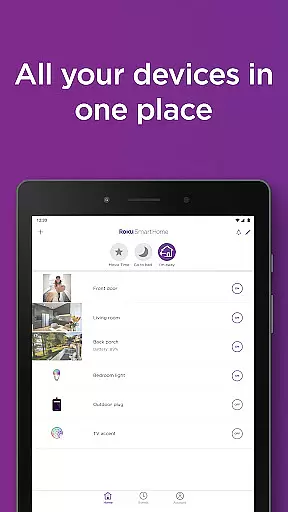
One of the standout features of Roku Smart Home is its ability to consolidate all your smart devices into a single platform. This includes managing indoor and outdoor security cameras, video doorbells, smart lighting solutions, and smart plugs.
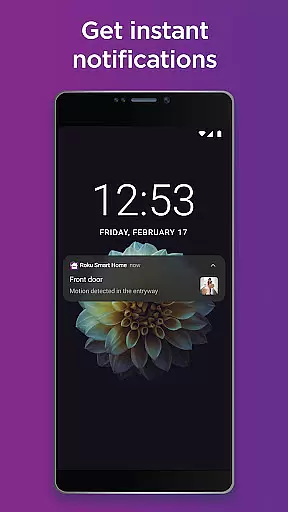
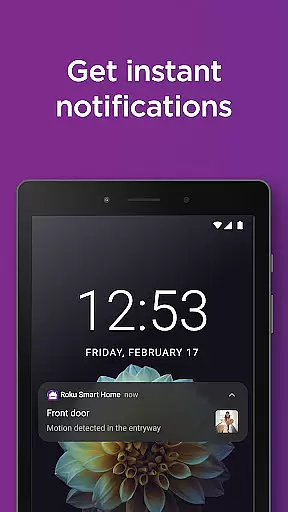
The app provides instant notifications for motion or sound events, allowing you to respond promptly to any activity. You can access live footage from your cameras directly within the app and even communicate using two-way audio functionality.
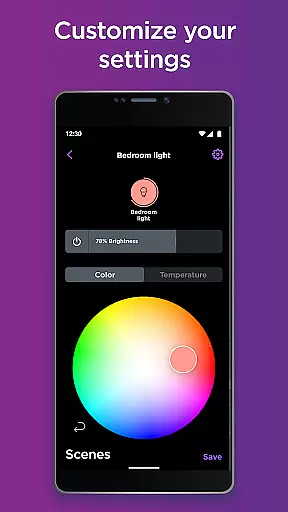
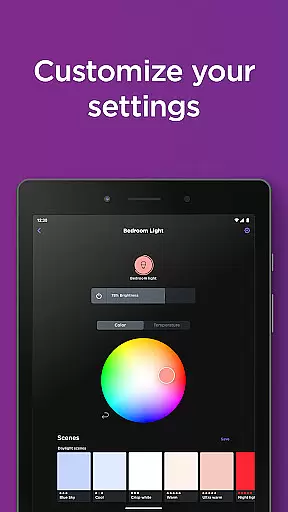
For lighting, Roku Smart Home lets you customize colors, brightness levels, and create schedules for your smart bulbs and light strips. With smart plugs, you have the power to remotely control appliances and set timers or rules for automatic operation. All these features are designed to enhance convenience and security in your living space.
In the realm of smart home management, ensuring the authenticity of your property listings is paramount. The Roku Smart Home app excels in this area by providing users with a reliable platform to manage their smart devices. Each device, from security cameras to smart plugs, is accurately represented within the app, ensuring that users have a clear and truthful overview of their smart home ecosystem.
The application employs rigorous verification mechanisms to maintain the integrity of its device listings. When you add a new device, the system meticulously checks compatibility and confirms the device's specifications, leaving no room for error. This meticulous attention to detail guarantees that every product listed in your smart home inventory is both genuine and fully functional.
For homeowners, this means peace of mind knowing that each connected device is exactly as described, without any discrepancies. The app's commitment to authenticity ensures that users can confidently expand their smart home setup, assured that every addition will seamlessly integrate into their existing network.
Ultimately, the Roku Smart Home app not only simplifies smart home management but also fortifies trust through its dedication to property listing authenticity. Users can focus on enhancing their living spaces with innovative technology, secure in the knowledge that their investments are protected against misinformation or misrepresentation.
Efficient home management is at the heart of the Roku Smart Home app's offerings. With an intuitive interface designed for ease of use, the app empowers homeowners to take full control of their smart devices. From adjusting lighting schemes to monitoring security feeds, the comprehensive suite of tools ensures that managing your home has never been more straightforward or efficient.
One standout feature is the ability to group devices, allowing for simultaneous control over multiple gadgets with just a few taps. Imagine dimming all the lights in your living room or arming all security cameras with a single command. This level of integration streamlines daily routines and enhances the overall convenience of maintaining a modern household.
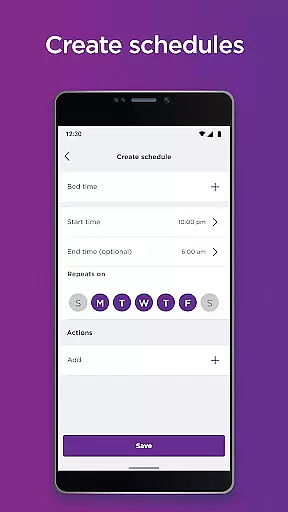
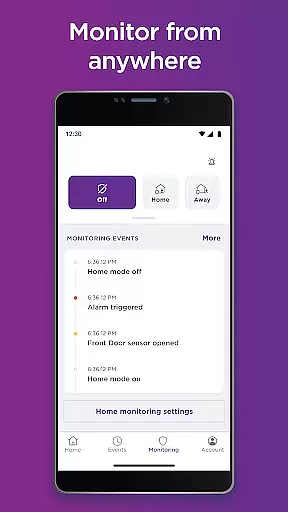
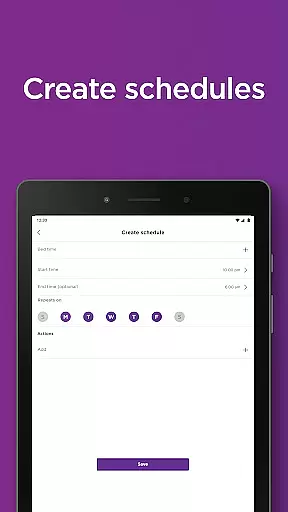
Beyond basic controls, the app offers advanced functionalities such as scheduling and automation. Users can create personalized rules that dictate how and when their devices operate, tailoring the smart home experience to fit their unique lifestyles. Whether it's setting lights to mimic occupancy while you're away or receiving instant alerts for unusual activity, these features provide both comfort and security.
By combining user-friendly interfaces with powerful home management capabilities, the Roku Smart Home app sets a new standard for what homeowners should expect from their smart home systems. It transforms complex technological interactions into simple, enjoyable experiences, making sophisticated home automation accessible to everyone.
User-friendly interface
Comprehensive device support
Customizable settings
Real-time notifications
Remote access capability
Subscription required for full features
Limited third-party integration
Dependent on internet connectivity
Premium features come at extra cost
Occasional connectivity issues

Home Ideas | Renovation Advice | Local Pros. Go From Dream to Home with Houzz.
 4.70
4.70
Our app allows Sunrun customers to monitor systems, pay bills, and get support.
3.80
Fully control your Philips TV with this all-in-one remote control app.
4.20
SmartRent - Opening Doors To A Smarter World
4.40
Control your Vivint Smart Home with the next generation Vivint App.
4.30
Apartment finder for apartments for rent. Compare prices, amenities & rentals.
4.50
Samsung remote app helps control all Samsung Smartthings TVs. Fast and Stable!
4.10
An easier way to make payments and maintenance requests from anywhere.
3.50
A Smarter Home in Seconds
4.70
Find your next home, house, apartment, condo, casa, flat, rental, studio, or bed
4.70
The Merkury Smart app makes it easy to control your smart devices.
4.50
Resident Center, powered by Buildium, is designed with simplicity in mind.
4.50
Make Renting Easy
4.40
Security App with HD Video, 2-way Audio, and event detection for Home monitoring
4.40
Schlage Lock Company LLC
4.00
USHUD.com helps you find the best homes for sale in your area
4.00
Find paints using a Color Muse & ColorSnap® Match
3.60
An awesome mobile app for Home Security Surveillance - uses ZoneMinder
3.20
Universal TV remote Control for Roku TV brands via WiFi remote
4.5


User Reviews