
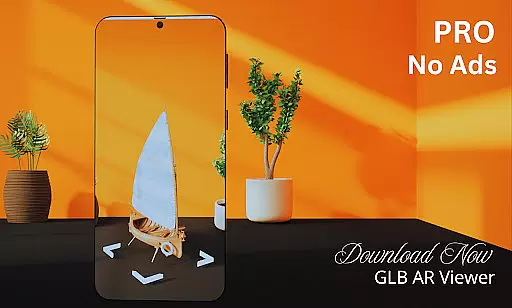
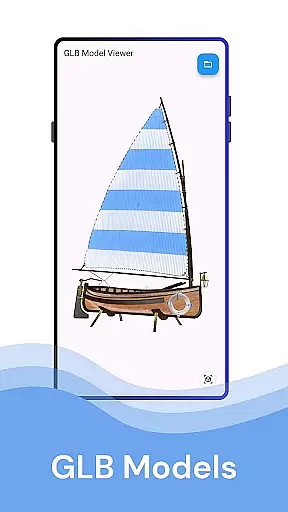
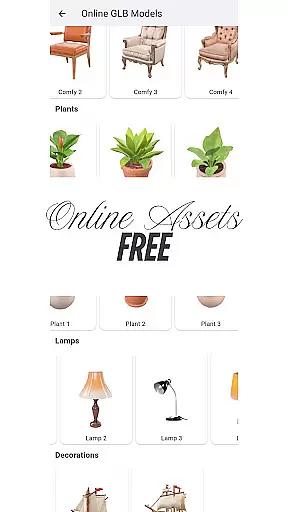
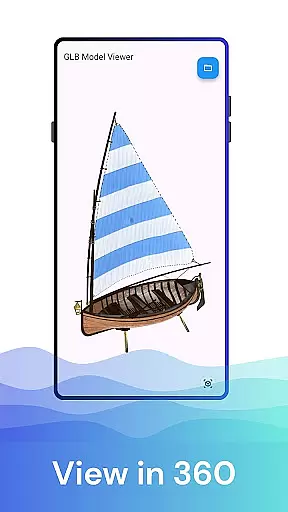
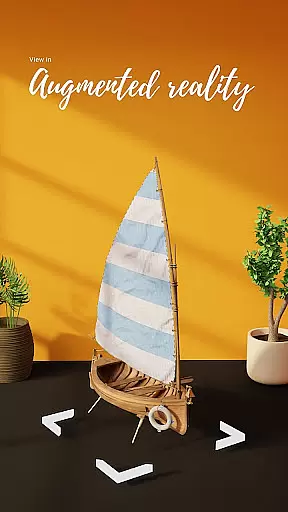

GLB AR Viewer 3D PRO is a cutting-edge application designed for users to seamlessly view and interact with 3D models in GLB format. The app supports both standard 3D viewing and immersive Augmented Reality (AR) experiences, making it an ideal tool for professionals and enthusiasts alike.
With its intuitive interface, the app allows users to load GLB files directly from their device storage and visualize them in real-world environments using ARCore technology. Whether you're a 3D artist, developer, or educator, this app provides a fast and efficient way to preview and showcase 3D content.
The ability to manipulate 3D models through touch gestures such as rotating, zooming, and panning enhances user interaction. This functionality proves invaluable for those needing to test designs, present work, or explore educational content in a more engaging manner.
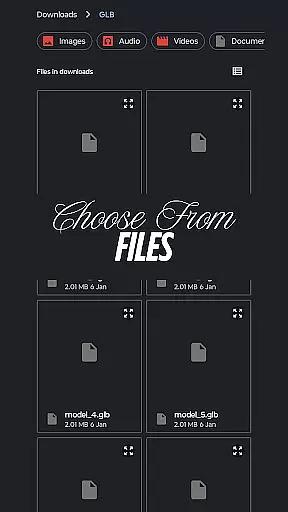
GLB AR Viewer 3D PRO stands out with its robust feature set tailored for 3D model visualization. One of its core functionalities is the ability to open .glb files directly from device storage, providing quick access to 3D models without any hassle.
The app's Augmented Reality (AR) viewer leverages ARCore to place 3D models within the user's environment, offering a realistic sense of scale and design integration. Interactive controls allow users to manipulate models effortlessly, enhancing the overall experience.
Designed with simplicity in mind, the app boasts a clean and minimal UI that ensures ease of use. Its lightweight nature means that users can enjoy a smooth performance without unnecessary features bogging down their devices.
In the realm of House & Home applications, ensuring the authenticity of property listings is paramount. GLB AR Viewer 3D PRO takes this aspect seriously by allowing users to visualize 3D models in augmented reality, providing a realistic and accurate depiction of properties. This feature helps mitigate misleading representations often found in traditional listings.
The app enables real estate professionals and homeowners to upload .glb files directly, showcasing properties with interactive 3D models that potential buyers can explore in their real-world environment using ARCore technology. This immersive experience bridges the gap between digital representation and physical reality, enhancing trust in the property information provided.
By offering an intuitive way to load, preview, and interact with these detailed 3D models, users gain a transparent understanding of a property's features and layout before visiting in person. This not only saves time but also ensures that the properties shown are genuine and accurately represented, fostering confidence among prospective buyers or renters.
GLB AR Viewer 3D PRO extends beyond just viewing properties by incorporating essential home management features. The application provides interactive controls for rotating, zooming, and panning 3D models, which can be crucial when planning renovations or managing home spaces effectively. These functionalities empower users to engage with their propertyu2019s design intricately.
For homeowners and interior designers, the ability to manipulate 3D models within an actual space aids in making informed decisions about furniture placement, decor changes, or even structural modifications. The user-friendly interface ensures that these tasks are straightforward and accessible without requiring specialized technical skills.
Moreover, the fast and lightweight nature of the app means it delivers necessary tools without overwhelming the deviceu2019s resources, making it suitable for both casual users and professionals alike. By integrating such practical tools into one platform, GLB AR Viewer 3D PRO becomes an indispensable asset for comprehensive home management solutions.
User-friendly interface
Fast loading times
Augmented reality support
Interactive 3D controls
Ideal for professionals
Limited file format support
No advanced editing tools
Requires ARCore
Basic UI customization
Few sharing options

Make Renting Easy
 4.40
4.40
Tailored Care Guides For Houseplants, Indoor Plants, Garden Plants & Flowers.
4.60
Control your Daikin, Amana & Goodman heating & cooling systems from anywhere
4.40
Download today to join the community to help bring lost pets home faster.
4.70
AI-powered home design, interior design, home decor, and room design solutions
4.50
Resident Center, powered by Buildium, is designed with simplicity in mind.
4.50
The only mappable smart lights for custom decoration.
4.50
Night Owl Protect helps you secure, protect, and connect your world!
4.60
Find homes for sale and apartments for rent in the best neighborhood.
4.70
View houses and apartments for rent, updated daily.
4.80
Apartment finder for apartments for rent. Compare prices, amenities & rentals.
4.50
Plan your remodel AI home renovation easily using planner 5D and home decor AI.
4.40
WiZ smart light system
4.40
Control your Vivint Smart Home with the next generation Vivint App.
4.30
Turn your phone into a wifi cam with smart features and umlimited reach.
4.20
Samsung remote app helps control all Samsung Smartthings TVs. Fast and Stable!
4.10
Floor Plan Creator Home Design with 2D interior design and 3d view.
3.90
IP camera view and playback, for your WiFi cam or home security cctv system.
3.70
An awesome mobile app for Home Security Surveillance - uses ZoneMinder
3.20


User Reviews