
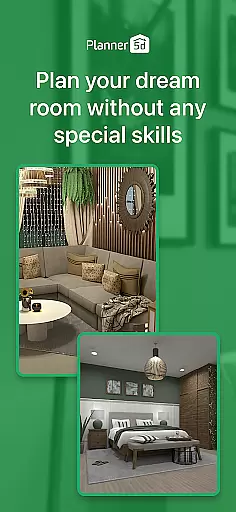
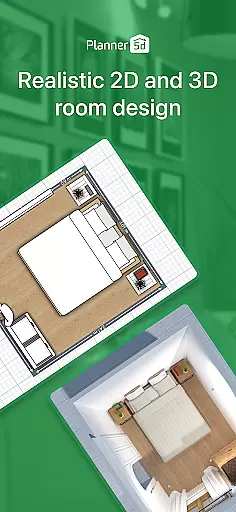
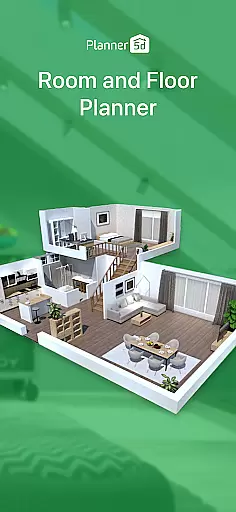
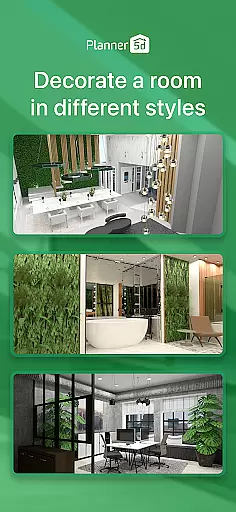
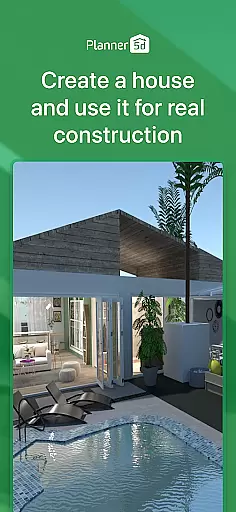
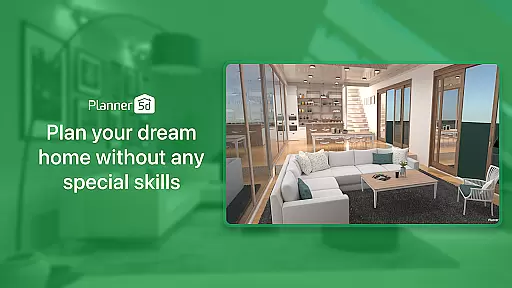
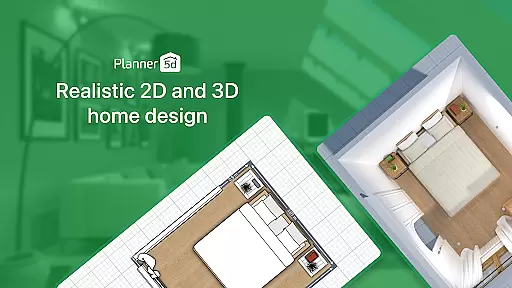
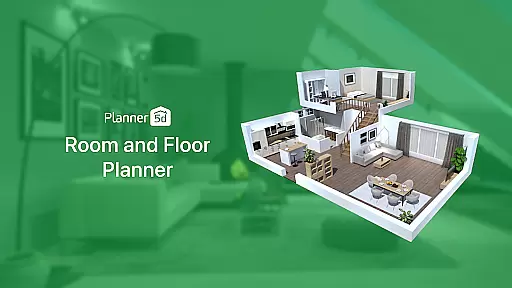
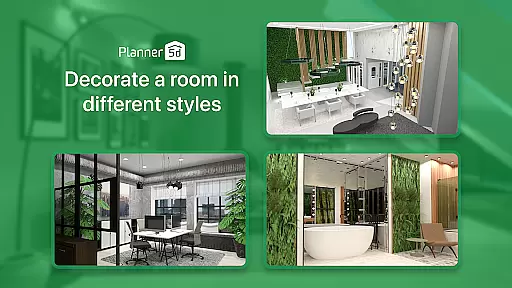
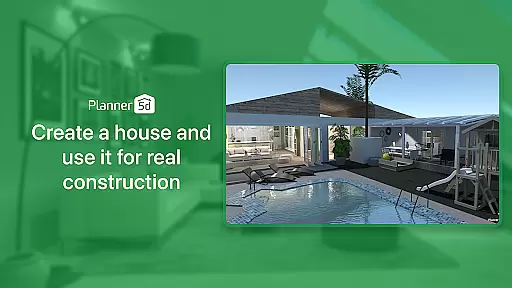
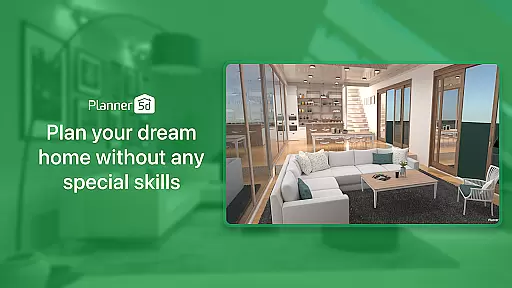
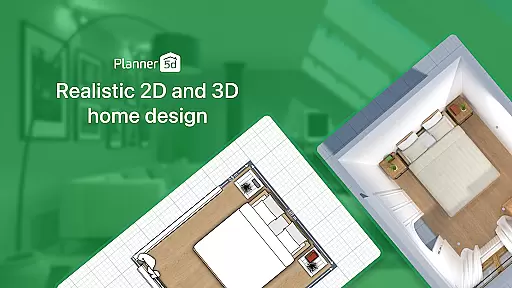
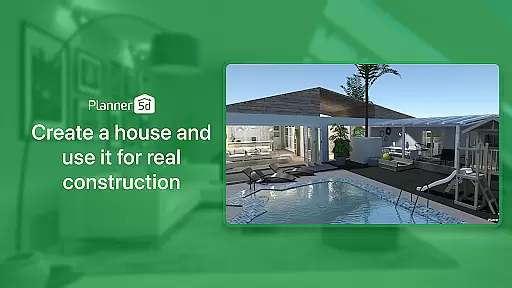
Planner 5D is the leading AI-powered home design and room planning application, catering to both home design enthusiasts and professionals. This comprehensive tool allows users to create detailed 2D and 3D floor plans, visualize interior and exterior spaces, and utilize a library of over 10,000 items for complete home decoration. With features like AR Room Planner and realistic HD snapshots, it bridges the gap between imagination and reality in home design.
The app's versatility extends beyond residential spaces, enabling users to plan and visualize designs for restaurants, offices, and other commercial spaces. Whether you're redesigning a single room or planning a full home renovation, Planner 5D provides all the necessary tools to bring your vision to life. Its cross-platform functionality ensures you can work on your projects anytime, anywhere.
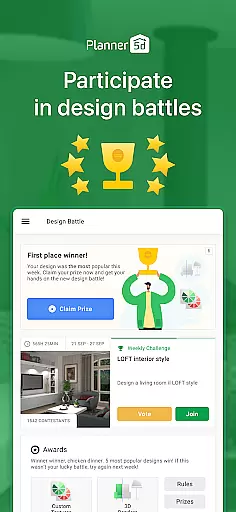
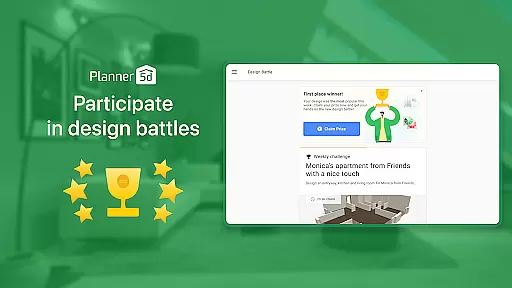
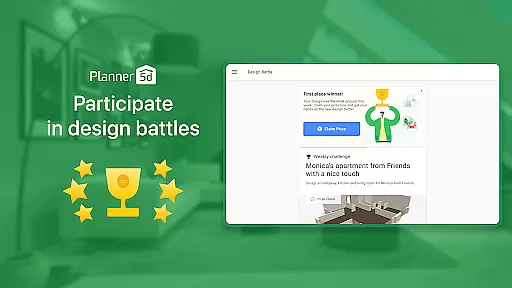
With over 40 million happy users and more than 300 million home design projects created, Planner 5D has established itself as an essential tool in the home design industry. The app's active community and regular design competitions provide additional inspiration and opportunities for users to showcase their skills.
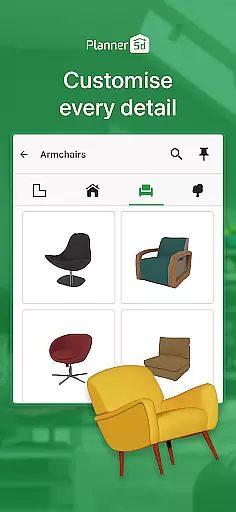
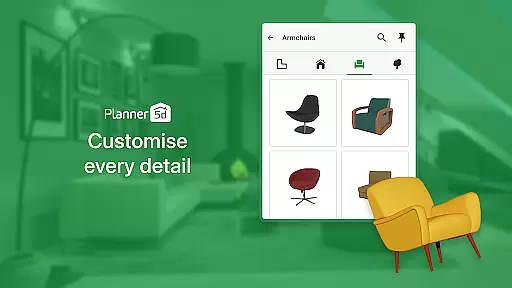
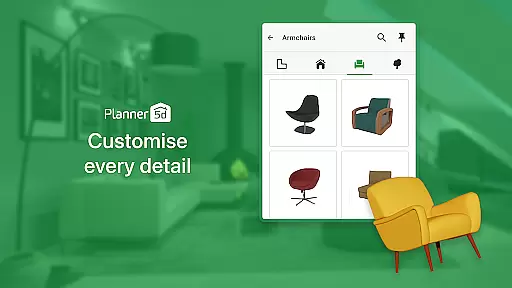
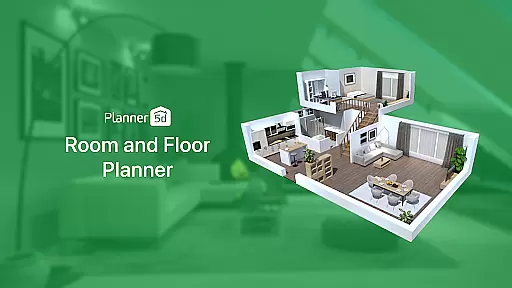
Planner 5D offers an impressive array of features that make home design accessible to everyone. The app's core functionality includes creating detailed 2D floor plans that can be easily converted into realistic 3D models. Users can take advantage of advanced architectural design tools (CAD) for precise planning and utilize the extensive furniture catalogue containing over 10,000 items for complete interior decoration.
One of the standout features is the AR Room Planner, which allows users to configure layouts using real room dimensions and visualize designs in actual size. The app also provides realistic HD snapshots with rich colors and accurate lighting, helping users create professional-quality renders. Additionally, the Gallery of Ideas offers inspiration from real 3D home design projects, while the Exterior/Landscape Design feature enables users to plan their ideal outdoor spaces.
The app's flexibility extends to its usage options, with both online and offline modes available. Cross-platform support ensures seamless project management across devices, and Chromecast integration allows users to display their designs on any screen. These features, combined with regular updates and improvements, make Planner 5D a powerful tool for anyone interested in home design and renovation.
Property listing authenticity is a crucial feature for any home design and renovation application. Planner 5D ensures that every item in its extensive library of over 10,000 furniture pieces and du00e9cor items is accurately represented. This commitment to accuracy means users can trust that the digital designs they create will closely match real-world outcomes.
The app provides detailed specifications and realistic renderings for each item, ensuring that users have a clear understanding of dimensions, materials, and aesthetics before incorporating them into their designs. This level of detail helps prevent discrepancies between planned designs and actual renovations, enhancing user satisfaction and confidence in their projects.
By maintaining high standards of authenticity, Planner 5D not only aids in creating visually appealing spaces but also supports practical decision-making. Users can plan their interiors with precision, knowing that the elements they choose are true to life. This feature significantly reduces the risk of costly mistakes and ensures a smoother renovation process.
Home management features in Planner 5D encompass a wide array of tools designed to assist users in efficiently planning and executing their home design projects. From creating detailed 2D floor plans to immersive 3D visualizations, the app offers comprehensive functionalities that cater to both novice decorators and professional designers.
One standout feature is the AR Room Planner, which allows users to configure layouts using their actual room dimensions. This tool bridges the gap between imagination and reality by enabling users to see how their designs would look in their real living spaces. Additionally, the app's cross-platform compatibility ensures that users can seamlessly work on their projects from any device, whether at home or on the go.
Planner 5D also includes advanced architectural design tools and realistic HD snapshots, empowering users to produce high-quality renders with accurate lighting and rich colors. These capabilities enhance the overall user experience by providing powerful resources for managing and visualizing every aspect of a home renovation project. With these robust features, Planner 5D stands out as an indispensable tool for anyone looking to redesign or renovate their living space.
User-friendly interface
Extensive furniture library
Realistic 3D visualization
Cross-platform compatibility
Active user community
Advanced features require subscription
Steep learning curve for beginners
Limited free content
Occasional performance issues
Some features need strong hardware

Tailored Care Guides For Houseplants, Indoor Plants, Garden Plants & Flowers.
 4.60
4.60
Universal TV Remote for TV, control all Smart TVs with your mobile phone.
4.2
Find paints using a Color Muse & ColorSnap® Match
3.60
USHUD.com helps you find the best homes for sale in your area
4.00
Floor Plan Creator Home Design with 2D interior design and 3d view.
3.90
Control your Vivint Smart Home with the next generation Vivint App.
4.30
Search for Homes, Rentals, Agents & Schools
4.70
An easier way to make payments and maintenance requests from anywhere.
3.50
Find homes for sale and apartments for rent in the best neighborhood.
4.70
Connect with reliable pros for maintenance services, plumbing, and home design!
4.80
Download today to join the community to help bring lost pets home faster.
4.70
The Merkury Smart app makes it easy to control your smart devices.
4.50
For all of your Airthings devices
4.30
The official app for Home Assistant. Control your home anywhere in the world.
4.30
Design your dream home with 3D planning app, Visualize your dream home in 3D.
4.20
Samsung remote app helps control all Samsung Smartthings TVs. Fast and Stable!
4.10
AI floor creator to design your dream house, plan rooms & style your home
4.00
Technology powering many in-home services for residents across the United States
3.80
This Fire TV Remote control's your Fire TV Device and Insignia Fire TV Remote
3.70


User Reviews