
ALDLdroid is a specialized diagnostic tool designed for OBD1 GM ECMs, supporting both 160 baud and 8192 baud protocols. This app allows users to perform data logging and tuning modifications using TunerPro files (ADX)
Key features include compatibility with various car brands when using appropriate XDF files, real-time tuning with supported hardware, and customizable dashboard indicators. It also provides multiple log viewing options for comprehensive data analysis
Available on Android, ALDLdroid serves automotive enthusiasts and professionals seeking advanced control over engine management systems. Its ability to work with different protocols and extensive customization options makes it a valuable tool for those invested in vehicle performance optimization
ALDLdroid offers advanced vehicle diagnostics and tuning capabilities for OBD1 GM ECMs. The app supports both 160 baud and 8192 baud protocols, providing compatibility with a range of vehicles
One standout feature is its support for TunerPro files (ADX/XDF), enabling users to perform data logging and tuning modifications. With the proper files, it extends functionality beyond GM ECMs to other brands like BMW, Ford, and Nissan
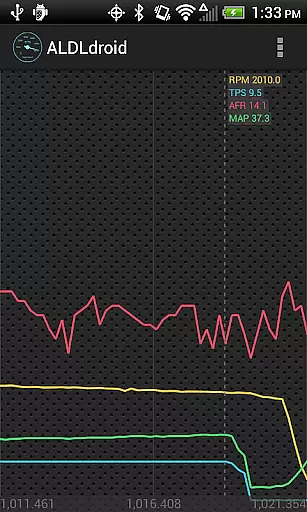
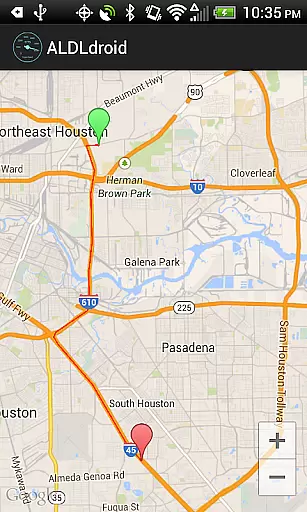
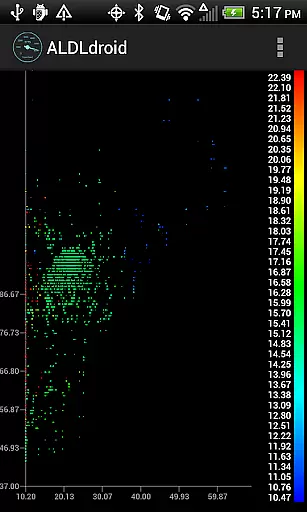
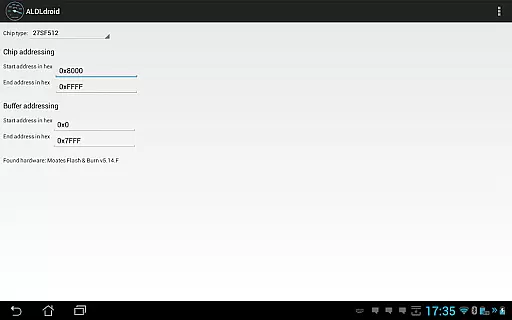
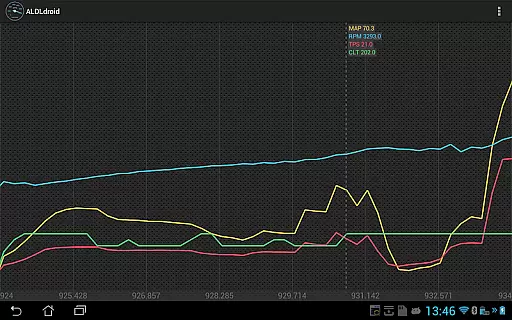
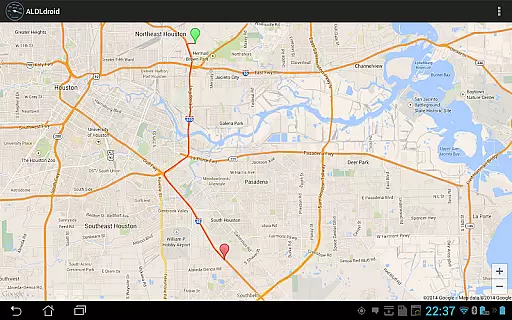
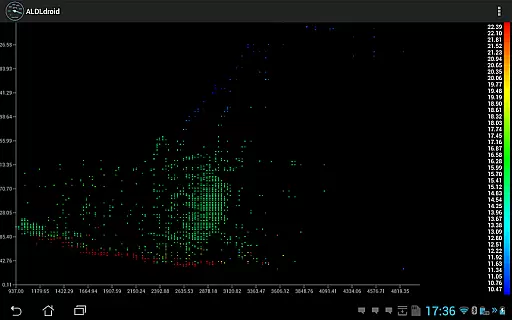
The app facilitates real-time tuning using Moates hardware and includes customizable dashboard indicators. Users can view logs in scatter plots, GPS maps, or time series formats, offering versatile data analysis options
ALDLdroid provides comprehensive access to detailed vehicle information by connecting directly to OBD1 GM ECMs. The application supports both 160 baud and 8192 baud protocols, ensuring compatibility with a wide range of vehicles.
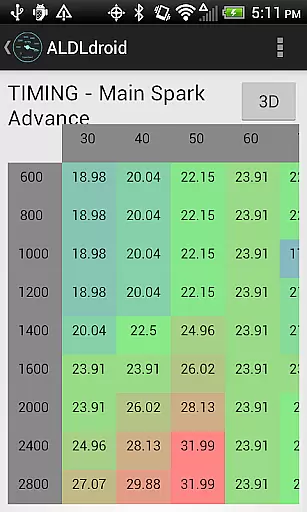
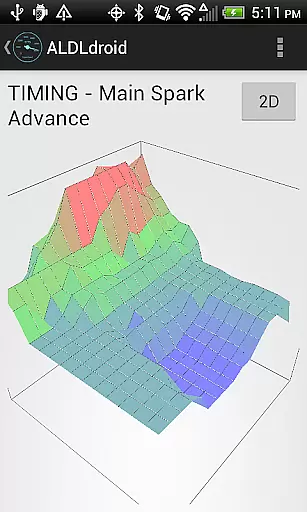
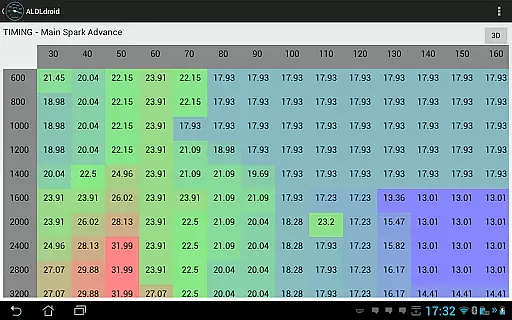
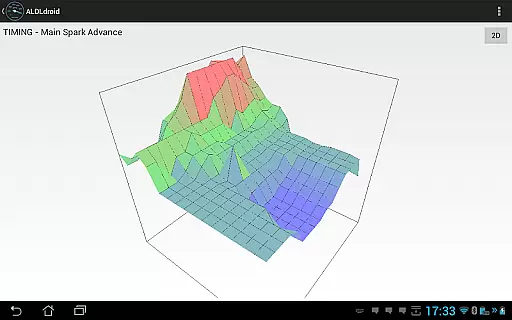
Through the use of TunerPro files (ADX), users can log data specific to their vehicle's ECM. This feature allows for an in-depth analysis of engine performance, sensor readings, and other critical parameters that are essential for diagnostics and tuning.
Beyond GM ECMs, ALDLdroid extends its functionality to other car and motorcycle brands. With the appropriate XDF file, users can perform tuning file editing on brands such as BMW N54, Buell, DSM, Ducati, Ford, Holden, Nissan, Porsche, Volvo, Fiat, and Renault. This versatility makes it a valuable tool for mechanics and enthusiasts alike.
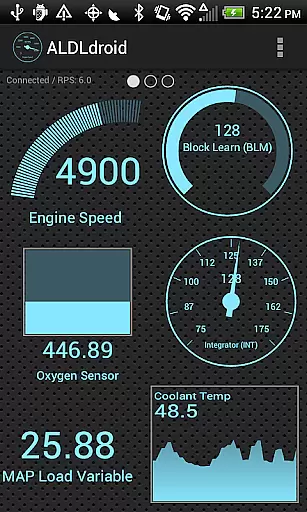
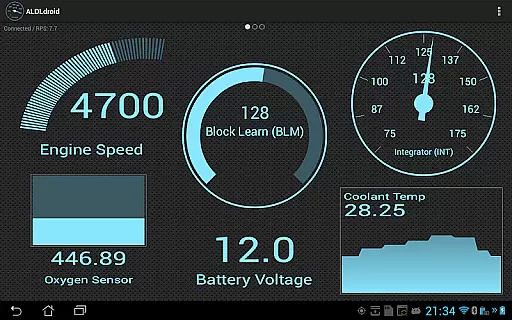
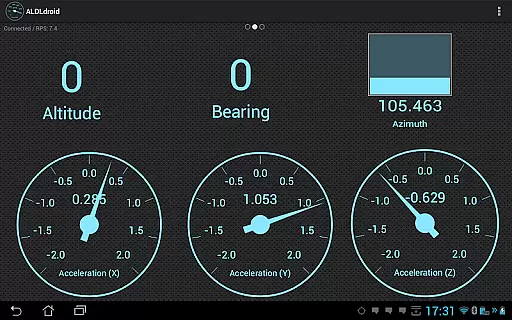
The ability to customize dashboard indicators through double-tapping offers users the power to tailor the display to their needs. Options include various formats like gauge, basic readout, bar graph, or histogram, enhancing the user experience by providing clear and customizable vehicle data visualization.
ALDLdroid maintains price transparency by offering a one-time purchase model without hidden fees. Before purchasing, users are encouraged to verify the availability of the required ADX or XDF files for their specific ECM, ensuring they understand the full cost involved.
The app provides links to purchase compatible ALDL adapters for Bluetooth or USB connections if needed. These accessories, available at different price points, allow users to choose based on their budget and connection preference, making costs predictable and manageable.
Additionally, ALDLdroid includes several log viewers within the app, eliminating the need for separate purchases. Users can view scatter plots, GPS data on maps, and time series of logged data, all included in the initial price, thus delivering exceptional value without additional expenses.
With a clear no-refund policy after Google Playu2019s 15-minute window, potential buyers are urged to consult online communities. This approach ensures informed decisions, aligning expectations with the product's capabilities and pricing structure.
Advanced tuning
Multi-brand support
Real-time editing
Custom dashboards
Versatile log views
Limited to specific
Requires ADX files
No iOS support
Complex for beginners
Hardware dependent

ODB2 based monitoring application for the Chevy Bolt (2017-2021)
 4.00
4.00
App Mirroring for Tesla Car's Browser
2.80
Buy and sell your boat
4.70
Mobile Phone Parking - So easy to park
3.70
DMV practice test 2025: Driver License permit test & written test for all states
4.70
Your go-to app for car, truck & SUV parts, DIY tools, and expert repair help.
4.70
7-Day Returns on All Cars
4.80
Marathon ARCO Rewards members earn rewards & apply the rewards for fuel savings!
4.80
PayByPhone: A quick and easy way to pay for parking.
3.80
Trip computer+car diagnostic tool with widest variety of features and dashboard!
4.70
MySubaru: Download. Connect. Love.
4.70
Listings of Tesla's with FSD - Included package
4.60
Instant diesel savings. No credit checks or fees. Nationwide growing network.
4.40
Secure mobile payments & fuel savings at Phillips 66®, Conoco® and 76® stations
4.40
Autotrader is your online solution for buying and selling new and used cars.
4.40
Your car is talking. Start listening.
4.30
Take state-specific DMV permit tests and ace the exam.
3.90
Wonder how much horsepower and torque your car/truck makes? Look no further.
3.40
Theme for Car Launcher
4.5


User Reviews