
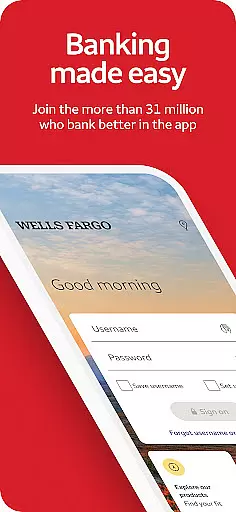
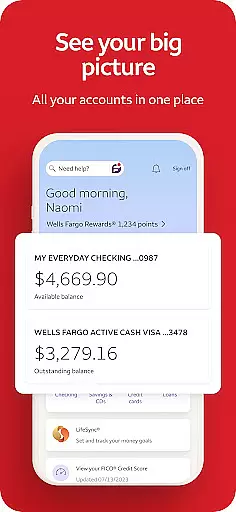
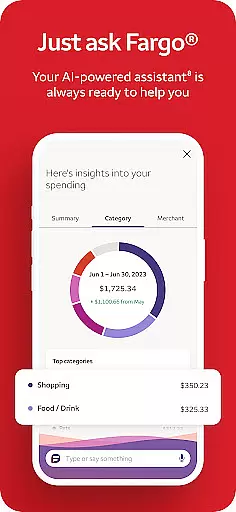
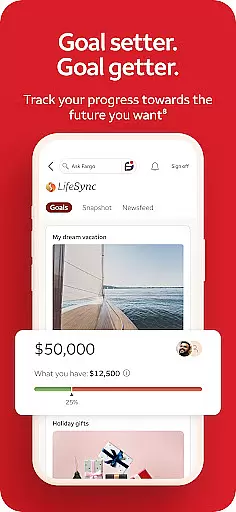
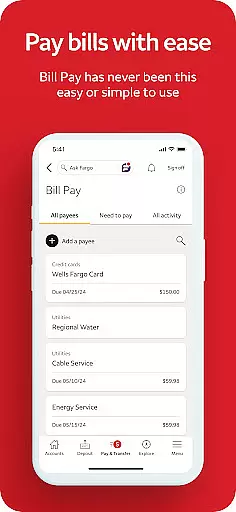
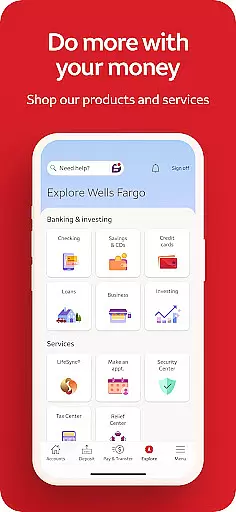
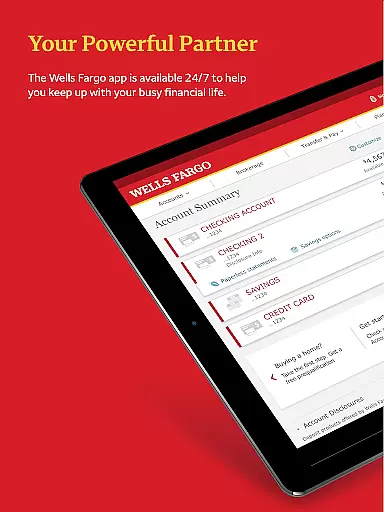
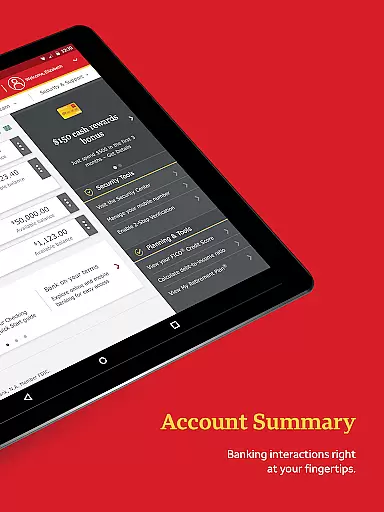
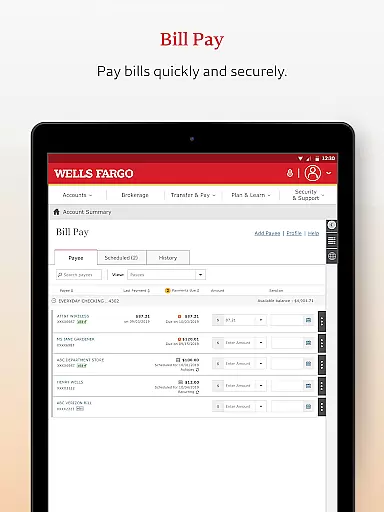
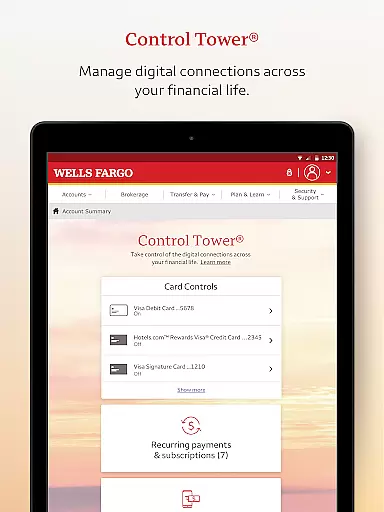
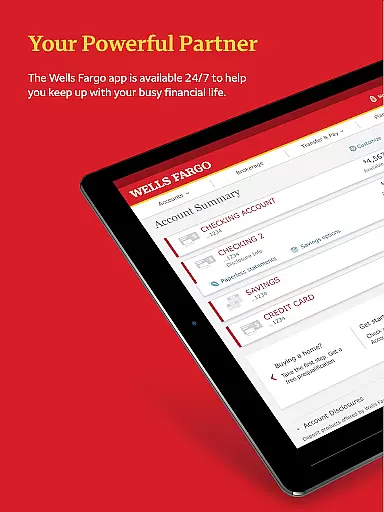
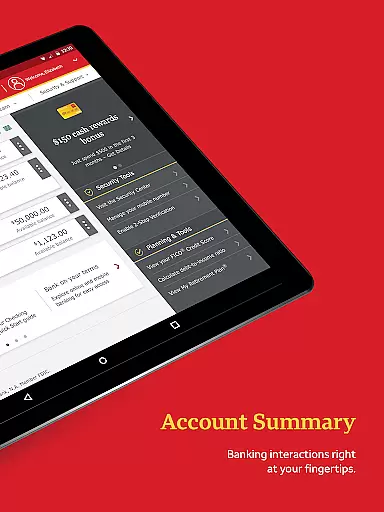
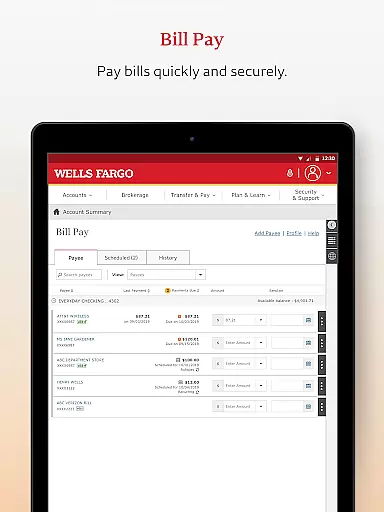
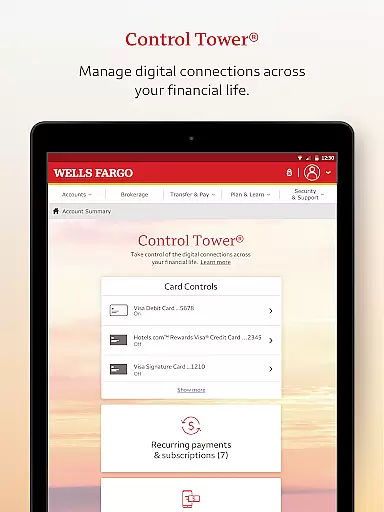
Wells Fargo Mobile is a comprehensive financial management application designed to provide users with convenient access to their banking, credit, and investment accounts. The app supports biometric authentication, allowing secure and quick login through fingerprint or facial recognition on compatible devices. Users can easily manage their finances by reviewing account balances, transaction history, and even controlling card settings such as activation or deactivation. With integrated features for depositing checks via the device's camera and transferring funds between accounts, Wells Fargo Mobile ensures seamless banking operations.
In addition to basic banking functions, the app offers advanced tools for tracking investments, including real-time market data and order management. Security is prioritized with features like fraud reporting, customizable alerts for suspicious activities, and access to FICO Credit Scores. Whether you need to pay bills, send money using Zelle, or simply monitor your financial health, this app provides a complete suite of services tailored for modern banking needs.
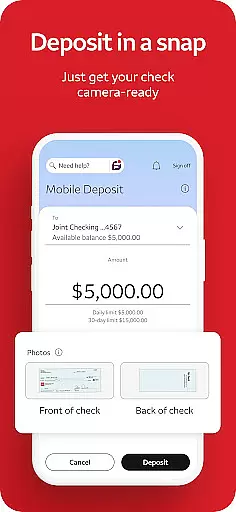
Wells Fargo Mobile stands out with its robust feature set designed to simplify personal finance management. The app allows users to access multiple account types including cash, credit, and investment portfolios through a secure biometric sign-on process. A key functionality is the Card Settings feature, which enables users to activate or deactivate cards, add them to digital wallets, and view recurring payments. The mobile deposit feature lets users deposit checks instantly using their smartphone camera, providing unparalleled convenience.
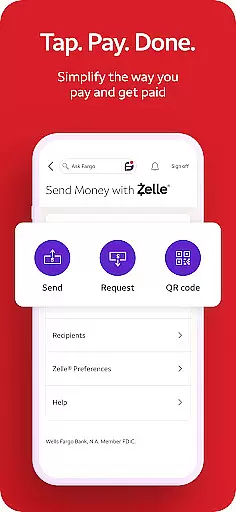
For those interested in investment tracking, the app delivers real-time quotes, interactive charts, and detailed market data. Users can monitor their WellsTrade accounts, view holdings, and track open orders. The integration with Zelle facilitates easy money transfers to friends and family using just an email address or phone number. Additionally, the Security Center provides essential tools for maintaining account safety, including fraud reporting and alert management. These comprehensive features make Wells Fargo Mobile a versatile tool for managing all aspects of personal finance.
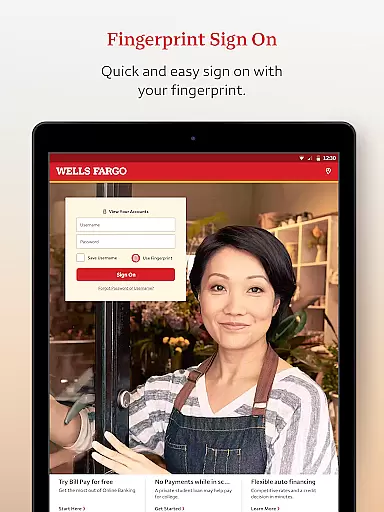
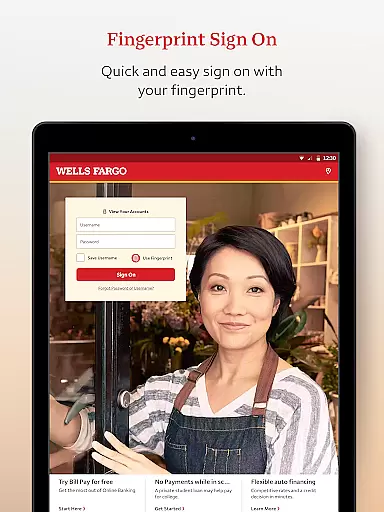
Account and Fund Security is a critical feature for any financial application, ensuring that users' personal and financial information remains protected. Wells Fargo Mobile employs advanced security measures such as Fingerprint Sign On and Biometric Sign On, which are available on eligible devices. These features provide an additional layer of security by allowing only authorized access to accounts.
The app also includes a Security Center where users can report fraud and manage alerts. This proactive approach helps in maintaining account safety by notifying users of any suspicious activity. With instant notifications, customers can quickly respond to potential threats, thereby safeguarding their funds and personal data.
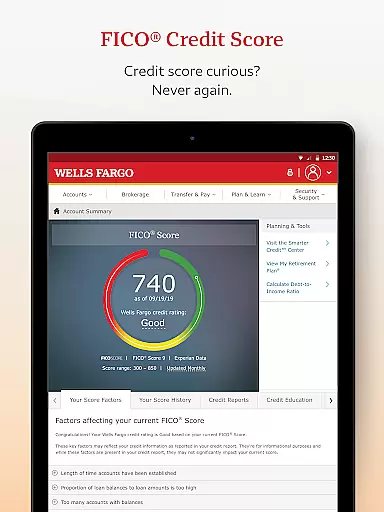
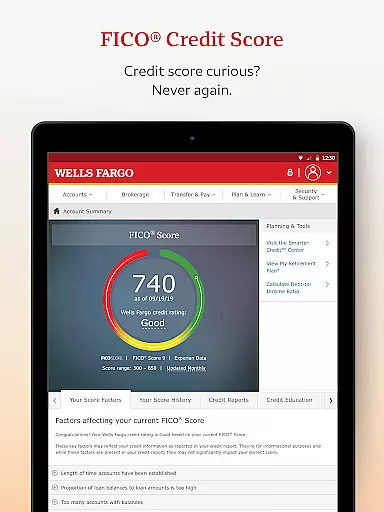
Moreover, the availability of FICO Credit Score access within the app empowers users with insights into their credit health. By regularly monitoring their credit scores, users can take necessary actions to improve or maintain their financial standing. This transparency not only builds trust but also encourages responsible financial behavior among users.
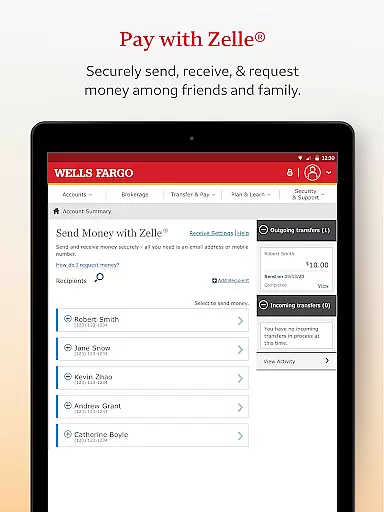
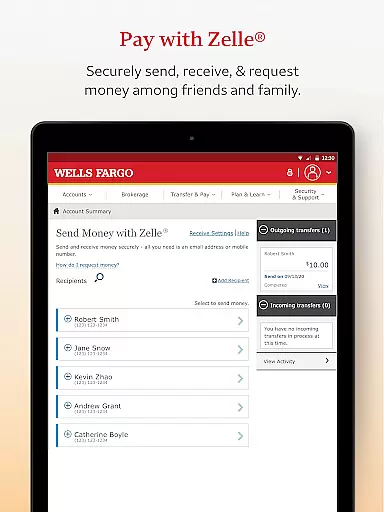
The Transaction Experience in Wells Fargo Mobile is designed to offer seamless and efficient fund management capabilities. Users can easily transfer funds between their Wells Fargo accounts and other financial institutions, making banking more convenient than ever before. The integration with Zelle allows for quick money transfers using just a U.S. mobile phone number or email address, enhancing the overall user experience.
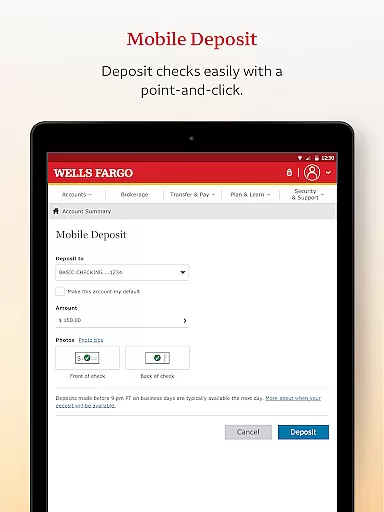
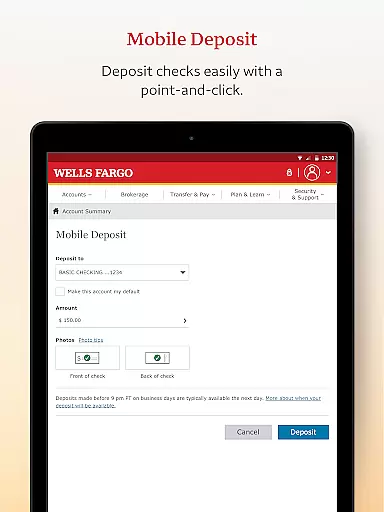
Additionally, the app supports check deposits through the Android camera, providing instant visibility of the processing deposit in the user's account. This feature eliminates the need for physical visits to the bank, saving time and effort. Such convenience is particularly beneficial for users with busy lifestyles who require flexible banking solutions.
For those managing investments, the app offers tools to monitor balances, holdings, and account activity. Real-time quotes, charts, and market data enable informed decision-making, while features like recurring payment views help in organizing financial obligations. Overall, these functionalities contribute to a comprehensive and user-friendly transaction experience that meets diverse customer needs.
User-friendly interface
Secure biometric login
Comprehensive account management
Instant check deposit
Real-time investment tracking
Limited to Wells Fargo customers
Some features require enrollment
Dependent on device compatibility
Occasional syncing issues
Additional fees for certain services

Secure, simple money transfer app. Send money to Mexico and worldwide fast.
 4.80
4.80
Bill Manager is a simple app to help you keep track of your upcoming bills.
4.1
Manage your Discover account conveniently from anywhere.
4.80
Get a cash advance instantly. File taxes & cover unexpected bills in minutes.
4.60
Manage your prepaid cards and add to Google or Samsung Wallet.
4.60
The simplest way to budget, bank, save and invest.
4.50
Payday cash advance & Instant cash advance: Borrow money instantly, Get cash now
4.60
Car Insurance Made For You.
4.50
Easy budgeting planning on a calendar!
4.80
Companies owe you money.
4.80
Get 250$ Cash Advance to solve emergencies instantly in loan app called LendMe
4.70
“Money Manager” is an optimized application for personal asset management.
4.70
Powerful Money Manager, Expense & Savings Tracker, Budget Planner - Pro Version
4.70
Banking with no monthly fees, fee-free overdraft, and early payday.
4.70
Pay, bank & build credit.
4.70
Play for fun, earn for real. Collect rent by owning virtual land & get cashback
4.60
All your crypto & stocks in one secure and trusted app.
4.40
Mine Bitcoin in the cloud! Earn BTC daily with high-speed mining power.
4.30
StockTiles lets you view prices & charts of your favorite stock assets
2.30


User Reviews