
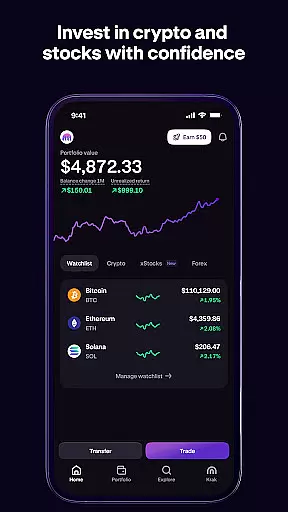
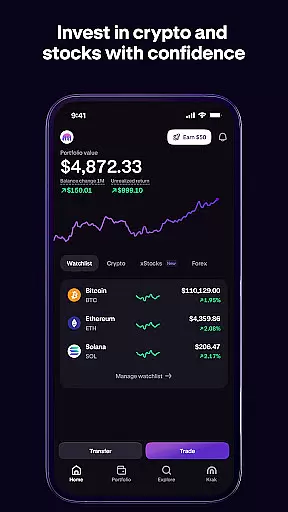
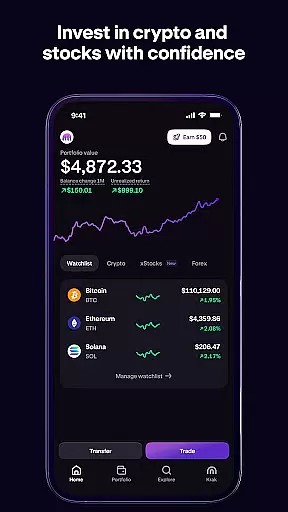
Kraken stands as a pioneering platform in the world of cryptocurrency trading, offering users an intuitive interface to buy, sell, and trade over 300 cryptocurrencies including Bitcoin, Ethereum, and Dogecoin. With its recent expansion into stock trading, Kraken now allows investors to seamlessly diversify their portfolios across both digital assets and traditional equities.
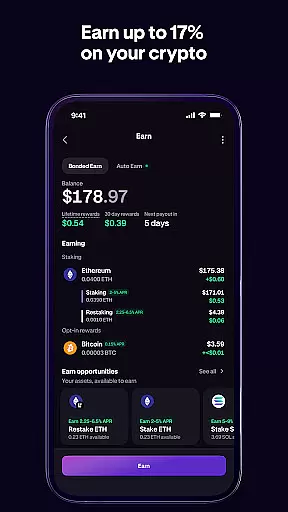
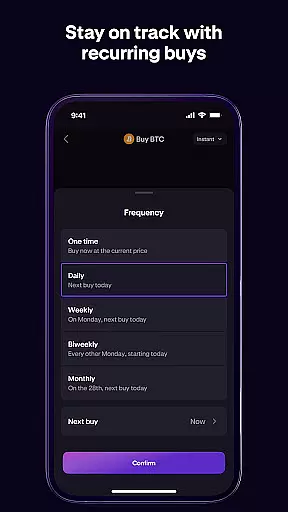
Designed for both beginners and advanced traders, Kraken provides essential tools such as real-time price tracking, low-fee transactions, and dollar-cost averaging (DCA) strategies. The platform's commitment to security, coupled with 24/7 customer support, ensures that users can confidently navigate the volatile crypto markets while managing their investments efficiently.
Whether you're looking to execute quick trades or develop long-term investment strategies, Kraken's comprehensive suite of features supports a wide range of financial goals. Its global accessibility and versatile funding options make it an ideal choice for anyone seeking to capitalize on the opportunities within the rapidly evolving landscape of digital finance.
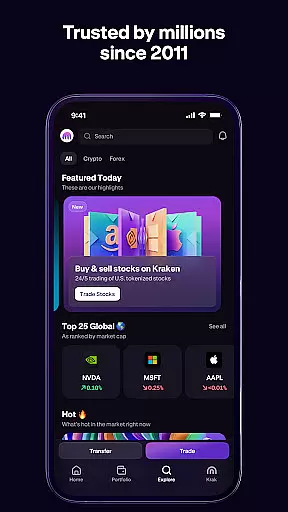
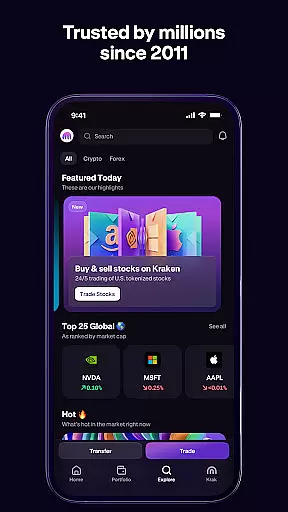
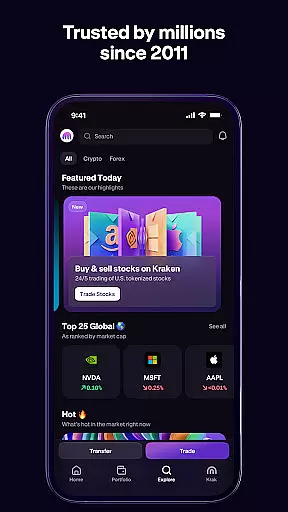
Kraken distinguishes itself through a robust set of features tailored to enhance the trading experience. One standout capability is its ability to facilitate commission-free stock trading alongside cryptocurrency transactions, enabling users to access over 11,000 US stocks and ETFs without additional charges. This dual functionality empowers investors to build diversified portfolios encompassing both traditional securities and emerging digital assets.
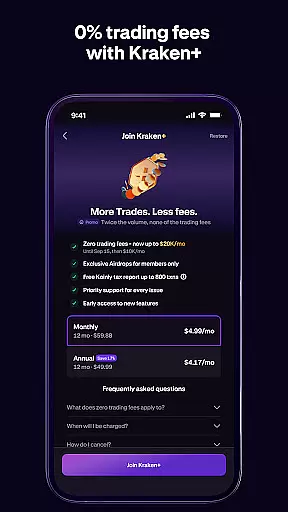
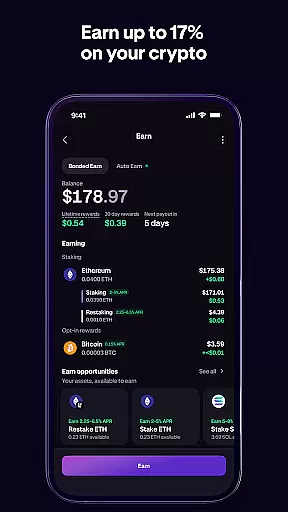
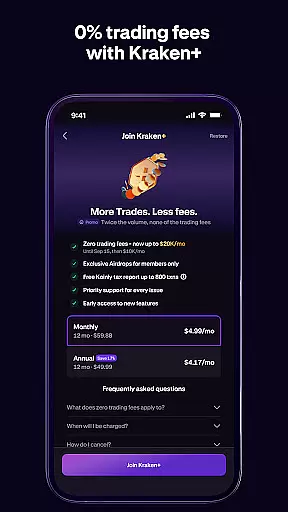
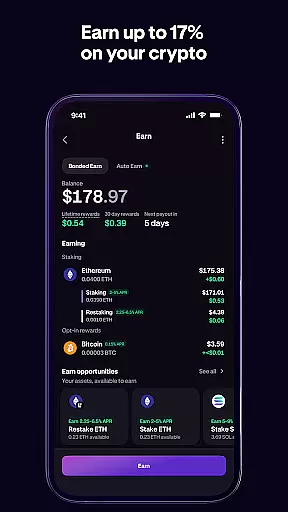
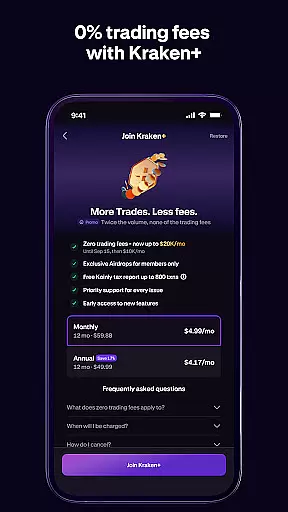
The app also offers innovative subscription services like Kraken+, which provides zero trading fees up to $10,000 monthly and boosted rewards on USDG holdings. Additionally, Kraken simplifies payments by allowing users to send funds instantly to other Kraken accounts globally, supporting over 300 currencies with no transaction fees. These features collectively streamline the user experience while maximizing cost efficiency.
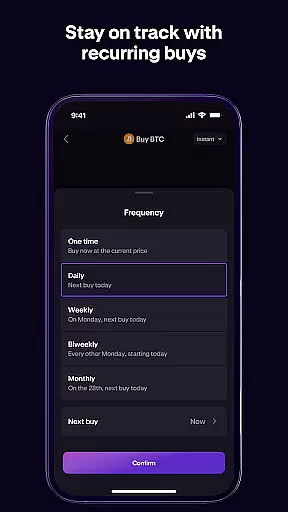
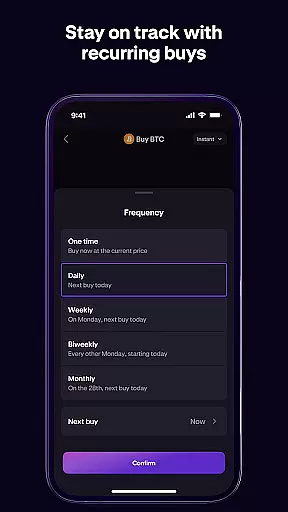
For those focused on strategic investing, Kraken includes advanced tools such as preset order amounts, exact price quotes before execution, and detailed transaction histories. Such functionalities cater to various trading styles, ensuring that whether you're executing high-frequency trades or planning gradual investments using DCA, Kraken equips you with the necessary resources to succeed in today's dynamic financial environment.
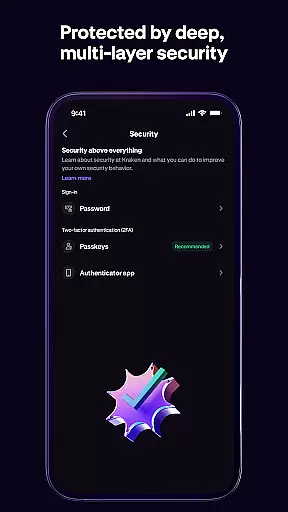
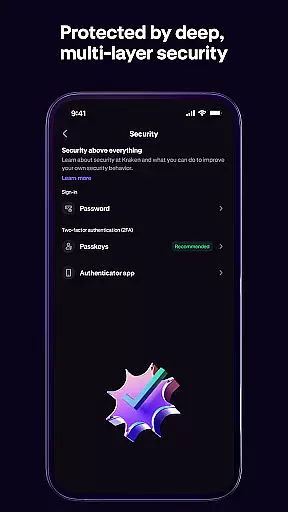
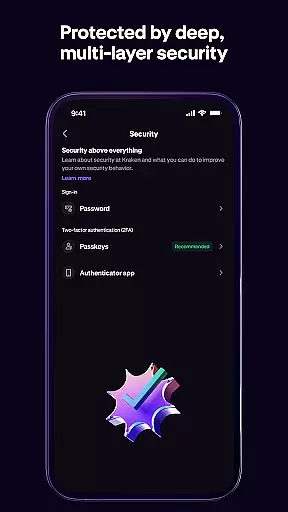
In the realm of digital finance, Kraken sets a high standard for account and fund security. As one of the largest and oldest Bitcoin exchanges globally, it employs rigorous security measures to protect user assets and data. The platform utilizes advanced encryption protocols, two-factor authentication, and cold storage for the majority of its digital assets, ensuring that your investments in cryptocurrencies like Bitcoin, Ethereum, and others remain secure.
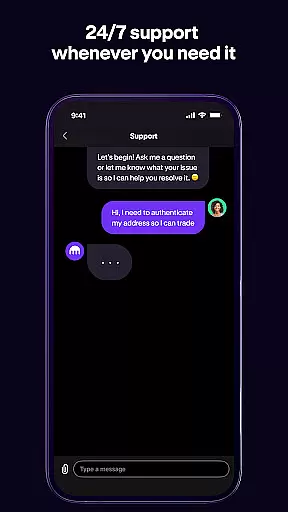
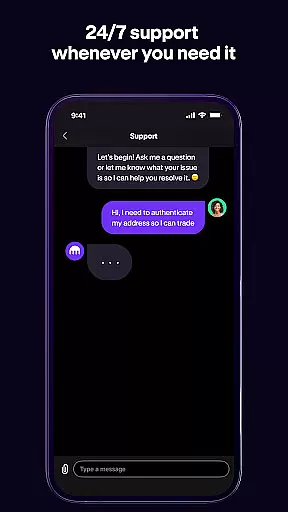
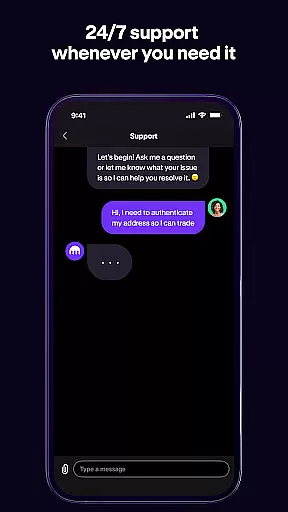
Kraken's commitment to safety extends beyond just technical safeguards. It operates under strict regulatory compliance, holding necessary licenses and undergoing regular audits. This dedication ensures that users' funds are not only protected from cyber threats but also from fraudulent activities. Additionally, Kraken provides 24/7 support with a single tap to open a support ticket, offering peace of mind to both beginners and experienced traders.
For users looking to invest in both crypto and stocks through a single powerful app, Kraken offers a seamless experience with enhanced security features. Whether you're executing trades or managing your entire portfolio on the go, Kraken's robust security infrastructure supports safe transactions and reliable account management.
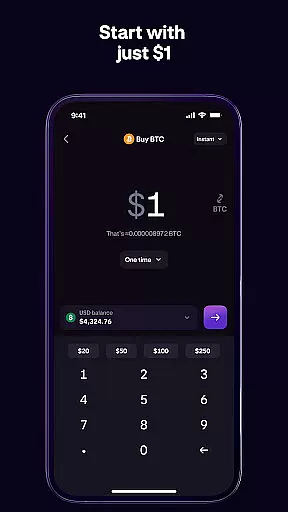
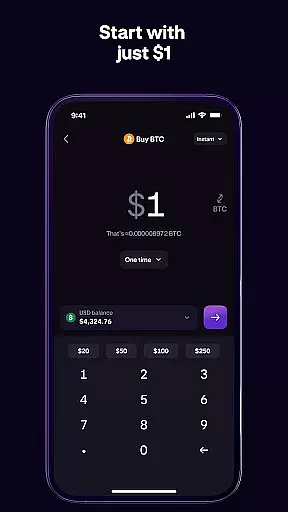
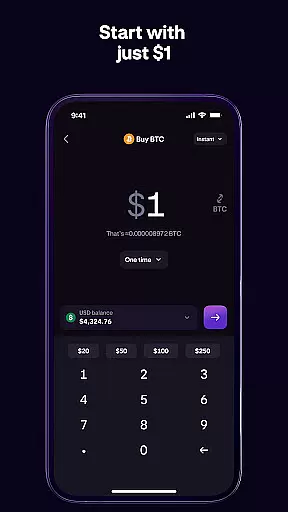
Kraken revolutionizes the transaction experience by providing an intuitive and efficient platform for buying and selling cryptocurrencies. With preset amounts and a simple form for custom orders, users can create buy/sell orders effortlessly. Before finalizing any transaction, Kraken displays the exact price, allowing users to make informed decisions without worrying about hidden fees or unexpected costs.
The application is designed to cater to both crypto-beginners and advanced traders. Its handy tools and low fees enhance the overall transaction experience, making it easy for anyone to navigate the volatile world of cryptocurrency trading. Moreover, Kraken's versatile funding options enable users to pay using their crypto, send money fast to any Kraken user worldwide, and benefit from zero fees for all payments across more than 300 different currencies.
By introducing stocks into its ecosystem, Kraken further enriches the transaction experience. Users can now buy, sell, and trade over 11,000 US stocks and ETFs commission-free directly within the app. This integration allows investors to diversify their portfolios seamlessly, executing trades across major exchanges such as NYSE, NASDAQ, and AMEX with ease and confidence.
User-friendly interface
Extensive asset selection
Low transaction fees
Advanced security protocols
Integrated stock trading
Limited geographic availability
Complex fee structure
No FDIC insurance
Premium subscription cost
Restricted in some states

Currency Converter supports all currencies of the world.
 5.00
5.00
Secure, simple money transfer app. Send money to Mexico and worldwide fast.
4.80
Simple & secure international money transfers - for personal & business needs.
4.80
Car Insurance Made For You.
4.50
Get up to 500, get paid early, earn interest and find work with no hidden fees.
4.40
Banking, Budgeting & Investing
4.60
Easy budgeting planning on a calendar!
4.80
Loan Calculator, Mortgage Calculator, Compound Interest Calculator
4.70
Earn money as a tester with Testerup, get cash testing apps and games
4.20
Manage your Discover account conveniently from anywhere.
4.80
The DailyPay app lets you access earned wages before your next payday.
4.70
Early payday cash advance up to $150 a day with a max of $1,000 per pay period
4.70
Managing your money just got easier. Get the new Mobile app.
4.70
Over 180 currencies conversion rates with live exchange rates and offline mode.
4.60
Play for fun, earn for real. Collect rent by owning virtual land & get cashback
4.60
Debt pay off. Build credit history. AI budget tool. Loan offers.
4.60
Manage your account, make a payment, and redeem your rewards on the go.
4.50
The PayPal app is the secure way to send and receive money, shop and pay in 4.
4.20
Secure Amex Account Access: View Balance, Make Payments, Redeem Rewards & more
3.60


User Reviews