
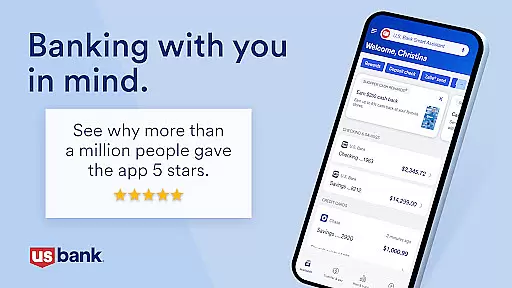
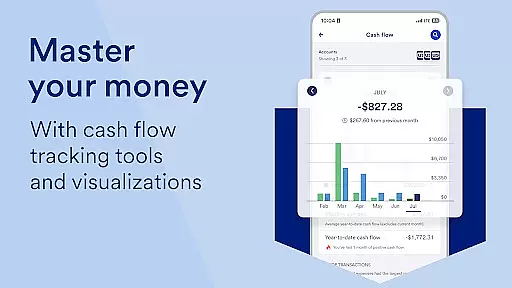
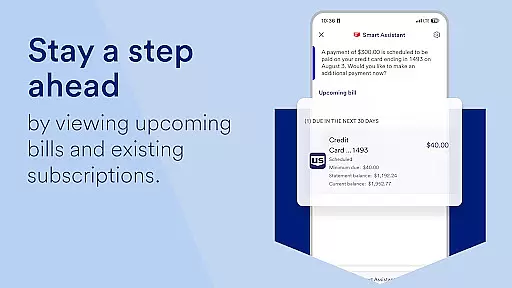
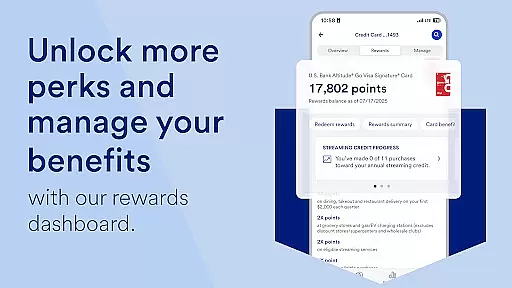
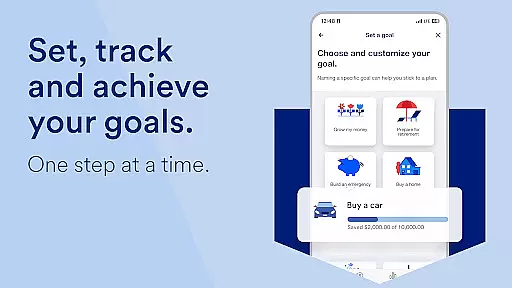
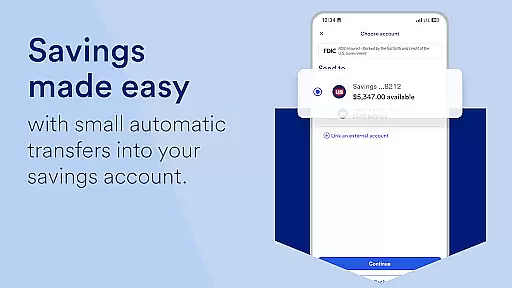
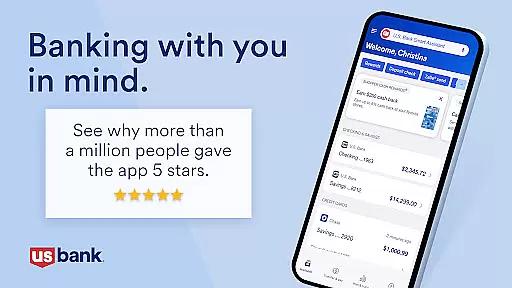
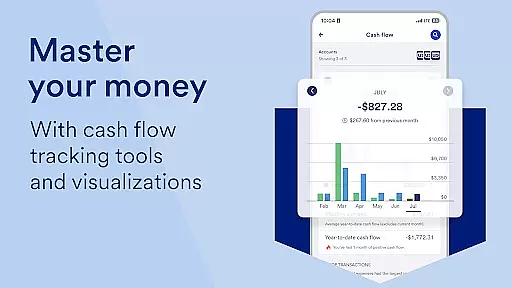
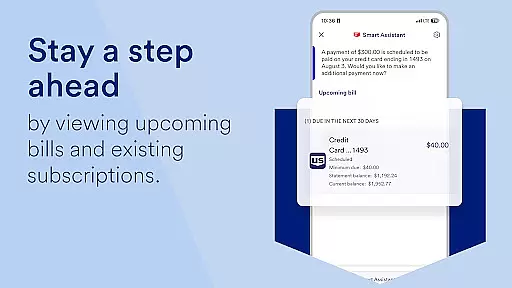
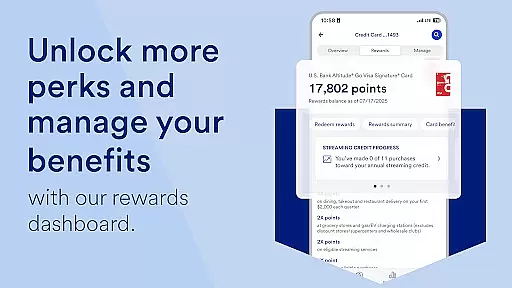
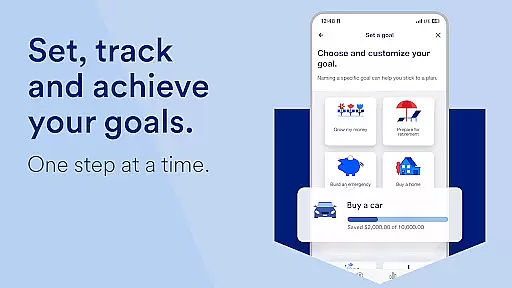
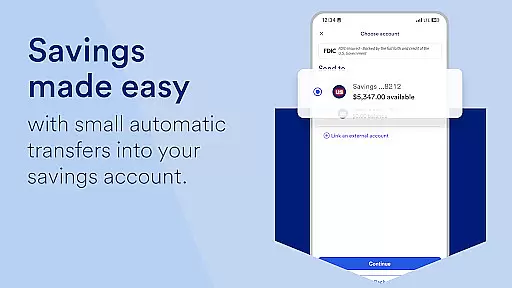
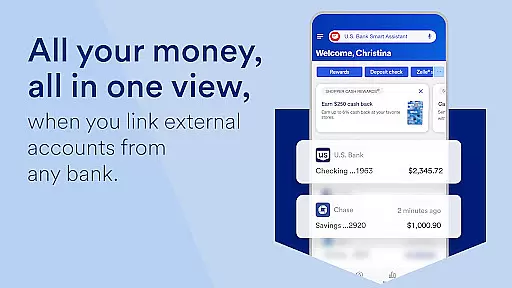
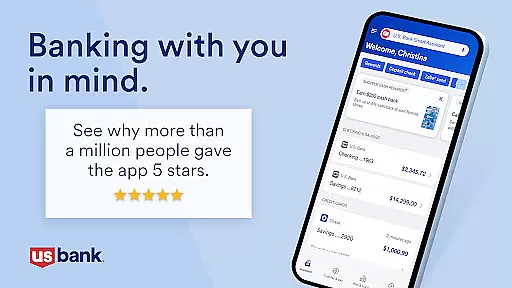
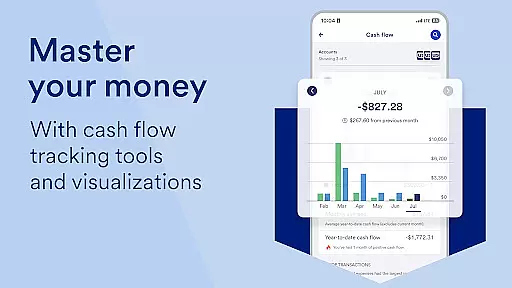
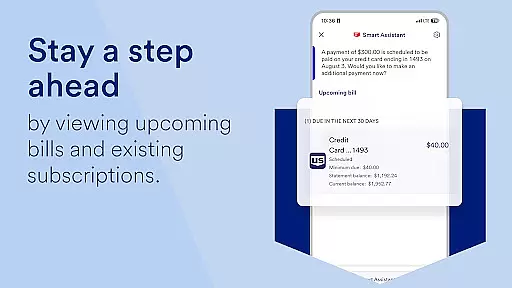
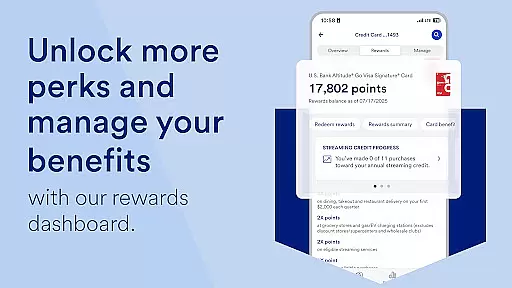
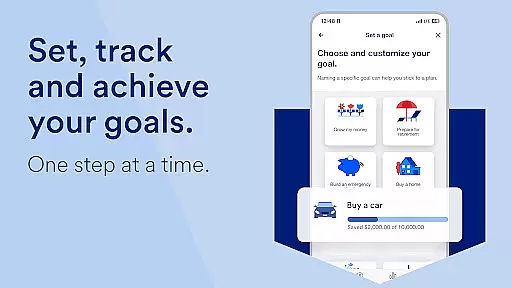
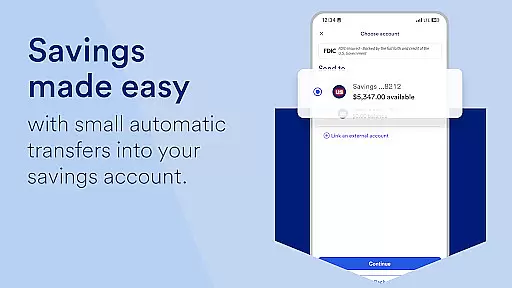
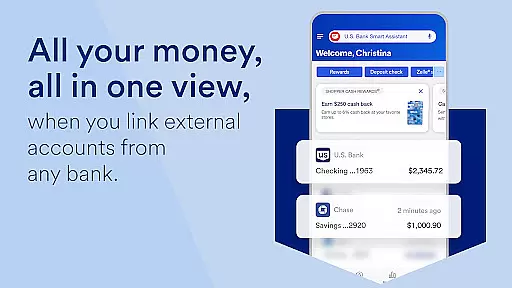
U.S. Bank Mobile Banking is a comprehensive financial management application that provides users with a secure and convenient way to manage their banking needs on the go. The app allows customers to log in with their existing credentials from usbank.com or enroll directly through the app, ensuring easy access for all users. With features like account monitoring, users can receive alerts for duplicate charges, suspicious activity, and low balances, enhancing their financial security.
The application consolidates various banking services into one platform, including viewing account balances, accessing credit scores, setting travel notifications, and managing cards. It also offers personalized insights by analyzing spending patterns and providing tailored recommendations to help users save and grow their money. Additionally, the U.S. Bank Smart Assistant enables users to perform tasks such as checking routing numbers or transferring funds between accounts simply by asking. This makes banking not only more efficient but also more intuitive.
Designed for ease of use, U.S. Bank Mobile Banking supports seamless money movement via Zelle for peer-to-peer payments, quick check deposits, bill management, and transfers between U.S. Bank accounts. Users can explore new financial products and often receive instant decisions on applications made through the app. With integrated help resources, including a Help Center, Digital Explorer, and real-time support options, this app ensures that assistance is always within reach, making it an invaluable tool for managing personal finances effectively.
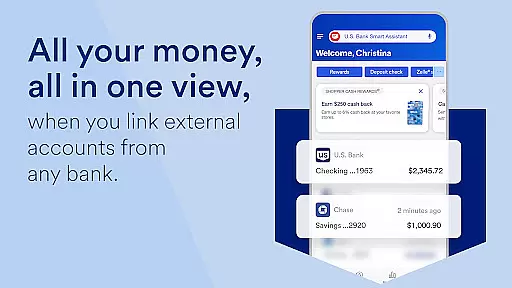
U.S. Bank Mobile Banking stands out due to its robust feature set designed to enhance user experience and security. One of the key highlights is the ability to monitor accounts closely, which includes receiving alerts for unusual activities and managing multiple types of accounts—checking, savings, credit cards, loans—all from a single interface. This centralized approach simplifies financial oversight and empowers users to take immediate action when necessary.
Another significant feature is the U.S. Bank Smart Assistant, which leverages voice commands to facilitate hands-free banking operations. Whether you need to inquire about your account details or execute fund transfers, the assistant streamlines these processes significantly. Moreover, the app's integration with Zelle facilitates swift money exchanges with friends and family, while increased limits on mobile check deposits cater to higher transaction volumes without hassle.
Personalization is at the core of this app’s offerings; it provides insights into monthly expenditures across different categories and suggests ways to optimize savings based on individual spending habits. Furthermore, users have access to investment opportunities through U.S. Bancorp Investments, allowing them to view related accounts and conduct inter-account transfers easily. These advanced functionalities underscore the app's commitment to delivering a sophisticated yet user-friendly banking solution tailored to modern consumers' needs.
Account and fund security is a critical aspect of any financial application, ensuring that users' sensitive information and assets are protected. U.S. Bank Mobile Banking employs advanced security measures to safeguard your data and transactions. The app allows you to log in with your existing credentials from usbank.com and offers features like alerts for duplicate charges, suspicious activity, and low balances.
The application provides robust account protection through multi-factor authentication and encryption protocols. Users can securely access their credit scores and set travel notifications to prevent fraudulent activities while traveling. Additionally, the ability to lock and unlock cards directly from the app adds an extra layer of control over card usage.
With these comprehensive security features, customers gain peace of mind knowing their financial information is secure. This proactive approach not only prevents unauthorized access but also empowers users by giving them tools to monitor and manage potential risks effectively.
A seamless transaction experience is essential for maintaining user satisfaction in mobile banking applications. U.S. Bank Mobile Banking excels in this area by offering intuitive money movement options such as sending and requesting funds via Zelleu00ae, depositing checks quickly with increased limits, and managing bills efficiently within the app.
Users benefit from easy navigation when transferring funds between accounts or paying bills, thanks to straightforward interfaces designed for simplicity and speed. The integration of U.S. Bancorp Investments further enhances the transaction process, allowing smooth transfers between bank accounts and investment portfolios managed under one platform.
This streamlined transaction experience ensures that users can perform various financial operations without hassle, enhancing overall convenience and reliability. By prioritizing user-centric design principles, U.S. Bank Mobile Banking delivers a superior service that meets modern expectations for digital banking efficiency.
User-friendly interface
Comprehensive account management
Advanced security features
Personalized financial insights
Seamless money transfer options
Limited international functionality
Occasional connectivity issues
Requires internet access
Some features need enrollment
Potential learning curve for new users

Manage your account, make a payment, and redeem your rewards on the go.
 4.50
4.50
Currency Converter, Exchange Rates, Widgets
4.90
Debt pay off. Build credit history. AI budget tool. Loan offers.
4.60
Invest, bank & save in one app. Trade stocks, earn high APY & budget smarter.
4.00
All expenses at a glance.
4.80
“Money Manager” is an optimized application for personal asset management.
4.70
The US Debt Clock .org App gives you a Real-Time glimpse of US Financial Stats
4.60
Venmo is the fun and easy way to pay and get paid.
4.10
Pay, bank & build credit.
4.70
Keep track of your subscriptions with no limitations
4.80
Simple & secure international money transfers - for personal & business needs.
4.80
Money App - Earn Cash back, Fast Cash Advance, Personal Loan Offers, Banking
4.70
Download the MySynchrony App to manage your accounts securely and conveniently!
4.60
Need help before payday? Get cash advances with no interest or credit checks.
4.60
Manage your prepaid cards and add to Google or Samsung Wallet.
4.60
Payday cash advance & Instant cash advance: Borrow money instantly, Get cash now
4.60
Early payday & cash advances with no-fee mobile banking!
4.60
Your insurance, anytime, anywhere
4.00
SuperQi, Your all-in-one Super App.
1.30


User Reviews