
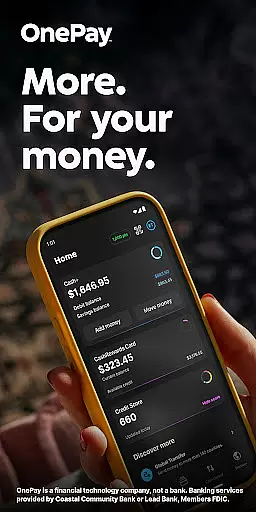
OnePay - Mobile Banking is a comprehensive financial technology application that offers users an innovative way to manage their money. As a non-bank financial service provider, OnePay partners with established banking institutions like Coastal Community Bank and Lead Bank to deliver FDIC-insured banking services. The app provides users with versatile tools for managing finances, including the ability to earn cash back through OnePay Points when making purchases or transferring funds.
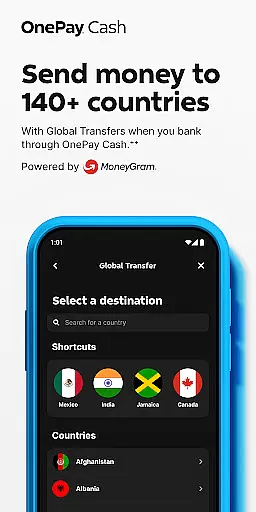
The core functionality of OnePay includes seamless integration with your bank accounts, enabling direct deposits, bill payments, and global transfers. Users can also take advantage of features such as Savings Backup and Fee-Free Overdraft protection. With its user-friendly interface, OnePay makes it easy to monitor account balances, track spending, and access detailed transaction histories. Whether you're looking to improve your credit score with the Credit Builder Program or earn rewards on everyday purchases, OnePay delivers a complete mobile banking solution tailored to modern financial needs.
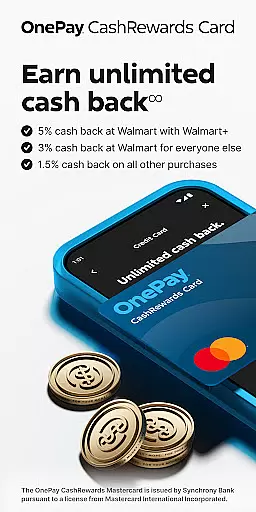
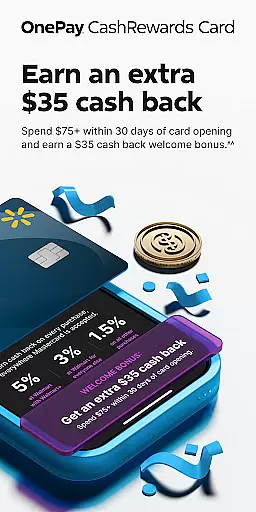
OnePay stands out in the crowded field of mobile banking apps through its innovative features and user-centric design. A key highlight is the OnePay CashRewards Mastercard, which allows users to earn points on purchases that can be redeemed as statement credits or deposited into their OnePay Cash account. This feature not only encourages responsible spending but also helps users save money over time.
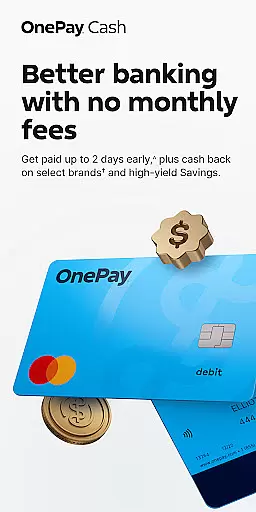
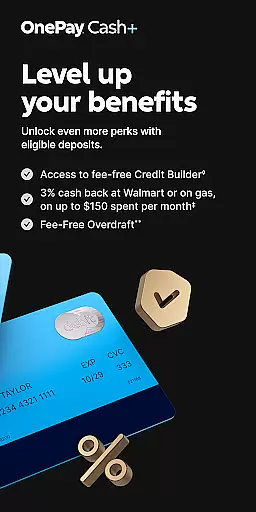
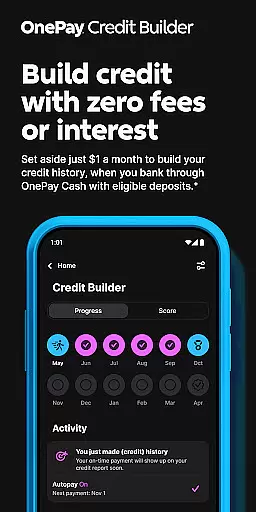
The app's architecture supports multiple banking services through partnerships with reputable financial institutions. For instance, eligible users can unlock OnePay Cash+ benefits by maintaining qualifying direct deposits or account balances. Additionally, the Credit Builder Program offers a unique approach to improving credit scores through structured loan repayments held in a secure lockbox. Advanced security measures ensure all transactions are protected, while features like Savings Backup provide peace of mind against overdraft fees. These comprehensive capabilities make OnePay a powerful tool for managing personal finances effectively.
Account and fund security is a critical aspect of any financial application, ensuring the safety of user data and transactions. OnePay u2013 Mobile Banking employs advanced encryption protocols to protect sensitive information such as account details and personal data. This ensures that all communications between the app and banking servers remain confidential and tamper-proof.
In addition to encryption, OnePay implements multi-factor authentication processes. Users are required to verify their identity through multiple steps before accessing their accounts or performing significant transactions. This adds an extra layer of security, significantly reducing the risk of unauthorized access.
OnePay also provides real-time fraud monitoring and alerts. The system continuously analyzes transaction patterns to detect any unusual activity that might indicate fraudulent behavior. If suspicious actions are identified, users are immediately notified, allowing them to take swift action to secure their accounts. This proactive approach helps maintain trust and peace of mind for users managing their finances through the app.
The transaction experience in a finance app like OnePay u2013 Mobile Banking encompasses the ease, speed, and reliability with which users can perform financial operations. OnePay offers a streamlined interface where users can quickly initiate and complete transactions such as transfers, bill payments, and deposits with just a few taps. This simplicity reduces the time spent on managing finances while enhancing overall user satisfaction.
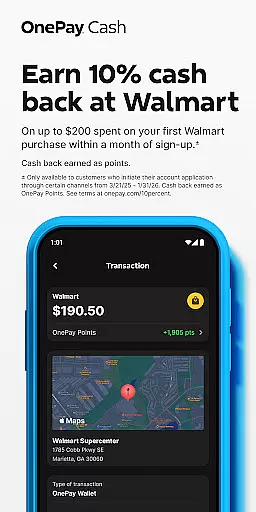
Real-time notifications play a crucial role in the transaction experience. After every transaction, users receive instant updates detailing the amount, recipient, and current account balance. These notifications not only keep users informed but also allow them to track their spending habits and manage budgets more effectively.
Furthermore, OnePay ensures transaction history is easily accessible within the app. Users can review past transactions, categorize expenses, and generate reports. This feature supports better financial planning and decision-making by providing clear insights into one's financial activities over time. With these comprehensive tools at hand, OnePay delivers a robust transaction experience that meets modern users' expectations for convenience and control.
User-friendly interface
FDIC-insured banking
Rewarding cashback system
Comprehensive credit tools
Secure transaction processing
Limited to US users
Requires direct deposit
Spending caps apply
Variable exchange rates
Eligibility restrictions

Secure, simple money transfer app. Send money to Mexico and worldwide fast.
 4.80
4.80
Earn cash & save money daily. Access instant cash advances* - no credit check!
4.50
The DailyPay app lets you access earned wages before your next payday.
4.70
Manage your prepaid cards and add to Google or Samsung Wallet.
4.60
Get 250$ Cash Advance to solve emergencies instantly in loan app called LendMe
4.70
Keep track of your subscriptions with no limitations
4.80
SuperQi, Your all-in-one Super App.
1.30
Our Chase Mobile App makes it easy for you to bank on the go 24/7.
4.60
Navigate your unique financial path confidently with help from Credit Karma.
4.70
BA Financial Calculator PRO – Perfect for CFA/FRM/CPA and finance professionals
4.90
Easy budgeting planning on a calendar!
4.80
Currency Converter (200+ currencies) with live exchange rates and offline mode.
4.70
Loan Calculator, Mortgage Calculator, Compound Interest Calculator
4.70
Insurance that's quick and easy to buy and use—anytime, anywhere.
4.60
The all-in-one app to save, earn, travel, and put more money in your pocket
4.50
All your crypto & stocks in one secure and trusted app.
4.40
Get up to 500, get paid early, earn interest and find work with no hidden fees.
4.40
Amazing Financial Calculator. Based on HP 10bII, but easier to use!
4.40
Read and extract public data on NFC Contactless banking card (VISA, MasterCard
4.30


User Reviews