
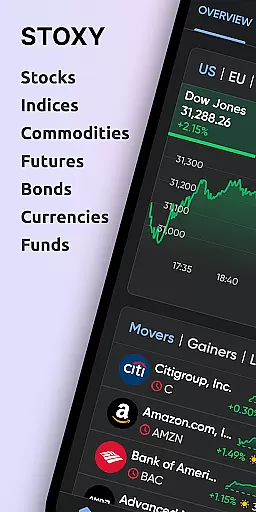

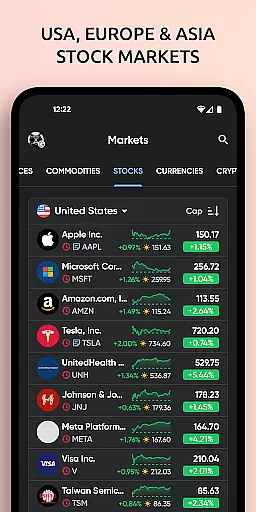
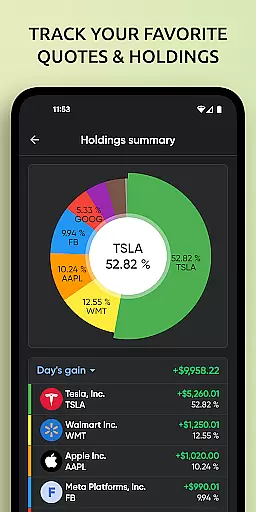
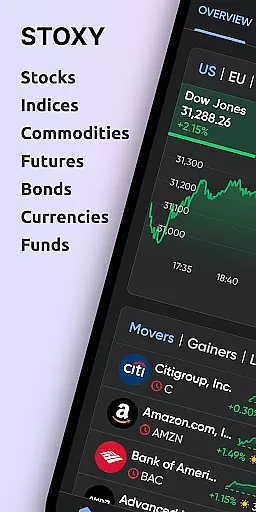
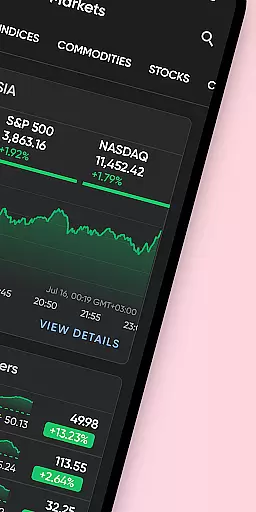
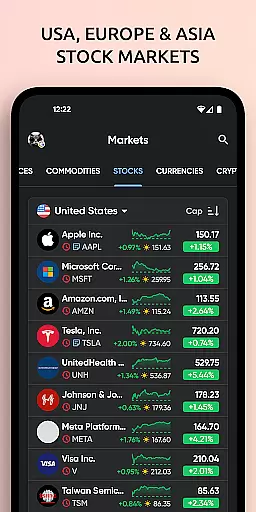
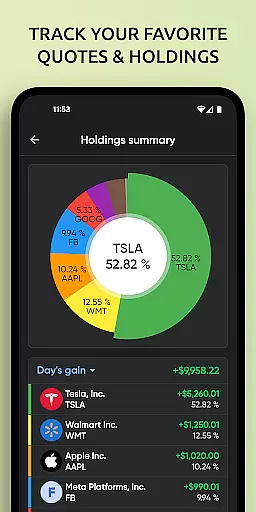
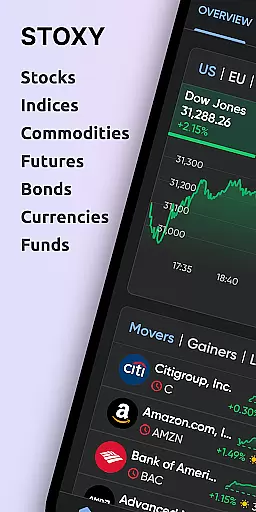
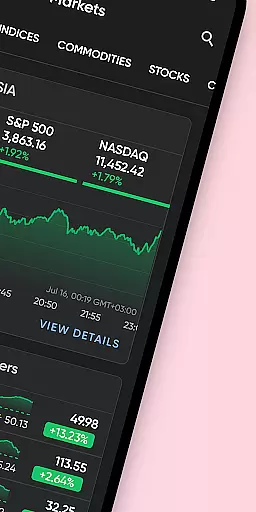
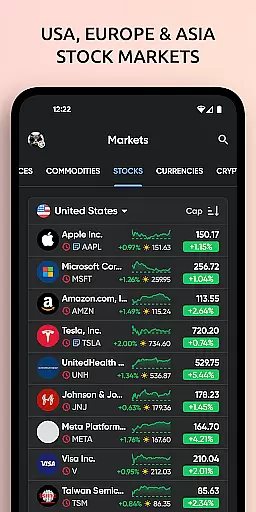
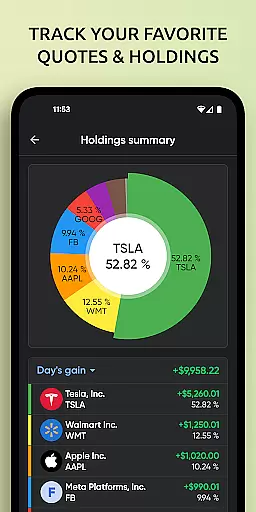
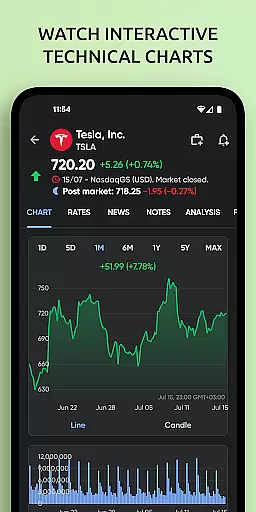
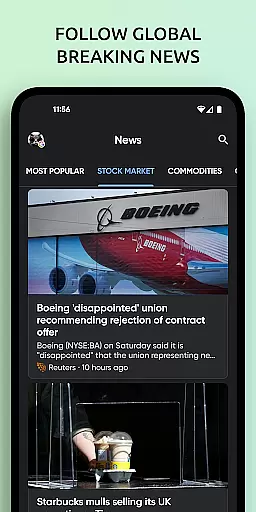
Stoxy PRO is a comprehensive stock market tracking and investment management application designed for both novice and experienced investors. The app provides real-time data from over 50 global exchanges, including major ones like NYSE and NASDAQ, allowing users to monitor stocks, ETFs, commodities, futures, mutual funds, bonds, and cryptocurrencies all in one place. With its powerful analytics tools, users can visualize portfolio performance through dynamic charts and graphs, while advanced stock screeners help discover new investment opportunities.
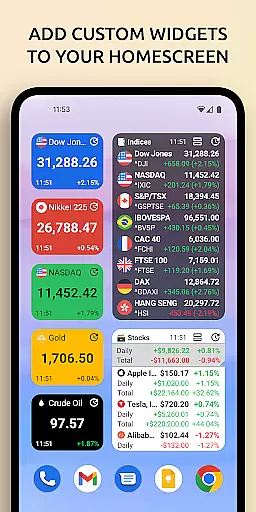
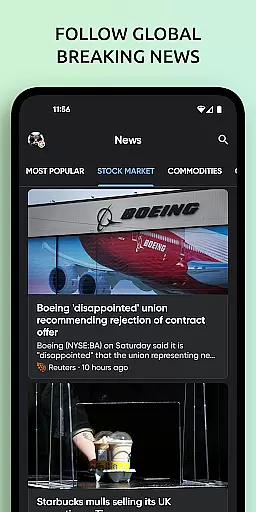
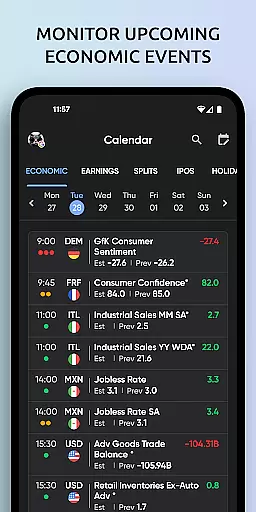
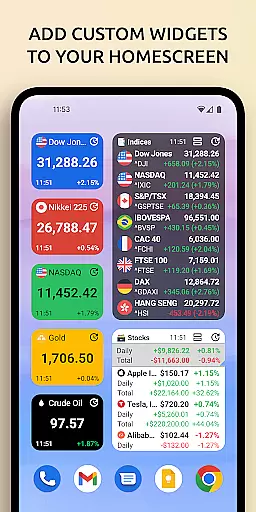
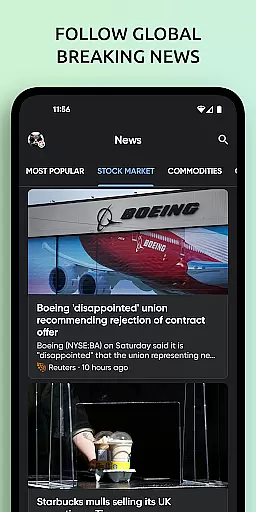
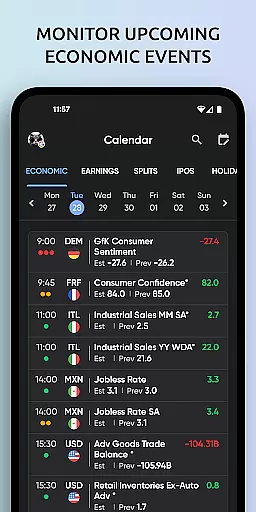
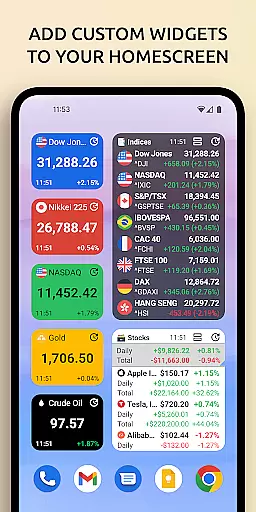
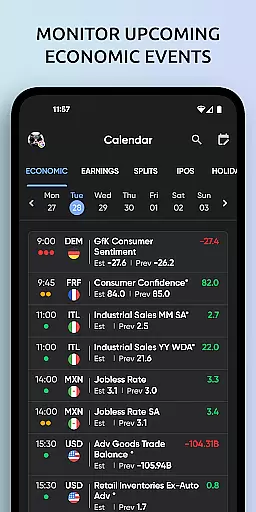
In addition to real-time data, Stoxy PRO offers essential features such as dividend, earnings, and IPO calendars, along with custom alerts and notifications for price changes. Users can stay informed with curated financial news and insights directly within the app. The inclusion of home screen widgets ensures that critical investment information is always accessible. Whether tracking major world indexes or monitoring Bitcoin and other altcoins, Stoxy PRO equips investors with the tools needed to make smart, timely decisions.
Stoxy PRO stands out with its robust feature set tailored for modern investors. One of its key highlights is the real-time data access from more than 50 global exchanges, enabling users to track live stock prices across various markets seamlessly. The app's comprehensive portfolio management allows for effortless monitoring of diverse investment types, providing instant updates on gains, losses, and key metrics through intuitive analytics.
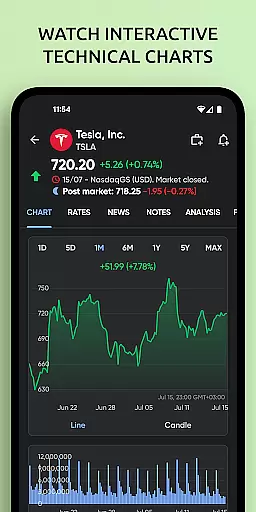
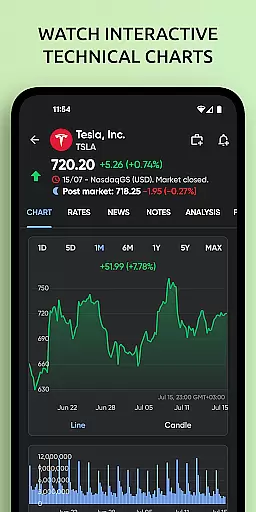
Another significant feature is the advanced stock screener, which empowers users to filter assets based on industry, country, market cap, and more. This tool not only aids in discovering new investment opportunities but also supports saving and reusing custom filters for efficient market analysis. Additionally, Stoxy PRO includes market breadth indicators, dividend and earnings calendars, and real-time alerts, ensuring users are always ahead of market trends and important events. The app's sleek design incorporates interactive charts and graphs, offering a visually engaging way to analyze portfolio performance and historical data.
When it comes to financial applications like Stoxy PRO, account and fund security is of utmost importance. This app ensures that your investment data remains private and protected through advanced encryption protocols. By implementing industry-standard security measures, Stoxy PRO safeguards your personal information and transaction history from unauthorized access.
The application provides users with secure login features, including multi-factor authentication, which significantly enhances the protection of your account. With real-time monitoring systems in place, any suspicious activity is flagged immediately, ensuring the integrity of your financial portfolio. These security protocols are vital for maintaining user trust and confidence in managing their investments through the app.
Furthermore, Stoxy PRO's commitment to privacy extends to its handling of data transmission. All communications between the app and its servers are encrypted, preventing potential interception by malicious third parties. This level of security assurance allows investors to focus on tracking the stock market without concern for their data's safety.
A seamless transaction experience is crucial for a finance app such as Stoxy PRO, where users expect swift and reliable interactions when managing their portfolios. The app delivers an intuitive interface that simplifies the process of checking real-time stock prices and executing trades across more than 50 global exchanges. This ease of use empowers both novice and experienced investors to make timely decisions based on live market data.
Stoxy PRO also offers comprehensive tools that enhance the transaction experience by providing detailed analytics and dynamic charts. Users can effortlessly monitor gains, losses, and other key metrics within their investment profiles. Such transparency not only aids in evaluating current holdings but also assists in planning future investment strategies with confidence.
In addition to core trading capabilities, personalized alerts keep users informed about significant changes or events related to their assets. Whether it's upcoming dividends or sudden price shifts, these notifications ensure you're always aware of important developments affecting your transactions. By combining robust functionality with user-centric design, Stoxy PRO creates a smooth and efficient environment for all your investment activities.
User-friendly interface
Real-time global data
Comprehensive analytics
Customizable alerts
Crypto tracking
Premium subscription cost
Complex for beginners
Limited free features
Occasional sync issues
Ad-heavy free version

Bank better with our new app
 3.80
3.80
The all-in-one app to save, earn, travel, and put more money in your pocket
4.50
Download the MySynchrony App to manage your accounts securely and conveniently!
4.60
Get a cash advance instantly. File taxes & cover unexpected bills in minutes.
4.60
Early payday & cash advances with no-fee mobile banking!
4.60
Earn cash back. Build credit.
4.60
Check EBT, SNAP, WIC balances, manage food stamps, and save money with benefits
4.80
All expenses at a glance.
4.80
Manage budget, save money, or file tax. Build, track & improve your credit score
4.40
Secure, simple money transfer app. Send money to Mexico and worldwide fast.
4.80
Manage your Discover account conveniently from anywhere.
4.80
Easy budgeting planning on a calendar!
4.80
Join 12M+ users. Instant cash advances, personal loans, build credit, save money
4.80
Managing your money just got easier. Get the new Mobile app.
4.70
Get 250$ Cash Advance to solve emergencies instantly in loan app called LendMe
4.70
Powerful Money Manager, Expense & Savings Tracker, Budget Planner - Pro Version
4.70
Save, spend & get paid faster²
4.50
Registration of your debts and Mdionatk and assembled, as well as a significant reports
4.30
Bitcoin gpu app helps you remote mine using your cell phone easily .
3.60


User Reviews