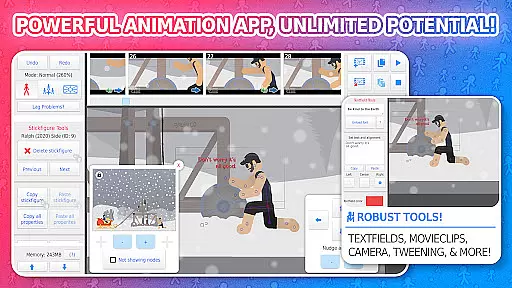
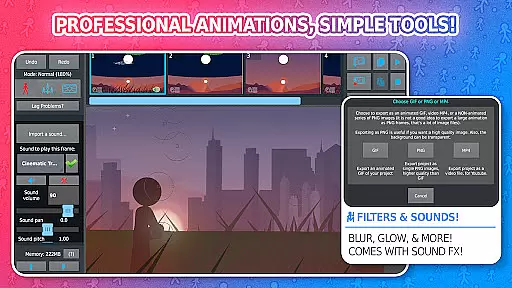
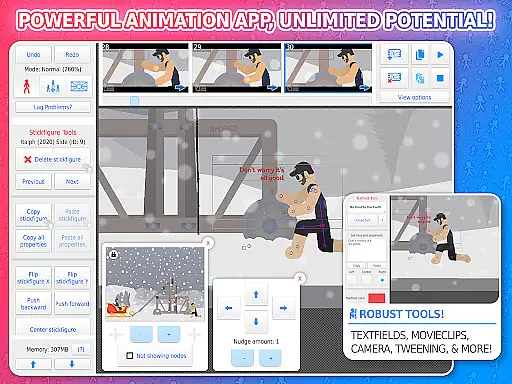
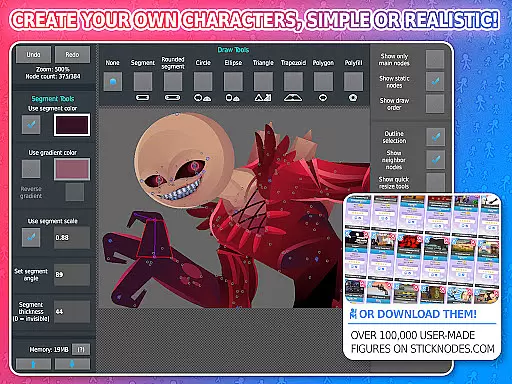
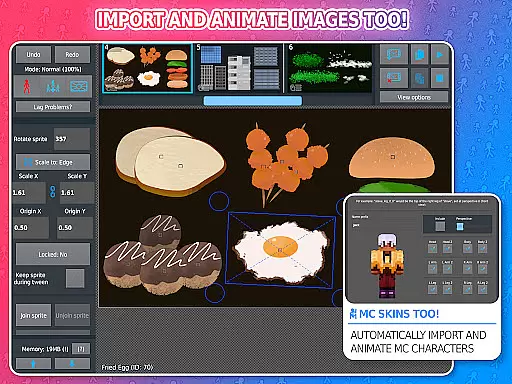
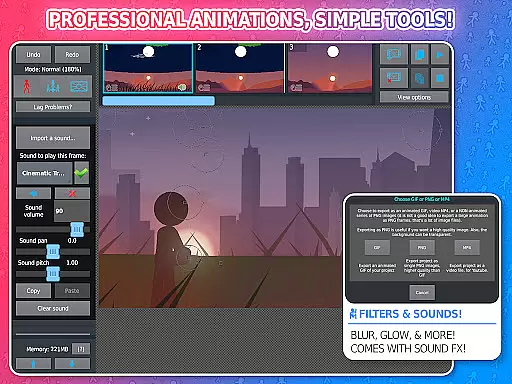
Stick Nodes Pro is an advanced animation application tailored for both aspiring and professional animators. This entertainment-focused app provides a complete suite of tools for creating high-quality stickman animations directly on mobile devices. Users can produce professional-grade animated content through an intuitive interface that supports complex features like frame-tweening, multi-layered compositions, and various visual effects
The application stands out with its ability to export animations in multiple formats including GIF and MP4, making it suitable for various digital platforms. Its compatibility with Minecraft skins and Pivot stickfigure files expands its creative possibilities. With a thriving community of animators and extensive resources available, Stick Nodes Pro serves as an excellent educational tool while remaining powerful enough for commercial projects
Stick Nodes Pro offers an impressive array of features that cater to diverse animation needs. The application's automatic frame-tweening capability allows for smoother transitions between frames, while its virtual camera system enables dynamic panning, zooming, and rotating effects. These professional-grade tools are complemented by advanced features such as sound effect integration and customizable visual filters
What sets Stick Nodes Pro apart is its comprehensive approach to animation creation. The app supports importing custom images, working with movieclips for reusable animations, and applying various effects on a per-segment basis. The Pro version removes watermarks from exports, adds MP4 export capabilities, and includes additional sound design options. These features collectively provide animators with the flexibility to create sophisticated animations that rival desktop software quality
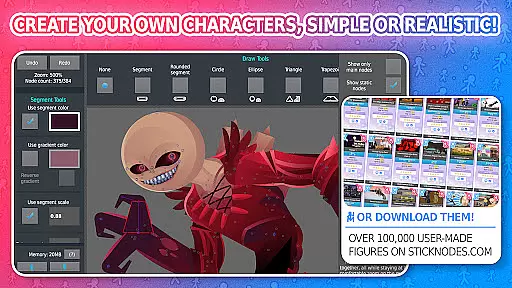
Stick Nodes Pro stands out in the realm of entertainment applications by offering an extensive array of content that caters to both novice and experienced animators. The app provides over 30,000 stick figures, ensuring a vast selection for users to explore and utilize in their animations. This immense library is continually growing, with new additions made daily, thus maintaining a fresh and dynamic environment for creativity.
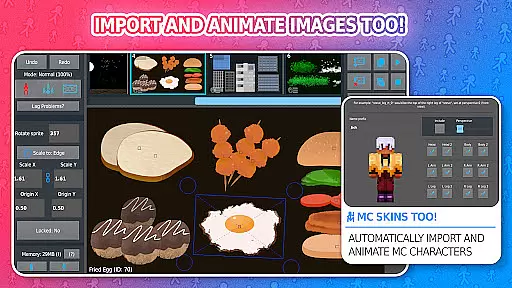
Beyond just stick figures, Stick Nodes Pro allows for the import and animation of images, adding another layer of versatility to its content offerings. Users can also apply various filters such as blur and glow to their creations, enhancing visual appeal and granting projects a professional touch. These features collectively contribute to a platform where content does not stagnate but evolves, keeping users engaged and inspired.
The ability to animate Minecraft skins further diversifies the content available within Stick Nodes Pro. By tapping into popular culture, the app ensures relevance and appeal to a broad audience. Animators can seamlessly integrate these skins into their projects, creating unique crossovers that resonate with fans of the game and attract a wider viewership to their work.
User engagement is a critical metric for any entertainment app, and Stick Nodes Pro excels in this area by providing tools that encourage prolonged use and project development. With features like automatic customizable frame-tweening, users can create smoother animations, which enhances the overall experience and encourages them to spend more time refining their craft within the app.
The inclusion of sound effects, text fields, and movie clips adds depth to animations, prompting users to invest additional hours into perfecting every detail of their projects. Such comprehensive editing capabilities ensure that creators remain captivated by the endless possibilities for customization and improvement, leading to increased session lengths and repeat usage.
Moreover, Stick Nodes Pro fosters a thriving community where animators share their work, offer assistance, and collaborate on projects. This social aspect not only boosts user retention through a sense of belonging but also motivates individuals to return regularly, eager to engage with peers and showcase their latest animations. As a result, Stick Nodes Pro successfully cultivates a loyal user base dedicated to the art of animation.
User-friendly interface
Advanced animation tools
Multiple export options
Active community support
Cross-platform compatibility
Pro version costs money
Steep learning curve
Requires powerful device
Limited free resources
Occasional performance issues

Watch short films, dramas, reels, series and movies anytime on Micro Drama.
 4.60
4.60
Atomus is a 10-finger multi-touch interactive visualizer.
4.30
Create melty bead designs by numbers, photos or your imagination
4.40
Direct access to the most complete Guitar Tab Archive in Spanish: LaCuerda.net
4.60
NFL, NBA, NHL, MLB, local sports coverage, shows, movies & news!
3.20
Stream live TV shows, sports, news, movies & more - all without cable.
3.00
Neon Christmas Tree Animated: Festive Wear OS watch face with fitness info
4.4
Catch the latest episodes of The Voice or live stream NFL games with The NBC App
4.20
With the Steam Mobile App, you can take Steam with you anywhere.
3.00
Colorful flows will relax and calm you down, or get you trippy and creative!
4.90
Wodfix Air aggregates popular online content for you.
4.80
Scan sets, track your builds, and enjoy intuitive digital instructions.
4.70
Hand-drawn, cartoon OC creator - original character creator
4.70
The JBL Portable app works with JBL portable Bluetooth speakers.
4.60
Fetch money rewards all just for playing games. Cash out for gift cards in app.
4.50
The Xbox app keeps you connected to your gaming community.
4.50
Heroclix search units with multi filter , team builder, collection manager.
4.40
Binaural Brainwave Doses for Every Imaginable Mood
3.60
Air Horn - Siren Sounds Prank, Fun way to wake up your Friends and Family
4.4


User Reviews