
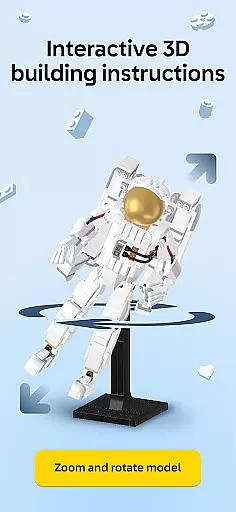

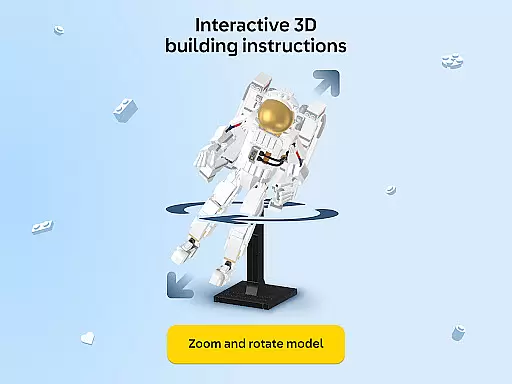

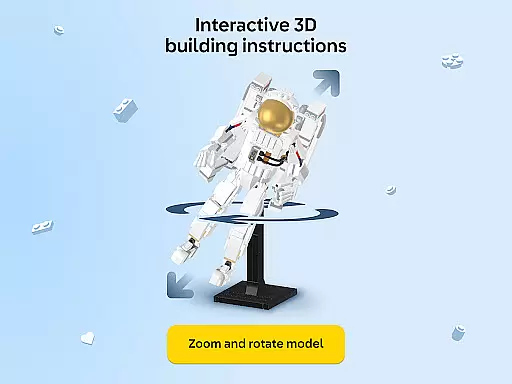
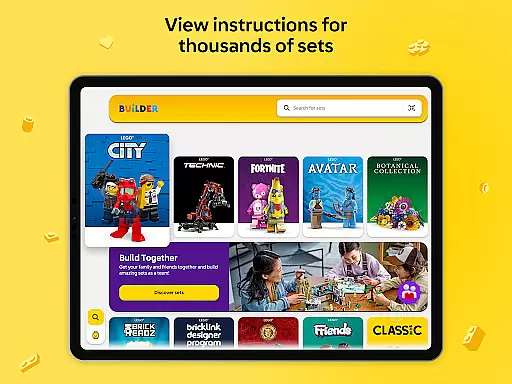
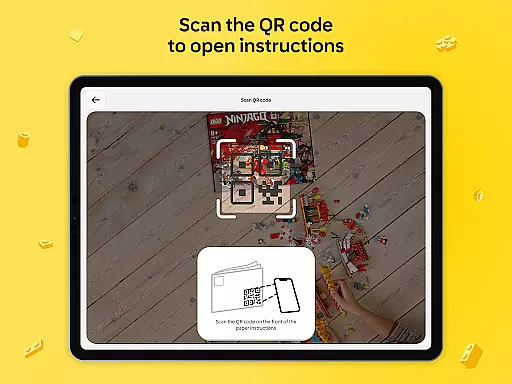

LEGO Builder is the official building instructions app for LEGO sets, offering an innovative digital building experience. The app provides intuitive 3D instructions that allow users to zoom, rotate, and view models from any angle, making the building process more engaging and precise. With step-by-step guidance, builders can confidently assemble their LEGO sets while enjoying a fun and interactive experience.
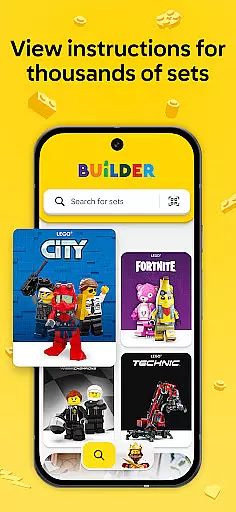
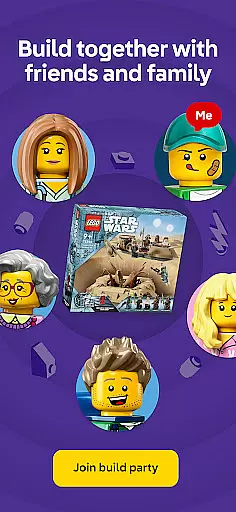
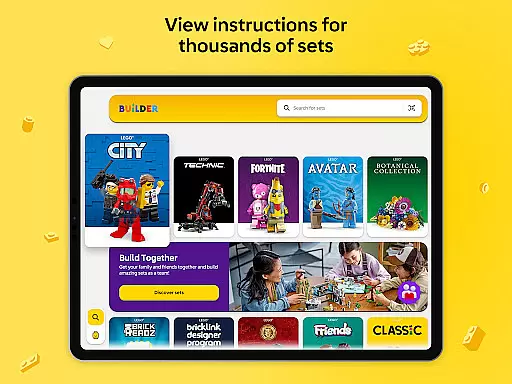
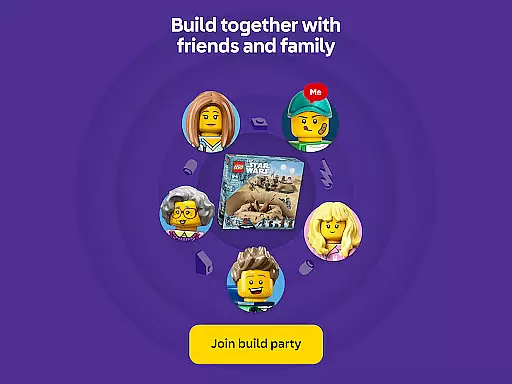
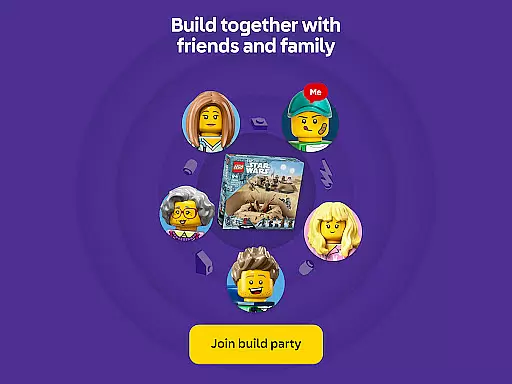
A standout feature is the Build Together mode, which enables multiple users to collaborate on the same project. This social building function is perfect for family activities or group events, allowing participants to divide tasks and work as a team. Additionally, the app includes a vast library of instructions dating back to 2000, searchable by set name or number, and enriched content for select themes that enhances the creative journey.
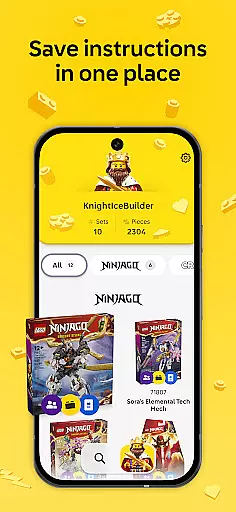
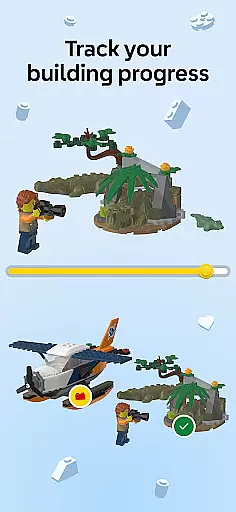
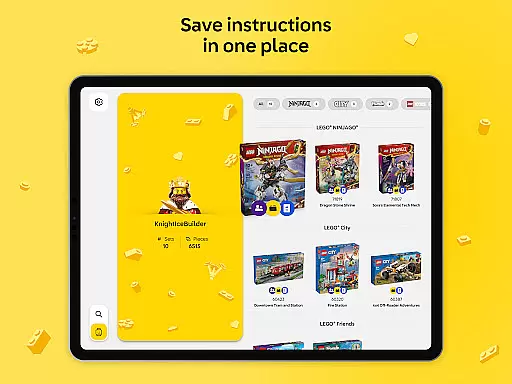
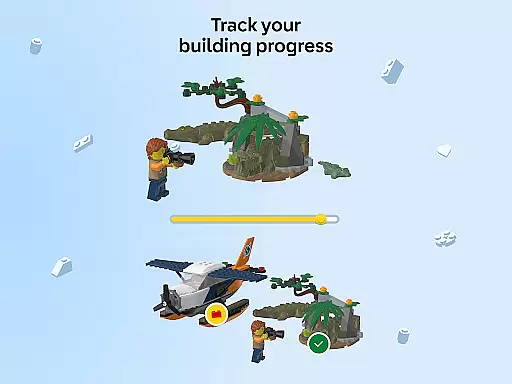
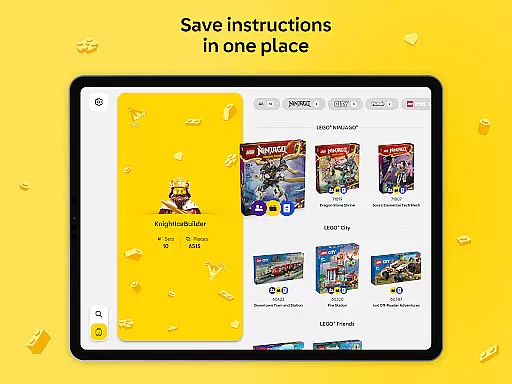
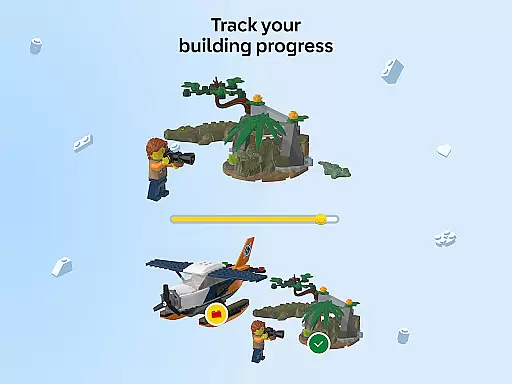
The app also integrates with LEGO accounts, letting users save progress, track completed sets, and maintain a digital collection of their builds. Whether you're a casual builder or a dedicated LEGO enthusiast, LEGO Builder enhances the building experience through its innovative features and collaborative tools, creating a more dynamic way to enjoy LEGO creations.
LEGO Builder stands out with its advanced 3D building instructions, providing users with a detailed and interactive guide for assembling LEGO sets. The app's intuitive interface allows seamless navigation through each step, with options to zoom, rotate, and inspect every brick from multiple angles. This ensures precision and clarity, making it easier for builders of all skill levels to complete their projects successfully.
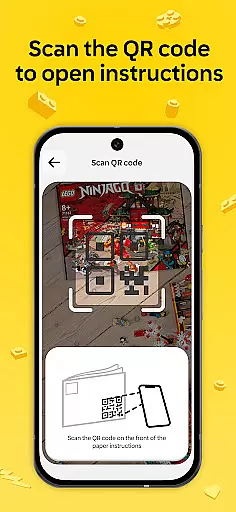
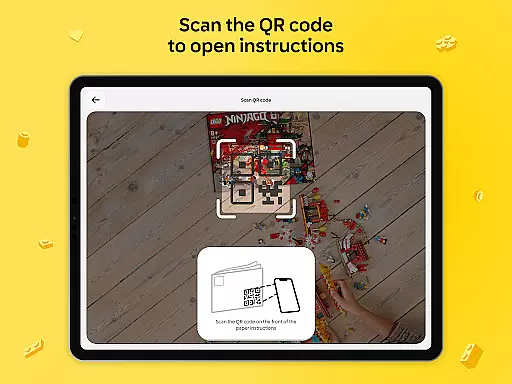
Another key feature is the Build Together functionality, designed for collaborative building experiences. Users can join sessions using a PIN code, assign specific tasks among group members, and take turns completing steps. This makes it ideal for family bonding or group activities during special occasions like birthdays or holidays. Additionally, the app offers a comprehensive digital library containing thousands of instruction manuals, easily accessible via search or QR code scanning.
For enhanced engagement, certain LEGO themes include enriched content that combines storytelling with building. Users can unlock guided experiences that bring additional creativity and imagination to their builds. The app also supports LEGO accounts, enabling users to track their building history, save progress, and build a digital collection of their completed sets, adding a personal touch to their LEGO journey.
For an entertainment app like LEGO Builder, content variety and freshness are crucial to maintaining user engagement. The app offers a vast digital library of LEGO building instructions from 2000 to the present day, ensuring that users have access to a wide range of sets.
This extensive collection covers various themes and sets, allowing builders to explore different types of LEGO creations. Whether you're interested in classic sets or the latest releases, the app provides up-to-date instructions that keep the building experience engaging and relevant.
Moreover, the app includes enriched content for select LEGO themes, adding an extra layer of fun and imagination to the building process. This continuous update of content ensures that users always have something new and exciting to look forward to, enhancing their overall experience with the LEGO Builder app.
User engagement duration and retention are vital metrics for any entertainment app, including LEGO Builder. The app's intuitive 3D building experience encourages users to spend more time within the app, exploring models from every angle and completing sets with confidence.
Features such as 'Build Together' promote longer sessions by enabling collaborative building experiences with friends and family. By dividing tasks and taking turns, users can enjoy extended periods of interactive play, which is perfect for social gatherings and family nights.
Additionally, the ability to save progress and track completed sets helps retain users by providing a sense of accomplishment and encouraging them to return to the app. With these features, LEGO Builder not only captures the interest of its users but also sustains it over time, fostering a loyal community of LEGO enthusiasts.
User-friendly interface
Interactive 3D instructions
Collaborative Build Together mode
Extensive library of instructions
Supports LEGO account integration
Requires stable internet connection
Limited offline functionality
Premium features need account
Not all sets supported
Occasional app instability

Ultimate VR movie player for android mobile videos
 4.0
4.0
Pathfinder 2e initiative tracker with bestiary, HP, reaction, conditions, etc
4.80
Triple A is a highly complex, kinetic, and interactive visualizer.
4.50
Catalog & tracker of your DVD, Blu-ray & Digital Movie and TV Collection Library
4.80
Best of icon for christmas
4.30
Stories that spark in seconds.
4.80
The JBL Portable app works with JBL portable Bluetooth speakers.
4.60
Browse popular images and videos from Reddit on Android TV!
3.90
Pop Drama is a premier app crafted for short drama lovers
4.60
Stream Live TV, News & Documentaries. Watch Full Seasons with PBS Passport.
4.80
The OFFICIAL PeeWee Purpdrank Soundboard!
4.80
5 funny and lovely ponies waiting for you to style them!
4.80
Exclusive creator communities
4.70
Heroclix search units with multi filter , team builder, collection manager.
4.40
Create your Songs. Cover Maker with any Voice, Song Generator
3.30
Unofficial Game Companion App” “Guides • Builds • Tips • Progression
4.0
Stream over 80 hours of exclusive mashups and remixes by DJ Rehab.
4.4
Collaboration with popular VTubers
4.1
Christmas Globe: Transform your Wear OS device into a festive timekeeper!
4.5


User Reviews