
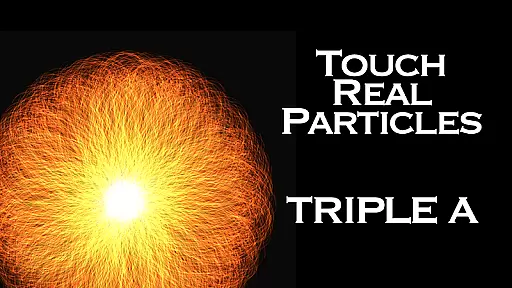
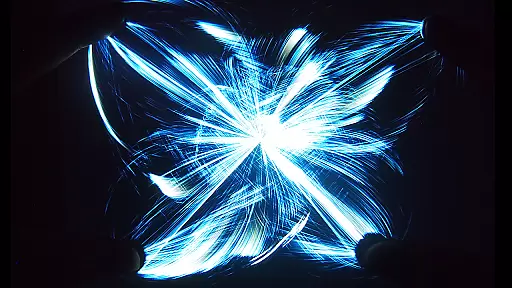
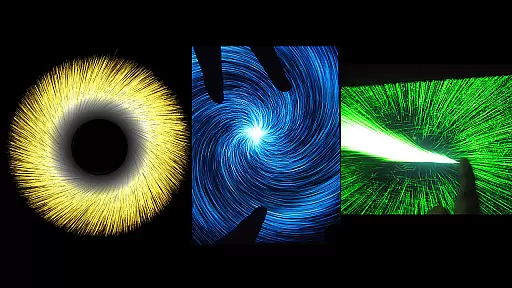
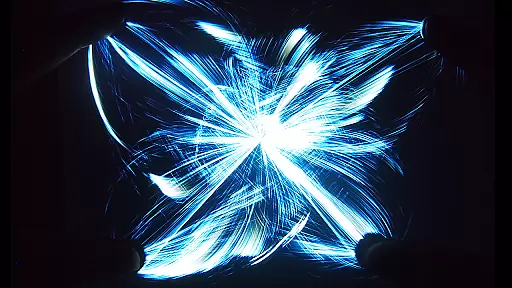
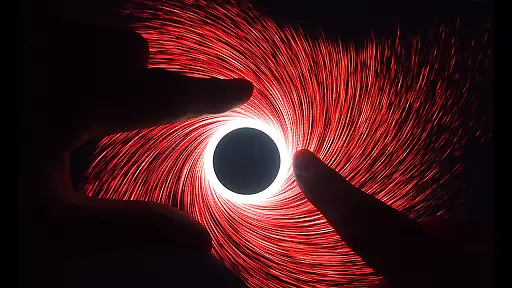
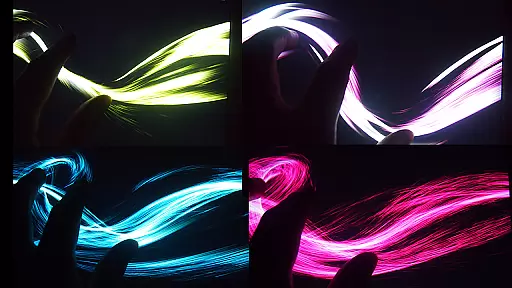
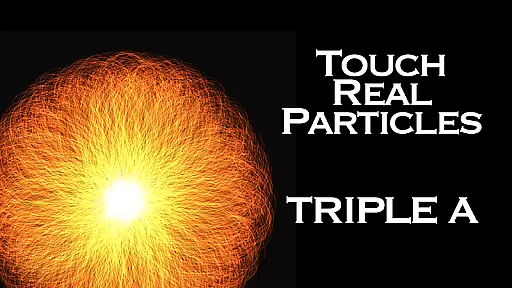
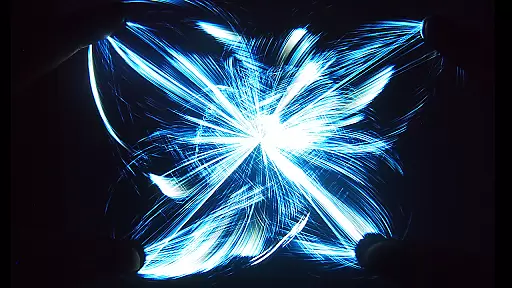
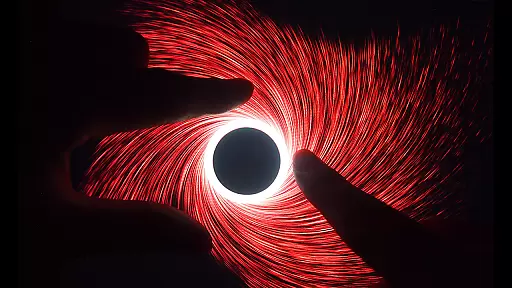
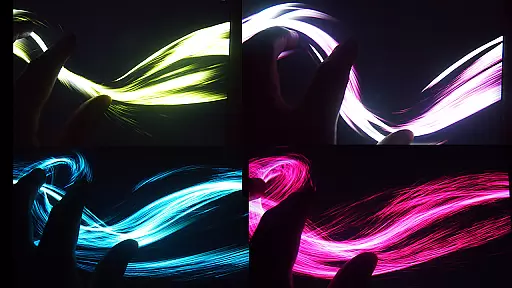
Triple A HD is an innovative entertainment app that combines interactive visual art with relaxation techniques, making it perfect for meditation, creative thinking, or simply fun. The app integrates five unique digital art modes - Art Wave, Art Particle, Art Gravity, Art Linear, and Art Lightning - each offering six mesmerizing effects, totaling 25 stunning visual experiences. With support for multi-touch gestures and the ability to emit up to 100,000 particles at 60 FPS, Triple A HD delivers a smooth and engaging experience on mobile devices.
Beyond its core features, Triple A HD includes built-in music tracks designed to enhance relaxation and focus, making it ideal for users of all ages seeking stress relief or a calming activity. Whether you're looking to unwind after a long day or provide an interactive digital toy for children, this app offers a versatile aesthetic experience that blends new media art with functionality.
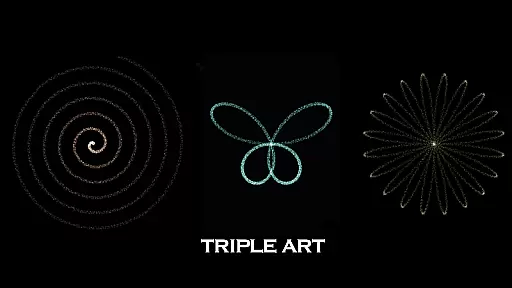
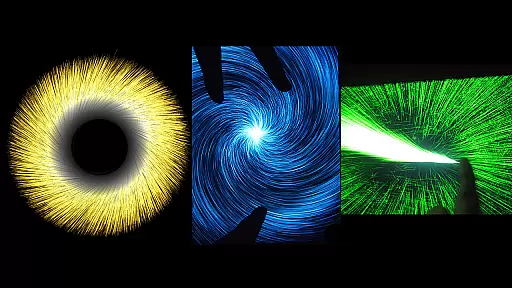
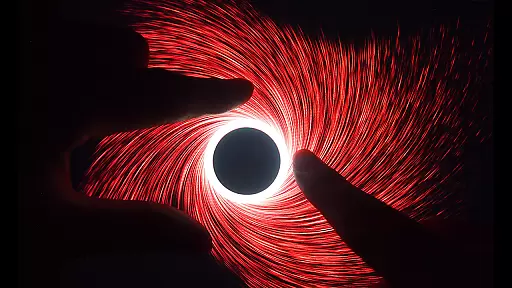
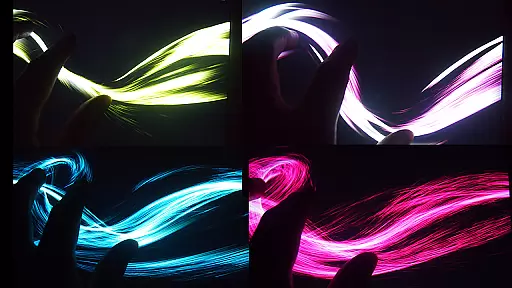
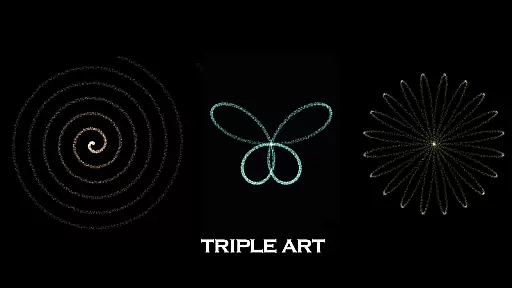
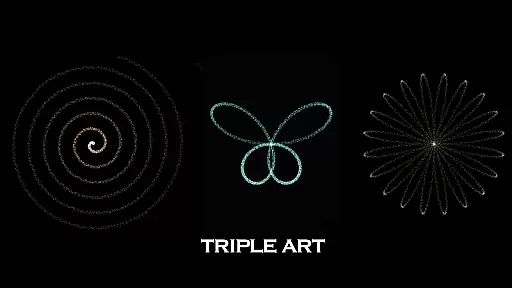
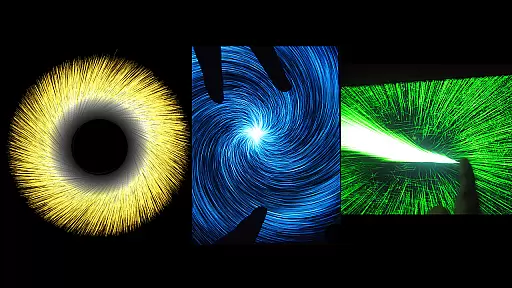
Triple A HD stands out with its advanced interactive features tailored for entertainment and relaxation. The app supports 5-finger, 2-hand multi-touch functionality, allowing users to fully immerse themselves in its dynamic visual effects. With five distinct art modes - Art Particle, Art Wave, Art Gravity, Art Linear, and Art Lightning - users can explore a variety of effects, including vortexes, flowers, butterflies, rainbows, and more, creating a personalized sensory journey.
In addition to its visual appeal, Triple A HD offers ten selectable music tracks composed by Aden, which can be toggled on or off based on user preference. The HD version enhances performance with three times more particle quantity, reaching up to 100,000 particles displayed at once, while maintaining an impressive speed of 60 FPS. This ensures a seamless and visually captivating experience, whether used for focused meditation or as a digital art display.
Triple A HD stands out in the Entertainment category by offering an impressive range of content variety that ensures users have a fresh and engaging experience every time. The app combines the best features from five different digital art applications created by SungLab, resulting in a unique visualizer that caters to diverse user preferences.
With 5 distinct Art Modes, each containing 6 unique effects, Triple A HD delivers a total of 25 mesmerizing visual effects. These include simulations of vortexes, flowers, leaves, butterflies, rainbows, and even an astonishing 100,000 particle explosion right on your mobile device. This vast array of options allows users to explore various forms of New Media Art Appreciation at their leisure.
The inclusion of 10 music selections composed by Aden adds another layer of variety, enhancing the overall aesthetic experience. Users can choose to engage with the built-in tracks or turn off the music entirely for a more personalized session. This flexibility makes it suitable for focused meditation, creative thinking, relaxation, or as a fun digital toy for children and pets.
Regular updates and new content ensure that the application remains fresh over time. Whether seeking relief from burnout, sleep disorders, ADHD, or simply looking for calming activities, Triple A HD's dynamic offerings provide continuous value through its evolving library of interactive experiences.
User engagement duration and retention are critical factors for apps in the Entertainment category, and Triple A HD excels in these areas by providing an immersive experience that encourages prolonged use. The app's interactive visualizers, combined with its multi-touch functionality, create an engaging environment that captivates users' attention for extended periods.
One key feature contributing to sustained user engagement is the ability to customize particle length, quantity, and size within the 5 Art Modes. This customization empowers users to tailor their experience according to personal preferences, increasing the likelihood of longer sessions. Additionally, the fastest speed (60 FPS) and emission of up to 100,000 particles deliver a visually stunning performance that retains user interest.
The HD version further enhances retention by offering an ad-free experience, ensuring uninterrupted enjoyment. Enhanced performance with three times more particle quantity through optimized calculations provides smoother interactions, making each session more enjoyable than ever before.
Moreover, Triple A HD's suitability for all ages broadens its appeal and contributes to higher retention rates. By catering to both adults seeking relaxation and children looking for digital toys, the app fosters a loyal user base that returns frequently for different purposes, whether it be meditative focus, creative inspiration, or simple entertainment.
Visually stunning
Relaxing music
Multi-touch support
Wide age appeal
Customizable effects
Premium price
High device specs
No offline mode
Limited free content
Complex UI

Tarot & Oracle Card Readings
 4.50
4.50
Live TV, sports & holiday movies — stream on phone, tablet & TV
4.60
Stream videos to VIDAA & VEWD TVs from Hisense, Sharp, Skyworth, Vestel & TiVo
3.00
Watch everything you want.
2.90
NFL, NBA, NHL, MLB, local sports coverage, shows, movies & news!
3.20
Just play games to earn gift cards. Keep playing, keep earning.
4.50
VR 360 Cinema Player is the ultimate VR player for playing videos on mobile
3.50
Your Avatar, Endless Fun
4.60
Play casual games to get gift cards and money. More playing, more earning.
4.70
SpiritWave is paranormal ITC application.
5.00
Watch short films, dramas, reels, series and movies anytime on Micro Drama.
4.60
Underrated short-drama gems that hit hard and keep your heart hooked.
4.50
Earn gift cards for playing games. Become a real game tester!
4.40
Atomus is a 10-finger multi-touch interactive visualizer.
4.30
Your choice of 350+ networks plus movies and full TV series on-demand.
3.70
Fool your friends & Family with Fake ultrasound test report
3.60
Stream live TV shows, sports, news, movies & more - all without cable.
3.00
A wonderful collection of the most beautiful sounds of animals and birds
4.3
Neon Christmas Tree Animated: Festive Wear OS watch face with fitness info
4.1


User Reviews