
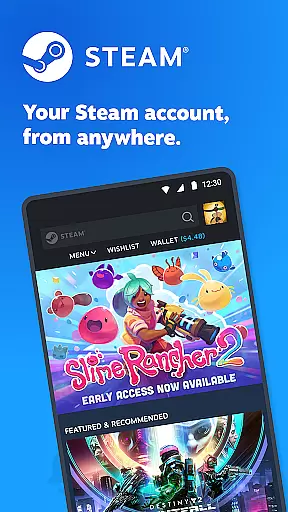
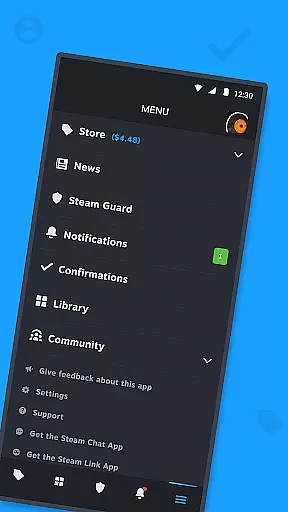
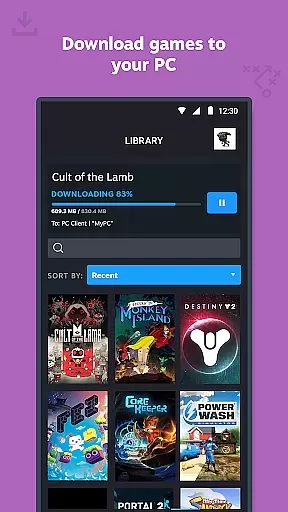
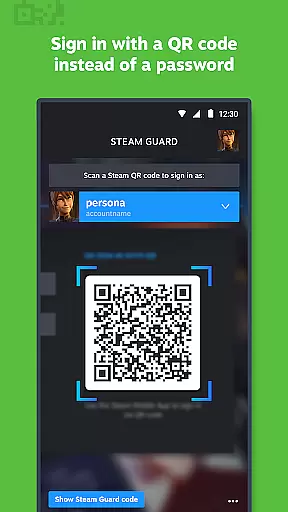

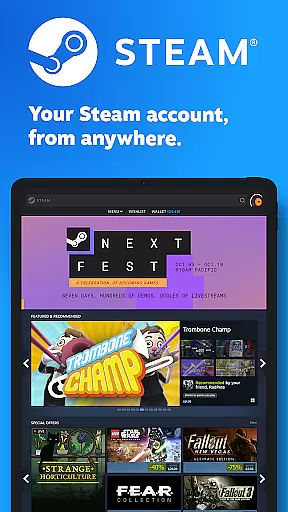
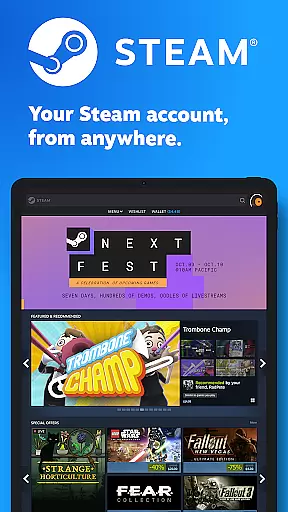
Steam Mobile is a versatile entertainment application that brings the full power of Steam to your mobile device. The app allows users to shop for PC games, protect their accounts with advanced security features, and stay updated with personalized gaming news. With functionalities like Steam Guard, remote library management, and trade confirmations, it ensures both convenience and security.
The application's core strength lies in its ability to integrate various Steam services into a mobile platform. Users can manage their game libraries, initiate remote downloads, and engage with the Steam community seamlessly. Whether you're looking to purchase new games during sales or need to secure your account with two-factor authentication, Steam Mobile provides all necessary tools.
A key scenario where Steam Mobile shines is during travel or when away from your gaming PC. You can monitor your library, participate in community discussions, and even confirm trades - all from your phone. This level of accessibility significantly enhances the overall Steam experience, making it an essential tool for every Steam user.
Steam Mobile offers an impressive array of features designed to enhance the user's interaction with the Steam platform. The app includes comprehensive security measures through Steam Guard, which provides two-factor authentication and QR code-based login options. These features ensure that only authorized users can access sensitive account information.
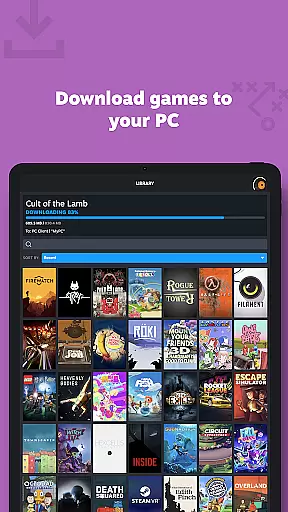
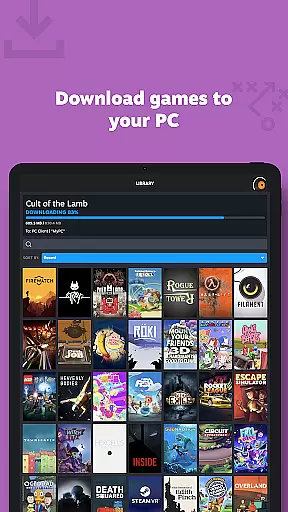
Another standout feature is the remote library management system. This allows users to view detailed game information, manage downloads, and update their PC games directly from their mobile devices. The app also facilitates trade and market confirmations, enabling quick processing of item exchanges and sales.
What sets Steam Mobile apart is its deep integration with the Steam ecosystem. From personalized news feeds to customizable notifications, the app delivers relevant content directly to users' phones. The inclusion of multiple account support and authorized device management makes it a complete solution for managing your Steam presence on the go.
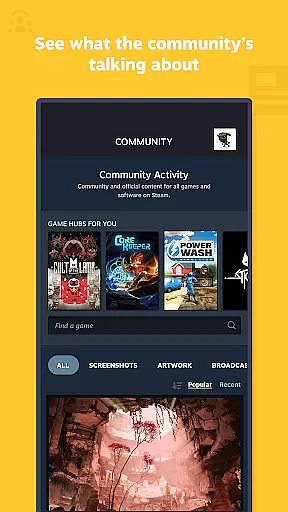
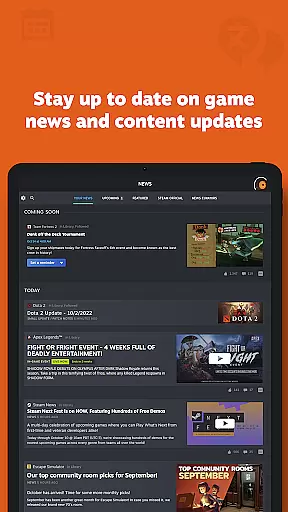
The Steam Mobile App offers an extensive range of content that caters to the diverse interests of gamers and the broader Steam community. With personalized news feeds, users receive the latest updates, events, and content directly from publishers and developers based on their game library. This ensures that every user's feed is tailored to their specific gaming preferences and follows the games they love.
In addition to news, the app provides access to discussions, groups, guides, and the Steam Community Market, making it a comprehensive platform for all things gaming. The inclusion of features such as remote downloads and library management allows users to interact with their game collection and manage their PC gaming experience from their mobile device. This level of integration keeps the content fresh and relevant to the useru2019s current gaming activities.
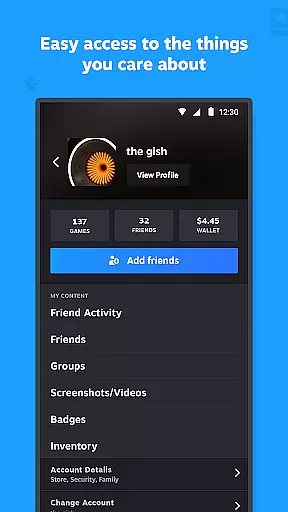
Steam's entertainment value is further enhanced by supporting multiple Steam accounts and customizable main tabs within the app. Users can switch between accounts seamlessly and tailor the app's interface to prioritize their most-used features. This flexibility not only maintains user engagement but also encourages regular interaction with the app, ensuring that the content remains dynamic and up-to-date.
User engagement and retention are critical components of the Steam Mobile App's design. By integrating essential features such as two-factor authentication through Steam Guard, the app ensures that users remain connected to their accounts securely and conveniently. This security feature not only protects user data but also streamlines the login process, encouraging frequent and sustained app usage.
The app goes beyond mere account management by offering interactive features like trade and market confirmations, which allow users to speed up item trades and sales using their mobile device. This functionality creates a seamless bridge between the mobile app and the desktop client, prompting users to stay actively engaged with their Steam account activities throughout the day.
Furthermore, the Steam Mobile App fosters long-term retention by providing users with customizable notifications for wishlist updates, sales, comments, and friend activities. These notifications serve as reminders to return to the app, keeping users informed and involved in the Steam community. Coupled with easy access to friends, groups, and community content, these features collectively contribute to prolonged user engagement and loyalty to the platform.
User-friendly interface
Comprehensive security features
Remote library management
Personalized news feed
Trade confirmation system
Limited mobile gameplay
Occasional sync issues
Heavy battery usage
Large app size
Complex setup process

Stream Movies & TV Series: Original Shows, Family Movies & New Releases Weekly
 4.60
4.60
Best of icon for christmas
4.30
Watch everything you want.
2.90
The JBL Portable app works with JBL portable Bluetooth speakers.
4.60
Chat with AI characters! Anime, games, roleplay & more.
4.50
Come and watch short dramas, reels with diverse genres!
4.40
Hand-drawn, cartoon OC creator - original character creator
4.70
Catch the latest episodes of The Voice or live stream NFL games with The NBC App
4.20
Watch New Episodes & Live TV
3.80
Colorful flows will relax and calm you down, or get you trippy and creative!
4.90
Classic dynamic pixel art from Mark Ferrari.
4.70
Watch Reels, Drama Shorts & TV Series Anytime. Download DramaWave Now!
4.70
Unleash Your AI Imagination
4.60
Create and play realistic-looking mock Emergency Alert System messages.
4.30
A companion app for the game Elite Dangerous
4.10
Watch whatever you want, whenever you want, wherever you want.
3.30
Stream videos to VIDAA & VEWD TVs from Hisense, Sharp, Skyworth, Vestel & TiVo
3.00
Ultimate VR movie player for android mobile videos
4.1
Unofficial Game Companion App” “Guides • Builds • Tips • Progression
4.1


User Reviews