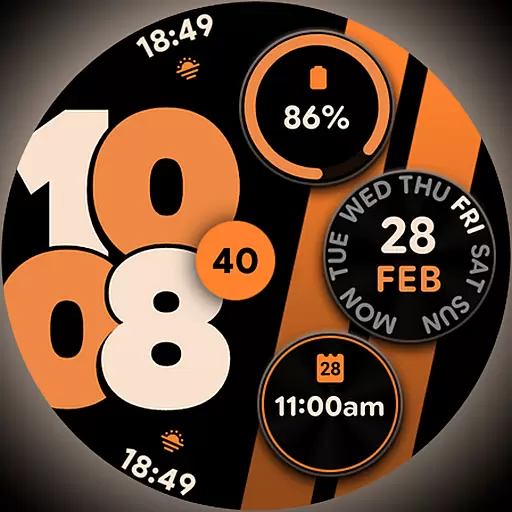
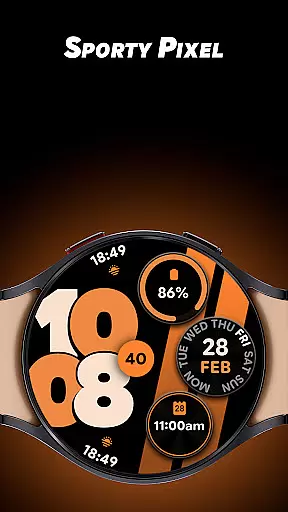
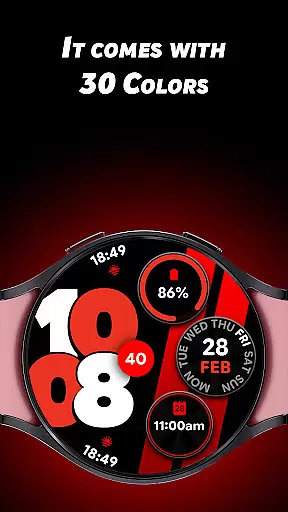
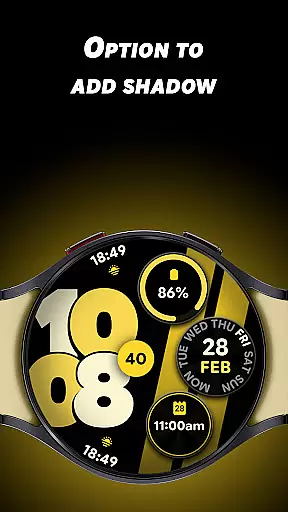
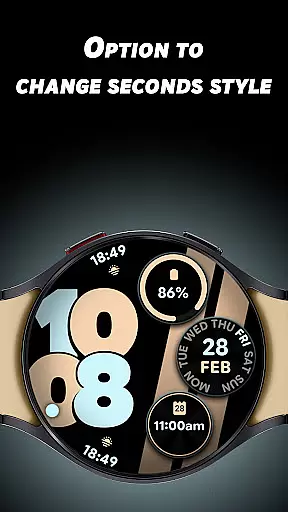
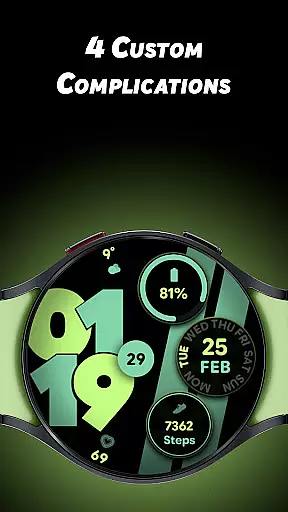
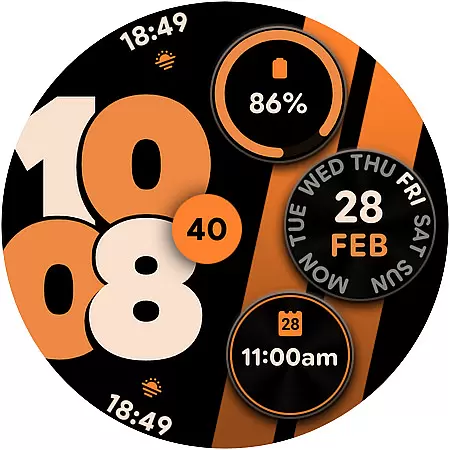
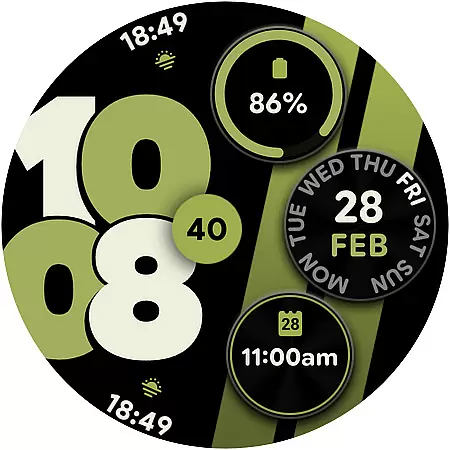
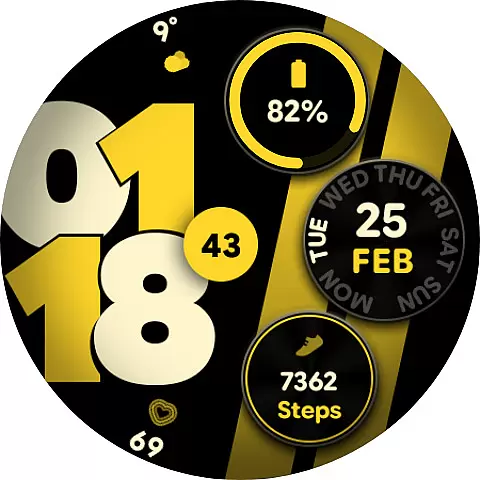
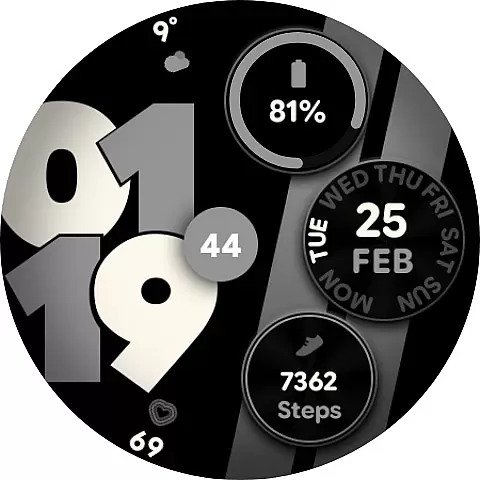
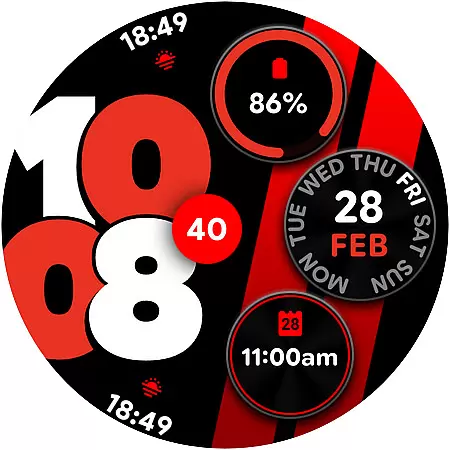
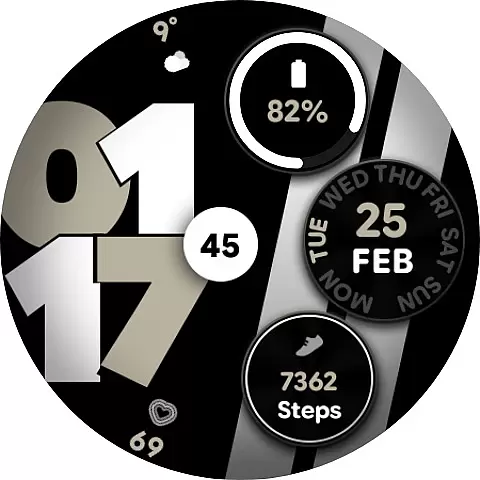
Sporty Pixel Watch Face is a dynamic and customizable watch face designed for Wear OS devices. It offers users the ability to personalize their smartwatch with 30 vibrant color options, optional shadows, and custom seconds styles. The inclusion of 4 custom complications allows users to display essential data at a glance, while support for both 12/24-hour formats ensures global usability. Its Always-On Display (AOD) feature provides a battery-friendly way to keep the time visible at all times.
This watch face is perfect for active individuals who value both style and functionality in their daily routine. Whether you're an athlete tracking your performance or a professional managing your schedule, Sporty Pixel enhances your smartwatch experience by combining bold aesthetics with practical features.
The Sporty Pixel Watch Face stands out with its extensive customization options. Users can choose from 30 unique colors to match their personal style or mood. The optional shadow feature adds depth to the design, creating a sleek and modern appearance on your Wear OS device.
Functionality is equally impressive, with 4 custom complications that allow quick access to essential information such as weather, fitness stats, or notifications. The ability to switch between 12/24-hour formats makes it suitable for users worldwide. Additionally, the Always-On Display (AOD) ensures that critical information remains accessible without draining the battery, making it ideal for those who need constant time visibility throughout the day.
Sporty Pixel Watch Face offers extensive lifestyle category coverage by providing users with a versatile and customizable timepiece companion.
With 30 vibrant color options, support for both 12/24-hour formats, and an Always-On Display (AOD) feature, this app ensures that your smartwatch adapts to various daily scenarios. Whether you're heading to a workout or attending a formal meeting, the watch face's bold and active design fits seamlessly into your routine.
The inclusion of optional shadows and custom seconds styles allows users to tailor their watch face to match specific occasions or moods. This flexibility makes it suitable for different lifestyle contexts, from professional environments to casual settings.
The Sporty Pixel Watch Face demonstrates strong content authenticity through its well-designed features and customization options.
Each of the 30 available colors has been carefully selected to provide a personalized yet visually appealing experience. The ability to enable or disable shadows and change the seconds style reflects a deep understanding of user preferences in wearable technology.
Furthermore, the integration of four custom complications shows that the developers have considered practical needs while maintaining aesthetic standards. These thoughtful design choices, combined with expert implementation of Wear OS functionalities, establish credibility and trust in the app's quality and reliability.
Highly customizable
Vibrant color options
Battery-friendly AOD
Global time format support
Essential data at a glance
Limited to Wear OS
Design may not suit all
Complications could be more varied
Shadows might distract some
Premium features may cost extra

Pay your rent, submit work orders and much more with the RentCafe Resident App.
 4.70
4.70
What is my face shape? Find out your face shape from picture, see fitting frames
3.90
Easily manage your child's playtime, spending messaging and more.
3.50
Bring the warm colors of fall directly to your wrist with Autumn Leaves!
4.0
See wait times and check into a hair salon ahead of time with Online Check-In.
4.80
My Diary - Daily Journal with lock: Diary journal app and secret diary with lock
4.80
Wear your favorite memories, loved ones, pets or travel photos on your watch
4.4
Vehicle ownership simplified. Get the myChevrolet® app today.
4.60
Share opinions, get paid cash
4.30
Good magnifier app to see tiny things bigger and more clearly!
4.80
Unique "Isometric" style digital watch face for Wear OS
4.50
Discover your Nationality, Family Origin, and Ancestry from one selfie
4.50
This is a simple and highly functional alarm clock "Smart Alarm" paid version.
4.20
Smart controls for your Ember Smart Mugs
4.10
Spiritus Ghost Box is an Audio and Visual ITC tool for paranormal research.
4.00
Your home in your hand
3.80
Design and brew great homebrewing beer, mead, cider and wine recipes on the go!
3.60
View over 160,000 line dance stepsheets from the CopperKnob website.
3.30
The Miracle Box includes methods used by Steve Huff of Huff Paranormal.
3.20


User Reviews