
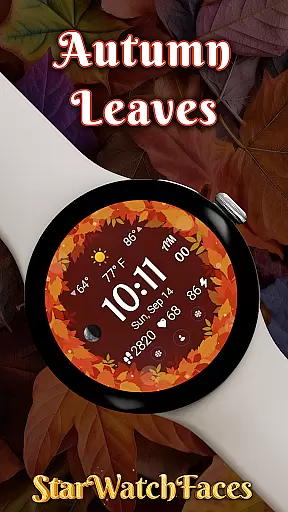

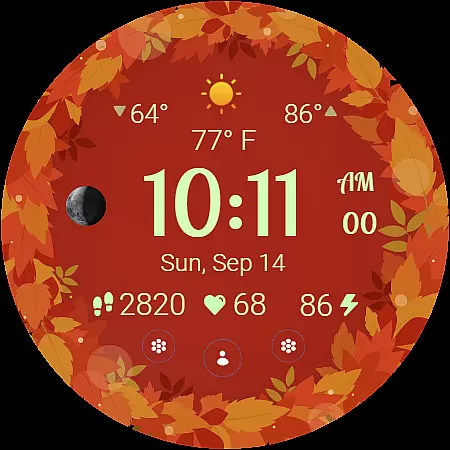
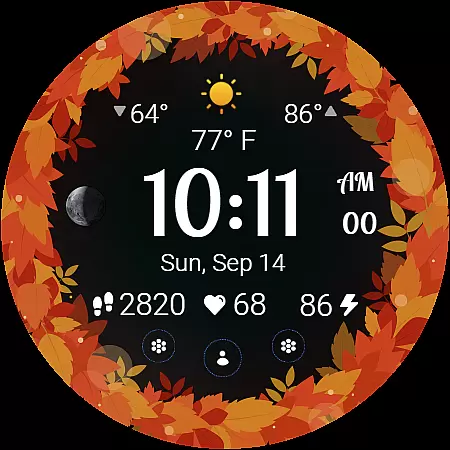
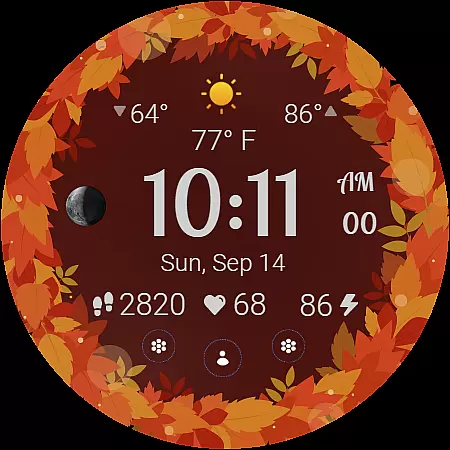
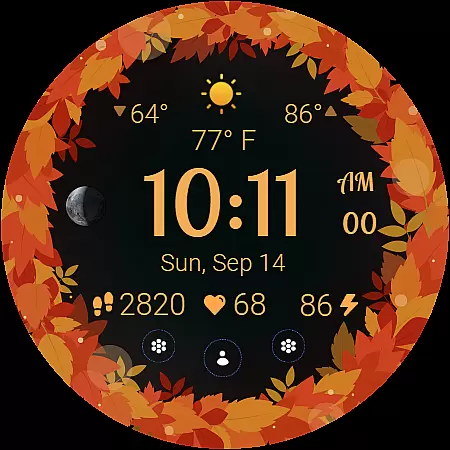
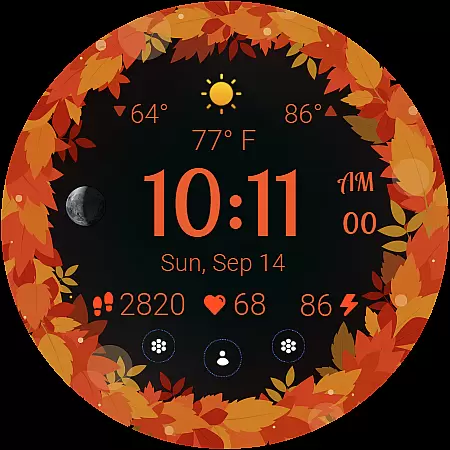
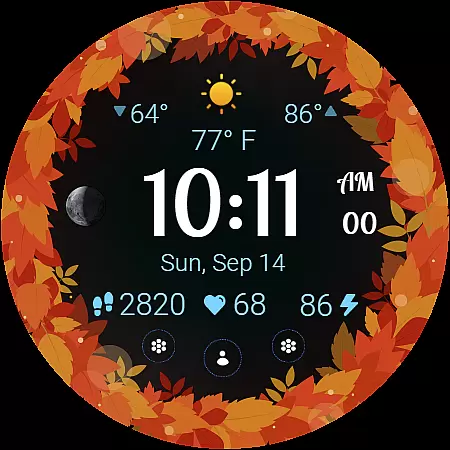
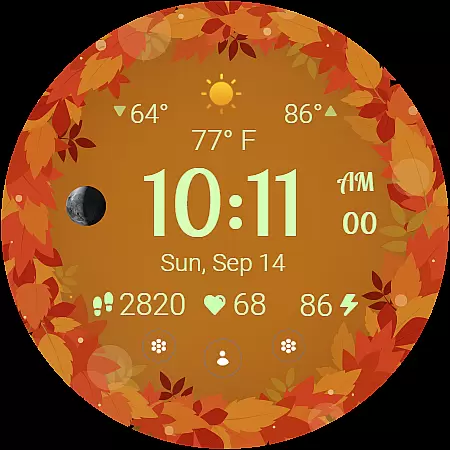
Autumn Leaves Watch Face brings the vibrant colors of fall to your smartwatch, offering both style and functionality. Designed for Wear OS, this watch face combines nature-inspired aesthetics with practical features like weather updates, moon phase tracking, and health monitoring.
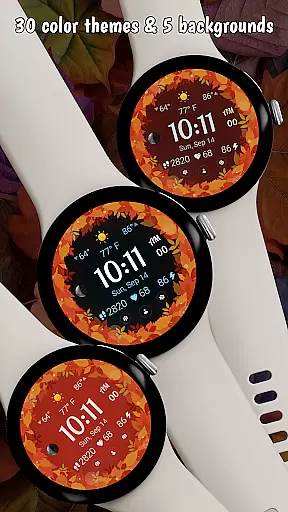
The app provides 30 customizable color themes and 5 background options, allowing users to personalize their experience. With animated transitions, an always-on display mode, and localized date support, it creates an immersive seasonal experience while maintaining usability. The design is optimized for battery efficiency, making it a practical yet beautiful choice for smartwatch users.
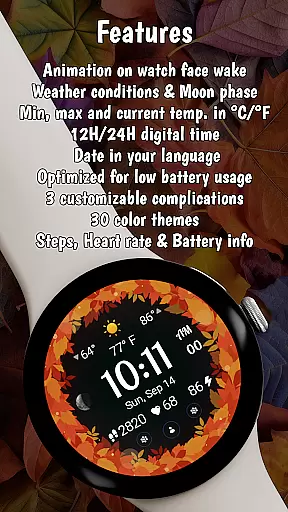
Autumn Leaves Watch Face stands out with its rich feature set tailored for both style enthusiasts and tech-savvy users. It includes a digital clock with 12h/24h format options, moon phase tracking, and live weather updates displaying current, minimum, and maximum temperatures in °C or °F.
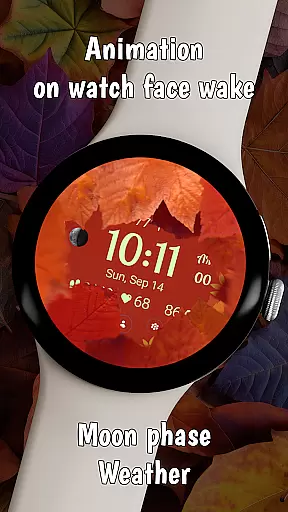
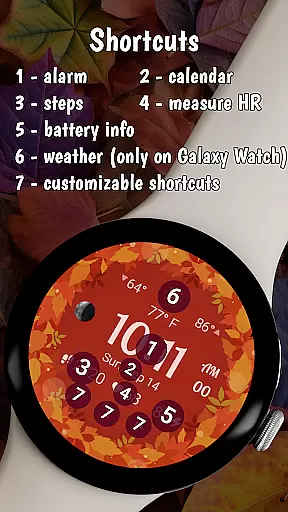
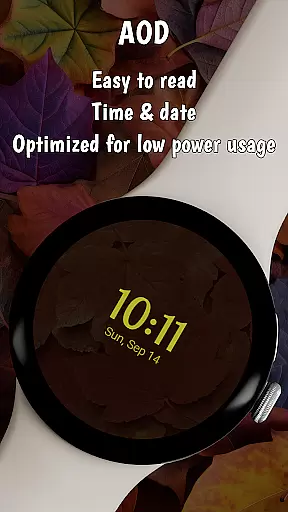
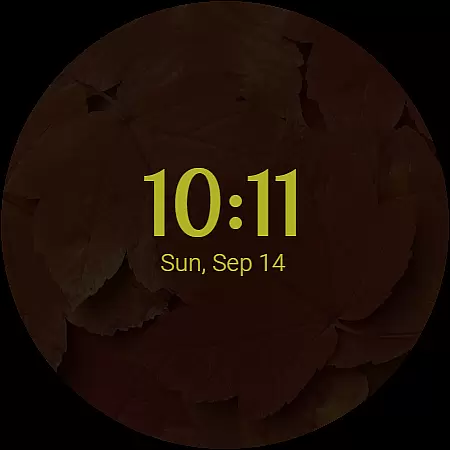
Users can enjoy unique animations when the watch wakes up, showing smooth transitions of autumn leaves. The always-on display (AOD) ensures a cozy fall vibe even in ambient mode, while three customizable shortcuts provide quick access to favorite apps. Health-conscious users will appreciate the heart rate, step count, and battery info displayed directly on the watch face.
The Autumn Leaves Watch Face offers extensive lifestyle category coverage by integrating multiple functional features into a single cohesive design. This Wear OS watch face goes beyond mere aesthetics, providing users with essential information such as moon phases, weather updates, and health metrics.
With 30 color themes and 5 background options, the app allows for deep personalization that caters to various user preferences. The inclusion of practical features like temperature display in both Celsius and Fahrenheit, heart rate monitoring, and step tracking demonstrates its comprehensive approach to modern lifestyle needs.
Users benefit from having all necessary information readily available on their wrist, eliminating the need to switch between multiple apps. The thoughtful combination of style and functionality makes this watch face suitable for different occasions, from casual everyday use to more formal settings.
This integration of diverse lifestyle elements into one package enhances daily convenience while maintaining an elegant autumn-themed aesthetic that evolves with the season.
The Autumn Leaves Watch Face demonstrates strong content authenticity through its verified features and accurate data displays. Each element, from weather information to health metrics, is sourced from reliable systems within the Wear OS ecosystem, ensuring users receive trustworthy and up-to-date information.
Expert credibility is evident in the watch face's technical implementation. The developers have optimized battery consumption while maintaining high-quality animations and an always-on display feature. This balance between visual appeal and performance showcases professional expertise in smartwatch application development.
All displayed information, including moon phases and temperature readings, is presented with clear units and automatic localization based on the user's device settings. This attention to detail extends to the health tracking features, which provide accurate heart rate monitoring and step counting.
The watch face's compatibility specifications are clearly defined, warning users about potential limitations on non-Samsung devices while ensuring optimal performance on supported platforms.
Stylish design
Customizable themes
Battery efficient
Health tracking
Weather updates
Limited compatibility
Paid features
Complex setup
Fewer shortcuts
Seasonal only

Healthy eating timer app to track meal pace, improve habits, and eat slowly.
 4.4
4.4
Turn your watch into a key fob for your Tesla
2.90
BILT interactive 3D instructions help you get the job done right
3.50
Customize your Wear OS watch with festive Christmas figures and colors!
4.0
Discover your Nationality, Family Origin, and Ancestry from one selfie
4.50
Colorful selection floral watch face with gyro for Wear OS
4.60
Retro animated weather with hourly forecast Watch Face for Wear OS
4.60
Redecor your home with Home AI interior design, room planner and home designer.
4.50
Decorate your home screen with custom icons, color widgets, themes & wallpapers
4.70
Countdown to Christmas 2025 with festive games & activities in a virtual village
4.80
Good magnifier app to see tiny things bigger and more clearly!
4.80
Simple, stylish & fresh watch face. Customize colors, gradients & complications.
4.70
The App can control Roborock vacuum cleaners from anywhere with rich features.
4.60
Unique "Isometric" style digital watch face for Wear OS
4.50
Material You inspired colors with BIG and Bold looks for Wear OS watches.
4.20
LineLearner, the quick way to learn lines.
2.90
The cutest Autumn watchface featuring the adorable Mr. Squirrel
4.2
Wear your favorite memories, loved ones, pets or travel photos on your watch
4.1
Futuristic watchface inspired by Back to the Future: sleek, retro, timeless
4.2


User Reviews