
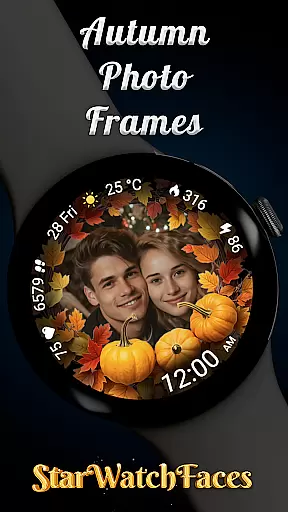
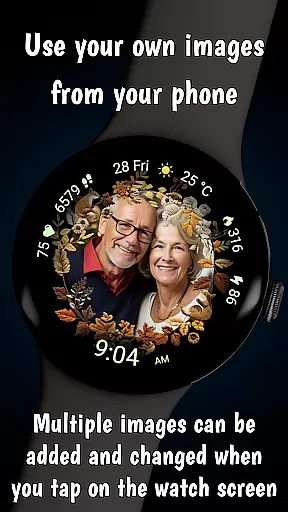
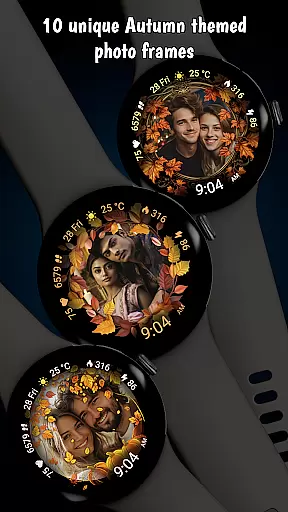
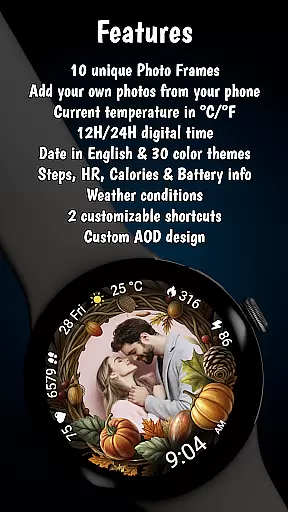

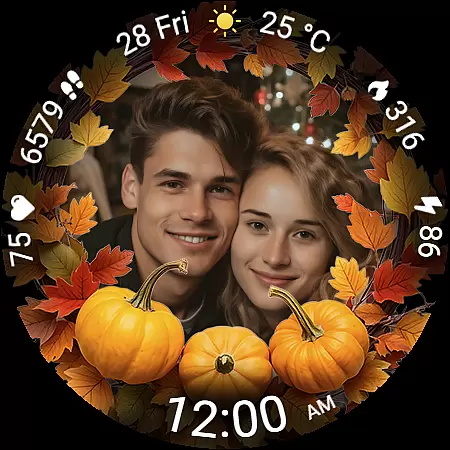
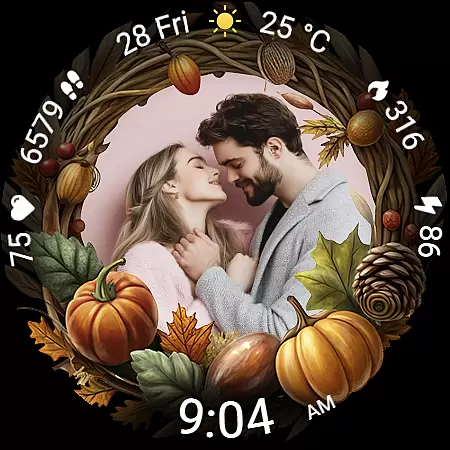
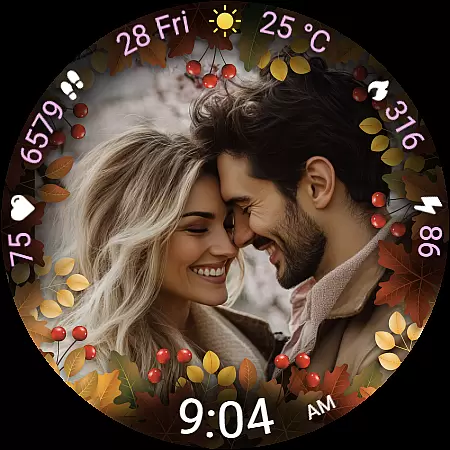
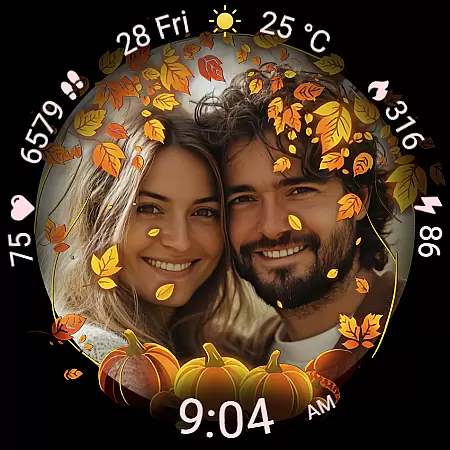
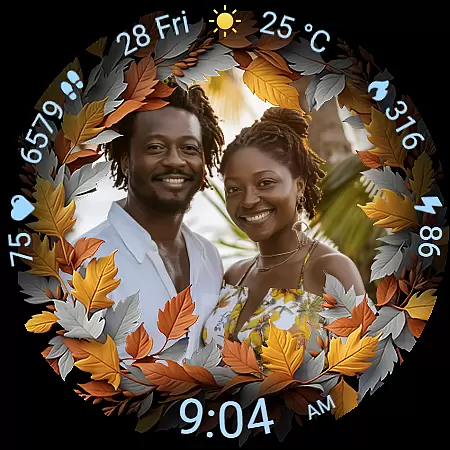
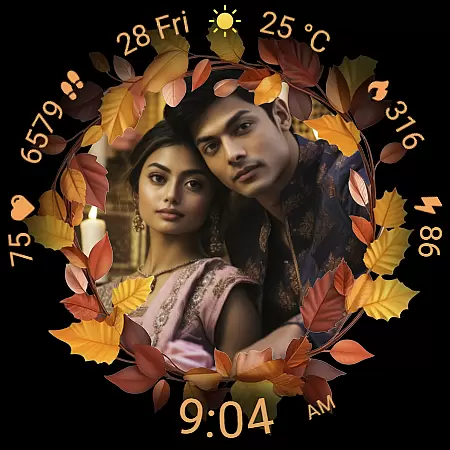
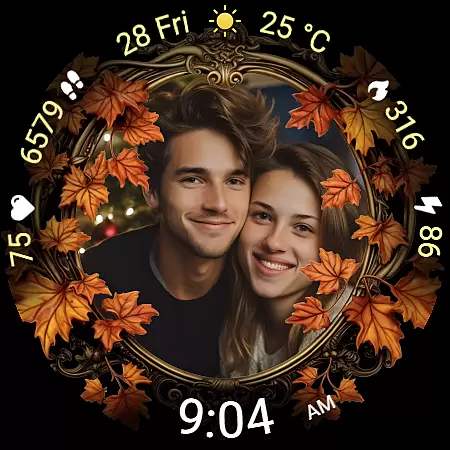
Autumn Photo Frames for WearOS is a lifestyle-enhancing watchface that combines personal memories with seasonal aesthetics. This app allows users to display cherished photos within beautifully designed autumn-themed frames directly on their smartwatch. With support for custom photo integration, the watchface serves as a wearable gallery that showcases your favorite moments.
The app offers 10 unique autumn-themed frames and 30 color themes, ensuring a personalized look that matches individual styles. Beyond its emotional appeal, it provides practical features like heart rate monitoring, step counting, calorie tracking, and weather updates. Compatible with Wear OS 6 and newer, this watchface blends style and functionality seamlessly, making it ideal for users seeking both customization and utility in their wearable experience.
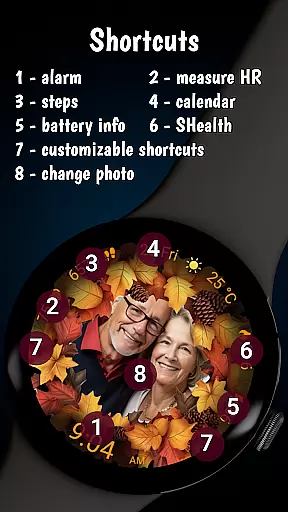
Autumn Photo Frames stands out with its rich feature set tailored for personalization and practicality. The core functionality revolves around customizable photo frames, allowing users to upload their own images via companion apps like Wearable for Samsung or Pixel Watch app. These photos can be displayed within 10 elegantly designed autumn-themed frames, each capturing the essence of the season through warm colors and decorative elements.
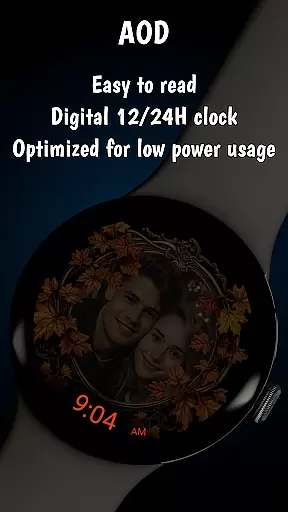
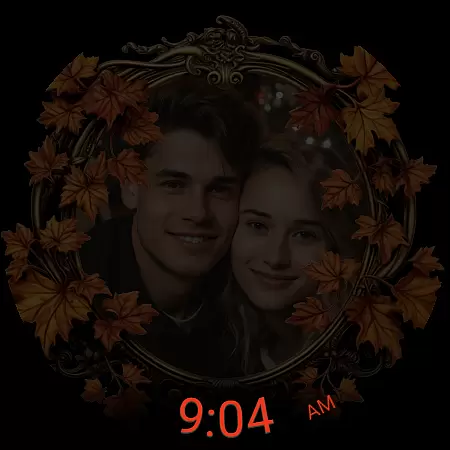
In addition to its aesthetic appeal, the watchface includes essential metrics such as a digital clock (in 12h/24h format), date display, battery status, heart rate monitor, step counter, calorie tracker, and weather information. Users also benefit from advanced features like Always-On Display (AOD) optimization and low-battery performance modes. Two customizable shortcuts provide quick access to frequently used apps, enhancing usability while maintaining an emotional connection through personalized visuals.
The Autumn Photo Frames watchface for Wear OS 6 offers a comprehensive lifestyle experience by integrating personal memories with essential smartwatch functionalities. This application goes beyond simple timekeeping, embedding rich customization options that cater to users' emotional and practical needs.
With 10 unique autumn-themed frames, 30 color themes, and features like heart rate monitoring, step counting, and weather updates, the app covers various aspects of a user's daily life. These elements ensure that wearers can personalize their smartwatches to reflect both their aesthetic preferences and require practical utilities.
Users benefit from the ability to display cherished photos on their watch faces, transforming their devices into personal galleries. The inclusion of health metrics and customizable shortcuts further enhances the lifestyle appeal, making this watchface a versatile companion for different activities and occasions.
Authenticity is at the core of the Autumn Photo Frames watchface, ensuring that all featured content is both original and meaningful. Each of the 10 autumn-themed frames has been meticulously designed to capture the essence of the season, providing users with genuine artistic expressions that resonate emotionally.
The app provides verified health data such as heart rate and step counts, reinforcing its credibility. Additionally, the customization process is intuitive, allowing users to manage their photos through trusted companion apps like Wearable for Samsung devices or the Pixel Watch app.
By combining authentic design elements with reliable functionality, this watchface establishes itself as a credible lifestyle tool. Users can trust that their personalized watchfaces will not only look beautiful but also deliver accurate and useful information, enhancing both style and substance on their wrists.
Highly customizable
Beautiful autumn designs
Practical health metrics
Weather integration
User-friendly interface
Limited to Wear OS
Requires companion app
Advanced features need setup
Battery may drain faster
Some features are premium

The Work of Byron Katie— the mobile app for inner peace.
 4.40
4.40
Premium floor cleaning robots
4.50
Spiritus Ghost Box is an Audio and Visual ITC tool for paranormal research.
4.00
Material You inspired colors with BIG and Bold looks for Wear OS watches.
4.20
Spirit Communicator is a real paranormal ghost hunting app with many fun modes.
3.90
Smart home security protection
3.20
A unique and customizable watch face which rotates its layout every minute.
4.80
LineLearner, the quick way to learn lines.
2.90
Remotely monitor the time and temperature of food cooking on your grill.
4.60
Daily lessons from A Course in Miracles with scheduled reminders
4.80
Vehicle ownership simplified. Get the myChevrolet® app today.
4.60
The all-new Cync app. The simple, connected app for Cync and C by GE.
4.50
Unique "Isometric" style digital watch face for Wear OS
4.50
The go to app for taking unlimited notes!
4.50
Easily manage your child's playtime, spending messaging and more.
3.50
Discover how to help puppies stay calm around noise with this helpful app.
4.4
Immerse yourself in the serenity of lavender fields and white butterflies
4.1
Bring the warm colors of fall directly to your wrist with Autumn Leaves!
4.0
Futuristic watchface inspired by Back to the Future: sleek, retro, timeless
4.5


User Reviews