
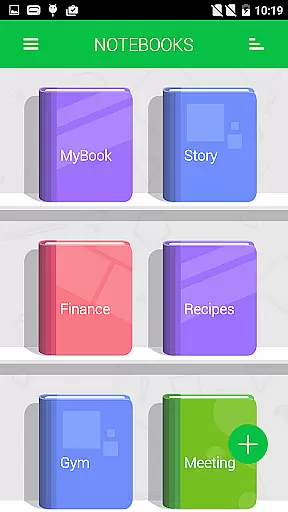
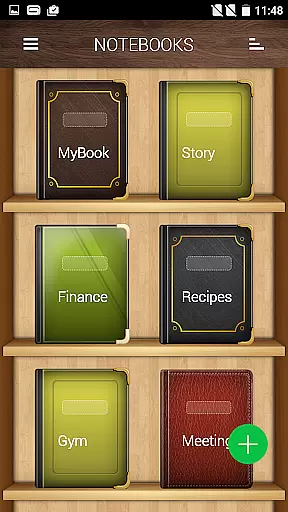


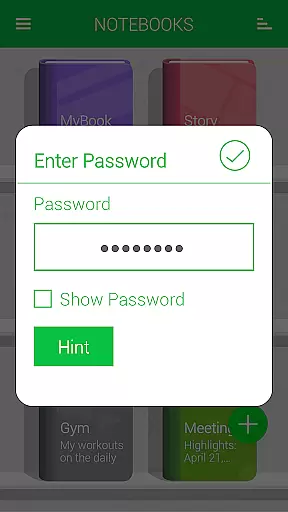
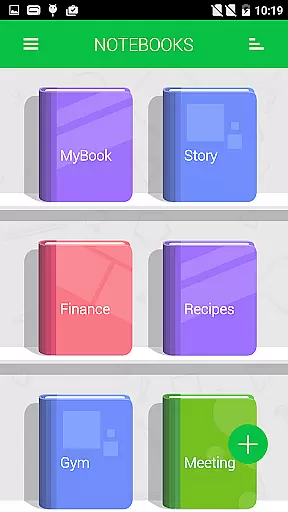
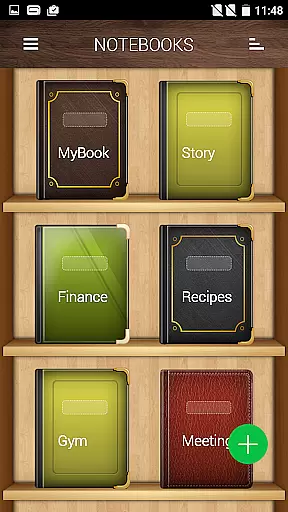


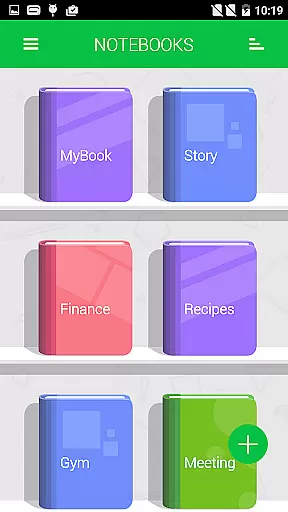
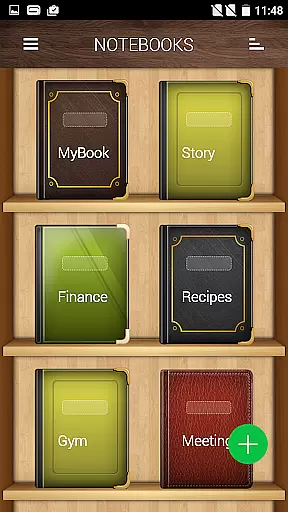


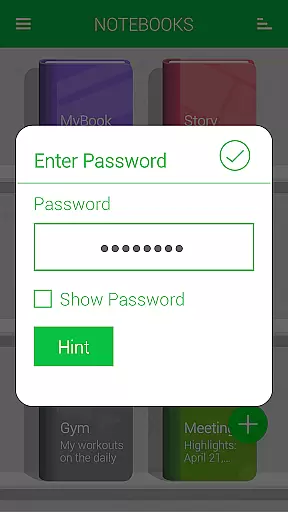
Notebooks Pro is a versatile digital note-taking application designed to cater to all your note-making needs. This app allows users to create multiple notebooks for different subjects, each with customizable covers, titles, and page styles. With features like password protection, fingerprint unlocking, and instant search within notebooks, it ensures both security and ease of access.
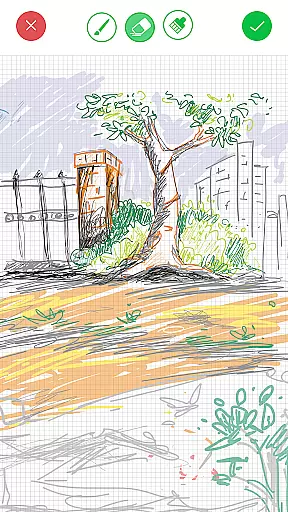
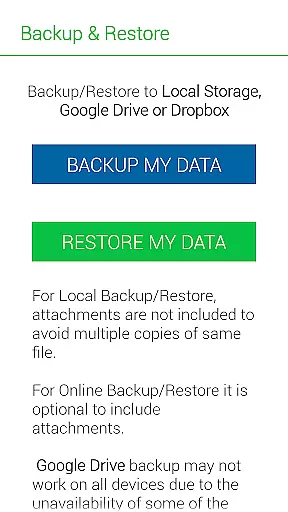
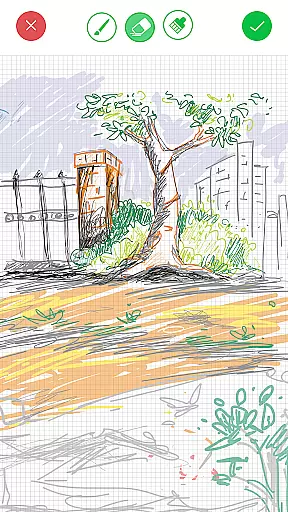
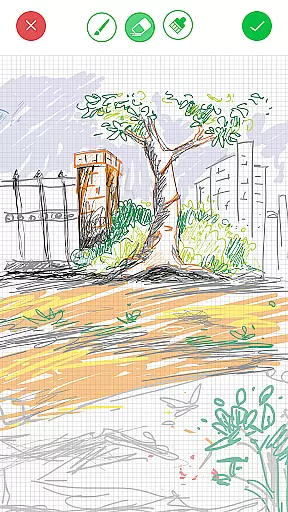
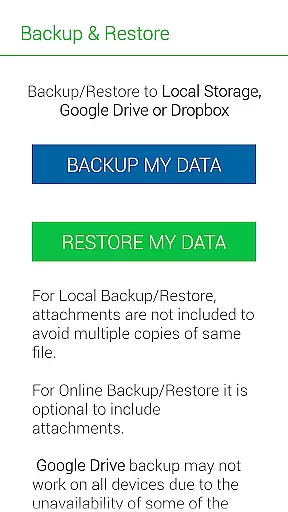
One standout feature is the ability to attach freehand drawings and image files to notes, making it ideal for creative professionals, students, and businesspeople alike. The app supports exporting entire notebooks or individual pages to PDF format, complete with attachments. Additionally, Notebooks Pro offers cloud backup and restore functionality via Google Drive and Dropbox, ensuring your data is always safe and accessible across devices.
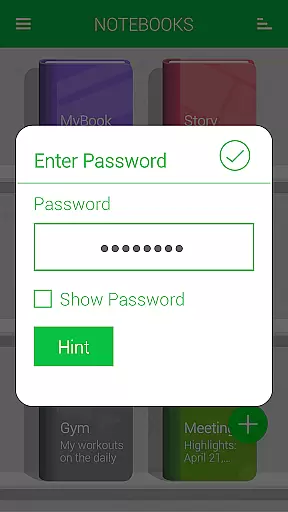
Notebooks Pro stands out with its comprehensive set of features tailored for efficient note-taking. Users can create multiple notebooks, each with unique customizable options such as cover design, title, number of pages, and page style. The app provides advanced security features like password protection and fingerprint unlocking, ensuring that your notes remain private.
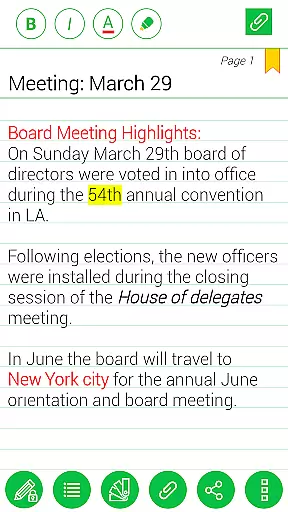
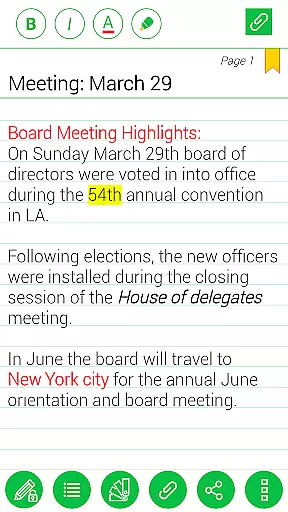
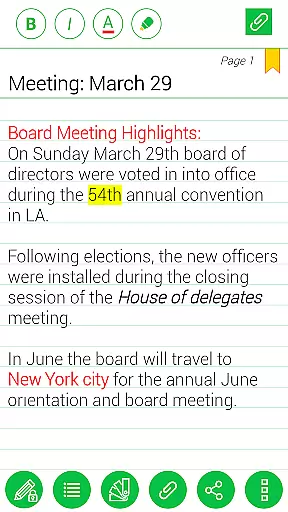
The app also includes practical functionalities such as setting page titles, instant search within notebooks, bookmarking pages, and attaching image files. Users can even create freehand drawings directly within the app. Notebooks Pro further enhances user experience by offering custom fonts and themes for each notebook, along with text styling options like bold, italics, and colored highlights. The ability to export notebooks to PDF format and back up data to Google Drive adds to its versatility.
Notebooks Pro exemplifies comprehensive lifestyle category coverage by addressing various note-taking needs across different walks of life. Whether you are a student managing coursework, a business professional organizing meetings, or an individual capturing daily thoughts, this app provides the tools necessary for effective note management.
The application allows users to create multiple notebooks, each customizable with unique titles, cover colors, and page styles, ensuring that every subject or project is distinctly represented. This level of personalization supports a wide array of lifestyle categories, from education and professional environments to personal journaling and creative brainstorming.
Additionally, Notebooks Pro offers features such as password protection, fingerprint unlocking, and instant search within notebooks, which cater to security-conscious users and those who require quick access to their information. The ability to attach images, create freehand drawings, and apply text styles like bold, italics, and colored highlights further enriches the user experience across diverse lifestyle activities.
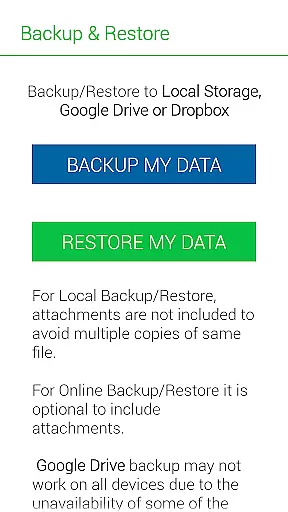
When it comes to content authenticity and expert credibility, Notebooks Pro ensures that your notes remain genuine and unaltered. By providing robust backup and restore options to cloud services like Google Drive and Dropbox, the app guarantees that your data is preserved accurately and can be retrieved whenever necessary.
The app's permissions for GET_ACCOUNTS and INTERNET are solely for facilitating secure communication with Google Drive to safeguard your backups. Importantly, Notebooks Pro does not store account details within the app, reinforcing its commitment to maintaining the integrity and confidentiality of your content.
Moreover, the developers have designed the app with input from users through FAQs and support channels, ensuring that the features meet the practical needs of their audience. With functionalities such as exporting notebooks to PDFs and supporting attachments, Notebooks Pro demonstrates a dedication to delivering credible and reliable solutions for digital note-taking.
User-friendly interface
Customizable notebooks
Advanced security features
Cloud backup support
Versatile note-taking options
Limited language support
No collaboration features
Premium version required
Occasional bugs reported
Steep learning curve

Healthy eating timer app to track meal pace, improve habits, and eat slowly.
 4.5
4.5
Fly your Solo like a boss.
4.10
Big bold digital watch face with 30 colors, 6 complications and AOD.
4.2
Digital watch face design. Modern looking, hi-res & battery friendly.
4.00
Daily lessons from A Course in Miracles with scheduled reminders
4.80
Duo Watch Face (animated)
4.1
Get your life organized with My Agenda!
4.30
Big bold hybrid watch face with 30 colors, 5 fonts & 5 complications.
4.1
My Diary - Daily Journal with lock: Diary journal app and secret diary with lock
4.80
Tap to the beat with interactive videos — warm up your reflexes & have fun
4.70
Premium floor cleaning robots
4.50
Chat, meet genuine singles in your area. Real connections start with being real.
4.30
Connect to your Shark ROBOT™ from anywhere using the SharkClean™ App.
3.60
Communicate with your vehicles and Powerwalls anytime, anywhere
3.60
Going above and beyond known spirit communication
3.60
Turn your watch into a key fob for your Tesla
2.90
Discover how to help puppies stay calm around noise with this helpful app.
4.3
Immerse yourself in the serenity of lavender fields and white butterflies
4.4
Customize your Wear OS watch with festive Christmas figures and colors!
4.1


User Reviews