
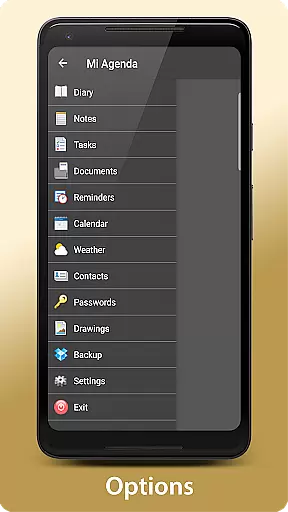
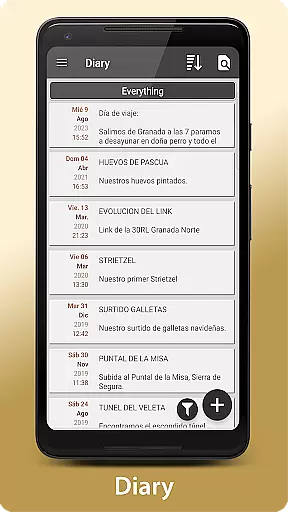
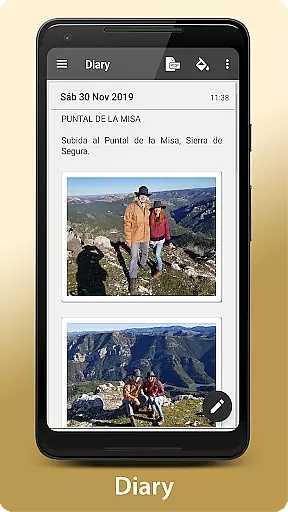
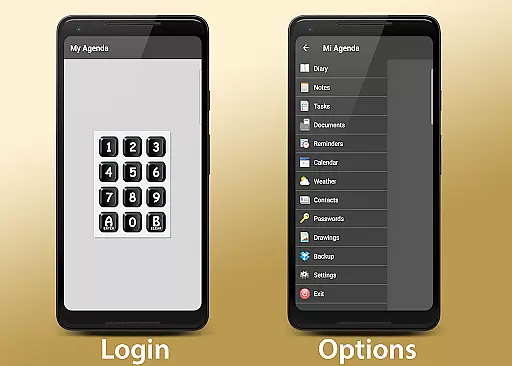
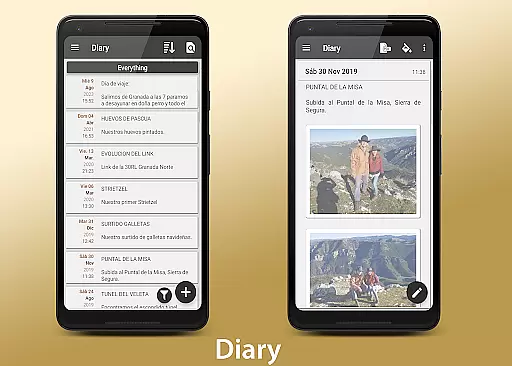
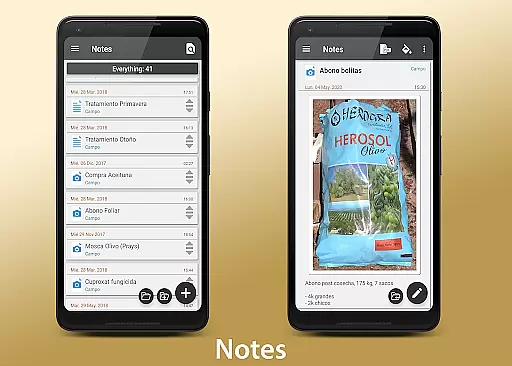
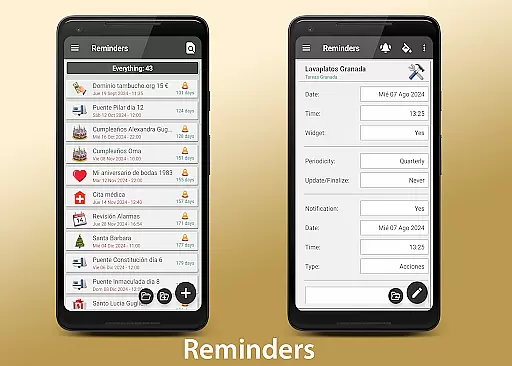
My Agenda Pro is a comprehensive lifestyle management app designed to streamline your daily tasks and keep you organized. This all-in-one personal assistant offers a visual diary for capturing thoughts, ideas, and special moments through text, photos, and voice notes. With personalized task lists, reminders, and a built-in calendar, users can efficiently manage their schedules. The app also provides a 15-day weather forecast, secure storage for contacts and passwords, creative drawing tools, automatic backups, and customizable home screen widgets.
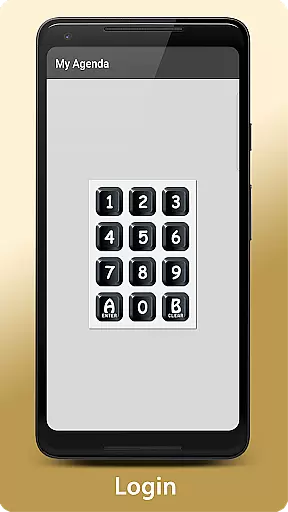
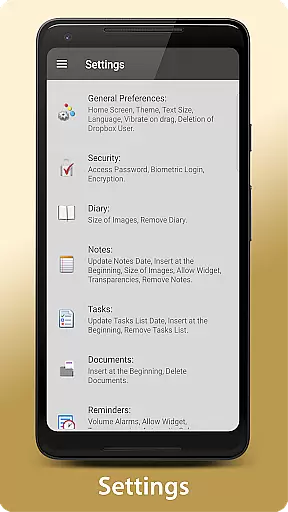
The app's flexibility allows users to organize their information in a way that suits them best, with options to group, reorder, and color-code entries. Security features include password protection, fingerprint authentication, and data encryption. Whether it's for personal or professional use, My Agenda Pro helps users stay on top of their responsibilities while unleashing their creativity.
For those who value privacy and organization, My Agenda Pro is an invaluable tool. It ensures that important information is always at hand and protected from unauthorized access. By integrating various functionalities into one platform, the app simplifies the process of managing daily activities, making it easier to focus on what truly matters.
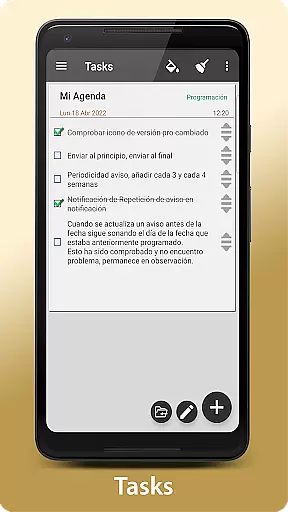
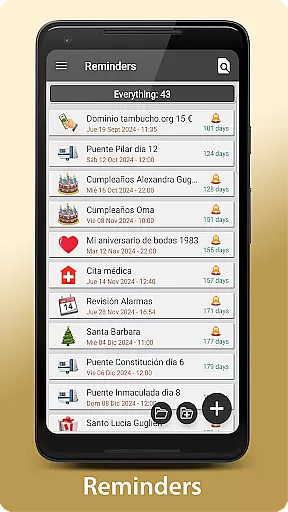
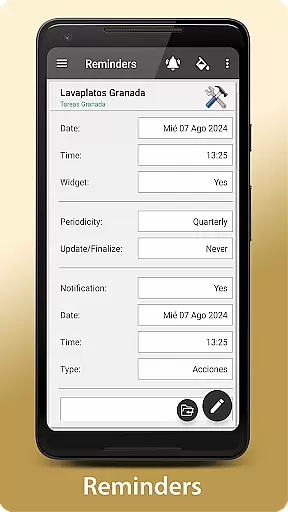
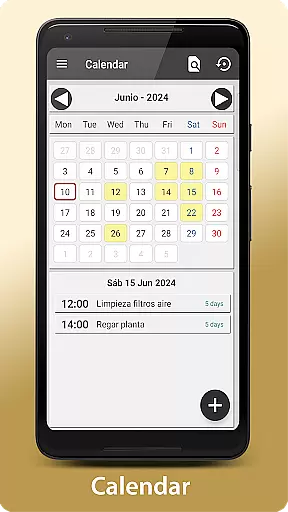
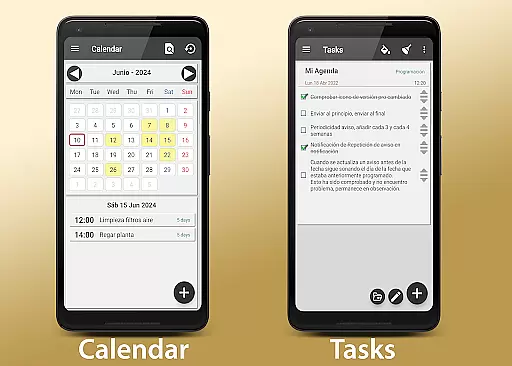
My Agenda Pro stands out with its rich array of features tailored to enhance productivity and creativity. One of the key highlights is the ability to create personalized tasks and reminders, allowing users to set deadlines and choose notification preferences. These can be viewed in either a calendar or list format, providing flexibility in how users organize their time.
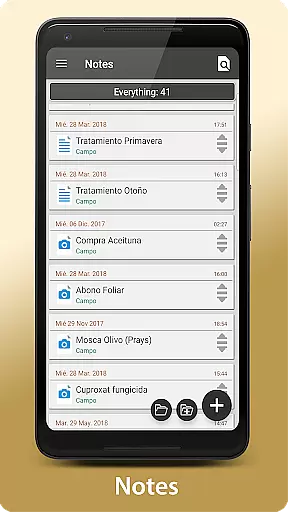
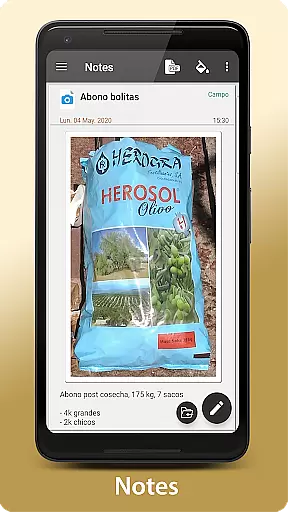
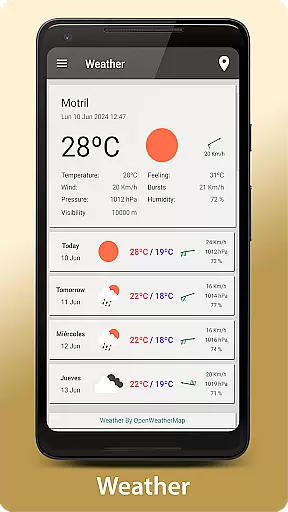
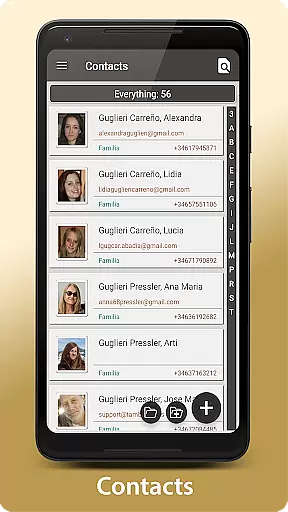
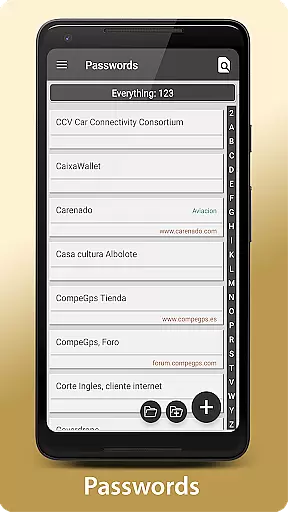
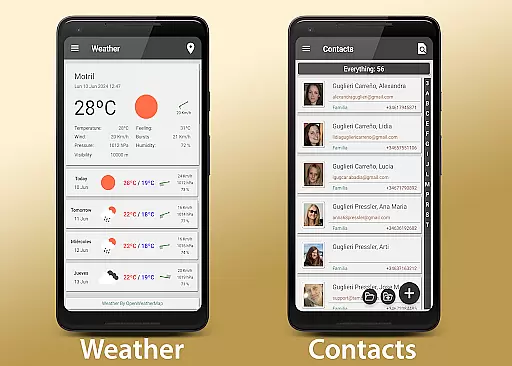
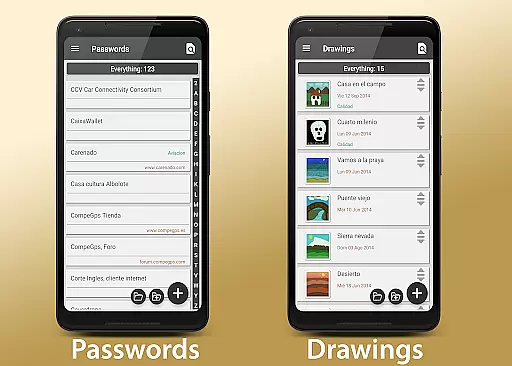
In addition to task management, the app includes a complete diary function where users can document their thoughts and experiences using text, photos, and voice notes. For added convenience, there's a 15-day weather forecast feature that helps plan outdoor activities. The app also offers secure storage for sensitive information like contacts and passwords, which is encrypted and accessible with a single touch.
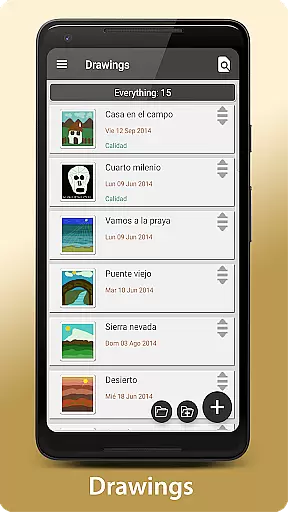
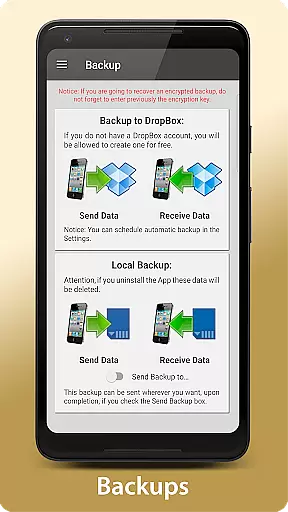
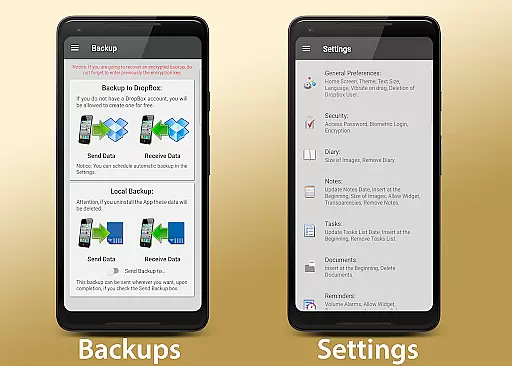
Creative professionals will appreciate the drawing and sketching tools that let users express their ideas freely. Automatic backup ensures data safety by synchronizing with Dropbox and offering manual backup options via Drive, Email, WhatsApp, etc. Custom widgets bring favorite reminders and notes directly to the home screen, enhancing accessibility. Overall, these features make My Agenda Pro a versatile tool for anyone looking to optimize their lifestyle.
My Agenda Pro offers extensive lifestyle category coverage, ensuring that users can manage various aspects of their daily lives within a single application. This comprehensive app includes features such as a visual diary for thoughts and special moments, task management with personalized reminders, and a 15-day weather forecast to help plan activities.
The app goes beyond basic organization by providing secure storage for contacts and passwords, encrypted for user safety, alongside creative outlets like drawing and sketching capabilities. With these diverse functionalities, My Agenda Pro caters to a wide array of personal and professional needs, making it an indispensable tool for anyone looking to streamline their routine.
Additionally, the flexibility of custom widgets brings favorite reminders and notes directly to the home screen, enhancing accessibility and convenience. Users can organize their information in a way that suits them best, whether it's through grouping, reordering, or changing background colors, thus offering a truly tailored experience.
When it comes to content authenticity and expert credibility, My Agenda Pro ensures that all the information stored within the app is protected with top-notch security measures. Users can set passwords, use fingerprint authentication, or even encrypt their data to safeguard their personal and sensitive information from unauthorized access.
The app also provides automatic backup options to Dropbox, along with manual backup choices via Drive, Email, WhatsApp, and other services, ensuring that your data remains safe and accessible no matter what happens. This level of protection not only gives peace of mind but also establishes trust in the reliability and professionalism of the app's development team.
Moreover, My Agenda Pro supports sharing capabilities that allow users to convert notes into PDFs and share them across different platforms like email and WhatsApp. The developers are readily available to assist users through their Developer Email, reinforcing the app's commitment to expert support and credible service provision.
User-friendly interface
Comprehensive organization tools
Secure data encryption
Versatile note-taking options
Customizable home screen widgets
Premium version may be costly
Occasional syncing issues
Limited free features
Requires internet for some functions
Steep learning curve for beginners

Take Hobby Lobby with you wherever you go!
 3.40
3.40
BILT interactive 3D instructions help you get the job done right
3.50
Premium floor cleaning robots
4.50
Tap to the beat with interactive videos — warm up your reflexes & have fun
4.70
Customize your Wear OS watch with festive Christmas figures and colors!
4.4
Have your Tehillim with you at all times
4.70
LineLearner, the quick way to learn lines.
2.90
Your store’s deals, where you are.
4.80
Create slime on your phone and enjoy satisfying and relaxing ASMR games
4.50
A smart Siddur with halachic times
4.60
Smart & Healthy Living
4.60
Colorful minimal digital watch face for Wear OS
4.60
Vehicle ownership simplified. Get the myChevrolet® app today.
4.60
Unique "Isometric" style digital watch face for Wear OS
4.50
Earn points with every purchase with Moe Rewards.
4.20
Mixing Colors for Menswear
4.20
Subwoofer school’s in session! You’ve now enrolled into KICKER U.
3.80
Unique Dark Analog style for Wear OS watches.
4.1
Wear your favorite memories, loved ones, pets or travel photos on your watch
4.0


User Reviews