
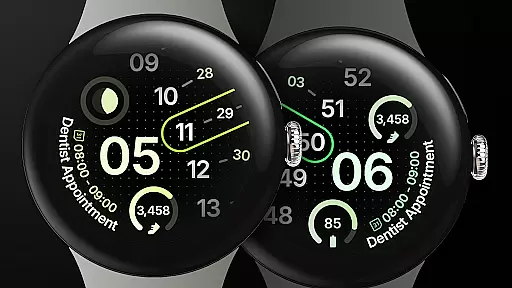
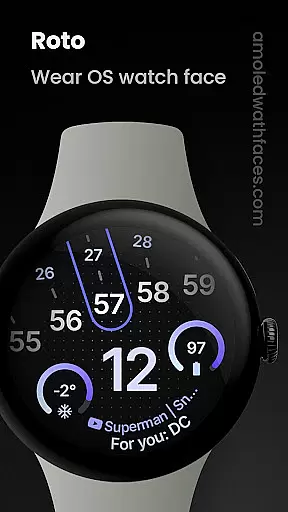
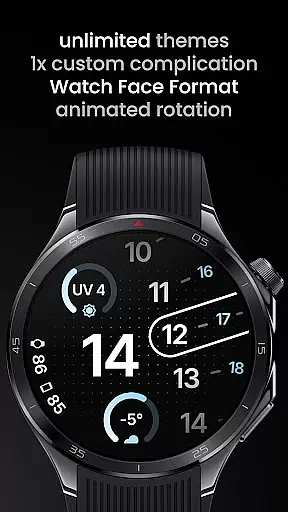
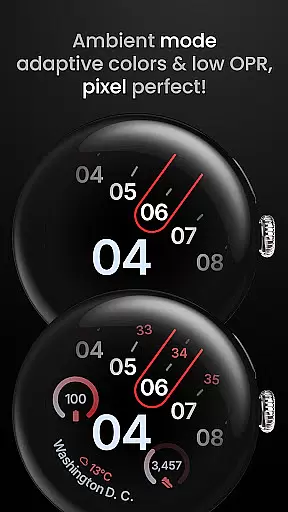
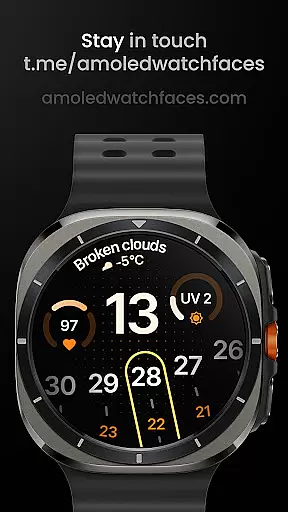
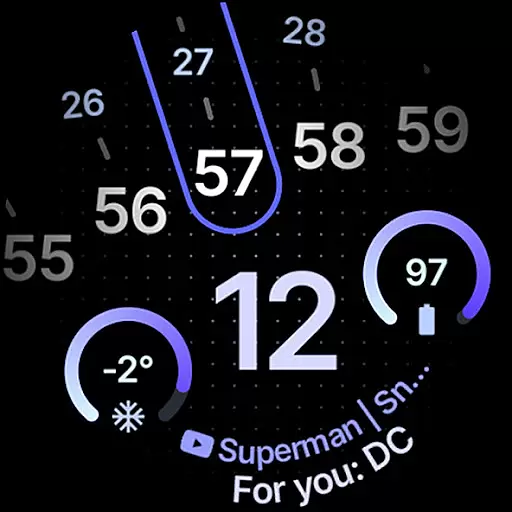
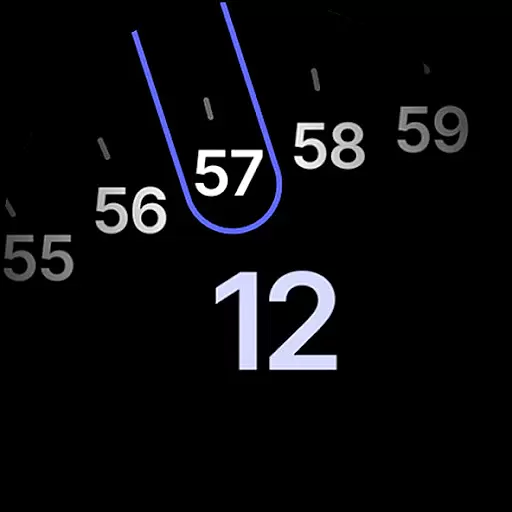
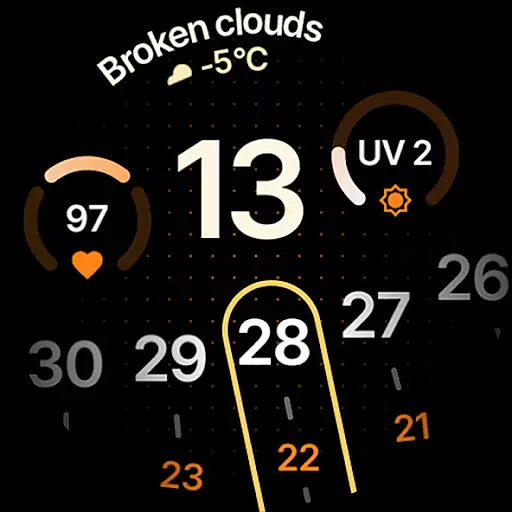
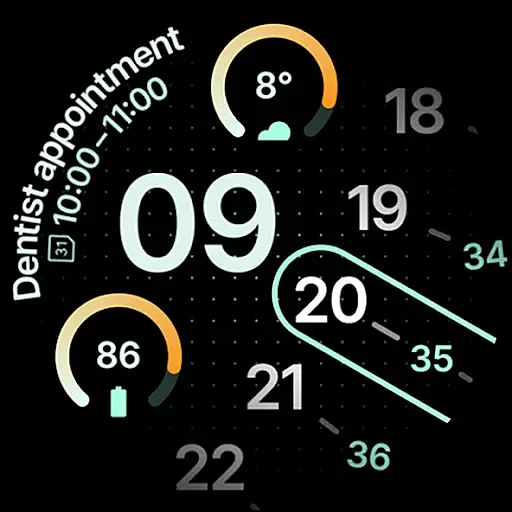
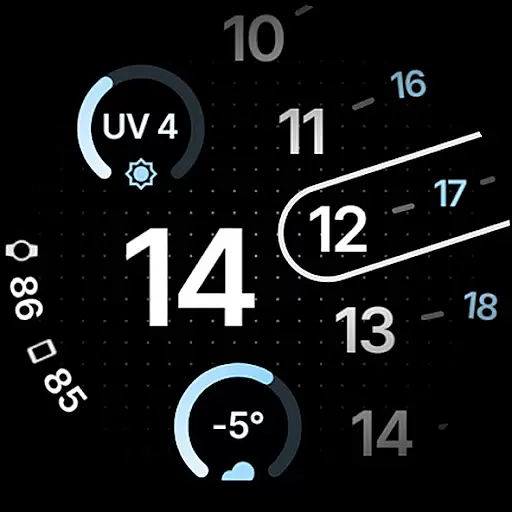
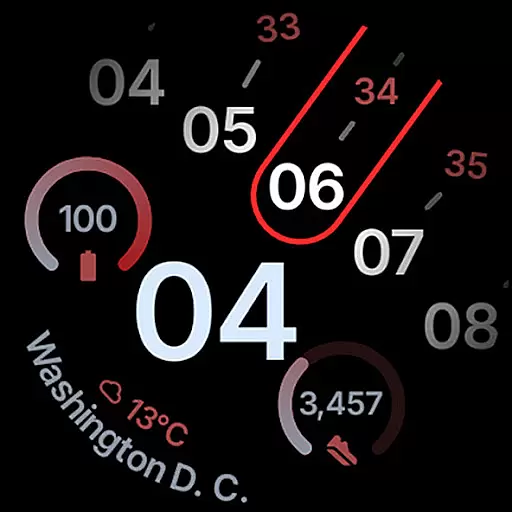
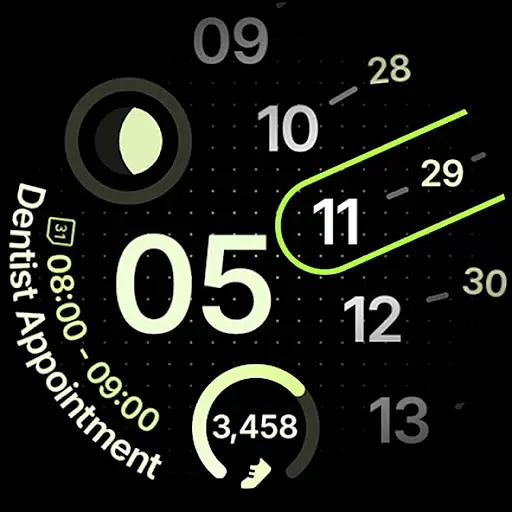
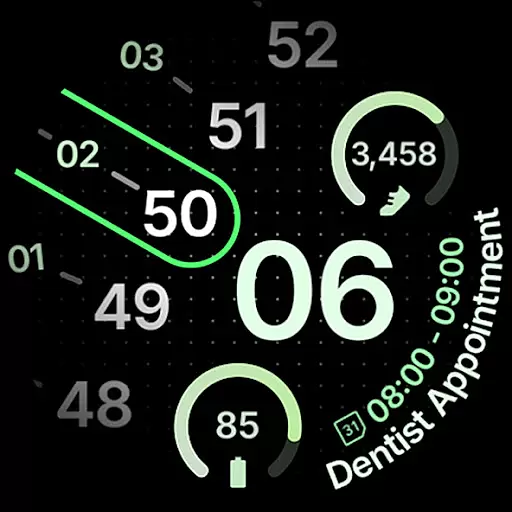
Roto Watch Face is a dynamic and customizable watch face designed exclusively for Wear OS 4+ devices. It offers users a unique experience by changing its layout rotation every minute, ensuring a fresh look each time you check your watch. The app supports various custom complications and integrates seamlessly with different data providers, making it both functional and visually appealing.
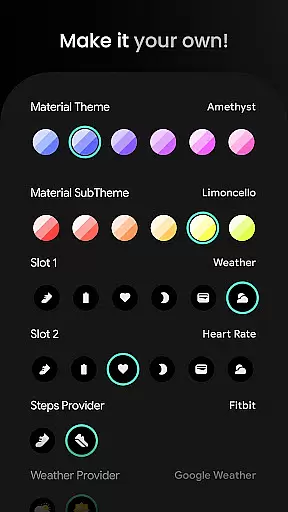
With support for multiple material color themes, dual battery displays, and two Always-On Display (AOD) styles, Roto Watch Face allows users to personalize their smartwatch interface extensively. Whether you need quick access to your step count, heart rate, or weather updates, this app provides the tools to tailor your watch face to suit your lifestyle needs perfectly.
Roto Watch Face stands out with its innovative features tailored for tech-savvy users. One of the key highlights is the watch face layout that changes its rotation every minute, providing a novel viewing experience. Additionally, it includes a custom complication slot that supports various types like SHORT_TEXT, LONG_TEXT, and MONOCHROMATIC_ICON, enhancing usability.
The app also supports multilanguage options and material color themes, offering over 50 theme choices. With dual battery support and two main implementations of Source Types (Slot, Widget), users can enjoy extended functionality. Options such as Step Count, Heart Rate, Weather, and more make this watch face not only stylish but highly practical for everyday use.
Roto Watch Face offers extensive lifestyle category coverage, ensuring users have access to a wide range of features that cater to various daily needs. The app supports functionalities like step counting, heart rate monitoring, and even weather updates, making it a comprehensive tool for health and environmental awareness.
With dedicated slots for essential metrics such as watch battery status, moon phases, and UV index, the app provides timely and relevant information at a glance. These practical features are designed to seamlessly integrate into the user's everyday life, enhancing convenience and preparedness.
The inclusion of multilanguage support and material color themes further broadens its appeal, accommodating users from different regions and allowing personal customization to match individual preferences. This diversity in features ensures that Roto Watch Face is not just a utility but a personalized companion.
Authenticity and credibility are at the core of Roto Watch Face's offerings. Each feature, from the dynamic watch face layout to custom complication slots, is meticulously crafted to provide genuine value to users. The app leverages the latest Wear OS technologies, ensuring reliable and accurate data presentation.
Backed by a robust support system, including detailed installation guides and responsive customer service, Roto Watch Face maintains high standards of content integrity. Users can trust the accuracy of displayed information, whether it's related to health metrics or environmental conditions.
Furthermore, the app's association with recognized platforms like Samsung Weather and Google Weather adds an extra layer of reliability. By prioritizing expert-reviewed content and authoritative sources, Roto Watch Face establishes itself as a credible tool in the lifestyle category.
Highly Customizable
Dynamic Layout Changes
Multiple Complication Slots
Supports Dual Batteries
Wide Range of Themes
Wear OS 4+ Only
Complex Setup Process
Limited Widget Options
No Free Version Available
Advanced Features Locked

Unique BIG BOLD TIME with amazing colors and customisations.
 3.70
3.70
Chat, meet genuine singles in your area. Real connections start with being real.
4.30
Countdown to Christmas 2025 with festive games & activities in a virtual village
4.80
Earn points with every purchase with Moe Rewards.
4.20
Unique Dark Analog style for Wear OS watches.
4.1
Paranormal Spirit Bell Trigger Device
4.30
Discover your Nationality, Family Origin, and Ancestry from one selfie
4.50
Kasa Smart is your portal to your TP-LINK Smart Home.
4.70
Communicate with your vehicles and Powerwalls anytime, anywhere
3.60
My Diary - Daily Journal with lock: Diary journal app and secret diary with lock
4.80
Colorful selection floral watch face with gyro for Wear OS
4.60
PARAVOX 4 is a professional ITC paranormal research application.
4.50
Cute Adorable Animals now on your wrist with our Wear OS watch face!
4.40
Discounts, savings, and rewards
4.20
SmartHQ: Your Connected Home Command Center
4.10
LineLearner, the quick way to learn lines.
2.90
Designed to delight, impress and energize your festive spirit every single day
4.0
Cute animated Thanksgiving watchface for your WearOS smartwatch
4.4
The cutest Autumn watchface featuring the adorable Mr. Squirrel
4.1


User Reviews