
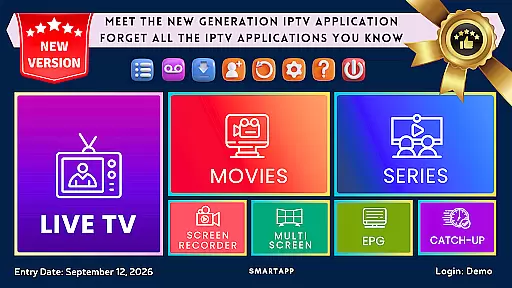
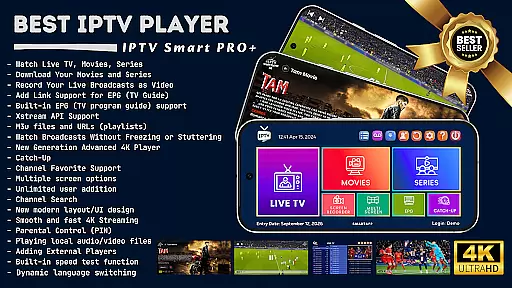
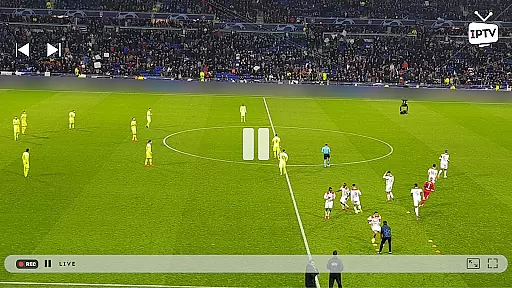

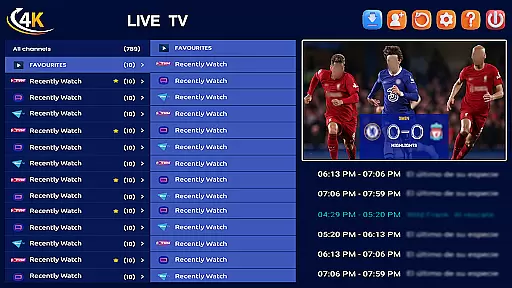
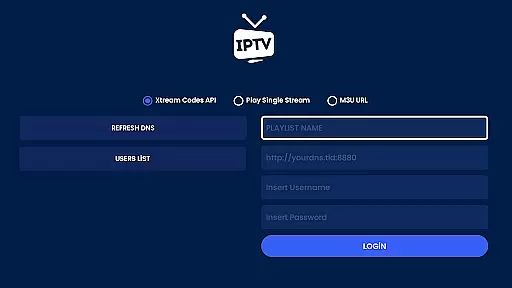
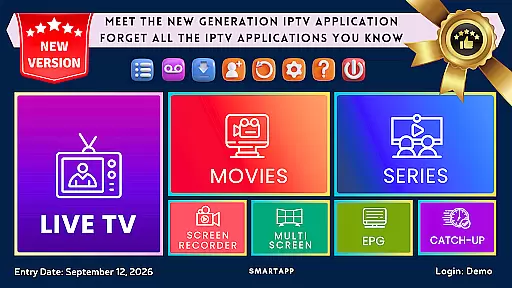
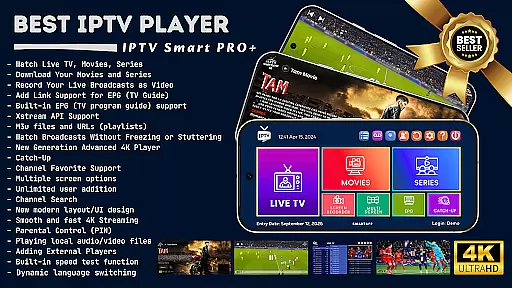
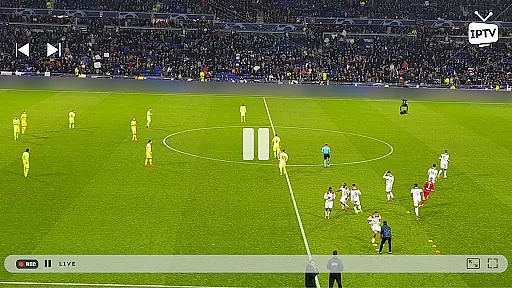

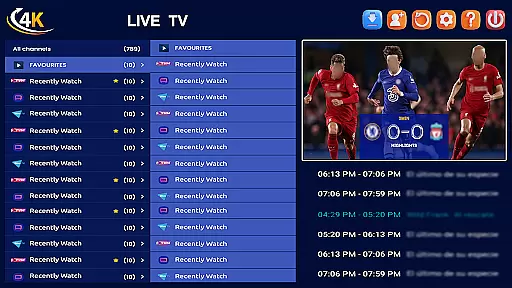
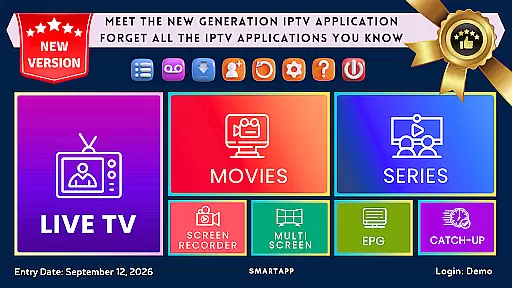
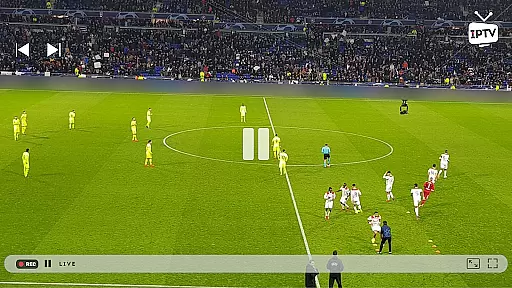

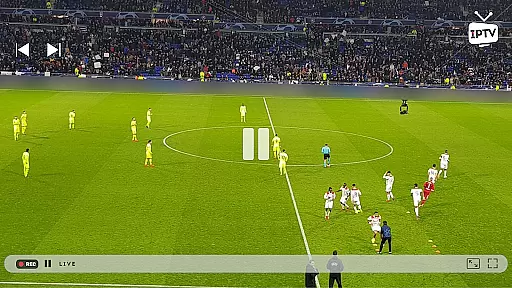

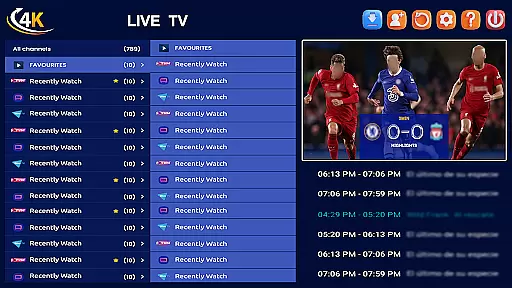
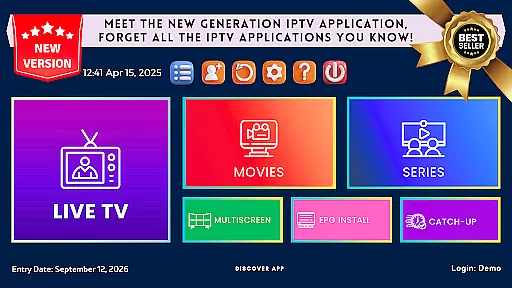
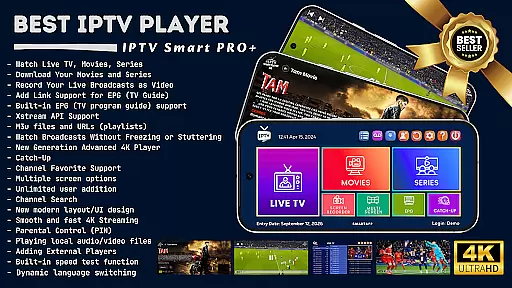
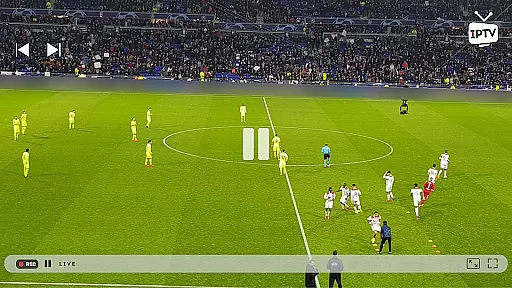

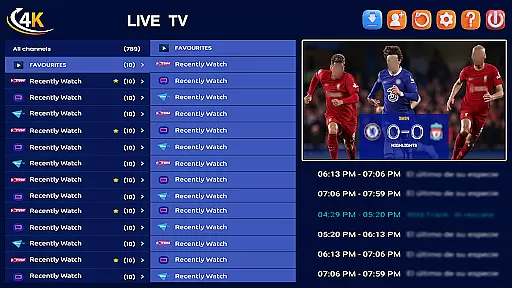
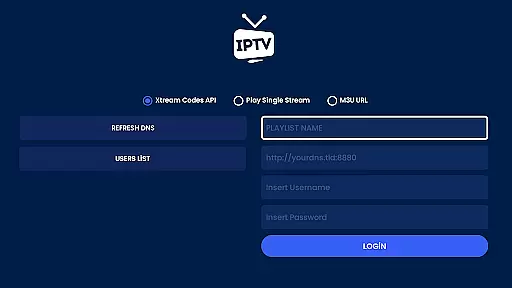
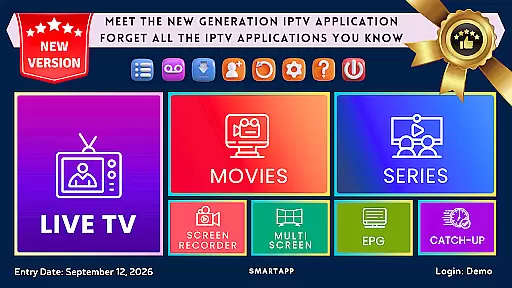
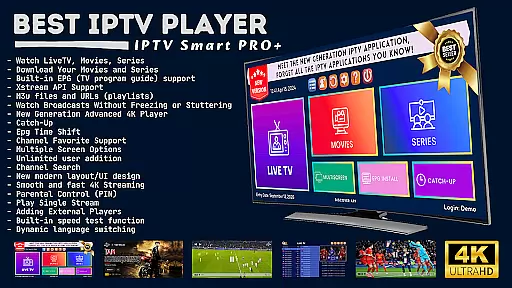
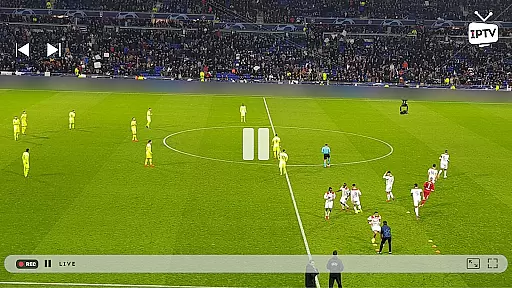

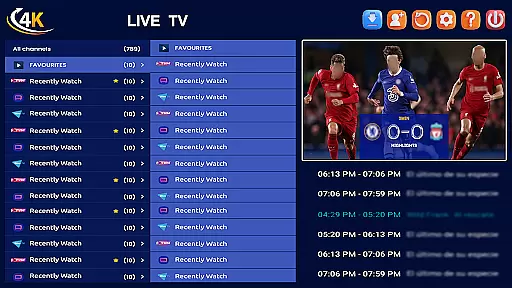
IPTV Smart Player stands as a premier entertainment application, designed to deliver an exceptional streaming experience. Powered by artificial intelligence, this app offers unparalleled speed and user-friendliness. It allows users to watch live broadcasts, sports events, movies, and TV shows in high definition across Android devices without lag.
With advanced features like recording live broadcasts, downloading favorite content, and supporting all video formats including 4K resolution, IPTV Smart Player ensures top-notch viewing quality. The one-time purchase model provides unlimited usage, free from ads or subscription renewals, making it a cost-effective solution for uninterrupted entertainment.
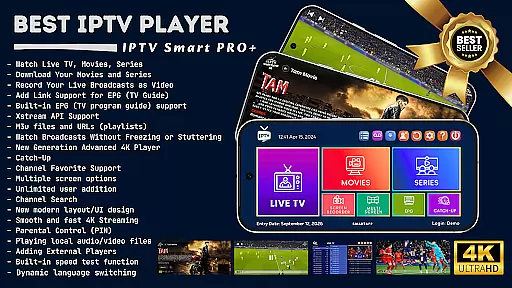
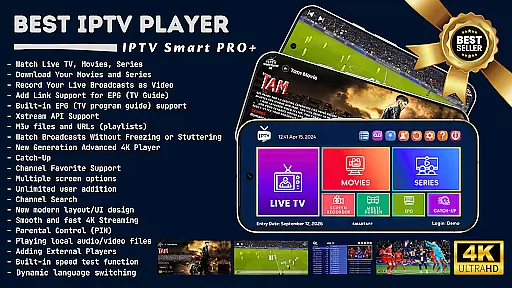
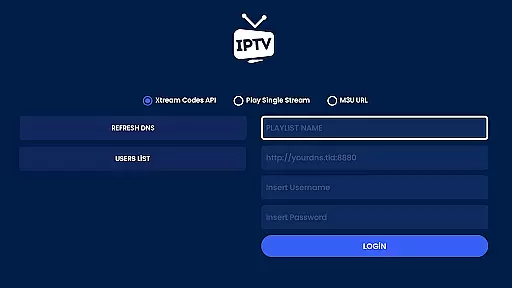
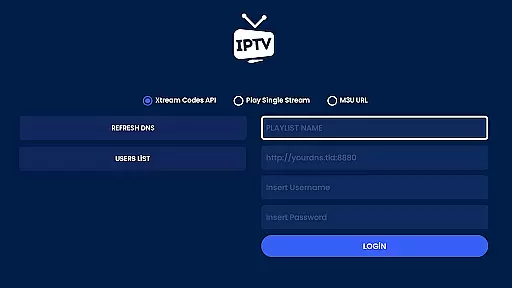
The IPTV Smart Player app boasts an extensive array of features tailored for diverse user needs. Multilingual support and dynamic language switching cater to a global audience, while the ability to download content and save broadcasts enhances offline accessibility. Xstream API and EPG support streamline channel management.
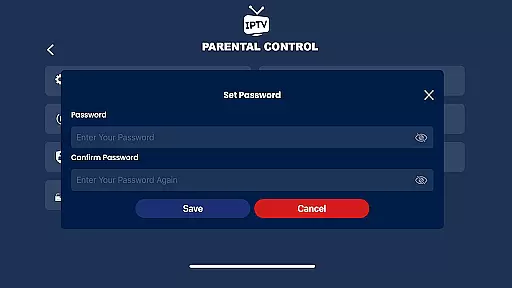
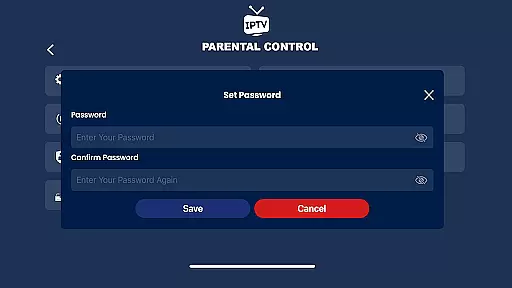
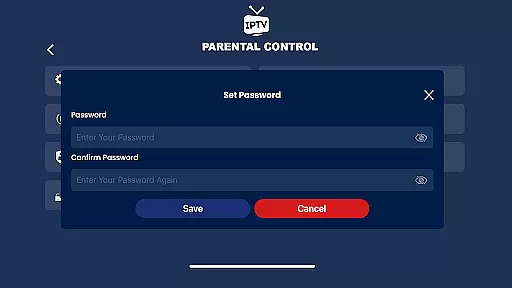
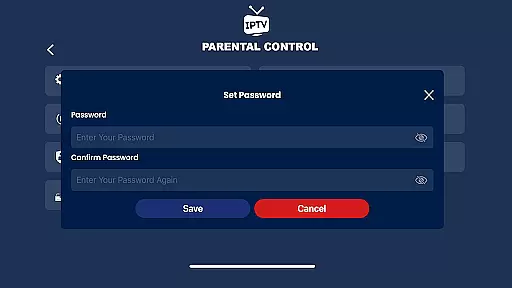
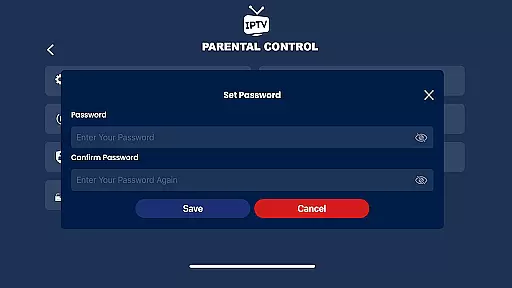
Advanced functionalities include parental controls, instant encryption, and multi-screen viewing options. The inclusion of a next-generation 4K player, advanced subtitle support, and external player compatibility further enriches the user experience. With built-in speed tests and local file playback, IPTV Smart Player combines versatility with cutting-edge technology.
In the realm of digital entertainment, content diversity is paramount and IPTV Smart Player excels in this area. The application supports an extensive range of video formats including SD, HD, and 4K resolutions, ensuring that users have access to media in the best possible quality. This compatibility provides a comprehensive library that caters to various preferences and ensures high-quality playback.
Moreover, IPTV Smart Player offers live broadcasts, current movies, the latest seasons, and TV shows which are crucial for maintaining user engagement over time. With multilingual support and dynamic language switching, it further enhances accessibility for a global audience. Users can enjoy their favorite programs in their preferred language without any hassle.
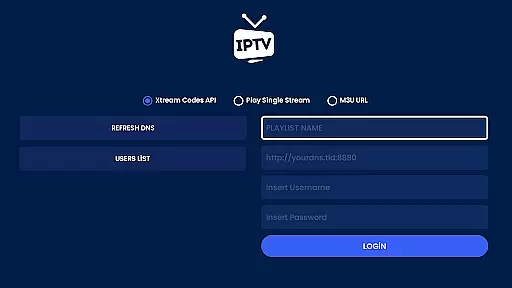
The ability to add m3u files and URLs means that users are not limited to a predefined set of channels or media; they can expand their viewing options by integrating external playlists from different providers. This flexibility guarantees that the content remains fresh and personalized according to individual tastes.
Additionally, features such as Catch-Up allow viewers to rewatch missed broadcasts at their convenience while advanced subtitle support enriches the viewing experience for international content. Such functionalities ensure that IPTV Smart Player remains a top choice for those seeking diverse and up-to-date entertainment options.
User engagement duration and retention are critical metrics for any entertainment platform, and IPTV Smart Player incorporates several features designed to keep users coming back. One standout feature is its multi-screen function which allows watching multiple channels simultaneouslyu2014a unique offering that can significantly increase the time spent within the app as users can follow several events or shows at once.
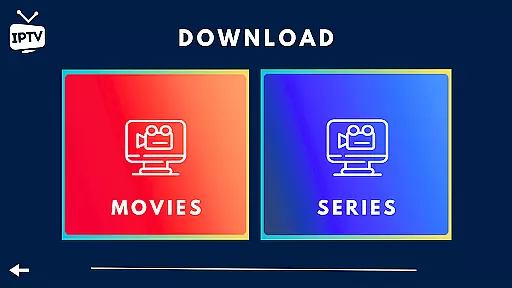
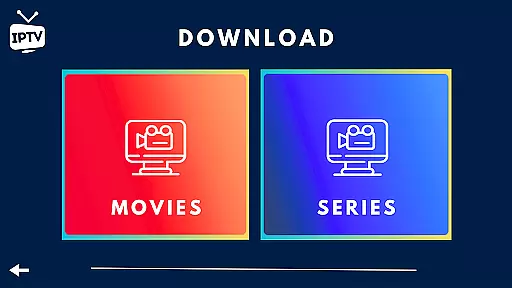
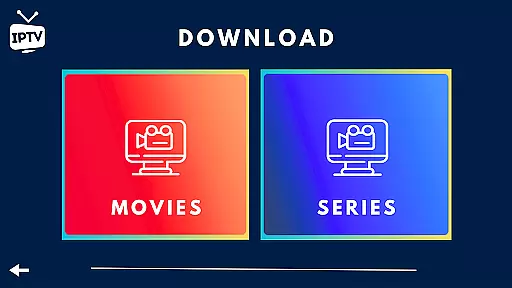
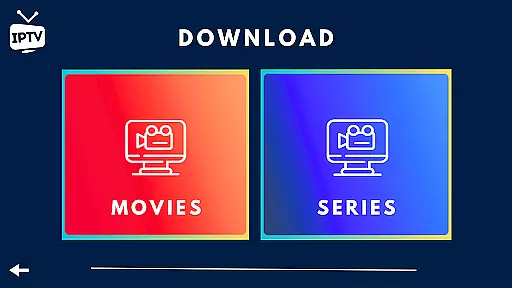
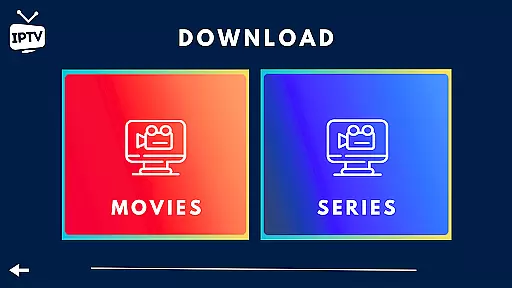
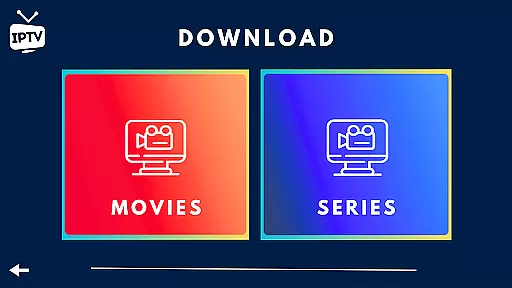
The ability to download favorite movies and series for offline viewing also plays a vital role in enhancing user retention. By enabling users to access content without an internet connection, IPTV Smart Player ensures uninterrupted entertainment even when network conditions are less than ideal. This convenience factor helps maintain consistent usage patterns among subscribers.
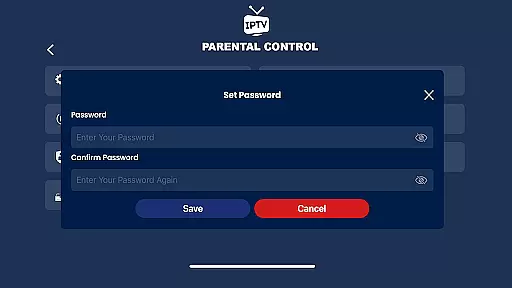
Parental controls and instant category encryption provide peace of mind for families using the service together but with different viewing needs. These tools help create a safe environment where parents can manage what children watch while still enjoying unrestricted access themselvesu2014further encouraging long-term use across all household members.
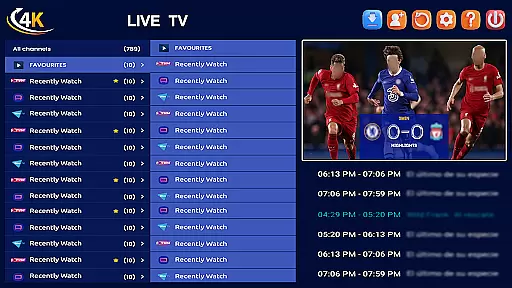
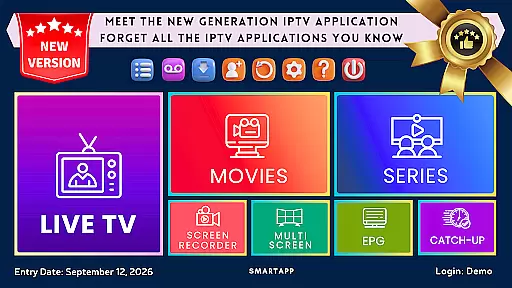
Lastly, IPTV Smart Player's modern UI/UX design contributes positively towards user satisfaction by providing an intuitive interface that simplifies navigation through vast amounts of available content. A seamless interaction process coupled with powerful functionalities like EPG support keeps audiences engaged longer as they effortlessly find new material tailored specifically to their interests.
User-friendly interface
High-definition streaming
Offline viewing capability
One-time purchase
Ad-free experience
Requires separate playlist
No native media content
Limited illustrative screenshots
Potential regional restrictions
Third-party dependencies

Simulation of Dashboard / Touch Screen for Tesla. (Works without actual Tesla).
 4.4
4.4
Music visualizer and party effects for your Nanoleaf devices
4.2
Find out if you're on Santa's Naughty or Nice List with this magical scanner!
4.60
Your choice of 350+ networks plus movies and full TV series on-demand.
3.70
Build and Share AI
4.20
Raise Christmas Magic with daily missions, magical scanners, and kindness.
4.3
Geooh GO is the most feature rich geocaching app available today.
4.50
Catch the latest episodes of The Voice or live stream NFL games with The NBC App
4.20
An app made just for kids
4.20
Hand-drawn, cartoon OC creator - original character creator
4.70
Just play games to earn gift cards. Keep playing, keep earning.
4.50
Create and play realistic-looking mock Emergency Alert System messages.
4.30
Best of icon for christmas
4.30
Binge-worthy short dramas on DramaRush—engaging stories that fit your day.
3.90
Alice Box is an Instrumental Trans Communication app.
3.80
Watch whatever you want, whenever you want, wherever you want.
3.30
A wonderful collection of the most beautiful sounds of animals and birds
4.3
Stream over 80 hours of exclusive mashups and remixes by DJ Rehab.
4.0
Christmas Globe: Transform your Wear OS device into a festive timekeeper!
4.3


User Reviews