
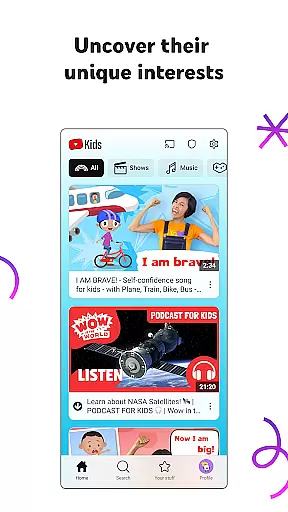
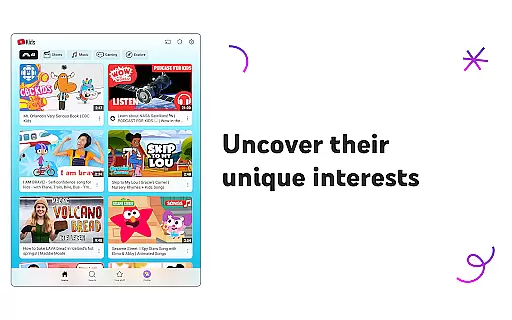
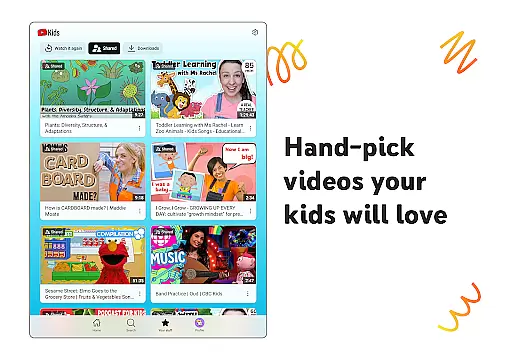
YouTube Kids is a specialized entertainment app designed to provide a safe and engaging video-watching experience for children. The app offers a vast array of kid-friendly content, ranging from educational videos to fun cartoons, all curated to inspire curiosity and learning. With its intuitive interface, kids can easily navigate through different categories tailored to their interests.
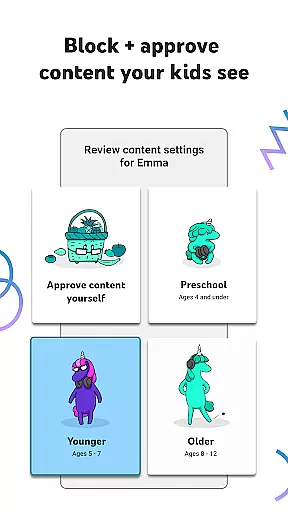
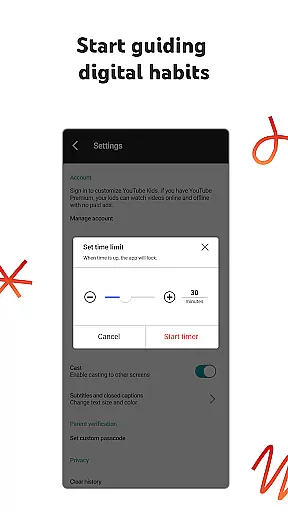
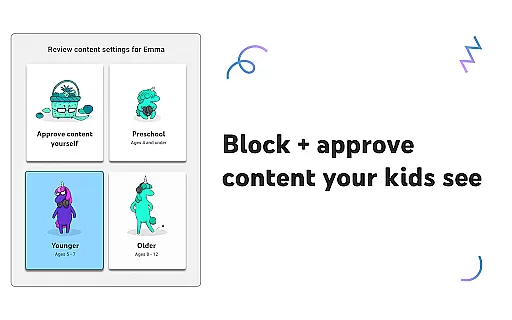
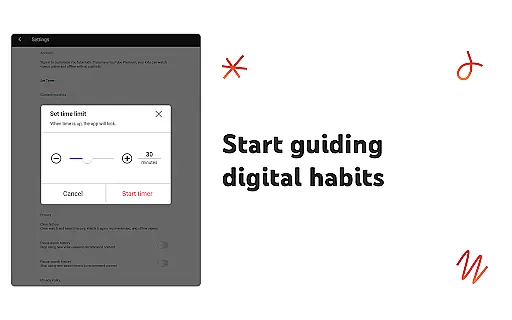
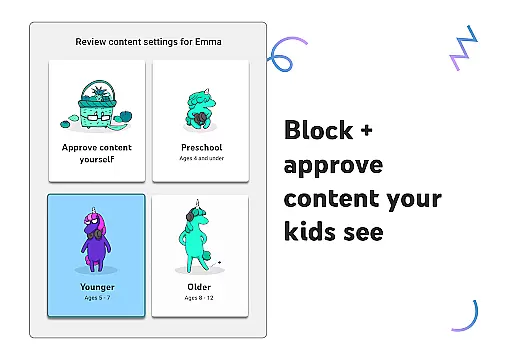
Parents have the ability to customize each child's experience using content filters based on age and maturity levels. Whether it's helping preschoolers learn their ABCs or allowing older kids to explore popular music and gaming videos, YouTube Kids grows with your child. The app also includes parental controls, enabling guardians to set screen-time limits and block any content they find unsuitable.
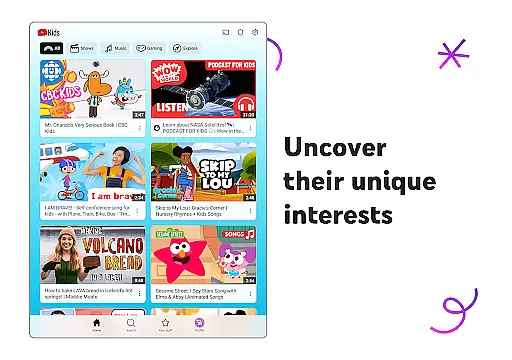
This app serves as an invaluable tool for parents seeking to balance education and entertainment while ensuring their children's online safety. By fostering exploration in a controlled environment, YouTube Kids helps children uncover new interests and build confidence in their unique world.
YouTube Kids stands out with its comprehensive suite of features designed to enhance both the child's and parent's experience. One of its key features is the customizable profiles that adapt content based on the child's age—Preschool, Younger, or Older modes. Each mode offers appropriate content, ensuring that children are only exposed to videos that align with their developmental stage.
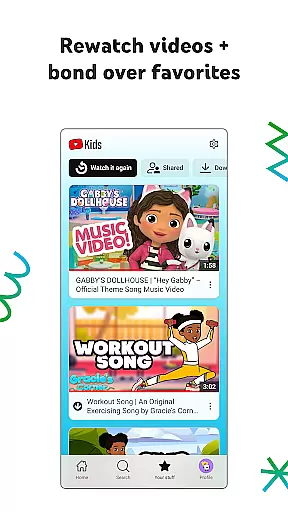
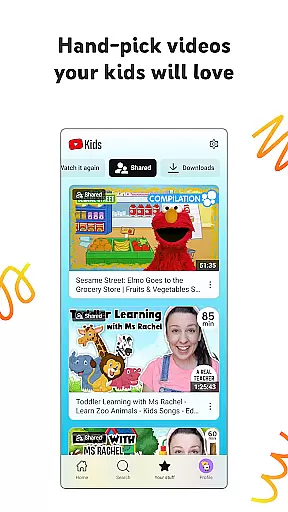
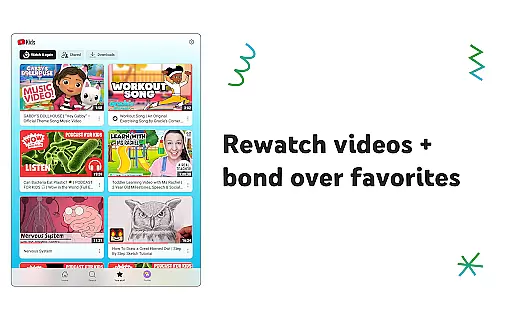
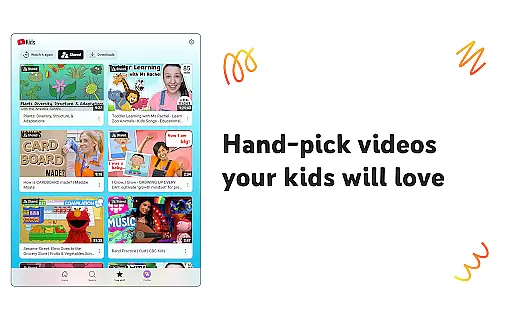
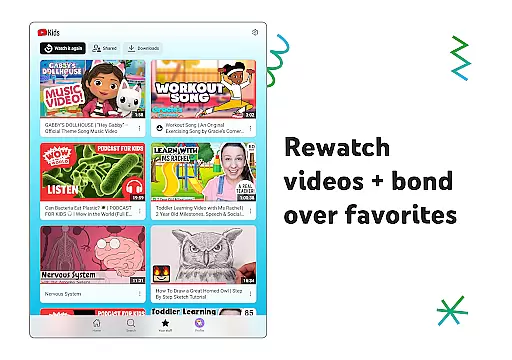
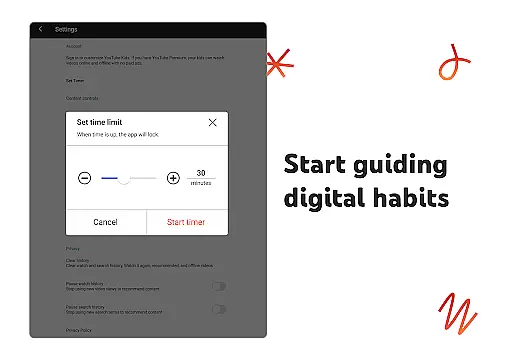
Parental controls are another significant feature, allowing parents to tailor the viewing experience. These include setting time limits with the Timer feature, blocking specific videos or channels, and choosing from pre-approved content collections. The Watch it Again tab lets parents revisit their kids' favorite videos, reinforcing learning and bonding over shared interests.
The app also incorporates a robust flagging system where parents can report inappropriate content for review. This ensures that YouTube Kids remains a family-friendly platform. Additionally, the app provides transparency about commercial content, giving parents peace of mind regarding what their children are exposed to. All these features work together to create a secure and enriching digital environment for young viewers.
In the realm of digital entertainment, content variety and freshness are paramount for maintaining user engagement. YouTube Kids offers a diverse range of video content tailored specifically for children, ensuring that there is something for every young viewer to enjoy. The app's content spans educational videos, cartoons, music, and more, all curated to inspire curiosity and learning.
What sets YouTube Kids apart is its commitment to keeping content fresh and relevant. The platform regularly updates its library with new videos, ensuring that children have access to the latest content that aligns with their evolving interests. This constant renewal helps keep young viewers engaged and excited to explore what the app has to offer.
Parents can customize their children's viewing experience through various content filters, which adapt as kids grow. Whether it's helping preschoolers learn their ABCs or allowing older kids to discover popular gaming videos, YouTube Kids ensures age-appropriate and engaging content is always available. This personalized approach not only enhances the viewing experience but also supports children's developmental stages.
User engagement duration and retention are critical metrics in evaluating the success of an entertainment application. YouTube Kids excels in these areas by offering features that encourage prolonged and repeated use. One such feature is the Watch it Again tab, which allows kids to easily revisit their favorite videos, thus increasing the time spent on the app.
The platform's design focuses on creating an intuitive and enjoyable user experience, which is key to retaining young viewers. By providing content that resonates with children's unique interests and developmental needs, YouTube Kids fosters a sense of familiarity and comfort. This connection encourages kids to return to the app regularly, enhancing retention rates.
Parental controls further contribute to sustained engagement by ensuring a safe and family-friendly environment. With tools like screen-time limits and content filters, parents can manage their children's viewing habits effectively. These features not only promote healthy usage patterns but also build trust with parents, who are more likely to allow their kids to continue using an app that prioritizes safety and well-being.
User-friendly interface
Customizable content filters
Parental control options
Educational and entertaining content
Regular updates and reviews
Limited offline functionality
Potential ad exposure
Dependent on internet connection
Content variety may vary
Requires parental setup

Air Horn - Siren Sounds Prank, Fun way to wake up your Friends and Family
 4.3
4.3
Simulation of Dashboard / Touch Screen for Tesla. (Works without actual Tesla).
4.3
Time tracking, lap counting and much more for Carrera® Digital 132/124
4.80
Earn gift cards for playing games. Become a real game tester!
4.40
Build and Share AI
4.20
5 funny and lovely ponies waiting for you to style them!
4.80
Christmas Globe: Transform your Wear OS device into a festive timekeeper!
4.3
Your Avatar, Endless Fun
4.60
Watch TV shows, movies, and stream Live TV channels without a subscription!
3.80
SpiritWave is paranormal ITC application.
5.00
Colorful flows will relax and calm you down, or get you trippy and creative!
4.90
Watch short films, dramas, reels, series and movies anytime on Micro Drama.
4.60
Practice and master your ESP and intuition with five mode trainer.
4.20
Start EVP/Spirit Box tonight: real EMF, offline, recording. One-time purchase.
4.10
Music visualizer and party effects for Hue
3.90
Real ghost box scanner with echo, reverb, EMF, & multi-stream channels.
3.80
NFL, NBA, NHL, MLB, local sports coverage, shows, movies & news!
3.20
Watch everything you want.
2.90
Unofficial Game Companion App” “Guides • Builds • Tips • Progression
4.5


User Reviews