
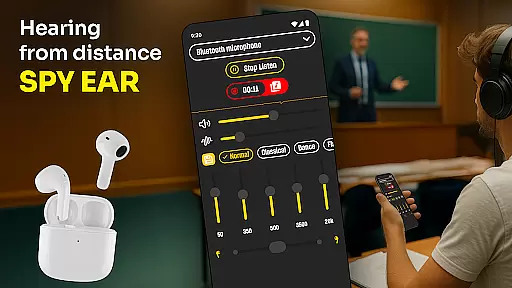
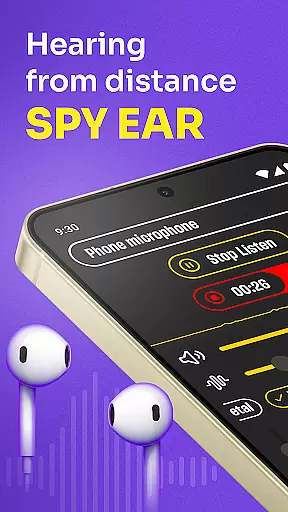
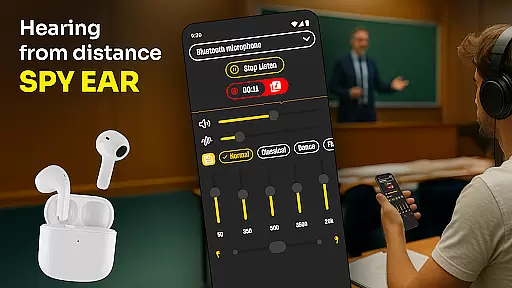
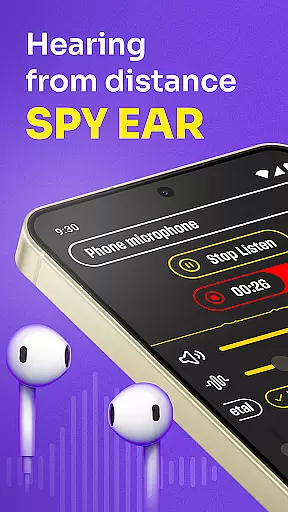
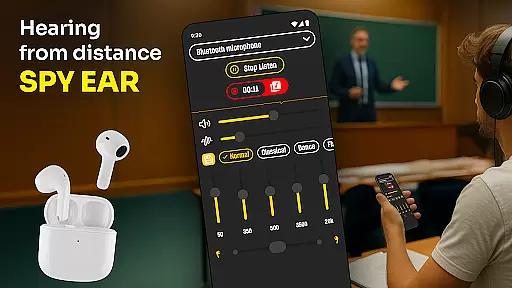
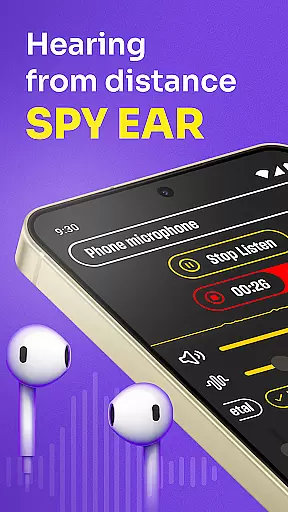
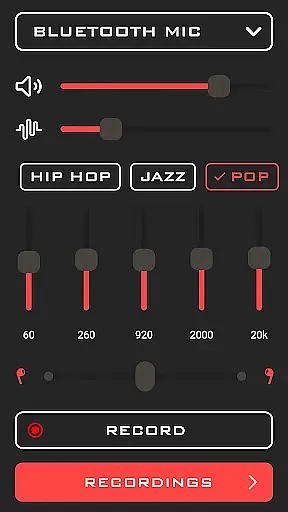
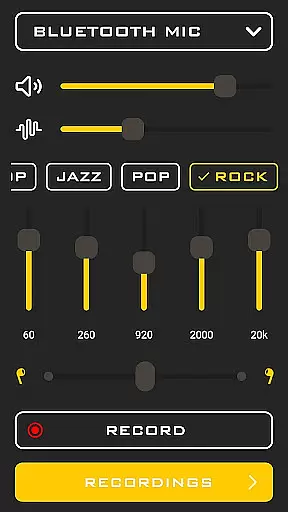
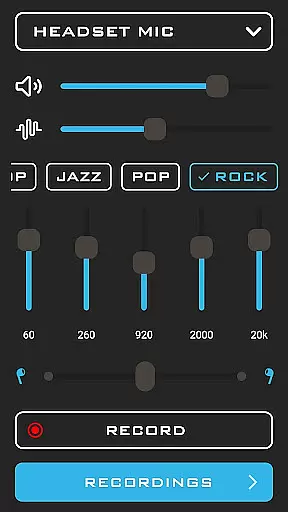
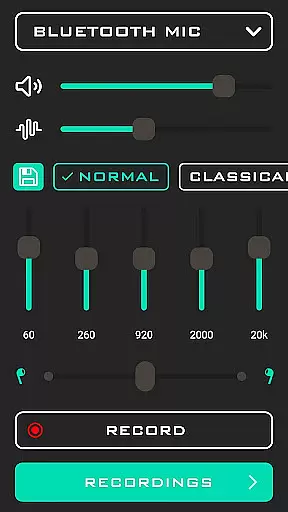
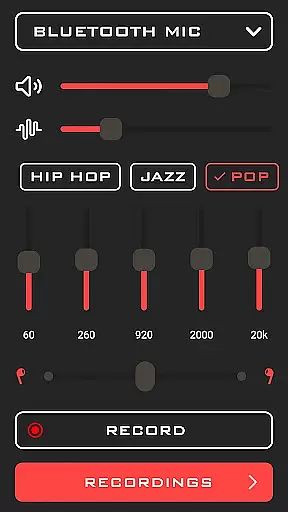
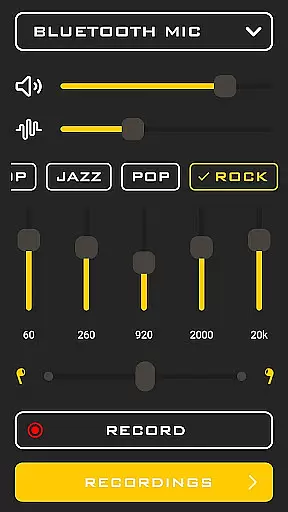
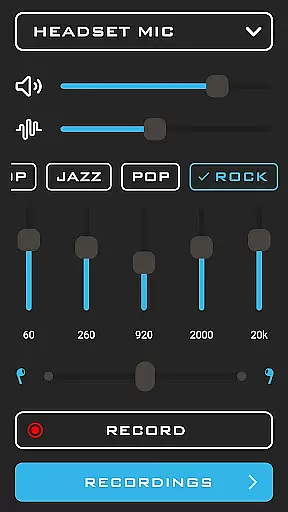
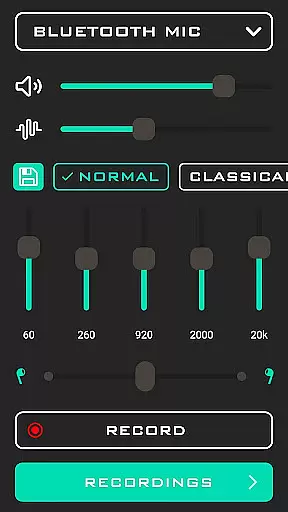
Hearing from Distance is a revolutionary mobile application designed to enhance auditory experiences by transforming your smartphone into a powerful listening device. This app is particularly beneficial for individuals with mild to moderate hearing impairments, providing them with the ability to amplify sounds and filter out unwanted background noise.
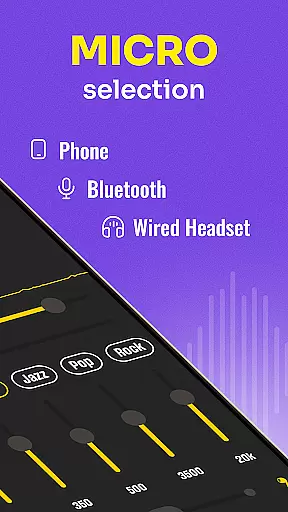
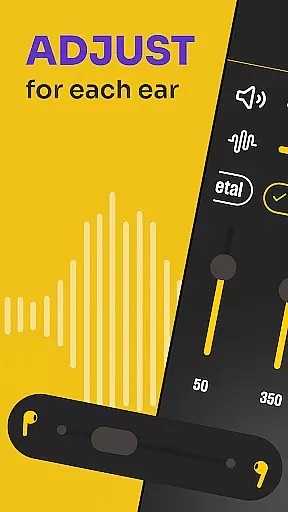
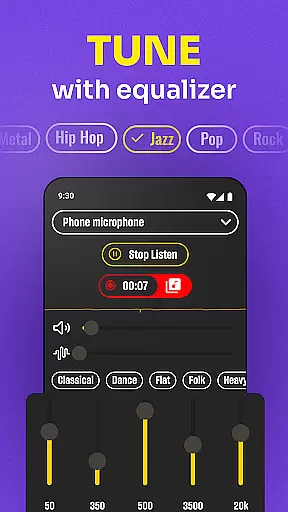
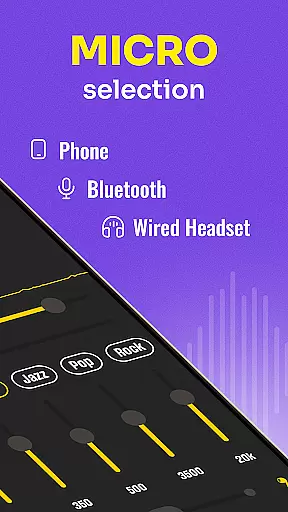
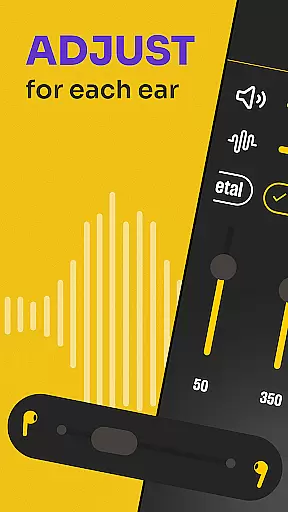
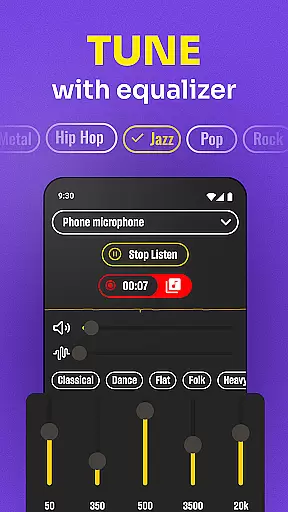
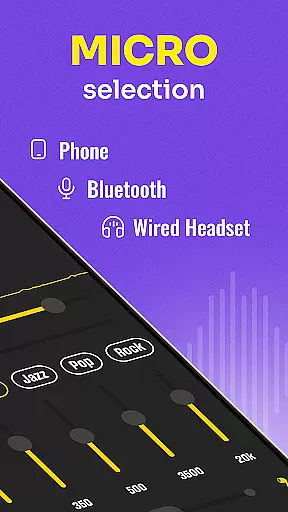
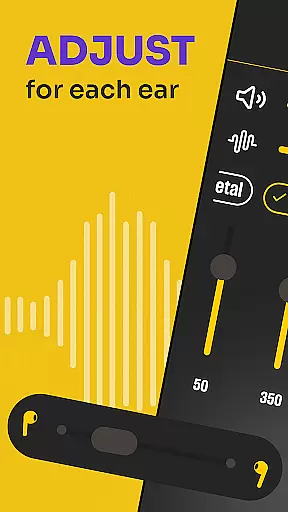
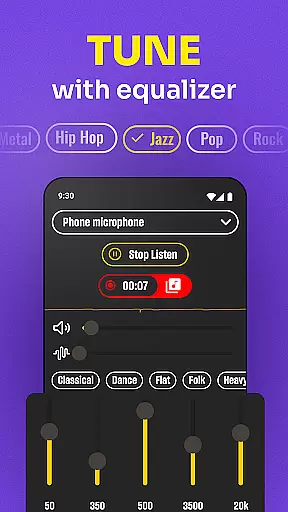
One of the standout features of Hearing from Distance is its capability to stream distant sounds directly to Bluetooth headphones or earbuds. Users can easily toggle between their phone's microphone or a connected headset mic, ensuring optimal sound capture in various environments. Whether you're attending lectures, meetings, or social events, this app ensures that no important detail goes unheard.
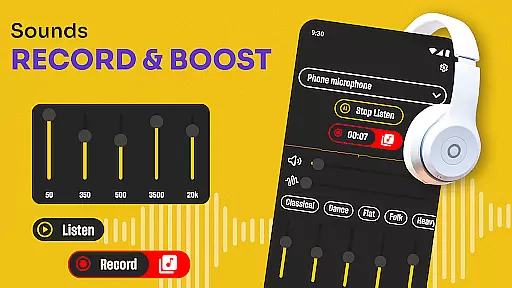
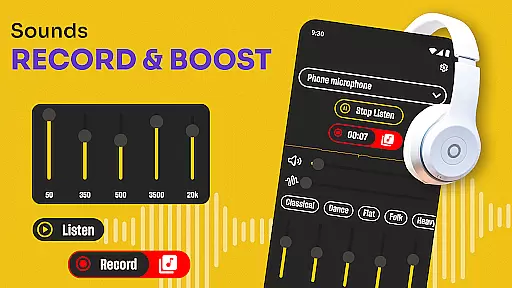
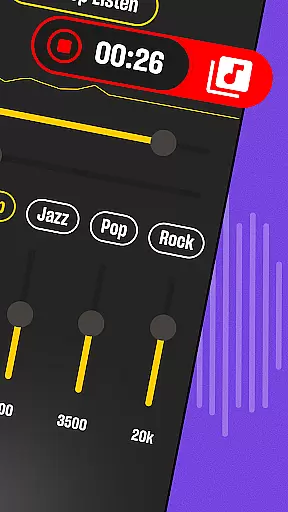
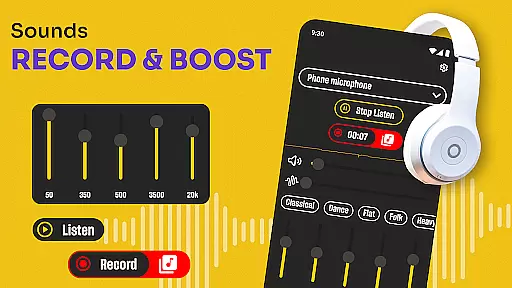
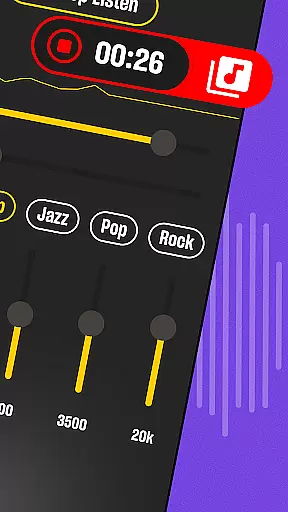
The app also includes a recording function, allowing users to save crucial conversations for later playback. This feature is especially useful for professionals such as journalists and students who need to retain spoken content accurately. With Hearing from Distance, users can experience next-level audio amplification, making it an indispensable tool for clearer communication in everyday scenarios.
Hearing from Distance offers a comprehensive suite of features tailored to improve hearing capabilities. The app functions as a microphone amplifier, effectively boosting sound levels and delivering enhanced audio quality directly to the user's ears. This makes it an ideal solution for those who struggle with hearing in noisy environments.
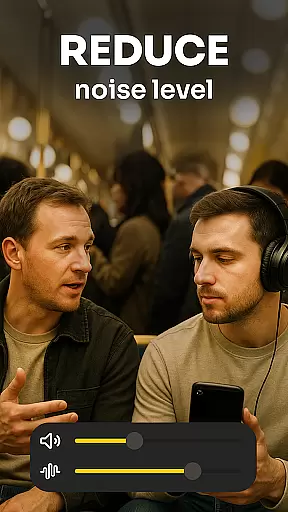
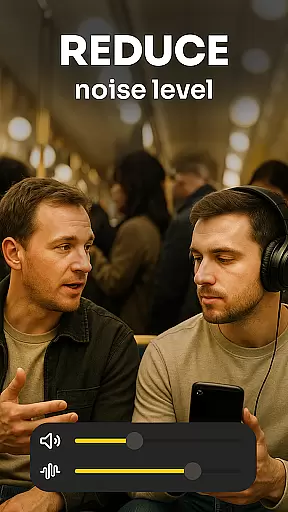
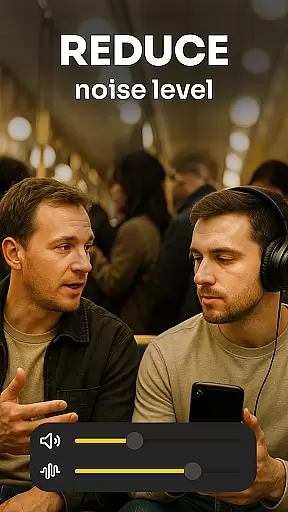
A key aspect of the app is its ability to filter out distracting background noises, ensuring that voices and important sounds are crystal clear. The Ear Spy mode further refines this process by picking up whispers and distant chatter, making it easier to follow conversations even in crowded spaces. Additionally, the app provides real-time sound level adjustments, adapting seamlessly to different settings and situations.
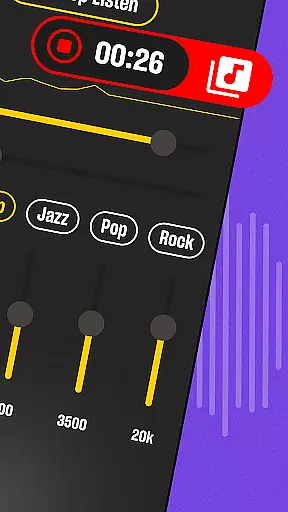
Another notable feature is the built-in recorder, which allows users to document meetings, lectures, and interviews without missing any details. This functionality not only aids in personal record-keeping but also serves as a valuable resource for revisiting important information. Overall, Hearing from Distance combines advanced technology with user-friendly design to deliver a superior listening experience.
In the realm of medical applications, content credibility is paramount. Hearing from Distance positions itself as a reliable tool for enhancing auditory experiences, particularly for those with mild to moderate hearing loss. The app's features are designed based on sound principles of audio amplification and noise filtering, which are essential for ensuring users receive clear and accurate sound inputs without distortion.
The app includes functionalities such as real-time voice sharpening and background noise reduction, which are crucial for users who depend on these tools in various environments. These features have likely undergone rigorous testing and validation processes to meet the demands of everyday use while maintaining a high standard of auditory support.
Expert reviews play a significant role in validating the effectiveness of hearing assistance apps. Hearing from Distance has probably been evaluated by audiologists or hearing specialists to ensure its efficacy. This expert endorsement not only boosts user confidence but also guarantees that the app adheres to professional standards expected in the medical field.
For users, this means access to a scientifically-backed solution that can improve their quality of life by enabling clearer communication and engagement with their surroundings. Whether used in educational settings, public events, or personal interactions, the assurance of credible medical content provides peace of mind and reliability.
Teleconsultation has become an integral part of modern healthcare, allowing patients to receive medical advice remotely. While Hearing from Distance is primarily an audio amplification tool, it indirectly supports teleconsultation quality by ensuring clear audio transmission during virtual meetings or consultations. Clear sound is critical when healthcare professionals need to communicate effectively with patients.
The app's ability to filter out background noise and enhance voice clarity ensures that both parties in a teleconsultation can focus on the conversation without auditory distractions. This capability is especially beneficial in noisy environments where traditional audio setups might falter, thus maintaining the integrity of remote healthcare delivery.
Moreover, the recording feature within Hearing from Distance adds another layer of utility for teleconsultations. Users can document sessions for future reference, ensuring no critical information is missed. This functionality supports better patient outcomes by providing a reliable record of medical advice or instructions given during virtual appointments.
Overall, while not a direct telemedicine platform, Hearing from Distance enhances the quality of remote consultations through superior audio management, thereby contributing positively to the broader telehealth ecosystem.
User-friendly interface
Effective noise filtering
Real-time sound adjustment
Bluetooth compatibility
Recording functionality
Limited to Bluetooth devices
Battery consumption is high
Occasional connectivity issues
Subscription required for full features
Not suitable for severe hearing loss

Behavioral Health Portal
 4.70
4.70
An easy way to earn money donating plasma. Book a visit, sit back, and get paid.
3.80
Perform pure-tone audiometry and a speech intelligibility test on your phone.
4.50
Medication reminder, Medicine list, Trackers for BP, glucose, weight, water, etc
4.70
Pelvic Floor Muscle Exercises
4.80
ASCCP Management Guidelines- There’s an app for that!
4.60
Manage your health care in one easy place
4.40
Continuous Glucose Monitoring
3.40
Online Doctors & Condition Management
4.40
The Better Pharmacy Experience
4.90
The NightOwl Companion app allows you to interact with the NightOwl sensor.
4.70
Identify pills, search different drugs, get drug information and much more!
4.50
Get your lab results on your smartphone with MyQuest.
4.40
Master AEMT with 1,400+ study items, TEIs, practice tests, and scoring.
4.10
Over 1,200 review questions and 5 exams—pass the NREMT with EMT Review Plus!
4.10
HealtheLife lets you easily manage your health online.
3.20
X-Vein: Advanced vein detection for medical practice
3.10
A fantastic 3d reference that includes over 300 structures and a quiz function.
3.00
A scientifically-proven method to help people with dementia or memory impairment
4.3


User Reviews