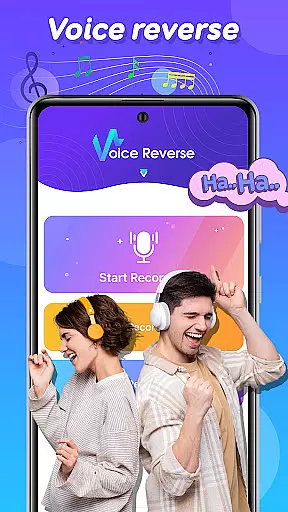
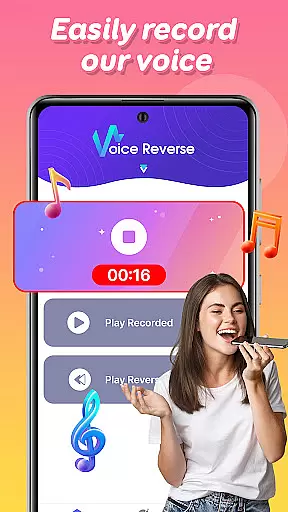
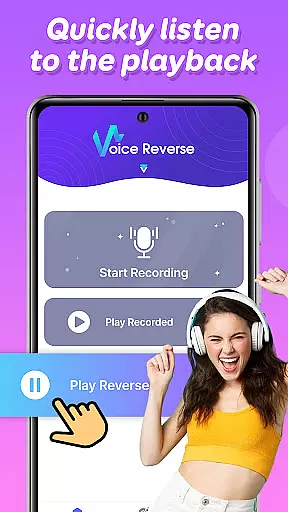

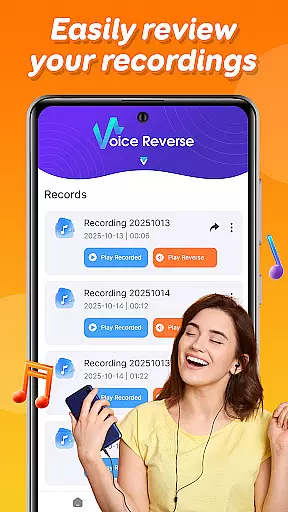
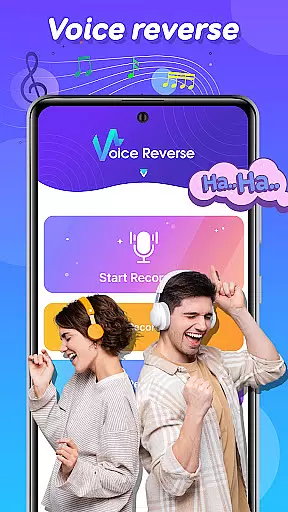
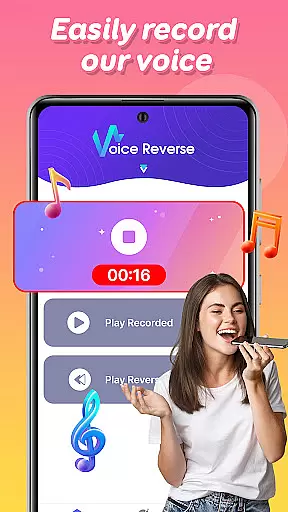
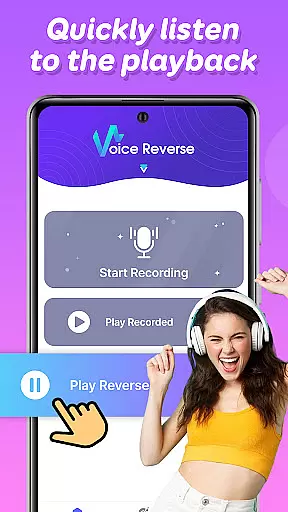

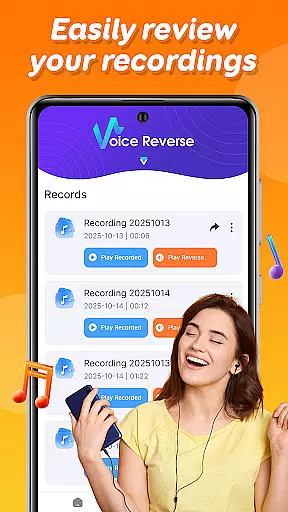
Voice Reverse is an innovative audio application that allows users to record their voice and instantly play it in reverse. This unique functionality creates a fun and entertaining experience, particularly appealing to those interested in music and audio experimentation. The app's intuitive interface makes it easy to use for all age groups.
Key features include quick one-tap recording, instant reverse playback, and creative social challenges. Whether you're looking to have some laughs with friends or explore new audio effects for your projects, Voice Reverse offers a simple yet powerful tool for audio manipulation. Its playful nature makes it especially popular among content creators and prank enthusiasts.
Voice Reverse stands out with its specialized audio processing capabilities. The app employs advanced audio reversal algorithms that process recordings in real-time, ensuring minimal delay between recording and playback. This technical efficiency creates a seamless user experience.
Additional features include customizable recording lengths, multiple sharing options, and the ability to save reversed audio files for later use. Users can also experiment with different voice tones and pitches, creating unique sound effects for social media content or personal entertainment. The app's lightweight design ensures smooth performance even on older devices.
When it comes to music and audio applications, the size and authenticity of the music library are crucial. Funny Voice Reverse may not offer a traditional music library, but its unique feature set provides an innovative audio experience.
The app allows users to record their voices and instantly reverse the audio, creating a fun and creative way to interact with sound. This uniqueness negates the need for a conventional music library while ensuring that all user-generated content is original and authentic.
Users benefit from endless entertainment possibilities as they experiment with different phrases and sounds, knowing that their creations are entirely unique and not constrained by copyright limitations.
This distinctive approach to audio manipulation ensures that every reversed recording is original, providing a fresh and engaging experience each time the app is used.
Audio quality is paramount in any application dealing with sound. Funny Voice Reverse excels in delivering clear and high-quality audio recordings despite its playful purpose.
With quick voice recording capabilities, users can tap to start speaking, ensuring minimal delay and maintaining the integrity of the audio input. The instant reverse playback feature processes the audio efficiently, preserving its quality even when played backward.
Users can expect a seamless experience with no noticeable degradation in sound quality, making it perfect for fun interactions with friends and family. The simplicity of the recording process also means that users can focus on enjoying the app without worrying about complex settings.
Overall, Funny Voice Reverse offers robust audio quality options that cater to its creative and entertaining use case, ensuring that every reversed soundbite is crisp and clear.
User-friendly interface
Instant audio processing
Fun social features
Creative experimentation
Wide compatibility
Limited editing tools
No advanced effects
Basic UI design
Few customization options
Occasional glitches

Turn your phone into a musical instrument from the future!
 3.90
3.90
The Skullcandy App Experience
3.20
Control your MIDI USB or Bluetooth devices in app and avoid some trampling
3.30
VB-AUDIO Software / VBAN-Receptor allows listening to any VBAN Streams
4.10
Network/Cloud Streaming, Visualization, Graphic Equalizer and Sound Effects.
4.20
The alternative folder based music player.
4.20
AI Music Maker: Generate And Compose AI Tunes & AI Songs & AI Music & AI Melody!
4.60
Help you quickly get started with Shokz headphones
4.40
Customize Your Favorite Songs and Videos with booster.
4.70
Play your hearts out on TouchTunes jukeboxes & connect with fellow music lovers.
4.80
Pay Once, no monthly payment
4.60
Reverse your voice & songs instantly! Fun singing challenge with cool effects.
4.60
Formerly known as Spotistats! View your top tracks, artists, albums and more!
4.40
Play KORG’s revolutionary touch-based instrument on a variety of devices.
4.40
Advanced 10-Band Audio Graphic Equalizer Sound Booster Pro
4.30
Enjoy singing any song, no matter how high or low it is
4.30
No wifi music app. Mp3 offline. Tuner radio, young radio music. Music downloader
4.20
Offline Tunes, Unlimited Vibes
3.90
Powerful beat maker & DJ mixer to remix tracks, make music, & perform DJ mix
3.70


User Reviews