
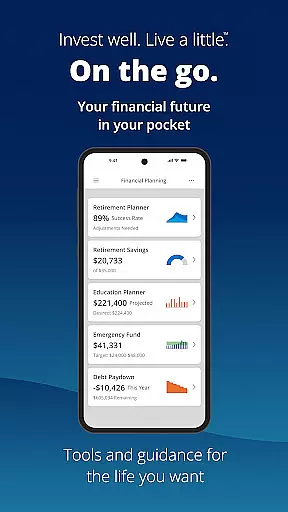




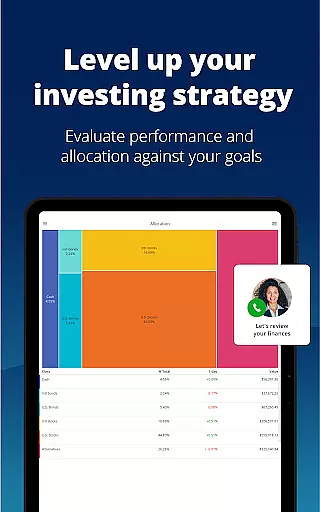
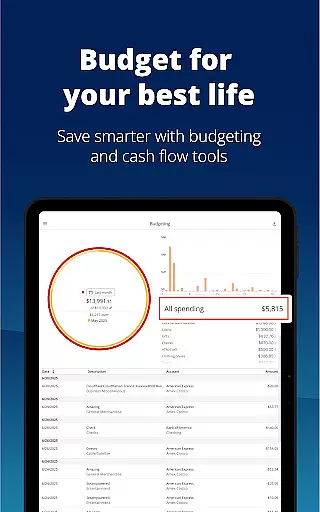
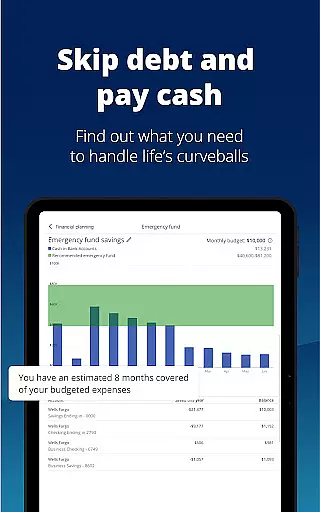

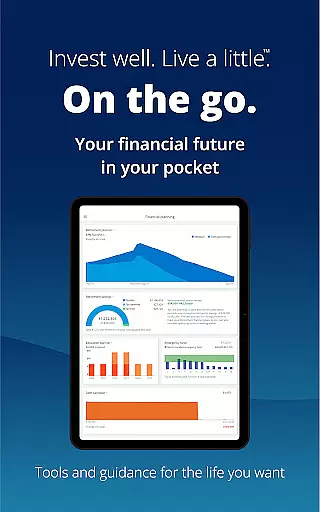


Empower is a comprehensive financial management application designed to simplify and clarify your monetary life. This app consolidates all your financial accounts into one dashboard, providing a clear overview of your net worth, income, expenses, and investments. With features like retirement planning, budget tracking, and professional investment advice, Empower equips users with industry-leading tools to map out their financial future.
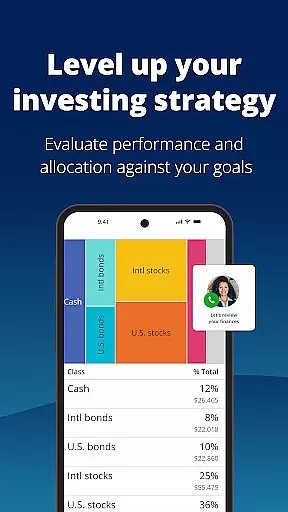
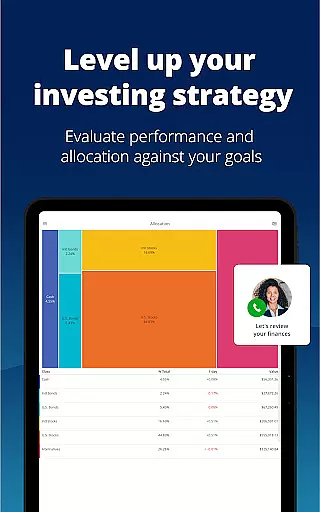
The app's intuitive interface allows for easy navigation through various financial scenarios, helping you adjust plans, simulate economic downturns, and identify allocation imbalances. Security is prioritized with biometric and multi-factor authentication, ensuring that your data remains protected. Whether you're looking to tackle debt, build an emergency fund, or simply gain better insight into your financial status, Empower offers the clarity and control needed to achieve your goals.
By eliminating the need to log in to multiple accounts or manually update spreadsheets, Empower saves time and reduces complexity. It empowers users to focus on what they enjoy while maintaining a firm grasp on their financial health. Trusted by users and acclaimed by financial experts, Empower is the go-to solution for anyone seeking a clearer, more organized approach to personal finance management.
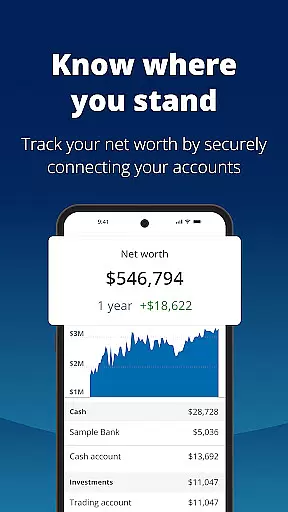
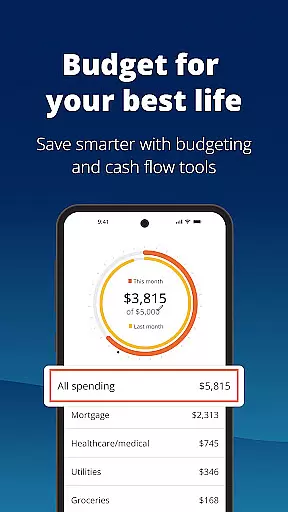
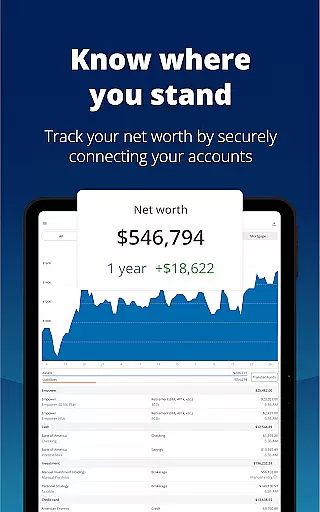
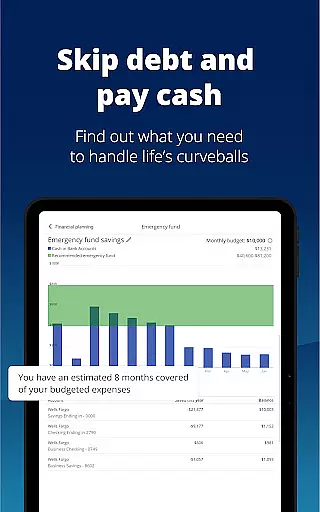
Empower stands out with its robust set of features tailored to enhance financial clarity and control. One of the key functionalities is the ability to view all your financial accounts in one place, offering a holistic perspective on your financial status without the hassle of logging into multiple platforms. The app provides detailed insights into your net worth, income streams, expenses, and investment portfolios, making it easier to track and manage your money effectively.
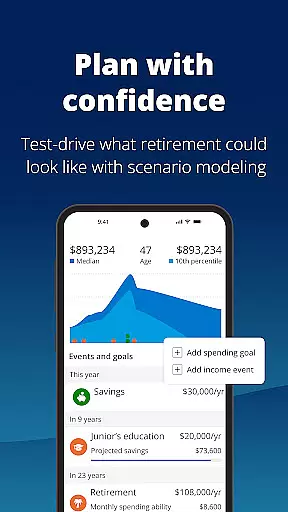
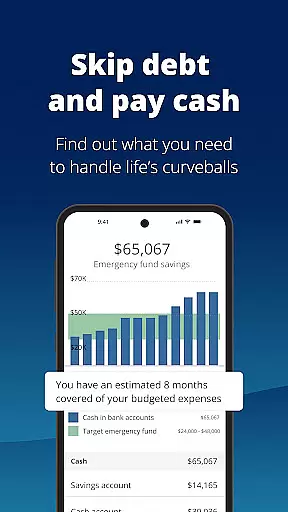
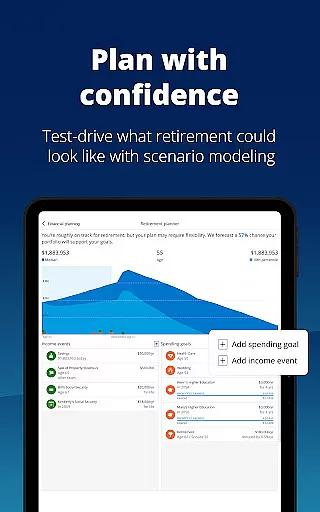
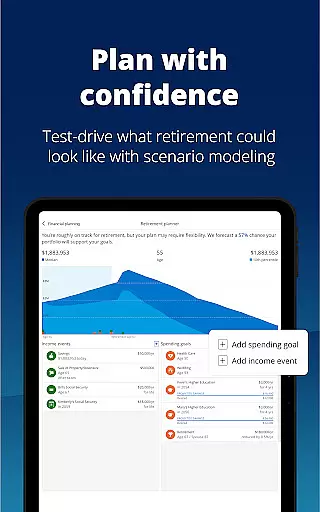
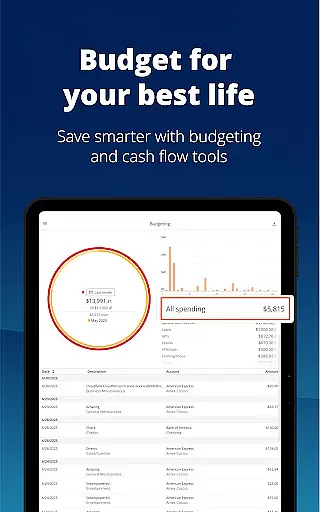
Another standout feature is the advanced planning tools designed to help users prepare for significant life events such as retirement. Users can simulate different financial scenarios, including economic recessions, to understand potential impacts and adjust their strategies accordingly. The app also includes budgeting tools that allow you to set financial goals and monitor your progress over time. With secure authentication methods like biometrics and multi-factor verification, Empower ensures that your sensitive information remains safe from unauthorized access.
Furthermore, Empower offers personalized investment advice and professional guidance, empowering users to make informed decisions about their financial future. By integrating these powerful tools into an intuitive and user-friendly interface, Empower transforms complex financial management tasks into simple, actionable steps. This combination of comprehensive account aggregation, scenario planning, and top-notch security makes Empower a leader in the finance app category.
Account and Fund Security is a critical feature for any financial application, ensuring that users' personal and financial data remains protected at all times. Empower takes this responsibility seriously by implementing top-tier security measures.
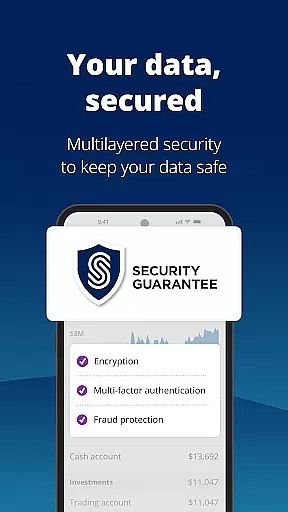
The app secures your data with biometric and multi-factor authentication, providing an additional layer of protection beyond traditional passwords. This ensures that only you can access your financial information, significantly reducing the risk of unauthorized access.
Empower's commitment to security extends to its advisory services provided by Empower Advisory Group, LLC (EAG), a registered investment adviser with the SEC. With EAG, your investments are handled by professionals who adhere to stringent regulatory standards, giving you peace of mind about your financial future.
By choosing Empower, you benefit from a comprehensive security framework designed to safeguard your assets while offering you the tools needed for effective financial management.
A seamless transaction experience is essential for managing finances efficiently, and Empower excels in providing users with intuitive tools to handle their transactions effortlessly.
Empower allows you to see all your accounts in one place, streamlining the process of tracking income and expenses. This consolidation saves time and reduces the complexity often associated with managing multiple accounts across different platforms.
In addition to simplifying account management, Empower offers features like setting and tracking budgets, planning for retirement, and simulating recessions. These capabilities enable users to make informed decisions based on real-time data, enhancing their overall transaction experience.
With Empower, you gain more than just a transaction platform; you acquire a partner dedicated to helping you achieve financial clarity and success through innovative and user-friendly tools.
User-friendly interface
Comprehensive account integration
Advanced security features
Professional investment advice
Scenario simulation tools
Premium features require subscription
Occasional syncing issues
Limited international support
Higher learning curve for beginners
Some features may be overwhelming

 4.50
4.50
Play for fun, earn for real. Collect rent by owning virtual land & get cashback
4.60
Manage your Discover account conveniently from anywhere.
4.80
Money transfer made easy. Send money to friends and family with great rates.
4.70
BTC, Crypto, Stocks & Options.
4.20
Money App - Earn Cash back, Fast Cash Advance, Personal Loan Offers, Banking
4.70
NFC mobile payment app Use your phone as a contactless bank card
4.00
Manage budget, save money, or file tax. Build, track & improve your credit score
4.40
Our Chase Mobile App makes it easy for you to bank on the go 24/7.
4.60
No credit checked needed.
4.80
All expenses at a glance.
4.80
Cash Advance, Credit Cards, Credit Lines, Score Monitoring, Saving, Budgeting
4.70
Early payday & cash advances with no-fee mobile banking!
4.60
Real-time tracking: Stocks, Indices, Futures, Commodities, ETF, & Funds prices.
4.60
All your crypto & stocks in one secure and trusted app.
4.40
Change the way you money with Credit Genie
4.30
Registration of your debts and Mdionatk and assembled, as well as a significant reports
4.30
Secure Amex Account Access: View Balance, Make Payments, Redeem Rewards & more
3.60
StockTiles lets you view prices & charts of your favorite stock assets
2.30


User Reviews