
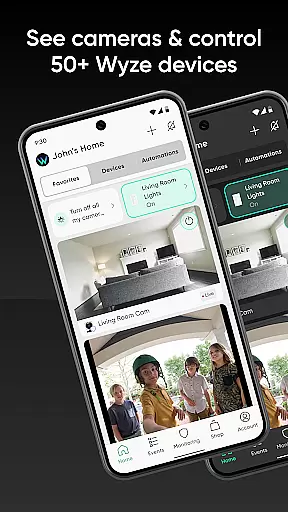
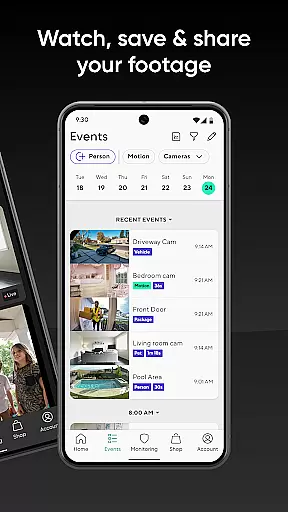
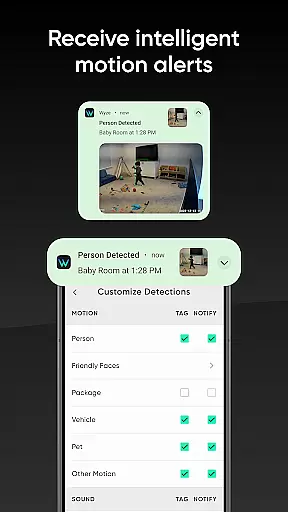
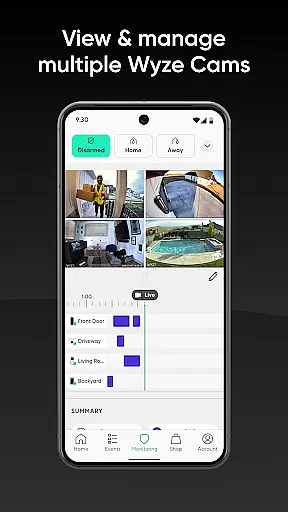

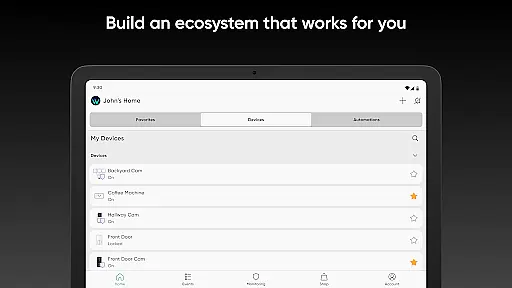
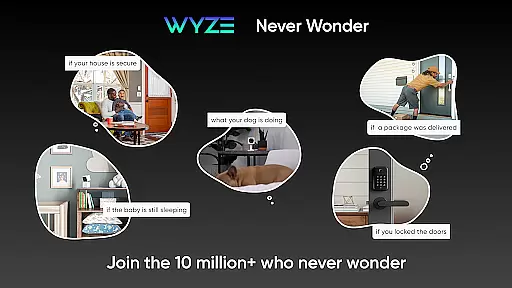
Wyze is a comprehensive smart home and lifestyle application that allows users to control and monitor a wide range of smart devices from their mobile phones. The app supports an ecosystem of affordable, high-quality tech products including cameras, sensors, bulbs, locks, thermostats, and more, all designed to enhance convenience and security in your home environment.
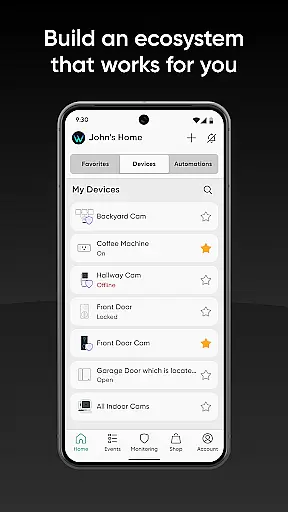
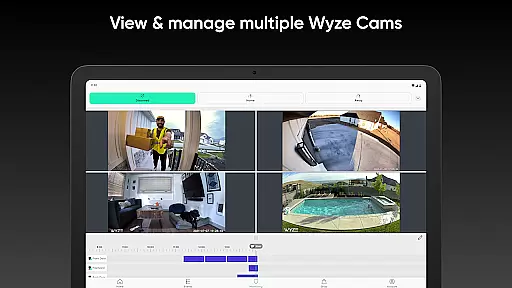
The app's core functionality revolves around device management, enabling users to set up, view, and interact with their smart devices seamlessly. Whether it's monitoring home security through Wyze Cams, automating routine tasks like watering the garden or vacuuming floors, or tracking personal health metrics with Wyze watches and scales, the app provides a centralized platform for managing all aspects of a smart home.
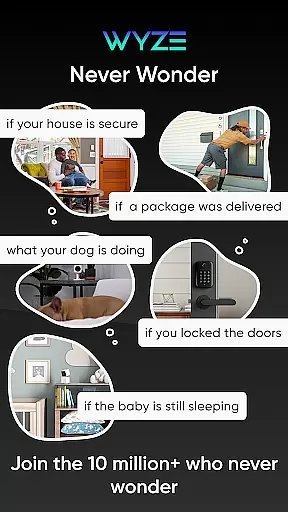
One notable use case is the ability to create a personalized home monitoring system using Wyze's motion sensors and cameras. This feature not only enhances home security but also offers peace of mind to users who want to keep an eye on their loved ones and possessions remotely. The integration with third-party services like Alexa and Google Assistant further extends the app's capabilities, making it a versatile tool for modern living.
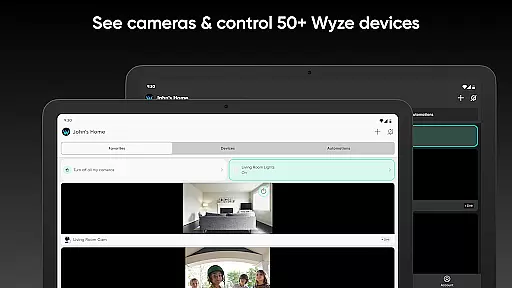
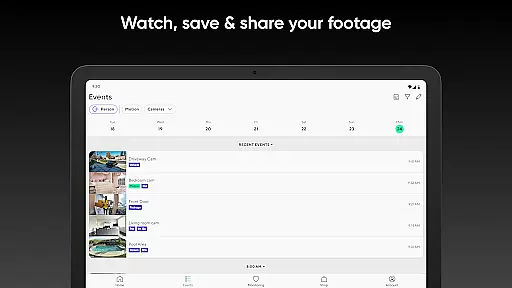
Wyze stands out with its extensive range of features tailored for smart home management. One of the key highlights is the robust camera system, which includes various models such as the Wyze Cam Outdoor, Video Doorbell, and Pan Cam. These devices offer advanced functionalities like motion detection, night vision, and optional subscription-based enhancements through Cam Plus, providing users with flexible options for home security.
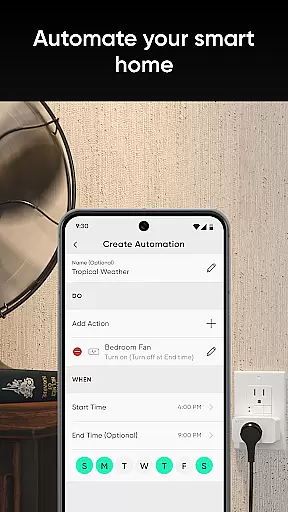
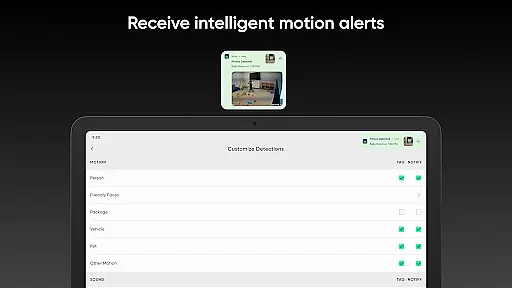
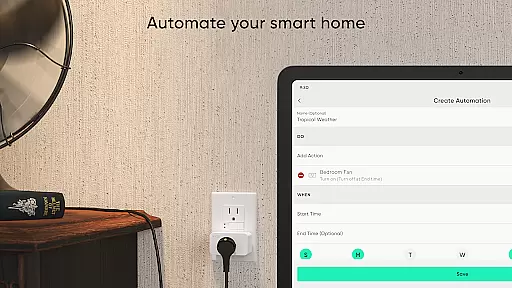
Beyond cameras, Wyze supports a full suite of smart home devices including dimmable bulbs with 16 million color options, smart plugs, door locks, thermostats, and even robotic vacuums. Each device category comes with specialized features - from auto-locking doors to scheduling sprinkler systems and adjusting room temperatures automatically. The app's intuitive interface allows users to customize automation routines and notifications according to their preferences.
Another significant feature is the integration capability with popular smart home platforms like Amazon Alexa and Google Assistant. This interoperability enables users to create complex automation scenarios and voice-controlled commands across different ecosystems. Additionally, the app's health and lifestyle section provides detailed wellness tracking through smartwatches and scales, offering users comprehensive insights into their fitness progress while maintaining connectivity through call and message notifications.
Wyze offers an extensive range of smart home and lifestyle products that cater to various aspects of daily living. From home security with their smart cameras and sensors to convenience through smart bulbs and locks, the app provides comprehensive control over a wide array of devices.
Their product lineup includes Wyze Watch for health tracking, Wyze Scale for fitness progress, and even Wyze Buds for an enhanced audio experience. This broad spectrum ensures users can manage multiple facets of their lifestyle from one centralized platform.
By covering categories such as home automation, health monitoring, and entertainment, Wyze allows users to craft a personalized smart home environment. The ability to auto-lock doors, water gardens, adjust thermostats, and vacuum floors adds layers of convenience and efficiency to everyday tasks.
This vast coverage of lifestyle categories not only simplifies routine chores but also enhances overall quality of life by integrating seamlessly into different areas of a user's home and routine.
Wyze stands out in the smart tech industry by offering products that are trusted and backed by a community of over 5 million users. Their first product, the Wyze Cam, set a trend for affordable yet reliable smart cameras, establishing credibility among consumers seeking cost-effective solutions without compromising on quality.
The company collaborates with reputable partners like Noonlight to provide award-winning services such as Wyze Home Monitoring. Such collaborations enhance the authenticity of content delivered through their app, ensuring users receive accurate and dependable information regarding their home security status.
Moreover, Wyze integrates with major platforms like Amazon Alexa and Google Assistant, reinforcing its position as a credible player in the smart home ecosystem. These integrations assure users that they are interacting with genuine, expert-endorsed technology that is compatible across various systems.
With features developed in conjunction with industry leaders and feedback loops from a large user base, Wyze maintains high standards of content authenticity and leverages expert insights to continually refine its offerings.
User-friendly interface
Affordable smart devices
Comprehensive device ecosystem
Robust security features
Third-party integrations
Limited advanced features
Occasional connectivity issues
Basic automation options
Few customization settings
Subscription required for some features

Smart controls for your Ember Smart Mugs
 4.10
4.10
Duo Watch Face (animated)
4.5
Get your life organized with My Agenda!
4.30
Unique "Isometric" style digital watch face for Wear OS
4.50
Customize your Wear OS watch with festive Christmas figures and colors!
4.3
Simple, stylish & fresh watch face. Customize colors, gradients & complications.
4.70
Wear your favorite memories, loved ones, pets or travel photos on your watch
4.5
Subwoofer school’s in session! You’ve now enrolled into KICKER U.
3.80
Just play, earn rewards, fetch gift cards, and turn gaming into real payouts!
4.80
Tap to the beat with interactive videos — warm up your reflexes & have fun
4.70
Colorful selection floral watch face with gyro for Wear OS
4.60
Colorful minimal digital watch face for Wear OS
4.60
SmartHQ: Your Connected Home Command Center
4.10
Unique informative Dial with Live Moon Phase at a glance!
3.60
Turn your watch into a key fob for your Tesla
2.90
LineLearner, the quick way to learn lines.
2.90
Cute animated Thanksgiving watchface for your WearOS smartwatch
4.3
The cutest Autumn watchface featuring the adorable Mr. Squirrel
4.2
Futuristic watchface inspired by Back to the Future: sleek, retro, timeless
4.2


User Reviews