
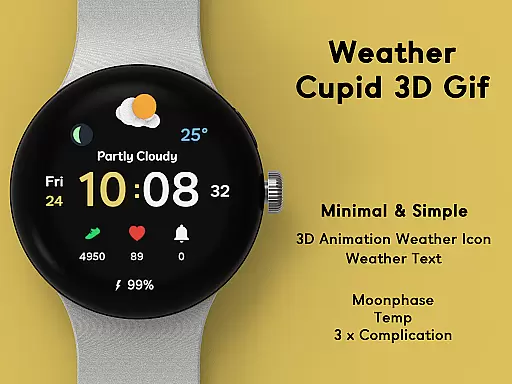
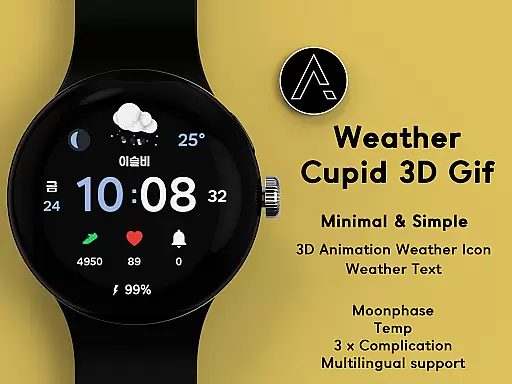
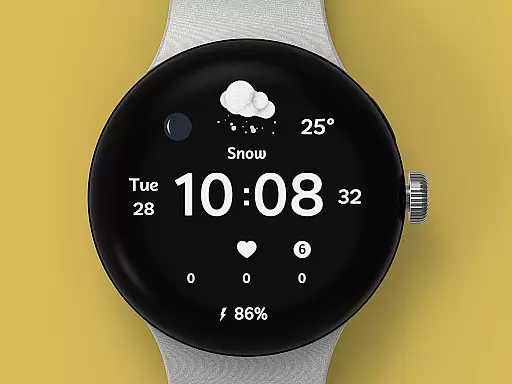
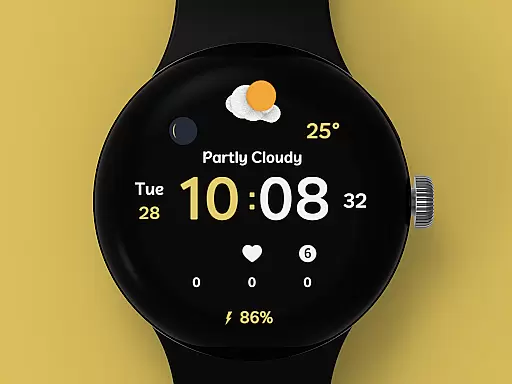
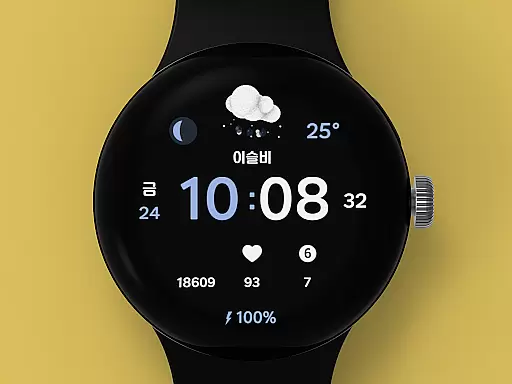
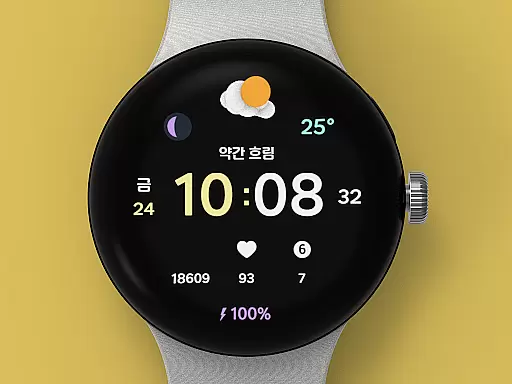
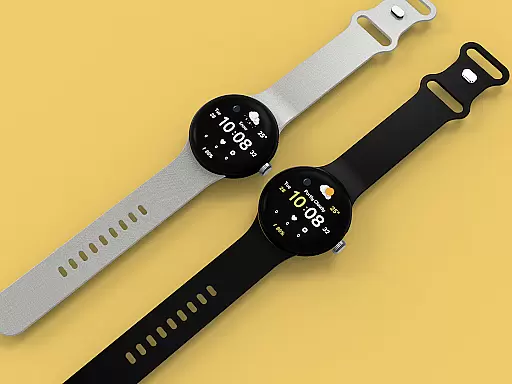
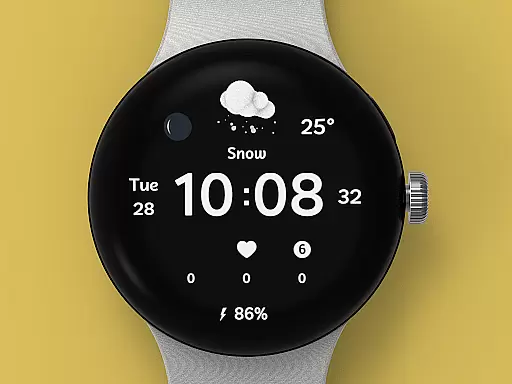
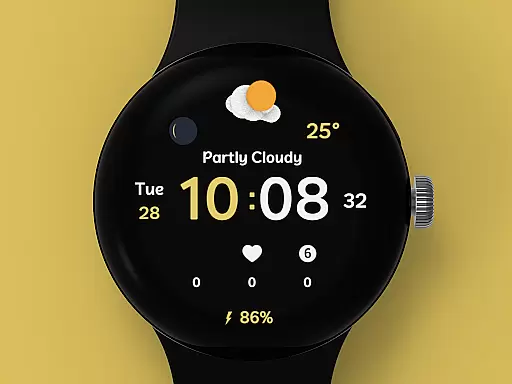
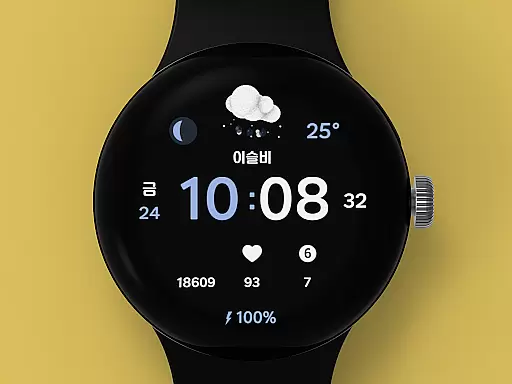
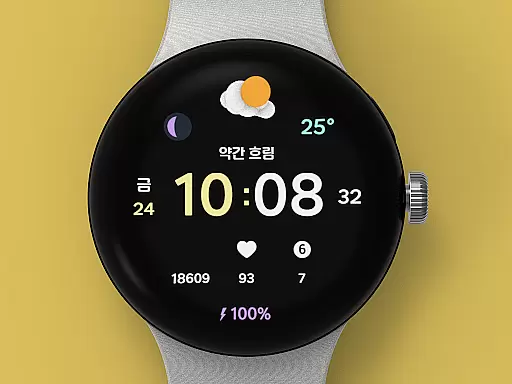
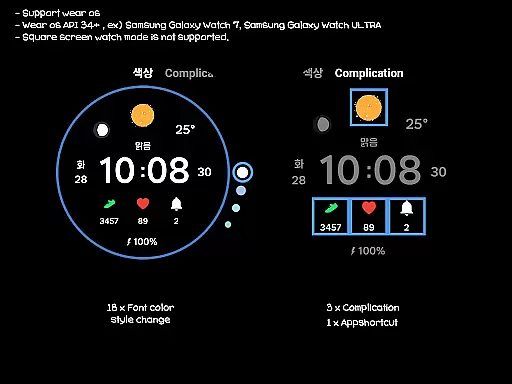
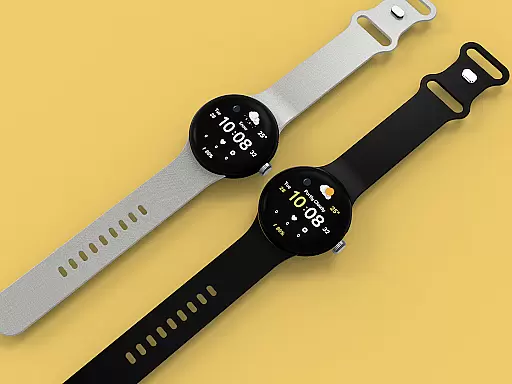
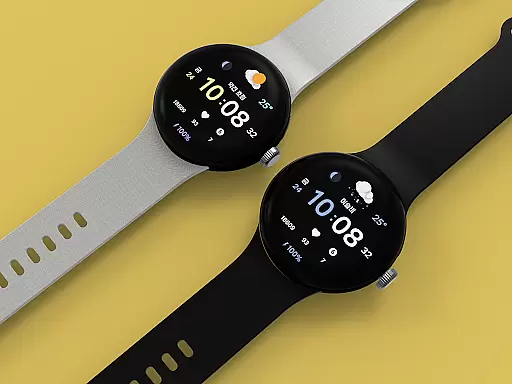
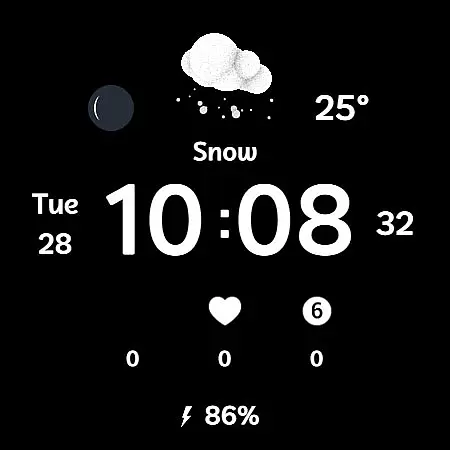
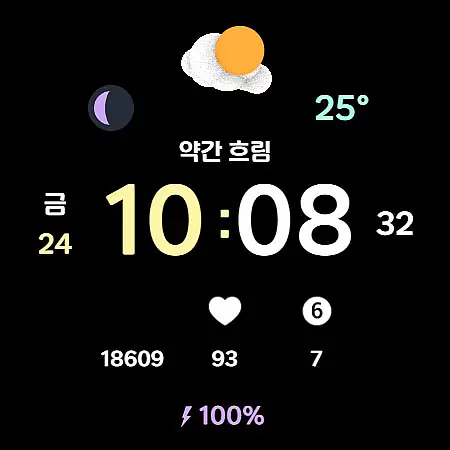
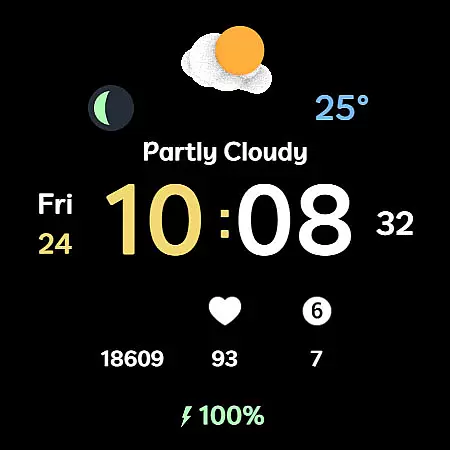
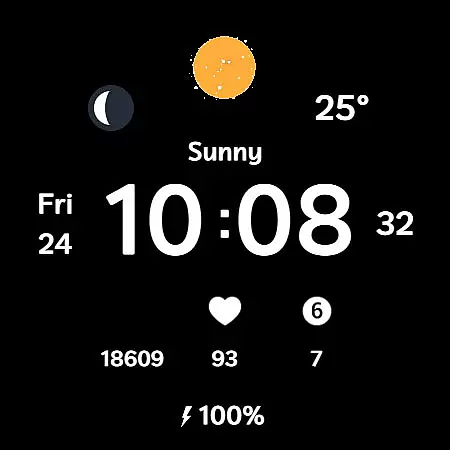
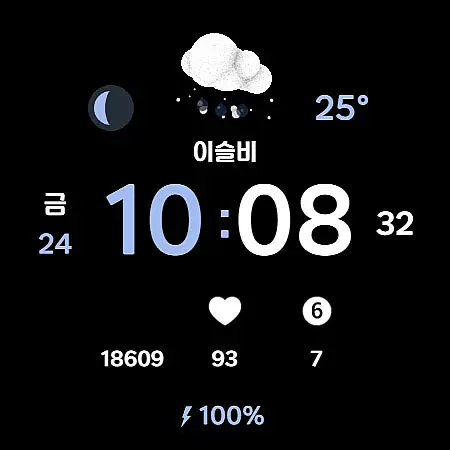
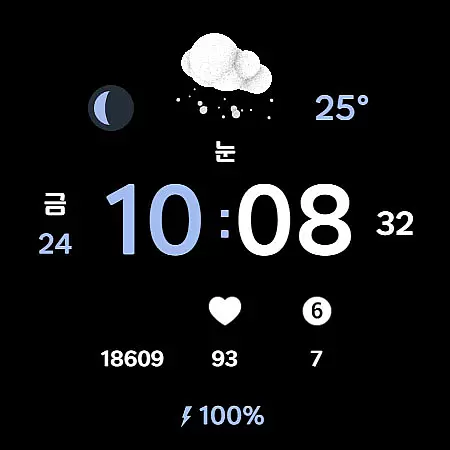
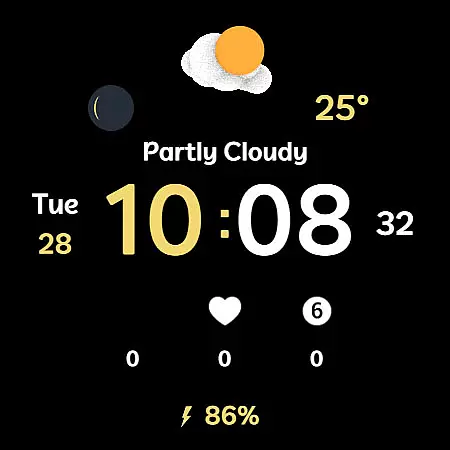
Weather Cupid 3D Gif is a visually appealing Wear OS watch face that combines functionality with aesthetics. This digital watch face features a minimalistic design complemented by lively 3D animated weather icons, making it both practical and engaging. Users can easily check essential information such as temperature, moon phase, battery percentage, and health data directly from their wrist.
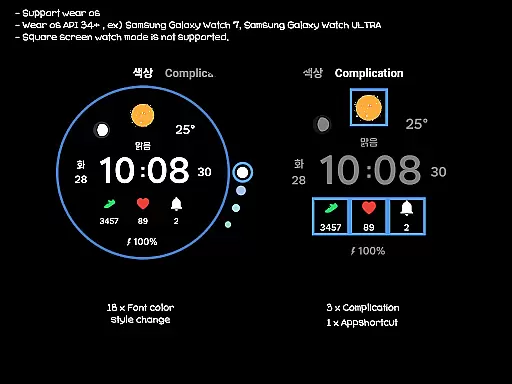
The app supports multiple languages and offers both 12-hour and 24-hour time formats, ensuring global accessibility. Weather information updates automatically every 30 minutes, providing users with near real-time data. With customization options like 18 font color styles and three complications, users can tailor the watch face to match their personal preferences while enjoying an intuitive interface designed specifically for round-screen Wear OS devices.
Weather Cupid 3D Gif stands out through its innovative combination of form and function. The app's signature feature is its animated 3D weather icons that display temperature in both Celsius and Fahrenheit, along with detailed moon phase information. These dynamic visuals are complemented by practical health tracking capabilities and battery percentage indicators, creating a comprehensive wearable experience.
Customization is at the core of this watch face's appeal. Users can choose from 18 different font color styles and configure up to three complications to display their preferred information. The app also supports multilingual interfaces and automatic weather updates every 30 minutes, with manual update options available through complication interactions. While square screen modes aren't supported, the design perfectly matches round Wear OS devices, delivering optimized performance and visual appeal.
Weather Cupid 3D Gif provides accurate weather forecasts based on Samsung's API, ensuring reliable data for users. The temperature updates every 30 minutes, offering both Celsius and Fahrenheit support to cater to a global audience.
Users can trust the precision of moon phases and multilingual support, enhancing the overall utility of this Wear OS watch face. This ensures that whether you're checking the time or your health stats, the information is consistently dependable.
The app also features an intuitive manual update option for immediate weather details. By accessing the weather complication and pressing the update button, users receive real-time data, reinforcing the credibility of the displayed information.
This digital watch face excels in delivering temporal and spatial forecast ranges. With lively 3D animated weather icons, it offers an engaging way to check upcoming weather conditions directly from your wrist.
Despite square screen mode not being supported, the design perfectly matches various Wear OS devices. Users can customize their experience with 18 font color styles and multiple complications, ensuring a personalized touch.
Although weather info might occasionally require reapplication after a device restart, its core functionalities like battery percent and 12h/24h time display remain unaffected, providing comprehensive insights into both time and environmental factors.
Visually appealing 3D animations
Comprehensive weather information
Multiple customization options
Multilingual support
Intuitive user interface
Limited to round screens
No manual update button
Occasional connectivity issues
Dependent on Samsung API
Battery consumption concerns

Live local weather updates: various widgets & radar maps & hourly forecast.
 4.70
4.70
Weather - Local weather forecast, weather daily & hourly, weather radar
4.80
Know the weather earlier.
3.90
Powerful US and worldwide earthquake feed with earthquake alerts and maps.
4.60
Determine Best Hunting Times for any date, any location.
2.50
Track lightning strikes with our thunderstorms map, radar and lightning alarm.
4.70
My Aurora Forecast Pro is the app for the Northern Lights and Aurora Borealis.
4.70
Weather watch face for Wear OS 5+
4.10
Magnetic Compass meets smart tech: Get directions and weather alerts seamlessly
3.30
A professional, comprehensive and accurate weather forecast app
4.90
NOAA forecast & radar for your exact location.
4.80
The most accurate weather app, hourly and daily weather, severe weather alerts
4.50
NOAA radar, weather forecasts, hurricane tracking & customizable alerts.
4.50
Weather related custom complications for Wear OS. UV, Hi-Lo, AQI and more!
4.40
Your Trusted Weather Companion
4.40
Weather watch face for Wear OS 5+
4.40
Accurate Local Weather Forecast, let you easily understand the nearby weather!
4.20
Arrive safely! Travel weather forecasts for your entire trip at time of arrival.
3.60
A powerful tool for ultimate weather awareness
3.50


User Reviews