
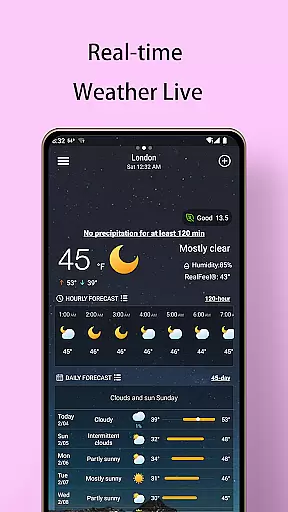
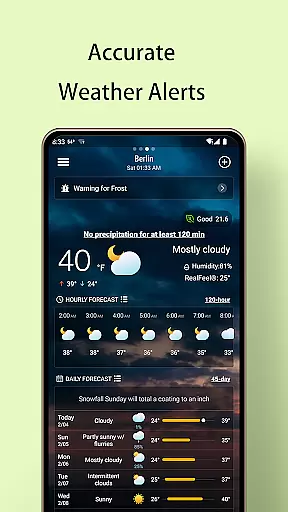
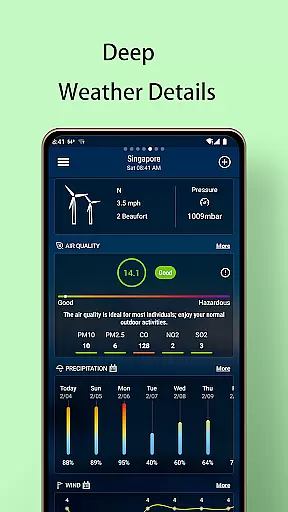
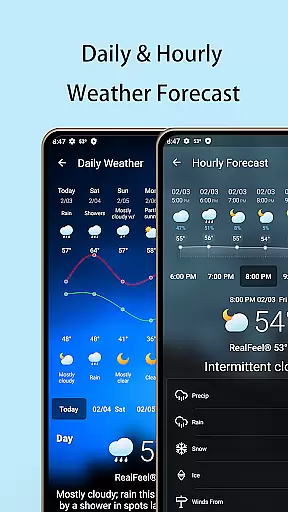
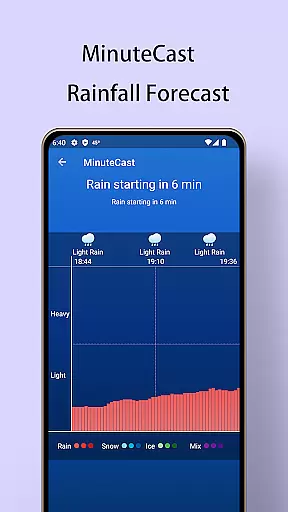
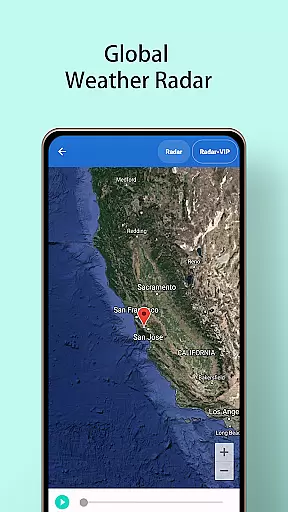
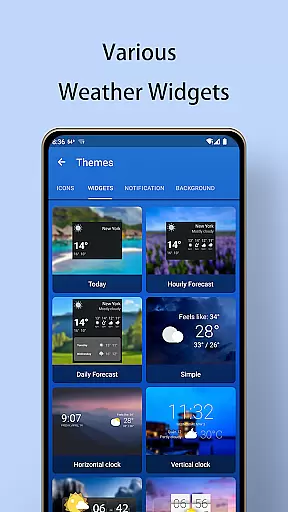
Local Weather Forecast - Radar is a comprehensive weather application that provides users with detailed and accurate weather information. The app offers current weather conditions, hourly and daily forecasts up to 120 hours and 45 days respectively, advanced rainfall predictions, and multiple weather radar options. Users can receive timely weather alerts and customize their experience with various widgets and notification settings.
The application supports manual city additions for those who prefer not to share location data, ensuring global coverage including popular travel destinations. With features like air quality monitoring, sunrise and sunset times, and a customizable interface, this app caters to both casual users and weather enthusiasts. Its intuitive design and wealth of information make it an essential tool for planning daily activities and staying informed about environmental conditions.
One of the standout features of Local Weather Forecast - Radar is its ability to deliver precise real-time weather updates tailored to the user's location or any manually selected city. This includes critical data points such as temperature, pressure, pollen count, precipitation levels, UV index, humidity, visibility, and more. For travelers and residents alike, having access to such granular detail ensures better preparation for outdoor activities and health considerations.
In addition to immediate weather insights, the app excels in long-term forecasting capabilities. It provides detailed outlooks extending up to 25 days ahead, complete with expected precipitation probabilities, wind directions, temperature trends, and air quality projections. Advanced tools like animated weather maps and radar imagery further enhance situational awareness by illustrating dynamic atmospheric changes over time, aiding in safer travel decisions and event planning.
Customization is at the heart of this app’s appeal; users can personalize nearly every aspect from widget styles and background themes to unit preferences for temperature, wind speed, date formats, and pressure measurements. Such flexibility empowers individuals to tailor their weather tracking experience according to personal needs and aesthetic preferences, making Local Weather Forecast - Radar not just informative but also enjoyable to use on a daily basis.
Accurate weather forecasting is essential for planning daily activities and ensuring safety during adverse conditions. Local Weather Forecast - Radar employs advanced meteorological algorithms to provide precise weather predictions for up to 45 days in advance. The app's data comes from reliable sources, ensuring users receive trustworthy information about temperature, precipitation, air quality, and more.
The application offers real-time updates on current weather conditions, including detailed parameters such as pressure, pollen count, and UV index. By integrating multiple data points, the app ensures comprehensive coverage of potential weather changes. This meticulous approach allows users to prepare adequately for any meteorological event, whether it's a slight temperature drop or an impending storm.
For travelers and locals alike, having access to dependable long-term forecasts is invaluable. The app's ability to predict weather patterns weeks ahead provides peace of mind when scheduling events or trips. Additionally, timely alerts about abnormal weather help users take necessary precautions, enhancing personal safety and convenience.
Understanding both the temporal and spatial aspects of weather forecasting is crucial for effective planning. Local Weather Forecast - Radar excels in providing extensive forecast ranges, covering up to 120 hours of hourly predictions and detailed outlooks for the next 45 days. This wide-ranging capability ensures that users have a complete picture of upcoming weather conditions, regardless of their location.
The app's sophisticated radar technology enables it to deliver accurate minute-by-minute rainfall forecasts and various types of weather maps. These include live radar, temperature, rain, wind, and atmospheric pressure charts. Such diverse visual tools allow users to grasp complex weather patterns quickly and make informed decisions based on the specific needs of their area.
Moreover, the global reach of the app makes it suitable for international travelers. With support for popular cities worldwide, users can easily switch between different locations and receive tailored forecasts. This flexibility is particularly beneficial for those who frequently travel or manage businesses across multiple regions, ensuring they stay informed about relevant weather developments wherever they go.
User-friendly interface
Comprehensive weather data
Customizable widgets
Global city coverage
Timely weather alerts
Requires frequent updates
Occasional inaccuracies
Heavy on battery
Ads in free version
Complex settings

Moon phase calendar with live wallpaper, lunar widget, & 3D simulation.
 3.60
3.60
Ultimate Lunar Calendar for 2021!
4.80
NOAA radar, weather forecasts, hurricane tracking & customizable alerts.
4.50
Live weather radar, widgets & forecasts. Track rain, storms & temperature.
4.20
Know the weather earlier.
3.90
Track rainfall totals with ease using our rain gauge app. Accurate rain tracker.
4.50
Industry leading whitetail movement predictor & hunting app.
4.60
Local Weather provides accurate and current hourly and daily forecasts.
4.80
Powerful US and worldwide earthquake feed with earthquake alerts and maps.
4.70
Weather for Indiana, Kentucky and Ohio
4.90
Weather Forecast, Trending News, Hurricane & Storm Tracker, Alerts & Live Radar.
4.80
My Aurora Forecast is the app for Northern Lights and Aurora Borealis alerts.
4.60
72-hour weather & daily forecasts with extreme weather alerts
4.60
Weather related custom complications for Wear OS. UV, Hi-Lo, AQI and more!
4.40
Your Trusted Weather Companion
4.40
Local weather forecast, reliable daily weather report
4.30
Personal Weather Station PRO - Meteo monitor to check your WU info and charts.
4.20
Arrive safely! Travel weather forecasts for your entire trip at time of arrival.
3.60
Detailed weather info and moon phase, subtle animation, customizable
4.1


User Reviews