
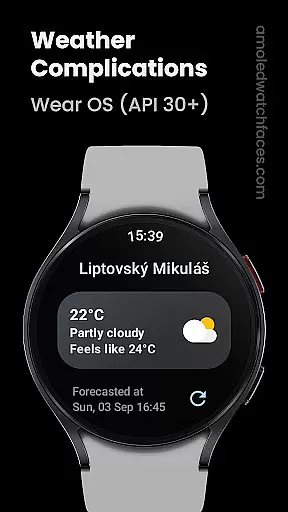
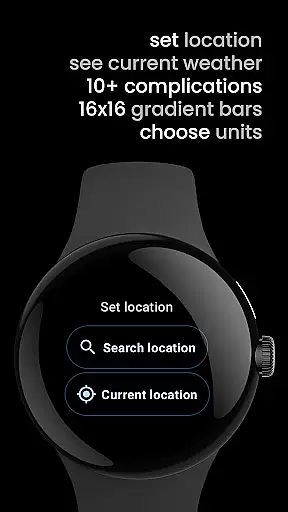
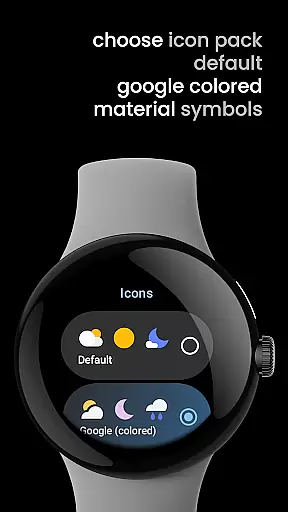
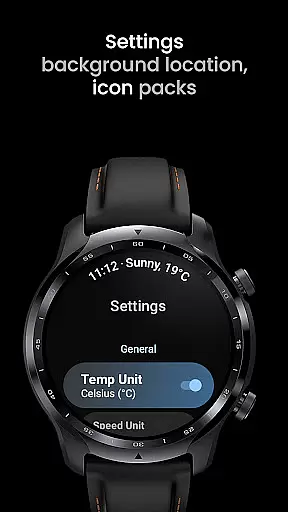
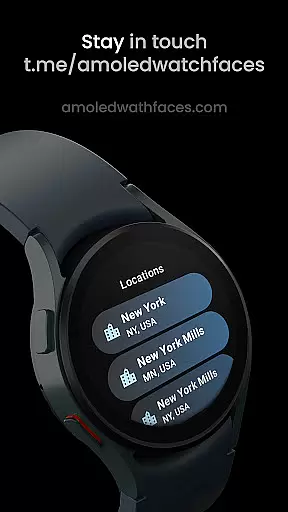
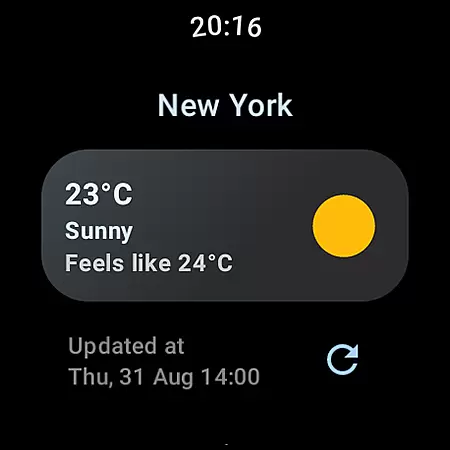
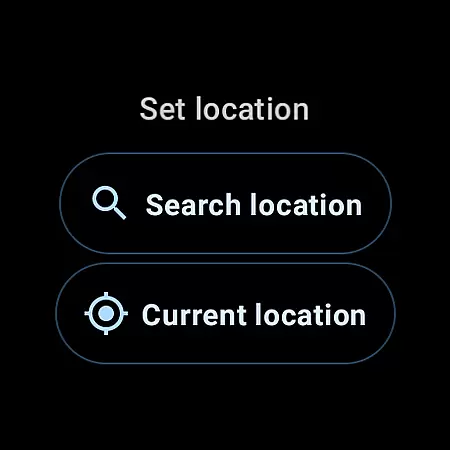
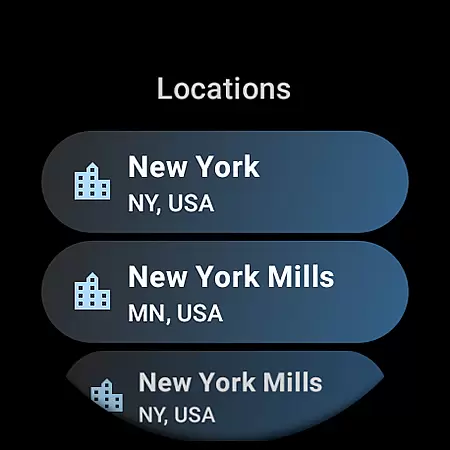
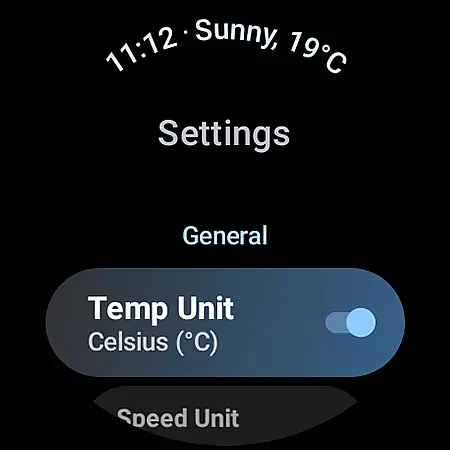
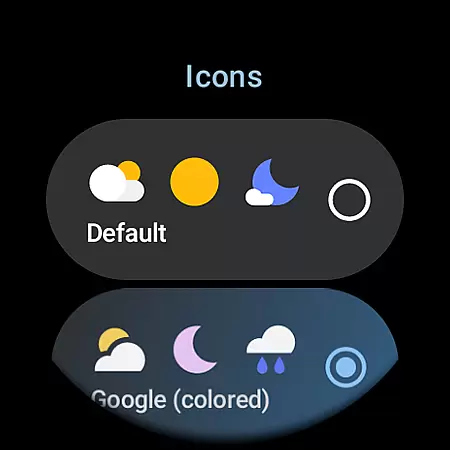
Weather Complications is a specialized app designed exclusively for Wear OS API 30+ devices. This application consolidates all weather-related custom complications into one place, providing users with essential weather data such as temperature, air quality index, and UV index directly on their smartwatch faces. With refresh intervals set at 35 minutes, it optimizes battery life while ensuring that the information remains relatively current. The app sources its weather data from reliable providers like WeatherAPI.com and OpenWeatherMap, delivering updates every 15 minutes and using forecasted data during connectivity issues.
This app supports a wide range of complication types including SHORT_TEXT, LONG_TEXT, RANGED_VALUE, ICON, and SMALL_IMAGE, allowing for versatile customization options. Whether you need to know the chance of rain, atmospheric pressure, or wind conditions, Weather Complications has got you covered. Its integration with Google's Places API ensures accurate location-based weather updates. By offering a comprehensive suite of weather data tailored specifically for wearable technology, this app enhances user experience by keeping them informed about environmental conditions at a glance.
Weather Complications stands out due to its extensive array of supported custom complications and types. It offers over a dozen unique weather metrics ranging from Air Quality Index (EPA) to Wind details, each available in multiple display formats such as SHORT_TEXT, LONG_TEXT, RANGED_VALUE, ICON, and SMALL_IMAGE. This diversity enables users to personalize their watch faces according to their preferences and needs. For instance, if you're interested in monitoring air quality or staying updated on UV exposure levels, these features can be prominently displayed on your wearable device.
The app leverages advanced APIs for obtaining precise location information and weather data. By utilizing Google's Places API alongside reputable weather services like WeatherAPI.com and OpenWeatherMap, it ensures high accuracy and reliability. Additionally, the app is optimized for battery efficiency with a refresh rate set at 35-minute intervals, balancing timely updates with power consumption. Users also benefit from continued access to forecasted data when offline, ensuring they remain informed even without an active internet connection. These robust functionalities make Weather Complications a valuable tool for anyone relying on real-time weather insights through their Wear OS devices.
Weather Complications for Wear OS provides highly credible weather data through reliable sources such as WeatherAPI and OpenWeatherMap. These platforms are renowned for their accurate forecasting and real-time weather information, ensuring users receive trustworthy data.
The app refreshes its complications every 35 minutes, striking a balance between providing up-to-date information and preserving battery life. Even when offline, the app uses forecasted data for the current hour, maintaining functionality without compromising accuracy.
By leveraging Google's Places API for location information, the app ensures precise localization, delivering relevant weather updates based on the user's current position. This meticulous attention to detail enhances the overall reliability of the forecasts provided.
Users benefit from this robust system by receiving dependable weather insights that help them plan their day effectively. Whether checking temperature fluctuations or air quality indexes, individuals can trust the app's data integrity.
Weather Complications for Wear OS offers an extensive temporal and spatial forecast range, empowering users with comprehensive weather insights. The app provides detailed forecasts covering various intervals throughout the day, enabling meticulous planning.
Through integrations with leading weather services like WeatherAPI and OpenWeatherMap, the app delivers expansive geographical coverage. Users can access localized weather conditions regardless of their location, making it ideal for travelers and locals alike.
In addition to current weather statuses, the app includes predictions for upcoming hours and days. This forward-looking approach allows users to anticipate environmental changes and prepare accordingly.
With support for multiple complication types, including air quality indexes, UV indices, and humidity levels, the app ensures users have a holistic view of their surroundings. Such thoroughness makes Weather Complications an indispensable tool for staying informed about both immediate and future weather patterns.
User-friendly interface
Comprehensive weather data
Optimized battery usage
Multiple customization options
Reliable data sources
Limited to Wear OS
No BOGO promo availability
Requires internet for updates
Premium features may cost extra
Complex setup for beginners

Local weather forecast, reliable daily weather report
 4.30
4.30
Accurate Thermometer: indoor & outdoor temperature, humidity, pressure, and wind
4.50
NOAA radar, weather forecasts, hurricane tracking & customizable alerts.
4.50
Hurricane Tracker, Rain Map
4.80
Stay ahead of the weather with Daily Weather
4.10
Weather watch face for Wear OS 5+
4.40
A professional, comprehensive and accurate weather forecast app
4.90
The weather channel, tiempo weather forecast, weather radar & weather map
4.70
Hyperlocal Forecasts, Live Radar, Severe Weather alerts & Homescreen Widgets
4.30
Weather radar, hyperlocal tracker and weather maps: follow your weather station
4.80
Weather radar, satellite, wind, waves, ocean and hurricane forecasts.
4.70
Weather channel forecasts weather daily & hourly, local and national air quality
4.70
Get accurate rainfall and snowfall totals for pinpoint locations on a map.
4.60
The most accurate weather app, hourly and daily weather, severe weather alerts
4.50
Personal Weather Station PRO - Meteo monitor to check your WU info and charts.
4.20
Weather forecast & live radar map
4.20
Know the weather earlier.
3.90
The Weather Network TV App - Your weather when it really matters
2.90
Digital Weather Watch Face for Wear OS 5+
4.0


User Reviews